
1. تعارف
This manual provides instructions for the installation, operation, and maintenance of the Emerson F145RF-1600 Wireless Remote Temperature Sensor. This sensor is designed to work with the Emerson BLUE Wireless Easy Install Universal Wireless Thermostat System to enhance temperature control and reduce hot and cold spots within your home.
اہم خصوصیات:
- Reduces temperature inconsistencies in various areas.
- Supports up to four wireless remote sensors with the Emerson BLUE Wireless Easy Install Thermostat System.
- Designed for easy installation and pairing.
2. حفاظتی معلومات
Please read and understand all instructions before installing or operating this device. Failure to follow these instructions could result in property damage or personal injury.
- Always turn off power to the thermostat system before performing any installation or maintenance.
- Do not expose the sensor to extreme temperatures, direct sunlight, or moisture.
- صرف مخصوص بیٹری کی قسم (2 AA بیٹریاں) استعمال کریں۔
- مقامی ضابطوں کے مطابق ذمہ داری کے ساتھ پرانی بیٹریوں کو ضائع کریں۔
- بچوں کی پہنچ سے دور رکھیں۔
تجویز 65 وارننگ: اس پروڈکٹ میں ایسے کیمیکل ہو سکتے ہیں جو ریاست کیلیفورنیا کو معلوم ہوتے ہیں جو کینسر اور پیدائشی نقائص یا دیگر تولیدی نقصان کا باعث بنتے ہیں۔
3. پروڈکٹ ختمview
The Emerson F145RF-1600 is a compact, battery-powered wireless sensor designed to monitor ambient temperature. It communicates wirelessly with a compatible Emerson BLUE thermostat system.
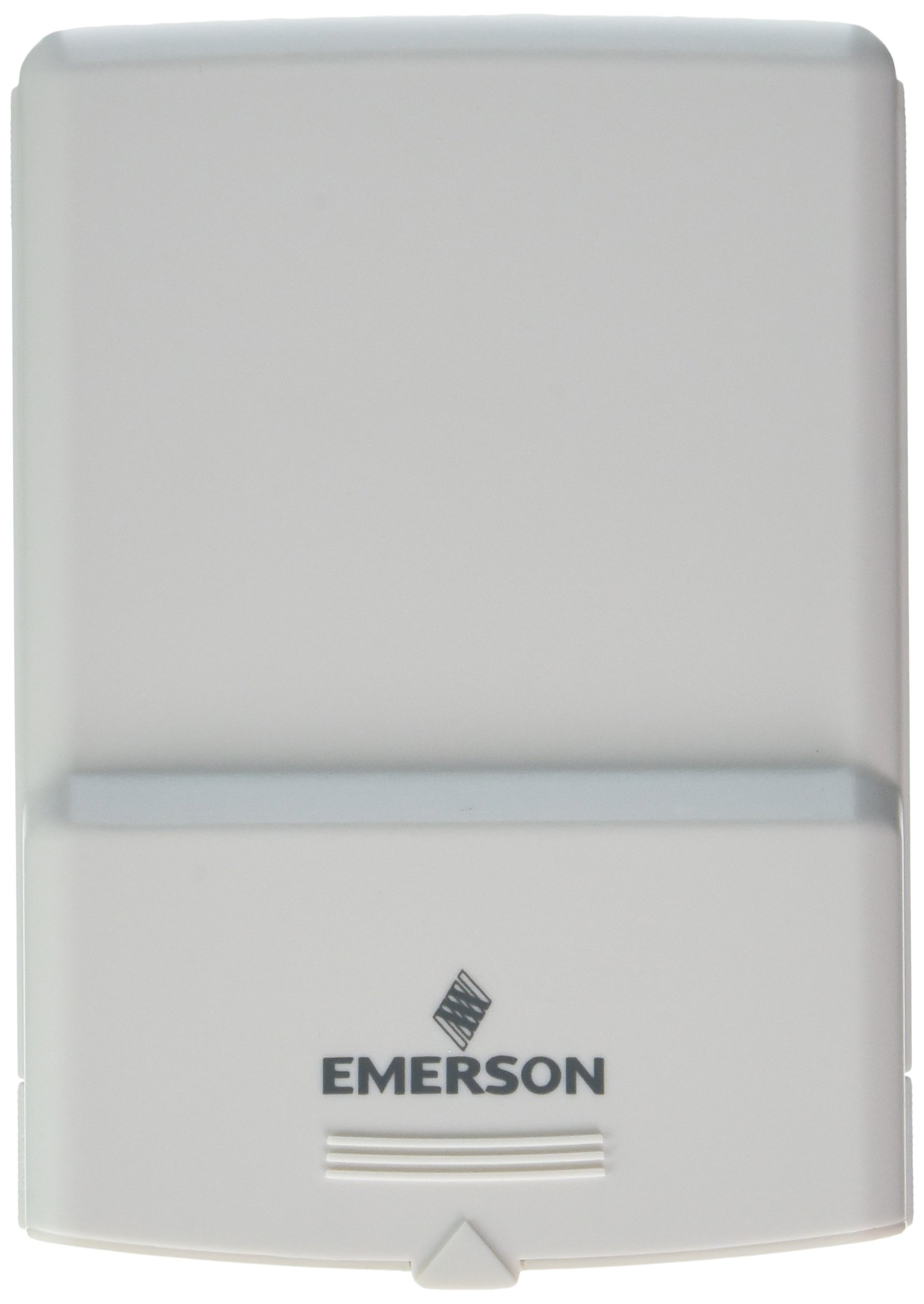
تصویر 1: Emerson F145RF-1600 Wireless Remote Temperature Sensor. The image displays the sensor in a hand, indicating its approximate height of 4.8 inches (12 cm). The sensor is light-colored, likely white or light grey, with the 'EMERSON' logo visible at the bottom front.
4. سیٹ اپ
4.1. بیٹری کی تنصیب
- سینسر کے پچھلے حصے میں بیٹری کا ٹوکری تلاش کریں۔
- بیٹری کے ٹوکری کا احاطہ کھولیں۔
- Insert two (2) AA alkaline batteries, ensuring correct polarity (+/-).
- بیٹری کے کمپارٹمنٹ کور کو محفوظ طریقے سے بند کریں۔
4.2. Pairing with Thermostat System
Refer to your Emerson BLUE Wireless Easy Install Universal Wireless Thermostat System manual for detailed pairing instructions. Generally, the process involves:
- Placing the thermostat system into pairing mode.
- Activating the sensor's pairing function (often a button press or battery insertion).
- Confirming successful pairing on the thermostat display.
Up to four F145RF-1600 sensors can be paired with a single Emerson BLUE Wireless Easy Install system.
4.3. سینسر کی جگہ کا تعین
Proper placement is crucial for accurate temperature readings and effective system operation.
- اندرونی جگہ کا تعین:
- Place the sensor in a central location within the area you wish to monitor.
- Avoid placing near heat sources (lamps, appliances, direct sunlight) or cold drafts (windows, vents).
- Ensure it is not obstructed by furniture or curtains.
- Outdoor Placement (if applicable):
- Mount the sensor in a shaded area, away from direct sunlight, which can cause inaccurate readings.
- Protect it from direct rain and snow.
- Ensure it is easily accessible for battery replacement.
5. آپریٹنگ ہدایات
Once successfully paired and placed, the F145RF-1600 sensor will automatically transmit temperature data to your Emerson BLUE Wireless Easy Install Thermostat System. The thermostat system will then use this data to optimize heating and cooling, helping to maintain a more consistent temperature throughout your home.
- The sensor operates continuously, sending updates to the main thermostat.
- The thermostat system will display the temperature readings from the remote sensors and use them for its control logic.
- No direct user interaction is typically required with the sensor after setup, other than battery replacement.
6 دیکھ بھال
6.1 بیٹری کی تبدیلی
The sensor requires two (2) AA batteries. When batteries are low, your Emerson BLUE thermostat system may indicate a low battery warning for the sensor. Replace batteries promptly to ensure continuous operation.
- بیٹری کا ٹوکری کھولیں۔
- پرانی بیٹریاں نکال دیں۔
- قطبیت کا مشاہدہ کرتے ہوئے نئی AA بیٹریاں داخل کریں۔
- ٹوکری بند کرو۔
6.2. صفائی
Wipe the sensor's exterior with a soft, dry cloth as needed. Do not use liquid cleaners or abrasive materials, as these can damage the device.
7 خرابیوں کا سراغ لگانا
| مسئلہ | ممکنہ وجہ | حل |
|---|---|---|
| Sensor not reporting temperature / No signal |
|
|
| درجہ حرارت کی غلط ریڈنگ |
|
|
8. وضاحتیں
| ماڈل نمبر | F145RF-1600 |
| کارخانہ دار | وائٹ راجرز (ایمرسن) |
| طاقت کا منبع | بیٹری سے چلنے والا |
| بیٹریاں درکار ہیں۔ | 2 اے اے بیٹریاں |
| شے کا وزن | 3.2 اونس |
| مصنوعات کے طول و عرض | 3.5 x 2.5 x 5.25 انچ |
| مواد | پلاسٹک |
| رنگ | نیلا (Note: Product image shows light grey/white) |
| آئٹم پیکیج کی مقدار | 1 |
9. وارنٹی کی معلومات
Specific warranty details for the Emerson F145RF-1600 Wireless Remote Temperature Sensor are typically provided with the product packaging or can be found on the official Emerson/White-Rodgers webسائٹ وارنٹی کے دعووں کے لیے براہ کرم اپنی خریداری کا ثبوت اپنے پاس رکھیں۔
تفصیلی وارنٹی شرائط و ضوابط کے لیے، براہ کرم ملاحظہ کریں۔ ایمرسن اہلکار webسائٹ یا کسٹمر سپورٹ سے رابطہ کریں۔
10. سپورٹ
If you encounter issues not covered in this manual or require further assistance, please contact Emerson customer support.
- آن لائن مدد: کا دورہ کریں۔ Emerson Support Page for FAQs, documentation, and contact options.
- فون سپورٹ: Refer to your product packaging or the Emerson webموجودہ کسٹمر سروس فون نمبرز کے لیے سائٹ۔