
1. تعارف
The Helios 44M-6 is a classic 58mm F2 prime lens, originally manufactured in Russia for Zenit series SLR cameras. Known for its distinctive swirly bokeh and robust build, this manual focus lens has gained popularity among modern photographers for its unique optical characteristics. This instruction manual provides essential information for setting up, operating, and maintaining your Helios 44M-6 lens when used with Canon DSLR cameras via an M42 to Canon EF adapter.
2. پیکیج کے مشمولات
براہ کرم تصدیق کریں کہ تمام اشیاء آپ کے پیکیج میں موجود ہیں:
- Helios 44M-6 58mm F2 M42 Lens
- M42 to Micro 4/3 Adapter (Note: For Canon DSLR use, an M42 to Canon EF adapter is required and may be included or purchased separately.)
- فرنٹ لینس کیپ۔
- ریئر لینس کیپ

Image 2.1: Helios 44M-6 lens with its original packaging and documentation.
3. سیٹ اپ
3.1. عینک لگانا
The Helios 44M-6 lens features an M42 screw mount. To use it with a Canon DSLR camera, an M42 to Canon EF adapter is necessary. Ensure you have an adapter that allows for infinity focus and has a flange for proper aperture control (if applicable).
- اڈاپٹر منسلک کریں: Screw the M42 to Canon EF adapter onto the rear of the Helios 44M-6 lens until it is finger-tight. Some adapters may have a locking mechanism; ensure it is engaged.
- کیمرہ تیار کریں: Turn off your Canon DSLR camera. Remove the body cap from the camera and the rear cap from the lens (with the adapter attached).
- Mount the Lens: Align the red dot or indicator on the M42 adapter with the corresponding red dot on your Canon camera's lens mount. Rotate the lens clockwise until it clicks into place. Do not force the lens.
- کیمرے کی ترتیبات: Turn on your camera. Navigate to your camera's menu and enable the 'Shoot without lens' or 'Release shutter without lens' option. This is crucial as the camera will not detect the manual lens electronically.
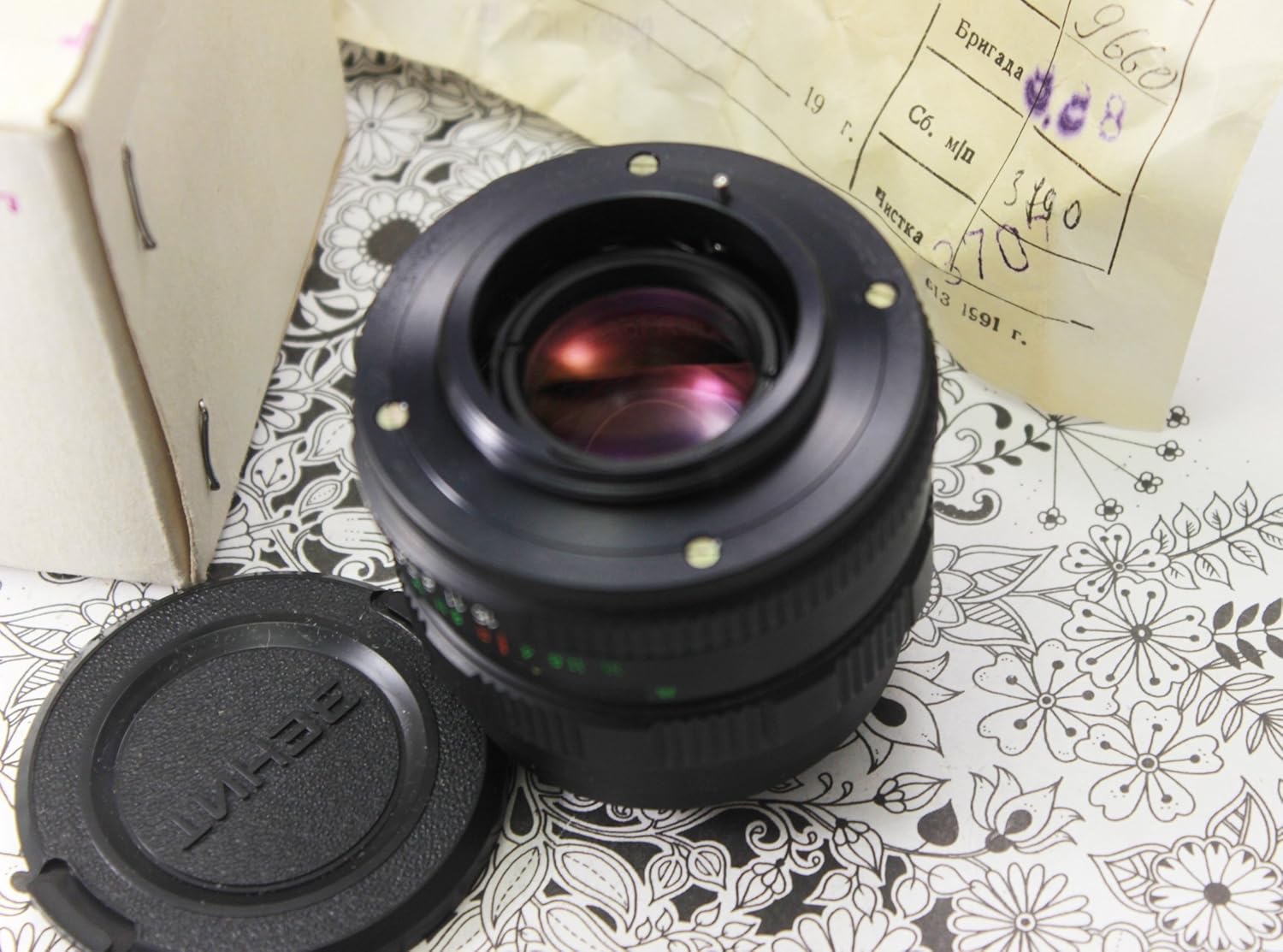
Image 3.1: The Helios 44M-6 lens, ready for adapter attachment.
4. عینک چلانا
4.1. یپرچر کنٹرول
The Helios 44M-6 features a manual aperture ring. This lens typically has two rings: a preset aperture ring and an actual aperture ring.
- Preset Aperture Ring: This ring allows you to set a maximum aperture value. Once set, the actual aperture ring will only close down to this preset value. This is useful for quickly switching between wide-open focusing and a desired shooting aperture.
- Actual Aperture Ring: This ring directly controls the diaphragm blades. Rotate it to select your desired aperture (e.g., F2, F2.8, F4, etc.). For focusing, it is often recommended to open the aperture to its widest (F2) for a brighter viewfinder image, then stop down to your desired shooting aperture before taking the photo.
4.2. توجہ مرکوز کرنا
The Helios 44M-6 is a manual focus lens. Your camera's autofocus system will not function with this lens.
- Viewfinder Focusing: Look through your camera's viewfinder. Rotate the focusing ring on the lens until your subject appears sharp. Modern DSLRs may offer focus confirmation dots or split-prism focusing screens (if installed) to assist with manual focus.
- جیو View توجہ مرکوز کرنا: For critical focus, use your camera's Live View mode. Zoom in on your subject on the LCD screen (typically 5x or 10x magnification) and adjust the focusing ring until the subject is perfectly sharp.
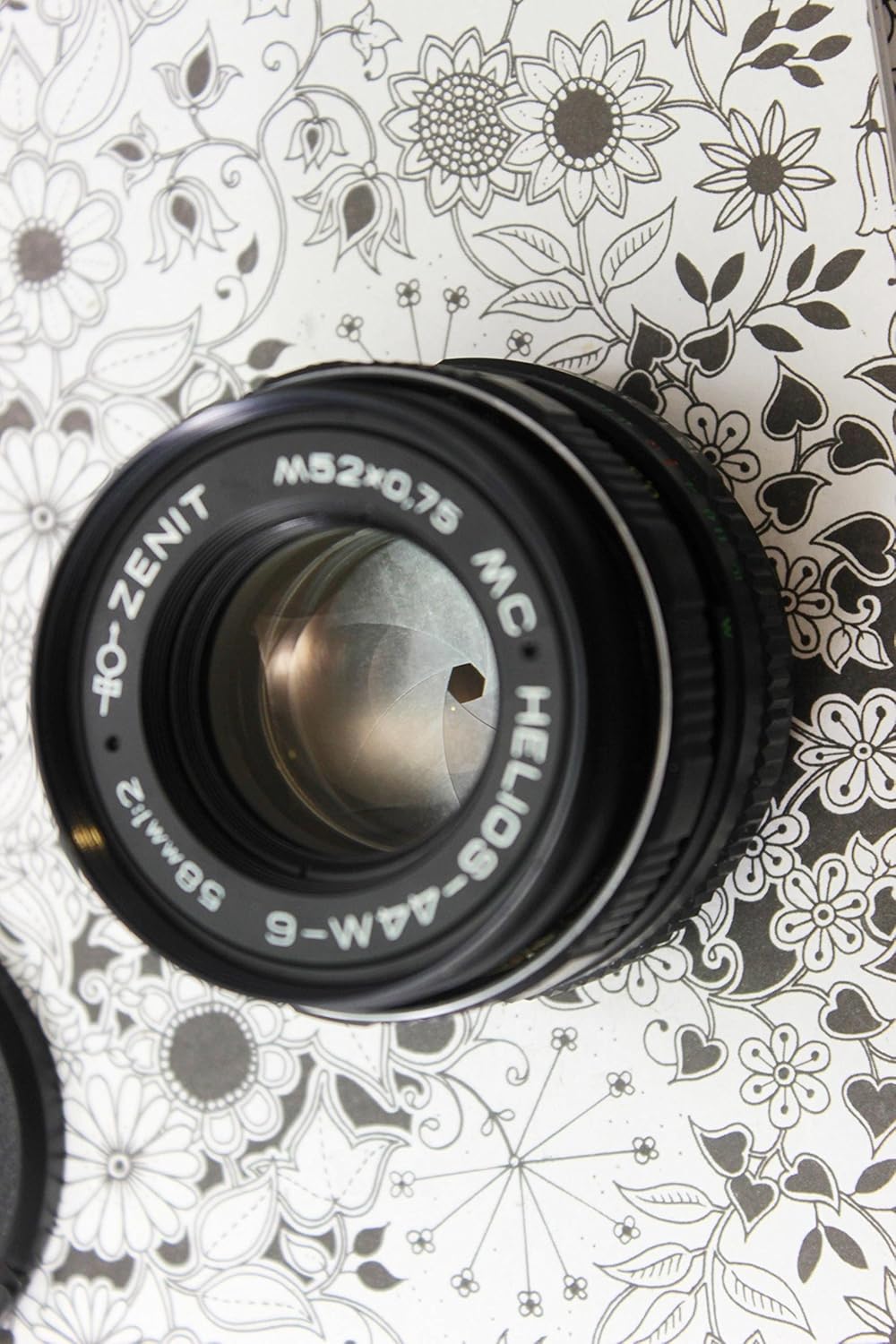
تصویر 4.1: سامنے view of the Helios 44M-6 lens, highlighting the aperture and focusing rings.
5 دیکھ بھال
5.1. عینک کی صفائی
Proper cleaning helps maintain optical quality and extends the life of your lens.
- دھول ہٹانا: Use a blower brush to remove loose dust particles from the lens elements. Avoid wiping dry lens surfaces.
- Smudges and Fingerprints: For stubborn smudges, apply a small amount of lens cleaning solution to a clean microfiber cloth. Gently wipe the lens surface in a circular motion from the center outwards.
- جسم کی صفائی: Use a soft, dry cloth to wipe the lens barrel. Avoid using harsh chemicals or abrasive materials.
5.2. ذخیرہ
When not in use, store your lens properly to protect it from dust, moisture, and physical damage.
- Attach both front and rear lens caps.
- عینک کو براہ راست سورج کی روشنی اور انتہائی درجہ حرارت سے دور، خشک، ٹھنڈی جگہ پر رکھیں۔
- Consider using a padded lens pouch or a dry cabinet, especially in humid environments.
6 خرابیوں کا سراغ لگانا
This section addresses common issues you might encounter with your Helios 44M-6 lens.
| مسئلہ | ممکنہ وجہ | حل |
|---|---|---|
| Camera does not take pictures with lens attached. | Camera not set to 'Shoot without lens' mode. | Go to your camera's menu and enable 'Shoot without lens' or 'Release shutter without lens'. |
| Cannot achieve infinity focus. | Incorrect M42 to Canon EF adapter. | Ensure your adapter is designed to allow infinity focus. Some cheaper adapters may not have the correct flange distance. |
| Images appear soft or out of focus. | Manual focusing error. | Practice manual focusing. Use Live View with magnification for critical focus. Consider a focusing screen upgrade for your DSLR. |
| Aperture ring feels stiff or stuck. | Dust or old lubricants. | Do not force it. Consult a professional lens repair technician. |
7. تکنیکی تفصیلات
Key specifications for the Helios 44M-6 58mm F2 lens:
| فیچر | تفصیلات |
|---|---|
| فوکل کی لمبائی | 58 ملی میٹر |
| رشتہ دار یپرچر | 1:2 |
| ڈایافرام اسکیل | f2 - f16 |
| فوکسنگ رینج | 0.5m to 10m and infinity |
| فلٹر ماؤنٹ | M52x0.75 |
| لینس ماؤنٹ | ایم 42 |
| Resolving Capacity (center/edge) | 41/20 lp/mm |
| شے کا وزن | 8 اونس (تقریباً 227 گرام) |
| آئٹم ماڈل نمبر | 44 میٹر -6 |
8. وارنٹی اور سپورٹ
Information regarding warranty coverage for your Helios 44M-6 lens will depend on the seller and the condition of the lens at the time of purchase (new, used, refurbished). Please refer to your purchase documentation or contact your retailer directly for specific warranty terms and conditions.
For technical support or inquiries not covered in this manual, please contact the seller or a qualified camera equipment technician. As this is a vintage lens, direct manufacturer support may not be available.