
1. تعارف
This manual provides essential information for the safe and effective installation, operation, and maintenance of your uxcell T4.2 Blue 3020 LED Dashboard Panel Light Bulbs. Please read this manual thoroughly before use and retain it for future reference.
2. حفاظتی معلومات
- Always disconnect the vehicle's battery or turn off the ignition before attempting any electrical installation to prevent electric shock or damage to the vehicle's electrical system.
- Ensure the bulb type (T4.2) is compatible with your vehicle's dashboard socket before installation.
- Handle LED bulbs by their base to avoid touching the LED chip directly, which can transfer oils and reduce lifespan.
- اگر آپ کو انسٹالیشن کے عمل کے بارے میں یقین نہیں ہے تو، ایک قابل آٹوموٹو ٹیکنیشن سے مشورہ کریں۔
- Do not modify the bulbs or use them for purposes other than their intended design.
3. پیکیج کے مشمولات
پیکیج میں درج ذیل اشیاء ہونی چاہئیں۔
- 6 x uxcell T4.2 Blue 3020 LED Dashboard Panel Light Bulbs

Image: Two uxcell T4.2 LED bulbs, showing the white plastic base and metal contact wires. One bulb is viewed from the side, the other from the top.
4. وضاحتیں
| برانڈ | uxcell |
| ماڈل | T4.2 |
| مواد | پلاسٹک |
| ایل ای ڈی کی قسم | 3020 ایس ایم ڈی |
| ساکٹ کی قسم | T4.2 |
| ہلکا رنگ | نیلا |
| Dimensions (Base Diameter * Height) | 10 x 8 ملی میٹر |
| LED Quantity per Bulb | 1 |
5. سیٹ اپ اور انسٹالیشن
Follow these general steps for installing the T4.2 LED bulbs. Specific vehicle procedures may vary, so consult your vehicle's service manual if necessary.
- گاڑی تیار کریں: یقینی بنائیں کہ گاڑی کا اگنیشن بند ہے اور بجلی کے خطرات کو روکنے کے لیے بیٹری منقطع ہے۔
- Access the Dashboard Panel: Carefully remove the necessary dashboard trim or components to gain access to the instrument cluster or panel where the T4.2 bulbs are located. Refer to your vehicle's specific repair manual for detailed instructions on accessing these areas.
- Identify and Remove Old Bulb: Locate the existing T4.2 bulb. Gently twist or pull the old bulb from its socket. Some bulbs may require a small tool for removal.
- نیا ایل ای ڈی بلب ڈالیں: Carefully insert the new uxcell T4.2 LED bulb into the empty socket. Ensure it is seated firmly.
- ٹیسٹ کی فعالیت: Before reassembling the dashboard, reconnect the vehicle's battery and turn on the ignition to test if the new LED bulb illuminates correctly. If it does not light up, remove the bulb, rotate it 180 degrees, and reinsert it (LEDs are polarity sensitive). Test again.
- ڈیش بورڈ کو دوبارہ جوڑنا: Once confirmed working, carefully reassemble all dashboard components and trim removed in step 2.
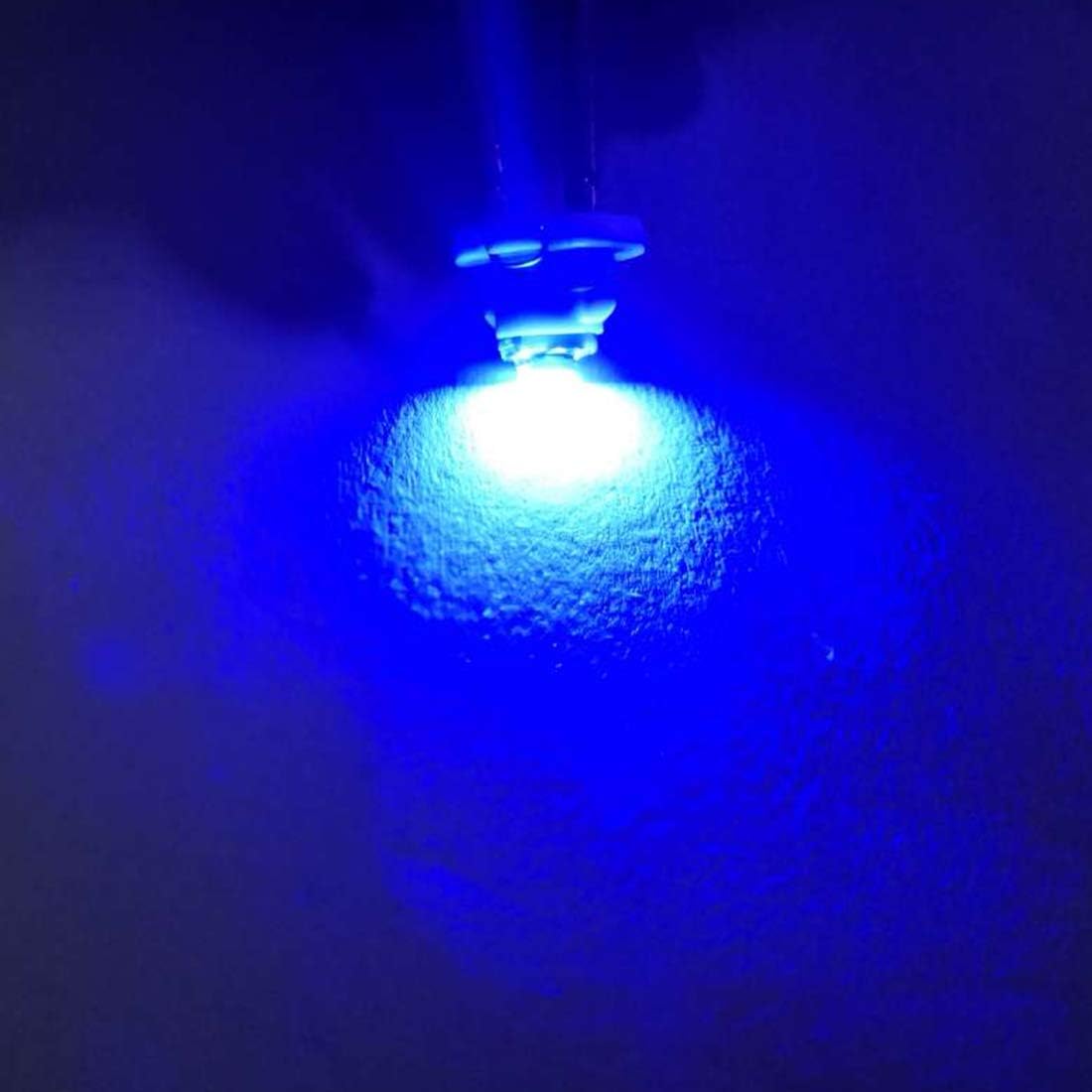
Image: A single uxcell T4.2 LED bulb illuminated, casting a distinct blue light onto a surface, demonstrating its operational appearance.
6. آپریٹنگ ہدایات
Once properly installed, the uxcell T4.2 LED dashboard panel lights operate automatically with your vehicle's electrical system. They will illuminate when the corresponding circuit (e.g., dashboard lights, indicator lights) is activated by the vehicle's ignition or light switch.
7 دیکھ بھال
These LED bulbs require minimal maintenance. To ensure optimal performance and longevity:
- صفائی: If the bulbs become dusty or dirty during installation, gently wipe them with a soft, dry, lint-free cloth. Avoid using liquid cleaners directly on the LED components.
- کنکشن چیک: Periodically, if accessible, ensure the bulbs remain firmly seated in their sockets to maintain a good electrical connection.
- انتہائی حالات سے بچیں: While designed for automotive use, prolonged exposure to extreme temperatures or excessive vibration beyond normal vehicle operation may affect lifespan.
8 خرابیوں کا سراغ لگانا
If your uxcell T4.2 LED bulbs are not functioning as expected, consider the following:
| مسئلہ | ممکنہ وجہ | حل |
|---|---|---|
| بلب نہیں جلتا۔ | Incorrect polarity (LEDs are polarity sensitive). | بلب کو ہٹا دیں، اسے 180 ڈگری گھمائیں، اور اسے دوبارہ ساکٹ میں ڈالیں۔ |
| بلب نہیں جلتا۔ | Loose connection or faulty socket. | Ensure the bulb is firmly seated. Check the socket for damage or corrosion. |
| بلب نہیں جلتا۔ | Blown fuse in the vehicle's electrical system. | Consult your vehicle's manual to locate and inspect the relevant fuse. Replace if necessary. |
| بلب ٹمٹماتا ہے یا مدھم ہے۔ | Poor electrical contact or voltagای اتار چڑھاؤ۔ | Re-seat the bulb. Check vehicle's electrical system for stable voltage. |
If problems persist after attempting these solutions, contact uxcell customer support or a qualified automotive technician.
9. وارنٹی اور سپورٹ
For warranty information or technical support regarding your uxcell T4.2 LED Dashboard Panel Light Bulbs, please refer to the purchase documentation or contact uxcell customer service directly. Contact details can typically be found on the uxcell official webسائٹ یا اپنے خوردہ فروش کے ذریعے۔