
1. تعارف
This manual provides detailed instructions for the installation, operation, and maintenance of your AVANTEK Wireless Doorbell CW-12. Please read this manual thoroughly before using the product to ensure proper function and longevity. This wireless doorbell system offers convenience and reliability for your home or office.
2. پیکیج کے مشمولات
Upon unpacking, please verify that all items listed below are included in your package:
- 1 × Transmitter (Doorbell Push Button)
- 2 × Plug-in Receivers (Chime Units)
- 1 × Adhesive Tape for Transmitter Mounting
- 2 × Screws for Transmitter Mounting
- 2 × Anchors for Transmitter Mounting
- 1 × سکریو ڈرایور
- 1 × یوزر مینوئل

3. مصنوعات کی خصوصیات
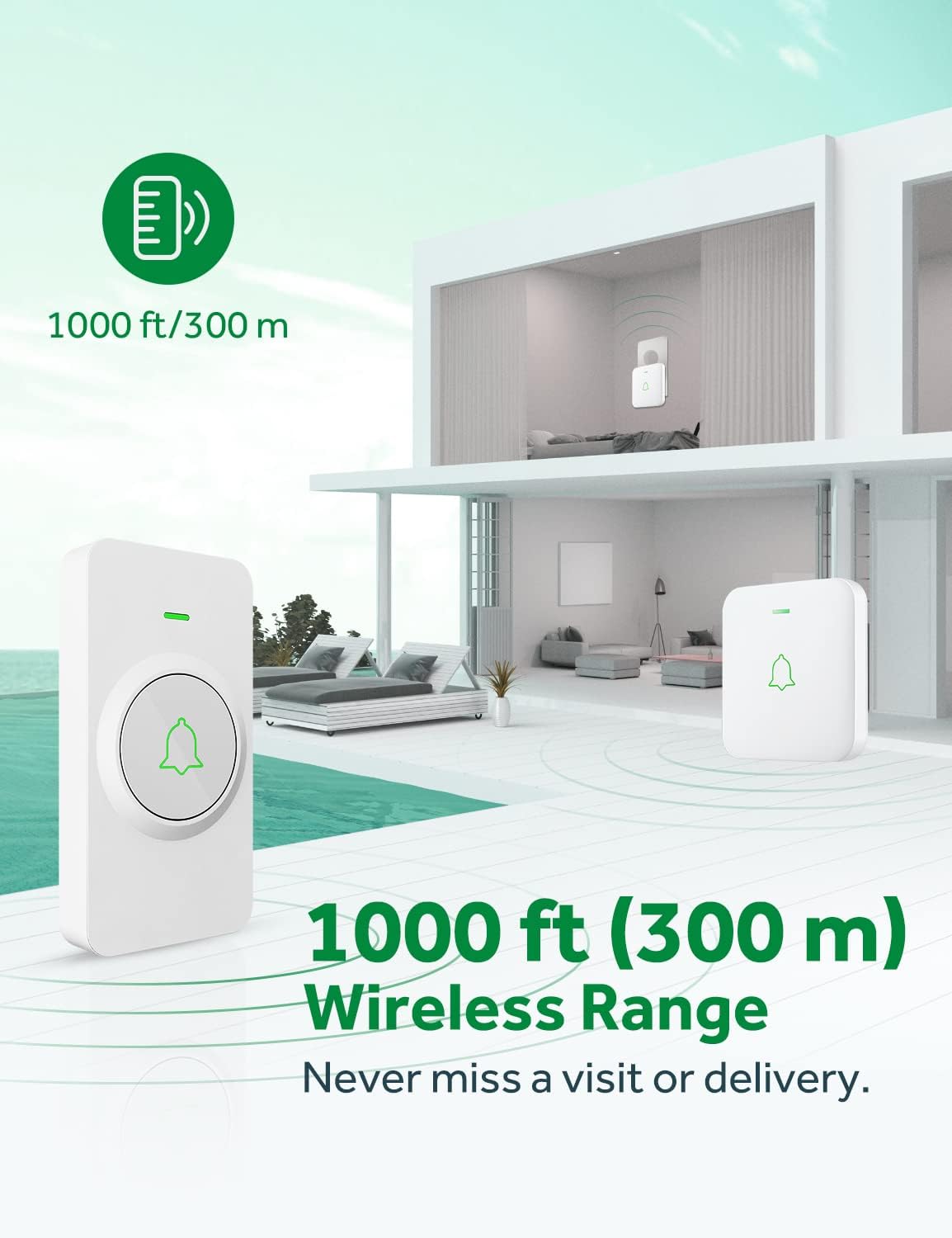
- 1000 ft (300 m) Ultra-Long Wireless Range: Ensures you never miss a visitor, even if you are a few rooms away or on another floor.
- 52 Chimes and Melodies: Choose from a wide selection of sounds with a 1.1 inch (29 mm) stereo speaker for rich, crisp audio.
- 5 سایڈست والیوم لیولز: Customize the sound level up to a maximum of 115 dB.
- ایل ای ڈی فلیش اشارے: Provides a visual alert, useful for noisy environments or for individuals with hearing impairments.
- IP55 Dustproof and Waterproof Transmitter: Designed to withstand various harsh weather conditions, operating effectively from -4 °F to 140 °F (-20 °C to 60 °C).
- میموری فنکشن: Remembers your last melody and volume level after a power outage, eliminating the need to reset settings.
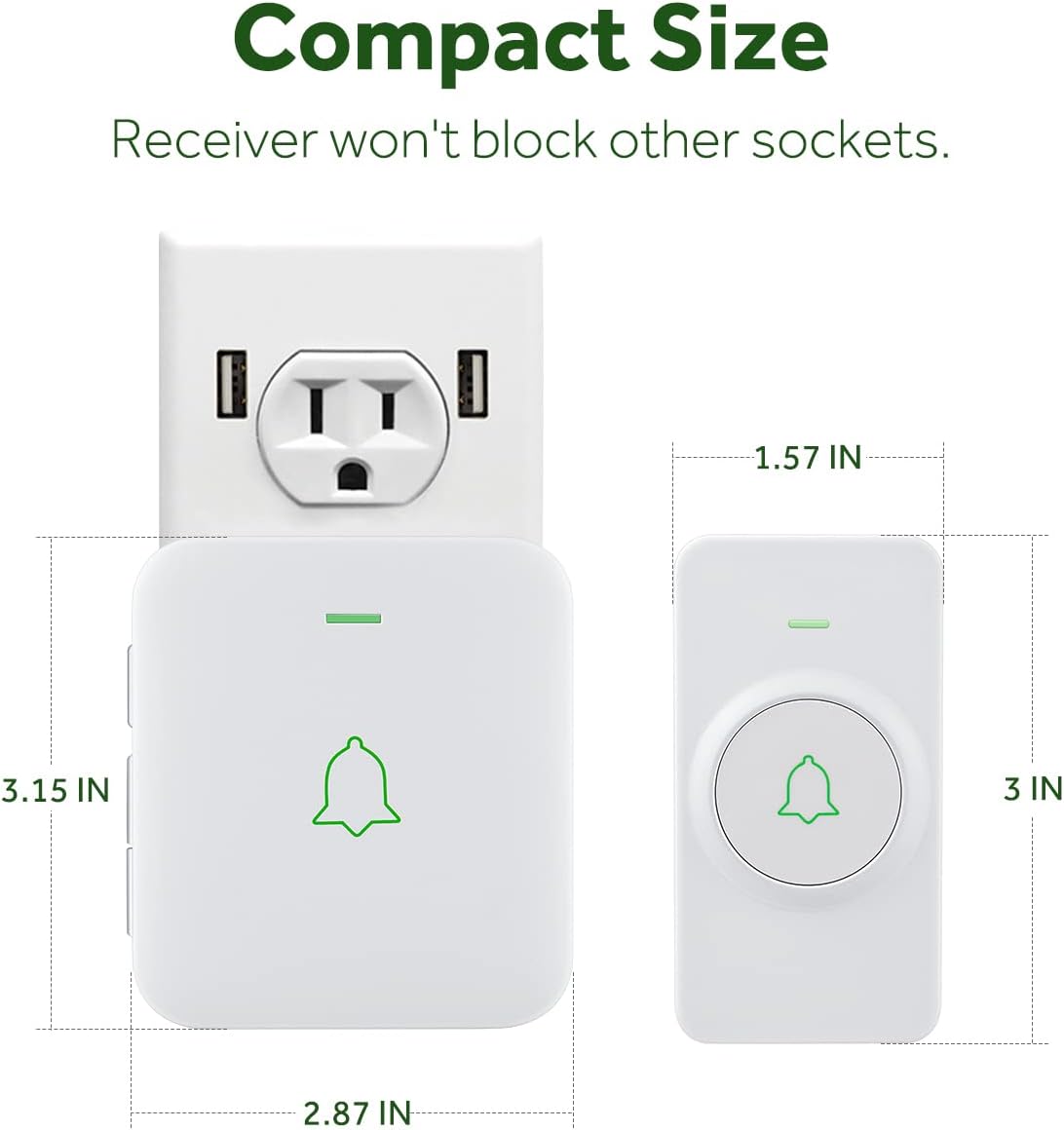
- Compact Receiver Design: The mini plug-in receivers are designed not to block adjacent power sockets.
- قابل توسیع نظام: Easily add more AVANTEK CR-1/RB-1 plug-in receivers for increased coverage.


ویڈیو: ایک اوورview of the AVANTEK Mini Wireless Doorbell, showcasing اس کی خصوصیات اور فوائد۔
4. سیٹ اپ اور انسٹالیشن
4.1. وصول کنندہ سیٹ اپ
- Plug the receiver into a standard electrical outlet. The LED on the receiver will flash, indicating it is powered on.
4.2. Transmitter Setup and Installation
The transmitter (push button) can be installed using either the adhesive tape or screws and anchors.
Method A: Using Adhesive Tape
- Clean the desired installation area thoroughly to ensure it is free of dust and moisture.
- Remove the protective film from one side of the adhesive tape and attach it to the back of the transmitter.
- Remove the protective film from the other side of the adhesive tape.
- Firmly press the transmitter onto the cleaned surface for at least 30 seconds.
طریقہ B: پیچ اور اینکرز کا استعمال
- Open the transmitter cover by inserting the provided key into the grooved slot and gently prying it open.
- Mark the positions for drilling holes on the wall using the back plate of the transmitter as a template.
- Drill two holes at the marked positions. Insert the anchors into the holes.
- Secure the back plate of the transmitter to the wall using the provided screws.
- Snap the transmitter cover back onto the secured back plate.

Video: Step-by-step instructions on how to install the AVANTEK Wireless Doorbell Transmitter.
5. آپریٹنگ ہدایات
5.1. Changing Melodies
To select a melody, press the 'Next' or 'Previous' button on the side of the receiver. There are 52 melodies available. Once you find your desired melody, it will be saved automatically.
5.2. حجم کو ایڈجسٹ کرنا
Press the 'Volume' button on the side of the receiver to cycle through 5 adjustable volume levels. Select the volume level that best suits your needs.
5.3. خاموش موڈ
To activate silent mode, repeatedly press the 'Volume' button until the volume indicator shows the lowest setting or is muted. In silent mode, the LED indicator will still flash when the doorbell is pressed, providing a visual alert without sound.
Video: Instructions on how to silence the AVANTEK wireless doorbell receiver.
5.4. ٹرانسمیٹر اور وصول کنندہ جوڑنا
Your doorbell system comes pre-paired. If you need to re-pair or add additional transmitters/receivers:
- رسیور کو پاور ساکٹ میں لگائیں۔
- Press and hold the 'Volume' button on the receiver for 3 seconds until the LED flashes rapidly. This indicates pairing mode.
- Immediately press the push button on the transmitter. The receiver will chime once, and its LED will flash simultaneously with the transmitter's LED, indicating successful pairing.
- Repeat the process for any additional transmitters or receivers.
Video: A guide on how to pair the AVANTEK Wireless Doorbell System components.
6 دیکھ بھال
6.1. Battery Replacement (Transmitter)
The transmitter uses a CR2032 lithium battery, which typically lasts up to 3 years. To replace the battery:
- Insert the provided key or a small flat-head screwdriver into the grooved slot on the side of the transmitter.
- Gently pry open the rear cover of the transmitter.
- پرانی CR2032 بیٹری کو احتیاط سے ہٹا دیں۔
- ایک نئی CR2032 بیٹری ڈالیں، اس بات کو یقینی بناتے ہوئے کہ مثبت (+) سائیڈ اوپر ہے۔
- Snap the rear cover back into place until it clicks securely.
Video: Detailed steps on how to replace the battery in the AVANTEK Wireless Doorbell transmitter.
7 خرابیوں کا سراغ لگانا
- وصول کنندہ سے کوئی آواز نہیں: Ensure the receiver is properly plugged into a working power outlet. Check the volume level and ensure it is not set to silent mode. Re-pair the transmitter and receiver if necessary.
- Transmitter Not Working: Verify the battery in the transmitter is correctly installed and has sufficient charge. Replace the CR2032 battery if needed. Ensure the transmitter is within the 1000 ft wireless range of the receiver.
- مداخلت: Avoid installing the transmitter close to or on metal surfaces (e.g., metal door frames, metal mailboxes) as this can interfere with the wireless signal. Large metal objects or thick walls can reduce the effective range.
- مختصر رینج: Obstacles such as thick walls, metal structures, or other wireless devices can reduce the operating range. Try relocating the receiver or transmitter to a different position.
8. وضاحتیں
| فیچر | تفصیلات |
|---|---|
| ماڈل نمبر | LD-CW-12-A |
| وائرلیس رینج | 1000 فٹ (300 میٹر) تک |
| دھنیں | 52 |
| والیوم لیولز | 5 (up to 115 dB) |
| Transmitter Waterproof Rating | آئی پی 55 |
| آپریٹنگ درجہ حرارت | -4 °F سے 140 °F (-20 °C سے 60 °C) |
| ٹرانسمیٹر بیٹری کی قسم | 1 x CR2032 لتیم بیٹری (شامل) |
| بیٹری کی اوسط زندگی | 3 سال |
| طاقت کا منبع (رسیور) | AC پلگ ان |
| مواد | ABS |
| Product Dimensions (Transmitter) | 2.8 x 0.6 x 3.1 انچ |
| شے کا وزن | 8.1 اونس |
9. وارنٹی اور سپورٹ
AVANTEK is committed to providing high-quality products and customer satisfaction. Our wireless doorbell is approved by FCC, CE, and RoHS standards. We offer dedicated customer service and will always do our best to support you with any inquiries or issues.
For further assistance or warranty claims, please refer to the contact information provided on the AVANTEK official webسائٹ یا آپ کی خریداری کی دستاویزات۔