
Viotek NB24CW
Viotek NB24CW 24-Inch Curved Monitor User Manual
Model: NB24CW
تعارف
This manual provides essential information for the safe and efficient operation of your Viotek NB24CW 24-Inch LED Curved Monitor. Please read this guide thoroughly before using the product and retain it for future reference.
The Viotek NB24CW is a 24-inch curved LED monitor featuring a 1920x1080p Full-HD resolution, 75Hz refresh rate, and FreeSync technology. It includes built-in speakers, VGA and HDMI 1.4 ports, and is VESA mount compatible. Its bezel-less design offers an immersive viewکام اور تفریح دونوں کے لیے تجربہ۔
حفاظتی معلومات
محفوظ آپریشن کو یقینی بنانے اور نقصان کو روکنے کے لیے، درج ذیل احتیاطی تدابیر پر عمل کریں:
- مانیٹر کو بارش، نمی، یا انتہائی درجہ حرارت کے سامنے نہ رکھیں۔
- مانیٹر کو گرمی کے ذرائع کے قریب یا براہ راست سورج کی روشنی میں رکھنے سے گریز کریں۔
- مانیٹر کے ساتھ فراہم کردہ پاور اڈاپٹر ہی استعمال کریں۔
- وینٹیلیشن کے آغاز کو روکیں نہ۔
- اسکرین کو نرم، لنٹ سے پاک کپڑے سے صاف کریں۔ کھرچنے والے کلینر سے پرہیز کریں۔
- If any issues arise, disconnect the power cable and contact customer support.
پیکیج کے مشمولات
تصدیق کریں کہ تمام اشیاء پیکیج میں موجود ہیں:
- Viotek NB24CW Monitor
- مانیٹر اسٹینڈ (بیس اور گردن)
- پاور اڈاپٹر
- HDMI کیبل
- VESA Adapter (75x75mm)
- صارف دستی (یہ دستاویز)
سیٹ اپ
1 اسٹینڈ کو جمع کرنا
- مانیٹر کو اس کی پیکیجنگ سے احتیاط سے ہٹا دیں۔
- Attach the stand neck to the monitor panel using the provided screws.
- اسٹینڈ بیس کو اسٹینڈ گردن تک محفوظ کریں۔
- جمع مانیٹر کو ایک مستحکم، چپٹی سطح پر رکھیں۔
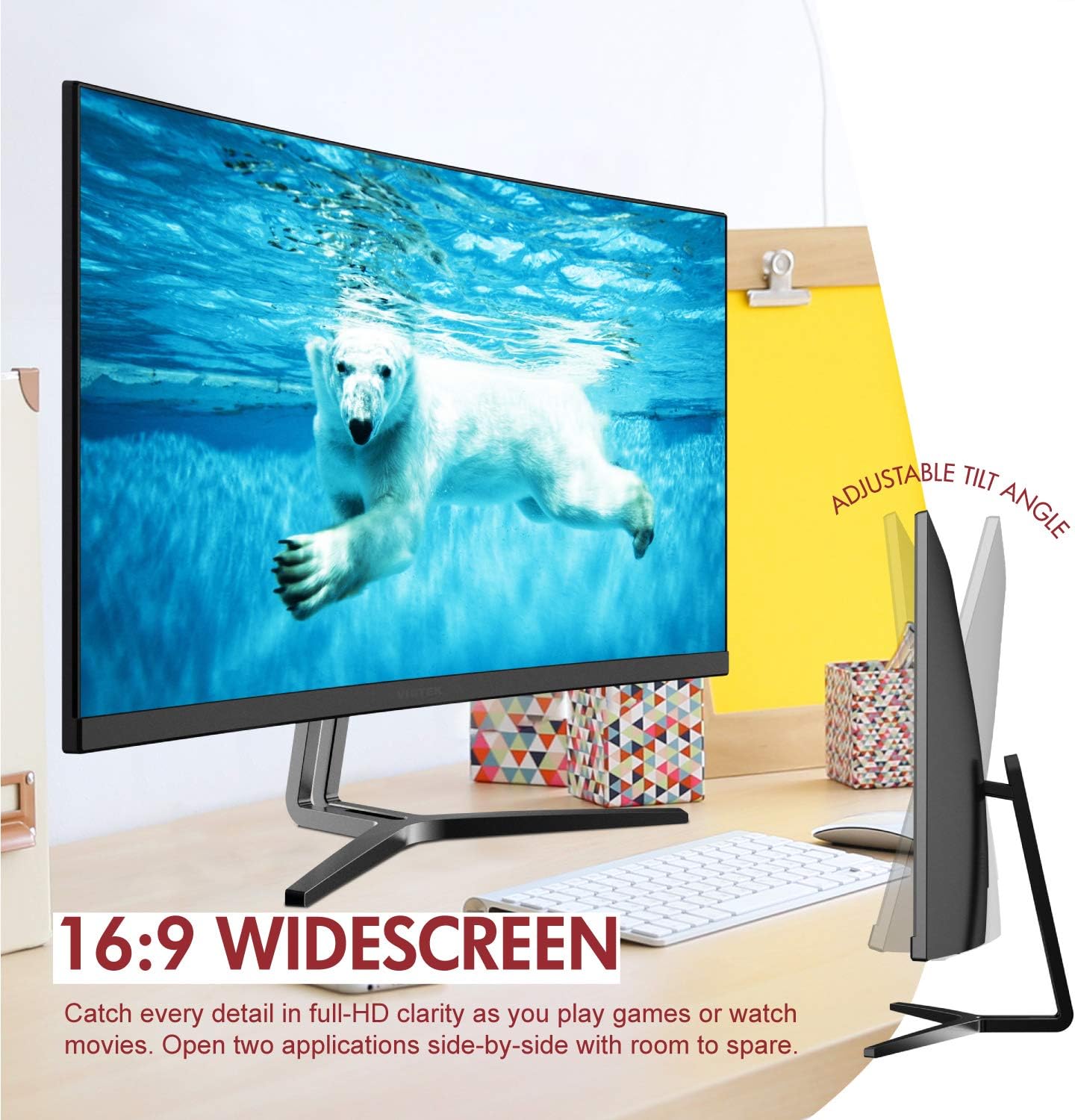
Image: The Viotek NB24CW monitor with its stand, highlighting the 16:9 widescreen aspect ratio and adjustable tilt angle. The monitor is shown displaying a polar bear underwater.
2. آلے سے جڑنا
The monitor supports HDMI and VGA connections.
- HDMI کنکشن: Connect one end of the HDMI cable (included) to the HDMI port on your computer or gaming console, and the other end to the HDMI 1.4 port on the monitor.
- VGA کنکشن: Connect one end of the VGA cable (not included) to the VGA port on your computer, and the other end to the VGA port on the monitor.

تصویر: ایک تفصیلی view of the monitor's rear panel, illustrating the HDMI 1.4 and VGA input ports for connecting to various devices.
3. پاور کنکشن
Connect the power adapter to the monitor's power input, then plug the adapter into a power outlet.
4 VESA ماؤنٹنگ (اختیاری)
The monitor is VESA 75x75mm compatible. Use the included VESA adapter to mount the monitor to a wall or compatible monitor arm.

Image: The back of the Viotek NB24CW monitor, highlighting its VESA mounting capability, integrated speakers, and connectivity options including VGA and HDMI.
آپریٹنگ ہدایات
1. پاور آن/آف
اسے آن یا آف کرنے کے لیے مانیٹر کے نیچے دائیں جانب واقع پاور بٹن کو دبائیں۔
2. آن اسکرین ڈسپلے (OSD) مینو
Use the buttons next to the power button to navigate the OSD menu. This menu allows you to adjust various settings such as brightness, contrast, color temperature, input source, and audio volume.
3. ڈسپلے کی ترتیبات کو ایڈجسٹ کرنا
- چمک / تضاد: زیادہ سے زیادہ بصری سکون کے لیے ان ترتیبات کو ایڈجسٹ کریں۔
- رنگ کی ترتیبات: Select from preset color modes or customize RGB values.
- ان پٹ ماخذ: Manually select between HDMI and VGA inputs if auto-detection fails.
- کم نیلی روشنی: Activate this feature to reduce eye strain during prolonged use.
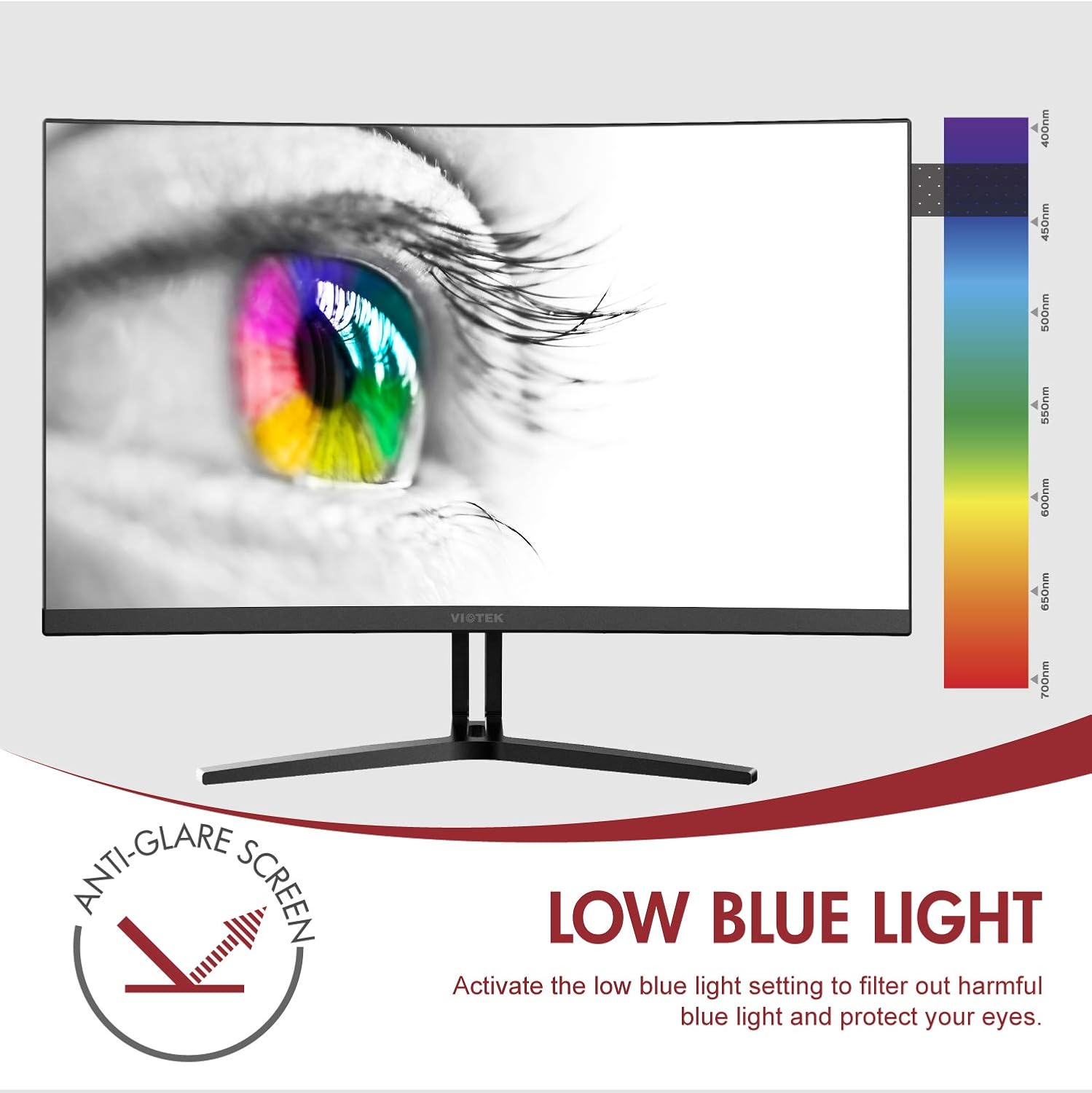
Image: The monitor screen showing an eye with a color spectrum, indicating the Low Blue Light feature designed to protect vision.
4. گیمنگ کی خصوصیات
The NB24CW monitor includes features optimized for gaming:
- فری سنک: Enable FreeSync in the OSD menu and on your compatible graphics card to eliminate screen tearing and stuttering.
- گیم پلس: Access GamePlus features like integrated crosshairs for improved aiming in FPS/RTS games.
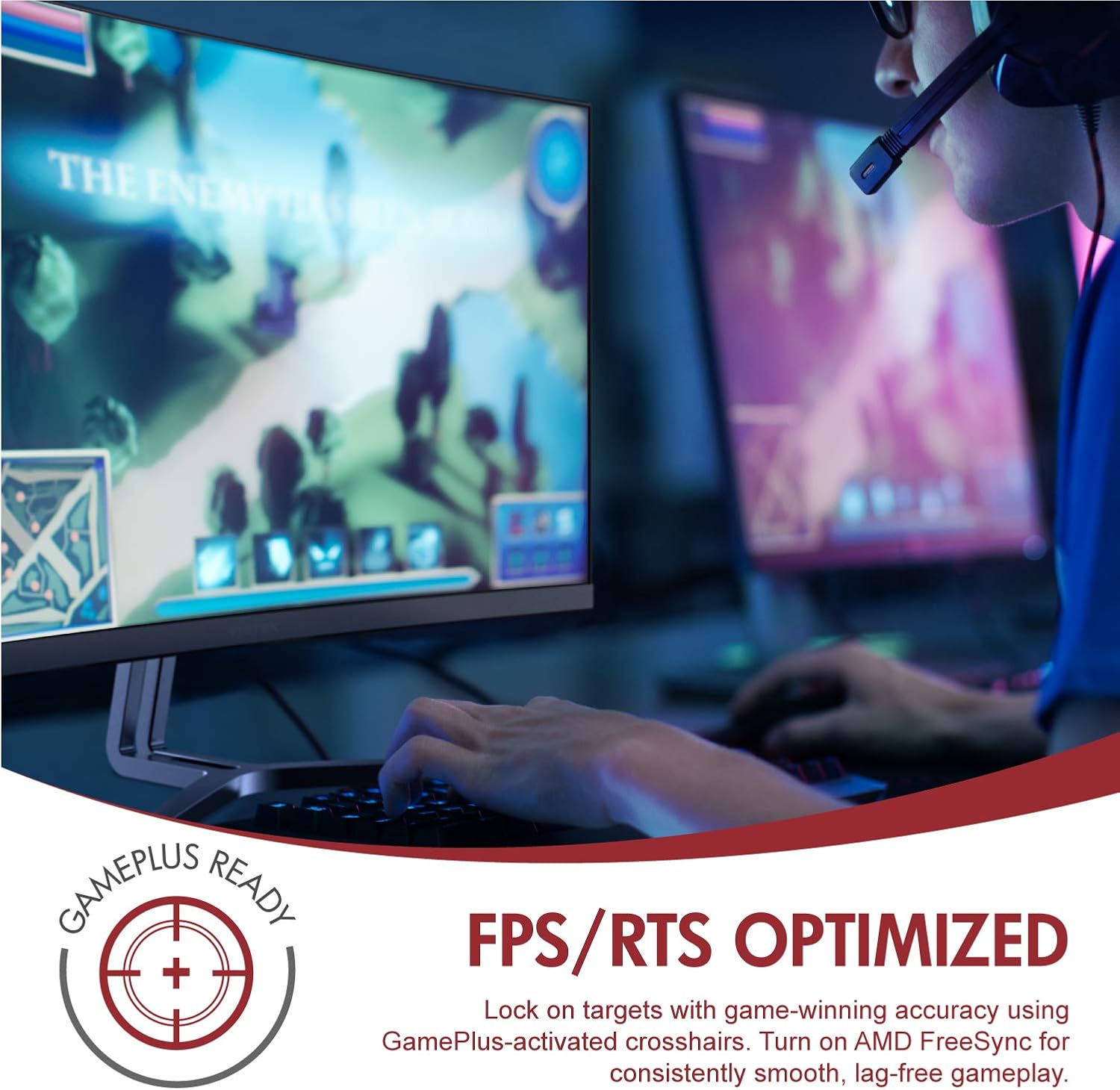
Image: A user engaged in gaming on the Viotek NB24CW monitor, highlighting its FPS/RTS optimized features and GamePlus functionality for enhanced gameplay.
دیکھ بھال
- سکرین کی صفائی: نرم، خشک، لنٹ فری کپڑے سے اسکرین کو آہستہ سے صاف کریں۔ ضدی نشانات کے لیے، ہلکے سے ڈیampur پانی کے ساتھ کپڑے یا اسکرین کے لیے مخصوص صفائی کا محلول۔ مائع کو براہ راست اسکرین پر نہ چھڑکیں۔
- سی کی صفائیasing: مانیٹر کی سی کو صاف کرنے کے لیے نرم، خشک کپڑا استعمال کریں۔asinجی سخت کیمیکلز یا کھرچنے والے مواد کے استعمال سے پرہیز کریں۔
- ذخیرہ: If storing the monitor for an extended period, disconnect it from power, pack it in its original packaging, and store in a cool, dry place.
خرابی کا سراغ لگانا
| مسئلہ | ممکنہ وجہ | حل |
|---|---|---|
| اسکرین پر کوئی تصویر نہیں ہے | Power cable disconnected, incorrect input source, video cable loose. | Check power connections, select correct input source via OSD, ensure video cable is securely connected. |
| تصویر دھندلی یا مسخ شدہ ہے۔ | Incorrect resolution, faulty video cable. | Set display resolution to 1920x1080p, try a different HDMI cable. |
| اسپیکر سے کوئی آواز نہیں۔ | Volume too low, audio source not selected, external speakers connected. | Increase volume in OSD and computer settings, ensure audio is routed to monitor, disconnect external speakers if not needed. |
| سکرین ٹمٹماہٹ | Refresh rate mismatch, faulty cable, FreeSync issue. | Ensure refresh rate is set to 75Hz, try a different video cable, disable FreeSync temporarily to diagnose. |
وضاحتیں
| فیچر | تفصیل |
|---|---|
| ماڈل | NB24CW |
| اسکرین کا سائز | 24 انچ |
| پینل کی قسم | LED Curved |
| گھماؤ | 1800R |
| قرارداد | 1920 x 1080 (مکمل ایچ ڈی) |
| پہلو کا تناسب | 16:9 |
| ریفریش ریٹ | 75 Hz |
| رسپانس ٹائم | 5ms |
| Viewآئی اینگل | 178° |
| کنٹراسٹ ریشو | 1,000,000:1 (متحرک) |
| رنگین سپورٹ | 16.7 ملین رنگ، 96% sRGB |
| کنیکٹوٹی | 1x HDMI 1.4، 1x VGA |
| آڈیو | Built-in Speakers (2x4Ω/3W) |
| VESA مطابقت | 75x75mm (Adapter Included) |
| اڈاپٹیو سنک | فری سنک |
| جھکاؤ ایڈجسٹمنٹ | -5° سے 15° |
| خصوصی خصوصیات | Bezel-less design, GamePlus, FPS/RTS modes, Low Blue Light, Anti-glare screen |

Image: The Viotek NB24CW monitor showcasing its key performance specifications: 1080p resolution, 1800R curvature, 75Hz refresh rate, and 5ms response time.
وارنٹی کی معلومات
Your Viotek NB24CW monitor is covered by a 3 سالہ صنعت کار کی محدود وارنٹی. This warranty covers defects in materials and workmanship under normal use. Additionally, Viotek offers an industry-leading Zero-Tolerance Dead Pixel Policy, ensuring your display is free from dead pixels.
For full warranty terms and conditions, please refer to the official Viotek webسائٹ یا کسٹمر سپورٹ سے رابطہ کریں۔

Image: A visual representation of Viotek's commitment to quality, featuring a "3 Year Warranty" and "Zero Dead Pixel - Parts & Labor" guarantee.
کسٹمر سپورٹ
For technical assistance, warranty claims, or general inquiries, please contact our 100% U.S.-based Customer Support Team. They are available 7 days a week via live-chat, email, and social media support.
- Webسائٹ: www.viotek.com۔
- ای میل: Refer to the Viotek website for specific email contact.
- لائیو چیٹ: Available on the official Viotek webسائٹ
پروڈکٹ ختمview ویڈیو
ویڈیو: ایک آفیشل پروڈکٹ ختمview video for the Viotek NB24CB (similar model to NB24CW) monitor, showcasing its curved display, thin design, connectivity ports, and key features like 75Hz refresh rate, FreeSync, and built-in speakers. This video provides a visual guide to the monitor's design and capabilities.
Ask a question about this manual
Ask about setup, troubleshooting, compatibility, parts, safety, or missing instructions. Manuals+ will review the question and use this page’s manual context to help answer it.