
1. تعارف
The Viotek GN32DB is a 32-inch curved gaming monitor designed to deliver an immersive visual experience. It features a WQHD (2560x1440p) resolution, a 144Hz refresh rate, and AMD FreeSync technology, ensuring smooth and responsive gameplay. This manual provides essential information for setting up, operating, maintaining, and troubleshooting your monitor.

Image: The Viotek GN32DB monitor showcasing its 144Hz WQHD display capabilities.
2. سیٹ اپ
2.1 ان باکسنگ اور اسمبلی
Carefully remove the monitor and all components from the packaging. Ensure all parts are present before proceeding with assembly. Attach the stand base to the stand neck, then secure the assembled stand to the back of the monitor using the provided screws. The monitor also supports VESA mounting (75x75mm) for alternative installation options.
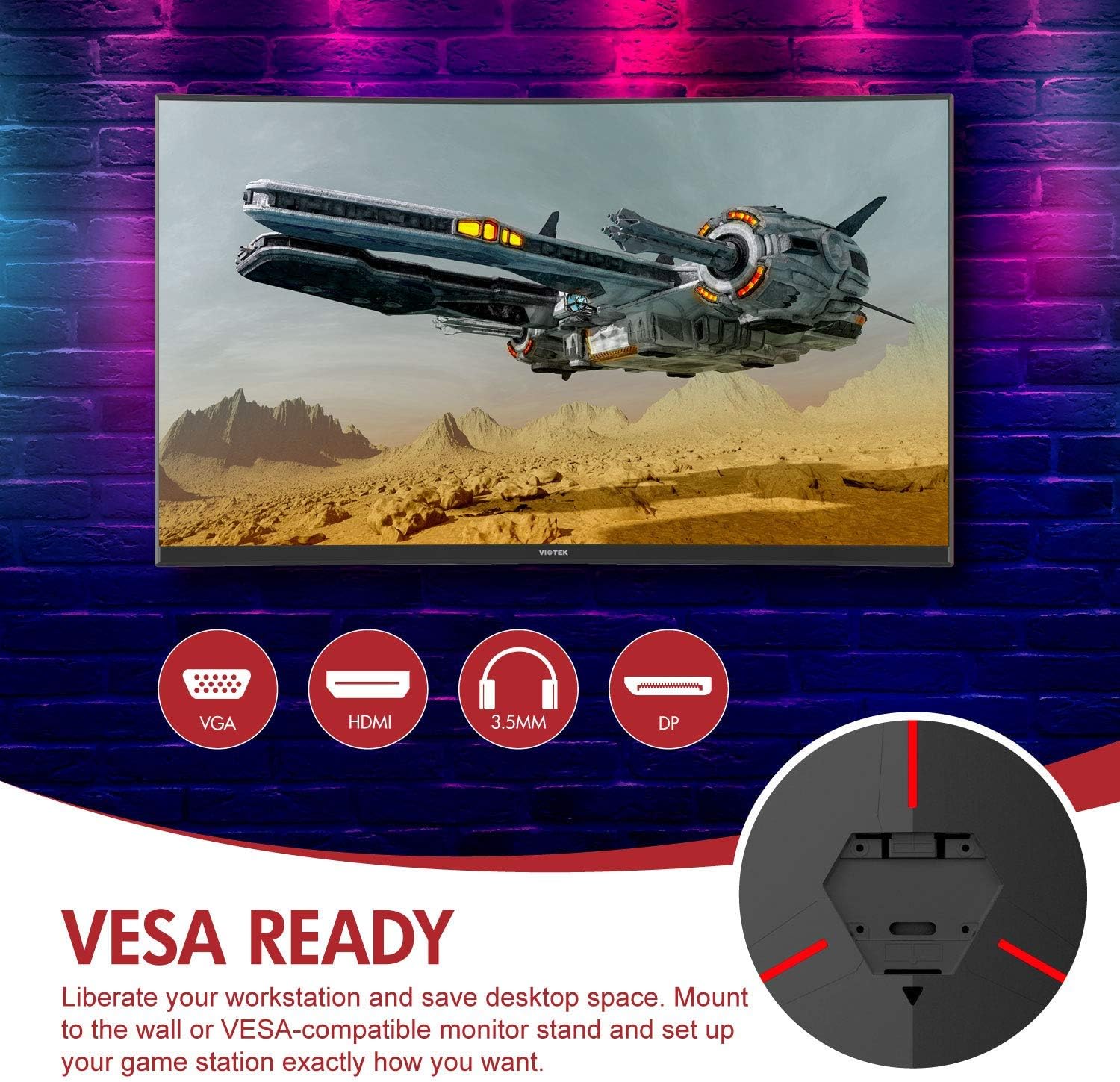
تصویر: پیچھے view of the monitor highlighting VESA compatibility and available ports.
2.2 ڈیوائس سے جڑنا
Connect your computer or gaming console to the monitor using one of the available input ports:
- ڈسپلے پورٹ (DP 1.2): For optimal performance, including 144Hz refresh rate and FreeSync.
- HDMI (HDMI 2.0): Supports high-resolution and refresh rates.
- DVI: ہم آہنگ آلات کے لیے۔
Connect the power adapter to the monitor and then to a power outlet. The monitor also features a 3.5mm audio output jack for external sound systems.

تصویر: تفصیلی view of the monitor's rear panel with input ports.
3. مانیٹر کو چلانا
3.1 پاور آن/آف
اسے آن یا آف کرنے کے لیے مانیٹر پر موجود پاور بٹن کو دبائیں۔ پاور انڈیکیٹر لائٹ مانیٹر کی حیثیت دکھائے گی۔
3.2 آن اسکرین ڈسپلے (OSD) مینو
Navigate the OSD menu using the buttons or joystick (if present) on the monitor. The OSD allows you to adjust various settings:
- تصویر کی ترتیبات: چمک، کنٹراسٹ، نفاست اور رنگ کے درجہ حرارت کو ایڈجسٹ کریں۔
- رنگ موڈ: Select from predefined color profiles یا اپنی مرضی کے مطابق بنائیں۔
- ان پٹ ماخذ: Manually select the active input (DP, HDMI, DVI).
- آڈیو: Adjust volume for the 3.5mm audio output.
3.3 گیمنگ کی خصوصیات
- AMD FreeSync: This technology synchronizes the monitor's refresh rate with your GPU's frame rate to eliminate screen tearing and stuttering. Ensure FreeSync is enabled in both the monitor's OSD and your graphics card settings.
- FPS/RTS Modes: Optimize display settings for specific game genres.
- گیم پلس: Activate on-screen crosshairs for improved aiming accuracy.

Image: Visual demonstration of AMD FreeSync technology in action.
3.4 Low Blue Light Mode
Activate the Low Blue Light mode to reduce blue light emissions, which can help minimize eye strain during extended use.
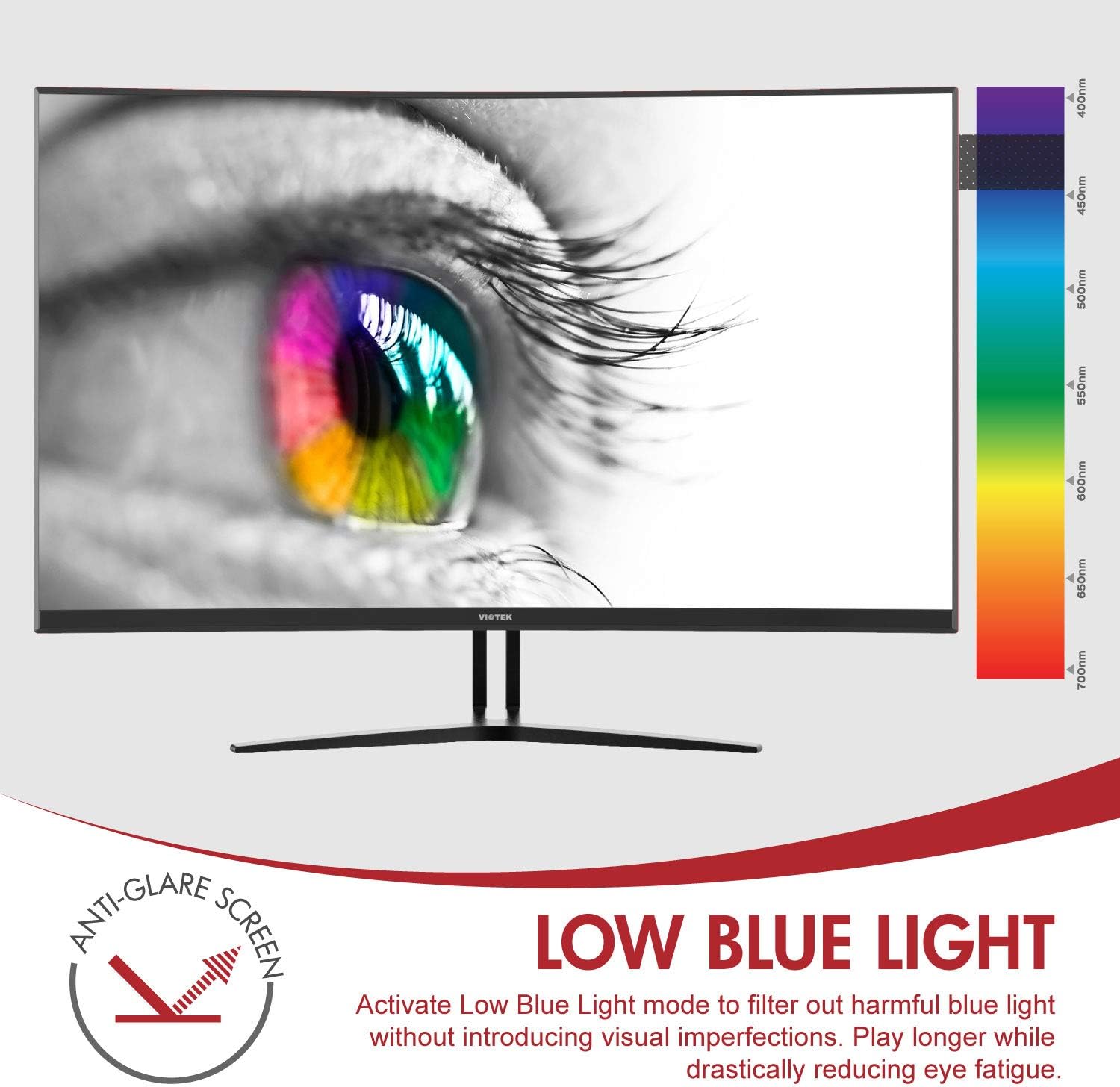
Image: The monitor's Low Blue Light feature for eye comfort.
3.5 کنسول مطابقت
The GN32DB is compatible with various gaming consoles, including Xbox One S/X and PlayStation 4, via DP 1.2 or HDMI connections. Enjoy FreeSync compatibility with supported Xbox consoles for smoother gameplay.

Image: Monitor compatibility with gaming consoles and adjustable tilt angle.
4 دیکھ بھال
To ensure the longevity and optimal performance of your Viotek GN32DB monitor, follow these maintenance guidelines:
- سکرین کی صفائی: نرم، لنٹ فری کپڑے سے اسکرین کو آہستہ سے صاف کریں۔ ضدی نشانات کے لیے، ہلکے سے ڈیampur پانی کے ساتھ کپڑے یا اسکرین کے لیے مخصوص صفائی کا محلول۔ سخت کیمیکلز یا کھرچنے والے مواد کے استعمال سے پرہیز کریں۔
- عمومی صفائی: مانیٹر کو صاف کرنے کے لیے نرم، خشک کپڑا استعمال کریں۔asinجی اور کھڑے ہو جاؤ.
- وینٹیلیشن: اس بات کو یقینی بنائیں کہ زیادہ گرمی سے بچنے کے لیے مانیٹر کے وینٹیلیشن کے سوراخوں کو بلاک نہیں کیا گیا ہے۔
- ذخیرہ: جب لمبے عرصے تک استعمال نہ ہو تو مانیٹر کو ٹھنڈی، خشک جگہ، مثالی طور پر اس کی اصل پیکیجنگ میں محفوظ کریں۔
5 خرابیوں کا سراغ لگانا
اگر آپ کو اپنے مانیٹر کے ساتھ مسائل کا سامنا کرنا پڑتا ہے، تو درج ذیل عام مسائل اور حل دیکھیں:
| مسئلہ | ممکنہ وجہ | حل |
|---|---|---|
| اسکرین پر کوئی تصویر نہیں ہے | Power cable disconnected, incorrect input source, faulty video cable. | Check power connections. Select correct input source via OSD. Replace video cable. |
| جھلملاتی یا مسخ شدہ تصویر | Loose video cable, incorrect resolution/refresh rate, FreeSync issue. | Ensure video cable is secure. Adjust display settings on your device. Verify FreeSync settings. |
| No sound from 3.5mm audio out | Volume too low, external speakers not connected, audio source issue. | Increase monitor volume. Connect speakers correctly. Check audio settings on your device. |
| مانیٹر آن نہیں ہو رہا ہے۔ | Power supply issue, faulty power button. | Verify power outlet and adapter. Contact support if issue persists. |
If the problem persists after attempting these solutions, please contact Viotek customer support.
6. وضاحتیں
| فیچر | تفصیل |
|---|---|
| برانڈ | ویوٹیک |
| ماڈل نمبر | GN32DB |
| اسکرین کا سائز | 31.5 انچ |
| قرارداد | QHD Wide 1440p (2560x1440) |
| پہلو کا تناسب | 16:9 |
| ریفریش ریٹ | 144 Hz |
| رسپانس ٹائم | 4 Milliseconds (with Automatic Overdrive) |
| ڈسپلے کی قسم | LED (Samsung VA Panel) |
| گھماؤ | 1800R |
| کلر گامٹ | 115% sRGB / 85% NTSC |
| کنٹراسٹ ریشو | 3000:1 (جامد)، 1,000,000:1 (متحرک) |
| چمک | 250 cd/m² |
| Viewآئی اینگل | 178 ڈگری |
| اڈاپٹیو سنک | فری سنک |
| کنیکٹوٹی | 1x DisplayPort 1.2, 1x HDMI 2.0, 1x DVI, 1x 3.5mm Audio Output |
| چڑھنے کی قسم | VESA Mount (75x75mm) |
| اضافی خصوصیات | Anti-Glare Screen, Low Blue Light, FPS/RTS Modes, Game Plus |
| شے کا وزن | 17.2 پاؤنڈز |
7. وارنٹی
The Viotek GN32DB monitor is protected by a 3 سال کی محدود وارنٹی. This warranty includes a Zero-Tolerance Dead Pixel Policy, ensuring that your monitor is free from dead pixels upon purchase. For detailed terms and conditions, please refer to the official Viotek warranty documentation.

Image: Viotek's 3-Year Limited Warranty and Zero-Tolerance Dead Pixel Policy.
8. سپورٹ
For any questions, technical assistance, or warranty claims, please contact Viotek's customer service. Our 100% U.S.-based customer service team is available 7 days a week to provide support.
Contact information can be found on the official Viotek webسائٹ یا آپ کی مصنوعات کی پیکیجنگ میں۔