
MAZ-TEK MZ3092
MAZ-TEK Plug in Dimmable LED Night Light User Manual
Model: MZ3092 | Brand: MAZ-TEK
1. تعارف
Thank you for choosing the MAZ-TEK Plug in Dimmable LED Night Light. This manual provides essential information for the safe and effective use of your new night light. Please read it thoroughly before installation and operation, and retain it for future reference.
پیکیج کے مشمولات
- LED Night Lights (4 Pack)
- صارف دستی
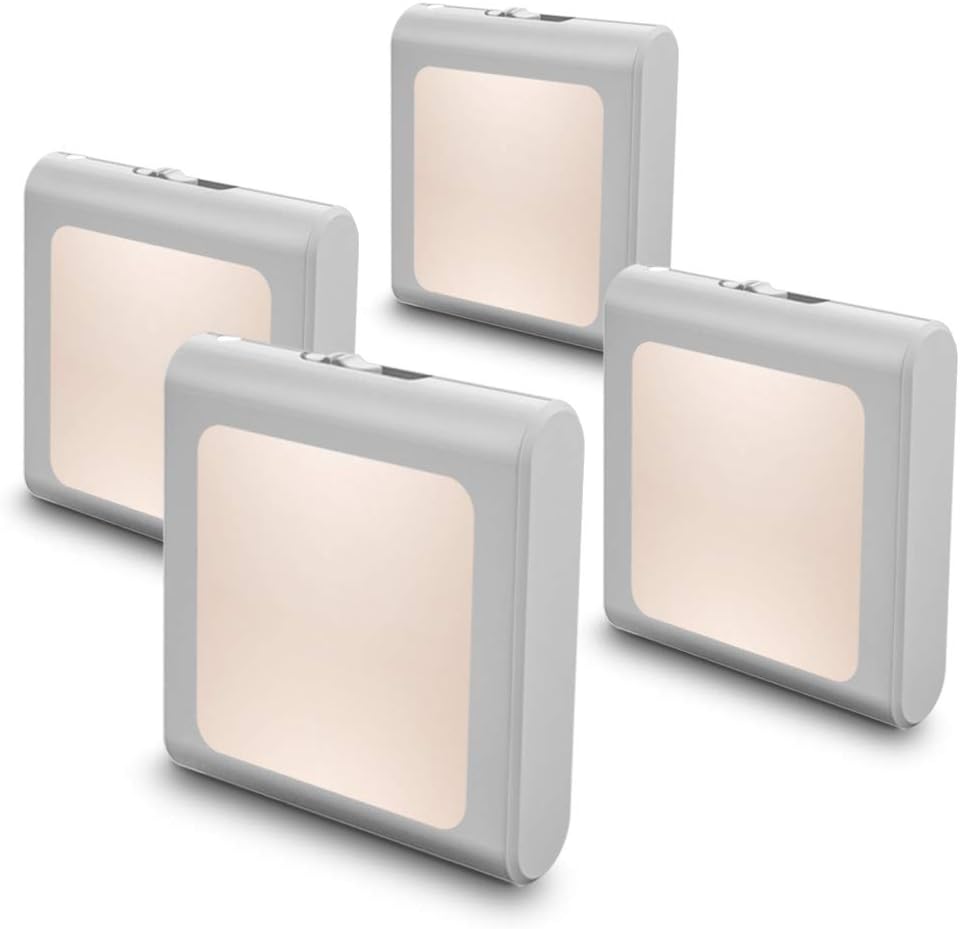
Image: Four MAZ-TEK Plug-in Dimmable LED Night Lights, illustrating the product included in the package.
2. کلیدی خصوصیات
- چمک سایڈست: Steplessly adjust warm white brightness from 0 lm to 15 lm using a slide switch.
- خودکار روشنی: Equipped with a smart dusk-to-dawn sensor, the night light automatically turns on at night or when ambient light is insufficient.
- منفرد ڈیزائن: Small and exquisite design that does not obstruct the second outlet when plugged into a standard wall socket.
- توانائی کا تحفظ: Utilizes LED technology for a long lifespan of up to 50,000 hours and a maximum power consumption of only 0.5W.
- بہتر حفاظت: Provides gentle illumination to help prevent tripping or stumbling in the dark.
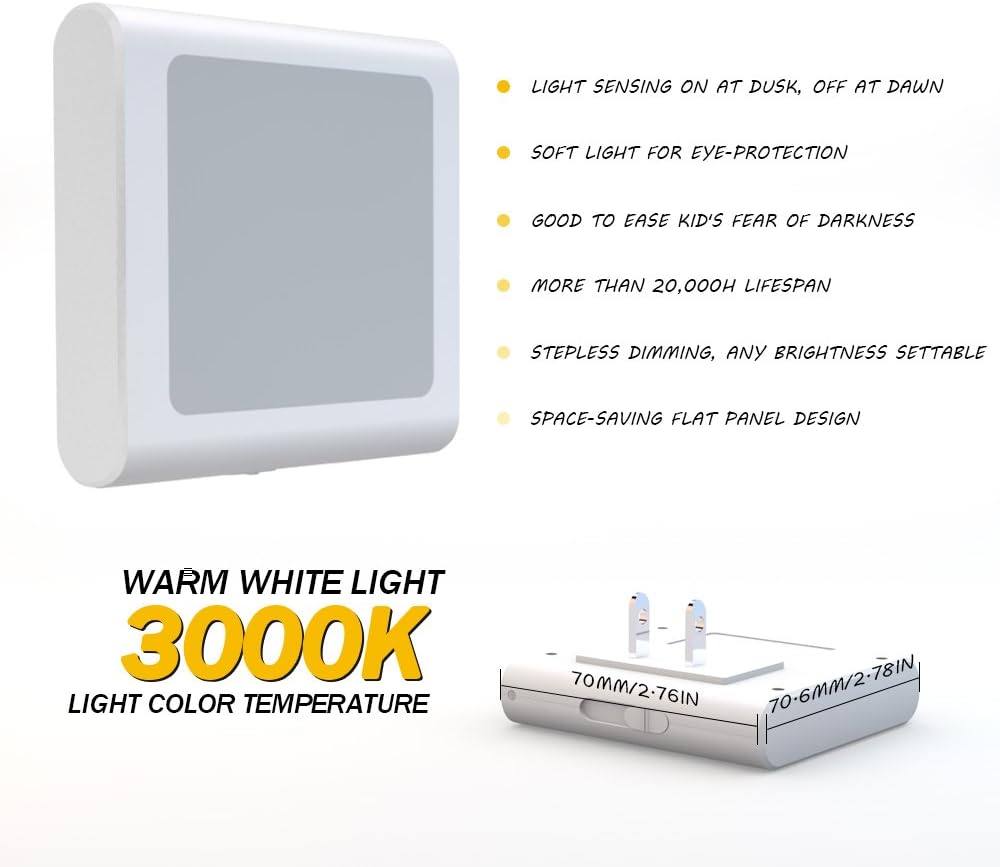
Image: A detailed diagram of the MAZ-TEK night light, pointing out its key features such as light sensing, soft light for eye protection, stepless dimming, and space-saving flat panel design, along with its compact dimensions.
3. سیٹ اپ ہدایات
Setting up your MAZ-TEK night light is simple and quick.
- پیک کھولیں: اس کی پیکیجنگ سے رات کی روشنی کو احتیاط سے ہٹا دیں۔
- پلگ ان: Insert the night light directly into any standard 110V AC wall outlet. Ensure it is securely seated.
- پوزیشننگ: For optimal performance of the dusk-to-dawn sensor, ensure the sensor (located on the front of the unit) is not obstructed by furniture or other objects. Avoid placing it in areas with direct artificial light that might interfere with the sensor's operation.

Image: The MAZ-TEK night light plugged into a wall outlet, showcasing its compact and ultra-slim design that allows the second outlet to remain accessible for other devices.
4. Operating the Night Light
خودکار الیومینیشن
The MAZ-TEK night light features a built-in dusk-to-dawn sensor. This sensor detects the ambient light level in the room:
- The light will automatically turn ON when the room becomes dark.
- The light will automatically turn آف when the room becomes bright.
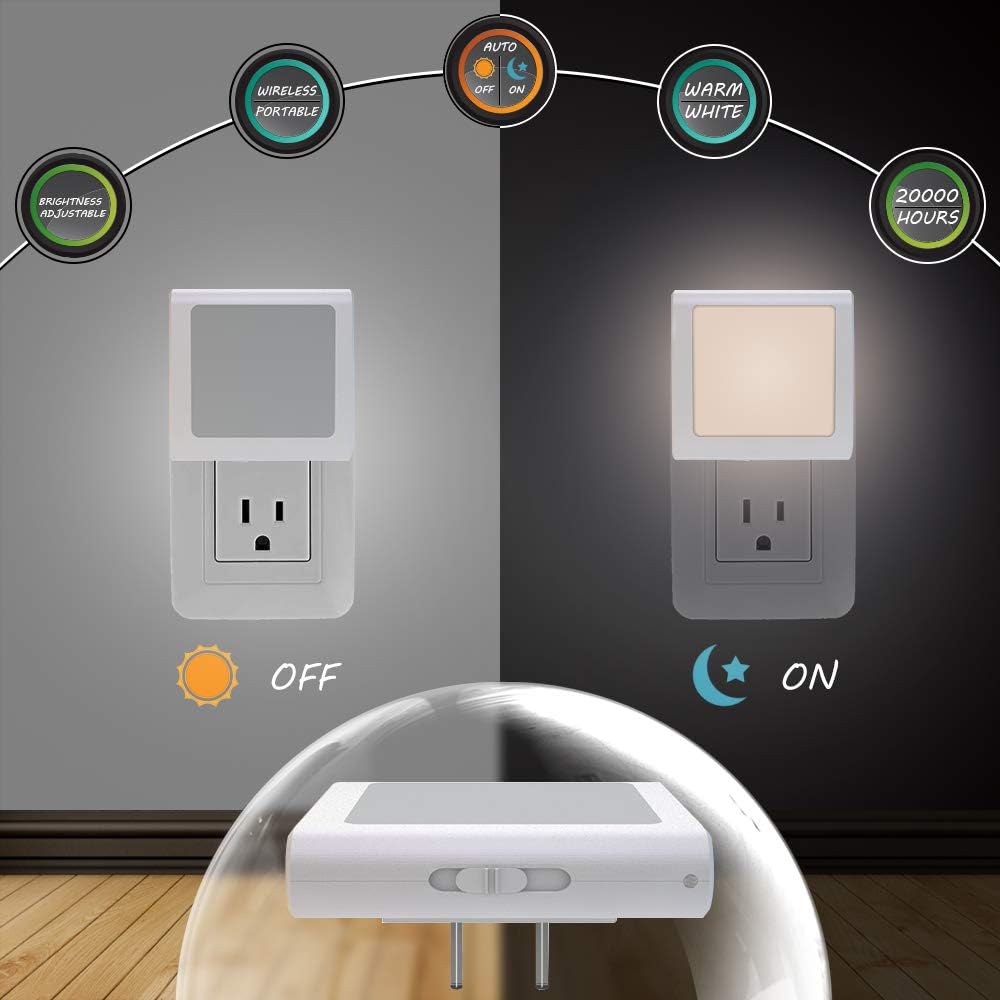
Image: An illustration depicting the night light's automatic function, showing it in an 'OFF' state during daylight and an 'ON' state during nighttime, activated by the ambient light sensor.
چمک ایڈجسٹمنٹ
To adjust the brightness of the night light, locate the slide switch on the side of the unit. Slide the switch to increase or decrease the light output from 0 lumens (off) to 15 lumens (maximum brightness). This allows you to customize the illumination level to suit your preference and the environment.
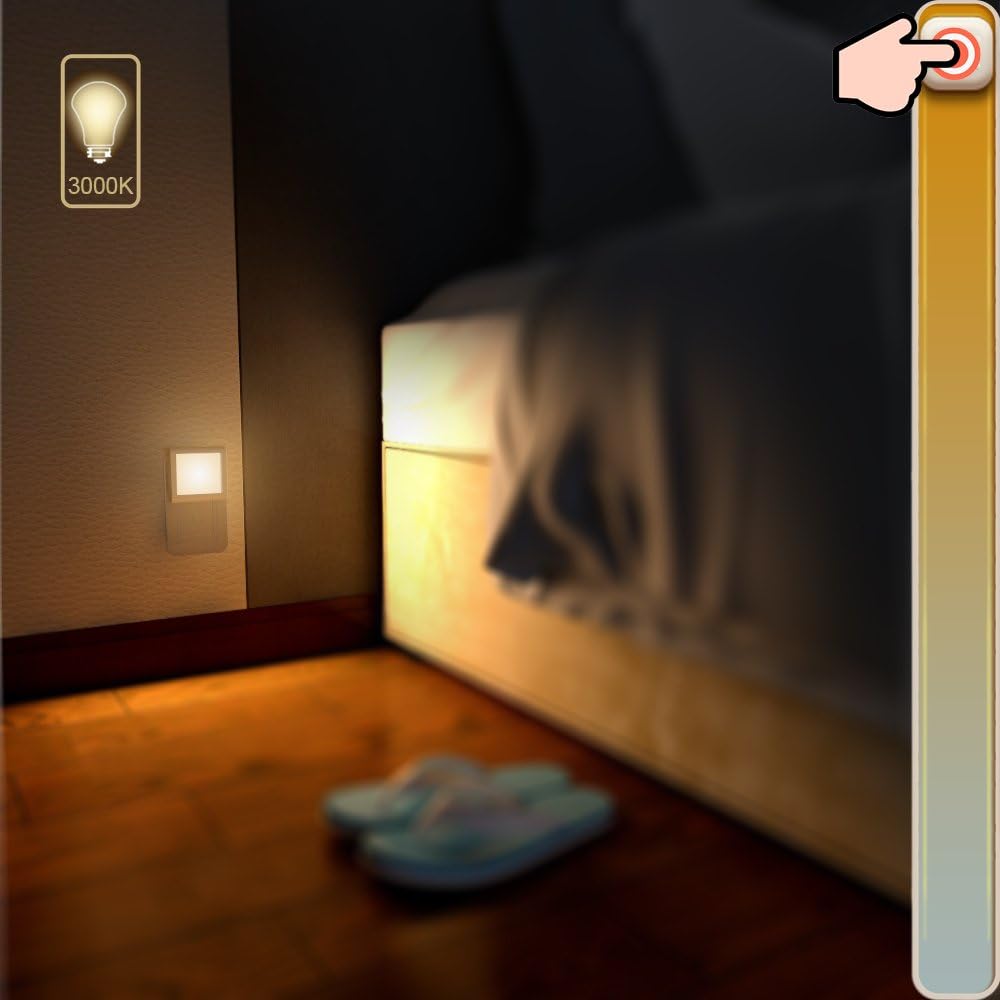
Image: A MAZ-TEK night light emitting a soft glow near the floor in a dimly lit room, demonstrating its ability to provide subtle illumination for navigation.
5. دیکھ بھال اور دیکھ بھال
- صفائی: To clean the night light, first unplug it from the wall outlet. Use a soft, dry cloth to wipe the surface. Do not use abrasive cleaners, solvents, or harsh chemicals, as these may damage the finish or internal components.
- لمبی عمر: The LED light source is designed for a long lifespan of up to 50,000 hours and does not require bulb replacement.
- ذخیرہ: If storing the night light for an extended period, keep it in a cool, dry place away from direct sunlight and extreme temperatures.
6 خرابیوں کا سراغ لگانا
If you encounter any issues with your MAZ-TEK night light, please refer to the table below for common problems and their solutions.
| مسئلہ | ممکنہ وجہ اور حل |
|---|---|
| Light does not turn on in the dark. |
|
| دن کے وقت روشنی رہتی ہے۔ |
|
| چمک کو ایڈجسٹ نہیں کیا جا سکتا. |
|
7. مصنوعات کی تفصیلات
| وصف | قدر |
|---|---|
| ماڈل نمبر | MZ3092 |
| مصنوعات کے طول و عرض | 0.7"D x 2.76"W x 2.79"H |
| شے کا وزن | 8.4 Ounces (for 4 pack) |
| طاقت کا منبع | پلگ ان الیکٹرک |
| والیومtage | 110 وولٹ |
| روشنی کے منبع کی قسم | ایل ای ڈی |
| چمک کی حد | 0 lm to 15 lm (Dimmable) |
| سینسر کی قسم | ڈسک ٹو ڈان سینسر |
| عمر بھر | 50,000 گھنٹے تک |
| مواد | پلاسٹک |
| رنگ | گرم سفید |
| خصوصی خصوصیات | Dimmable, Automatic Sensor |
| پانی کی مزاحمت کی سطح | Waterproof (Designed for indoor use) |
| شامل اجزاء | LED night lights, User Manual |
8. وارنٹی اور سپورٹ
MAZ-TEK is committed to providing high-quality products. While specific warranty details are not provided in this manual, please retain your purchase receipt as proof of purchase. For any product inquiries, technical support, or warranty claims, please contact MAZ-TEK customer service through the retailer where the product was purchased or visit the official MAZ-TEK webرابطے کی معلومات کے لیے سائٹ۔
We value your satisfaction and are here to assist you with any questions or concerns regarding your MAZ-TEK night light.
Ask a question about this manual
Ask about setup, troubleshooting, compatibility, parts, safety, or missing instructions. Manuals+ will review the question and use this page’s manual context to help answer it.