
HyperGear 15077
HyperGear RaveMini Portable Wireless LED Speaker Instruction Manual
ماڈل: 15077
تعارف
The HyperGear RaveMini is a compact, portable wireless speaker designed to deliver powerful sound with an interactive, beat-driven LED light show. This speaker is suitable for both indoor and outdoor use, offering extended battery life and multiple playback options for a versatile audio experience.

The HyperGear RaveMini speaker and its packaging.
باکس میں کیا ہے۔
- HyperGear RaveMini Portable Wireless LED Speaker
- مائیکرو USB چارجنگ کیبل
- 3.5mm Stereo Auxiliary Cable
خصوصیات
- Small Size, Big Sound: Engineered with a 40mm neodymium driver for room-filling sound.
- Beat-Driven LED Lightshow: Multi-colored LEDs flash to the beat of your music.
- وائرلیس رابطہ: Connects with any Bluetooth device within a 33-foot range.
- توسیعی بیٹری کی زندگی: Built-in rechargeable battery provides up to 3 hours of wireless playback on a single charge.
- ہینڈز فری مواصلات: Integrated microphone and intuitive controls for managing calls and playlists.
- پلے بیک کے متعدد اختیارات: Supports Bluetooth, Aux-in, Micro SD memory card, and USB flash drive audio playback.

The RaveMini combines HD sound with a vibrant LED lightshow.

The multi-colored LED lights dance to the beat of the music.
سیٹ اپ
اسپیکر کو چارج کرنا
Before first use, fully charge your RaveMini speaker. Connect the included Micro USB charging cable to the speaker's charging port and the other end to a USB power source (e.g., wall adapter, computer USB port). The charging time is approximately 1 hour, providing up to 3 hours of playback.
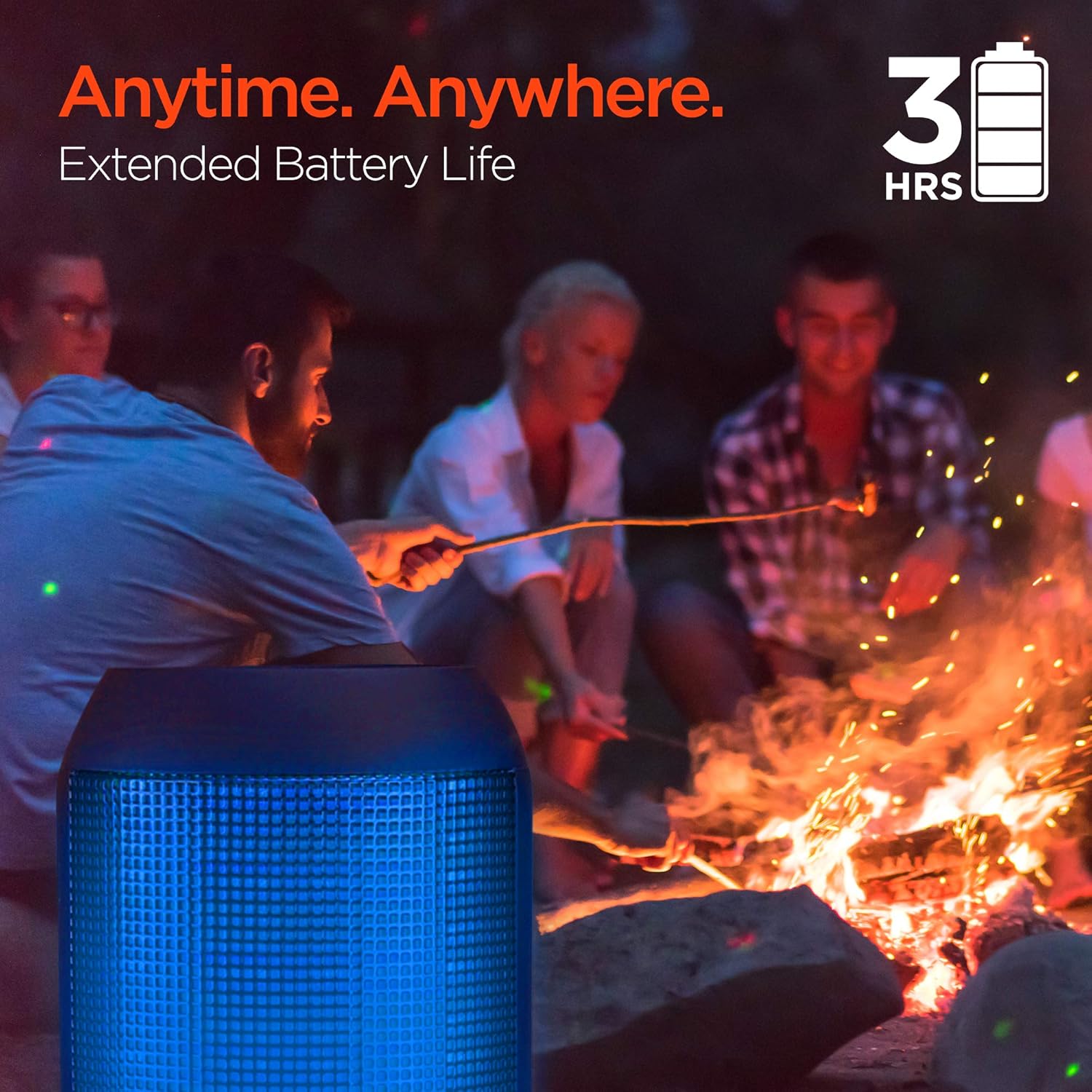
Enjoy up to 3 hours of music with the RaveMini's extended battery life.
پاورنگ آن/آف
Locate the power button on the speaker. Press and hold the power button for a few seconds to turn the speaker on or off. An audible cue or LED indicator will confirm the power status.
بلوٹوت جوڑی بنانا
- Ensure the RaveMini speaker is powered on and in pairing mode (usually indicated by a flashing LED light).
- اپنے بلوٹوتھ فعال ڈیوائس (اسمارٹ فون، ٹیبلیٹ وغیرہ) پر، بلوٹوتھ سیٹنگز پر جائیں۔
- تلاش کریں۔ available devices and select "HyperGear RaveMini" (or similar name) from the list.
- Once connected, the speaker will provide an audible confirmation, and the LED light may change to a solid color.
- The speaker has a wireless range of up to 33 feet.
سپیکر کو چلانا
کنٹرولز اور فنکشنز
The RaveMini features intuitive controls for managing your audio and calls directly from the speaker. Refer to the specific button layout on your device for functions such as:
- موسیقی چلائیں/روکیں۔
- Adjust Volume (Volume Up/Down)
- Skip Tracks (Next/Previous)
- کالز کا جواب دیں/ختم کریں۔
- Activate Voice Assistant (if supported)
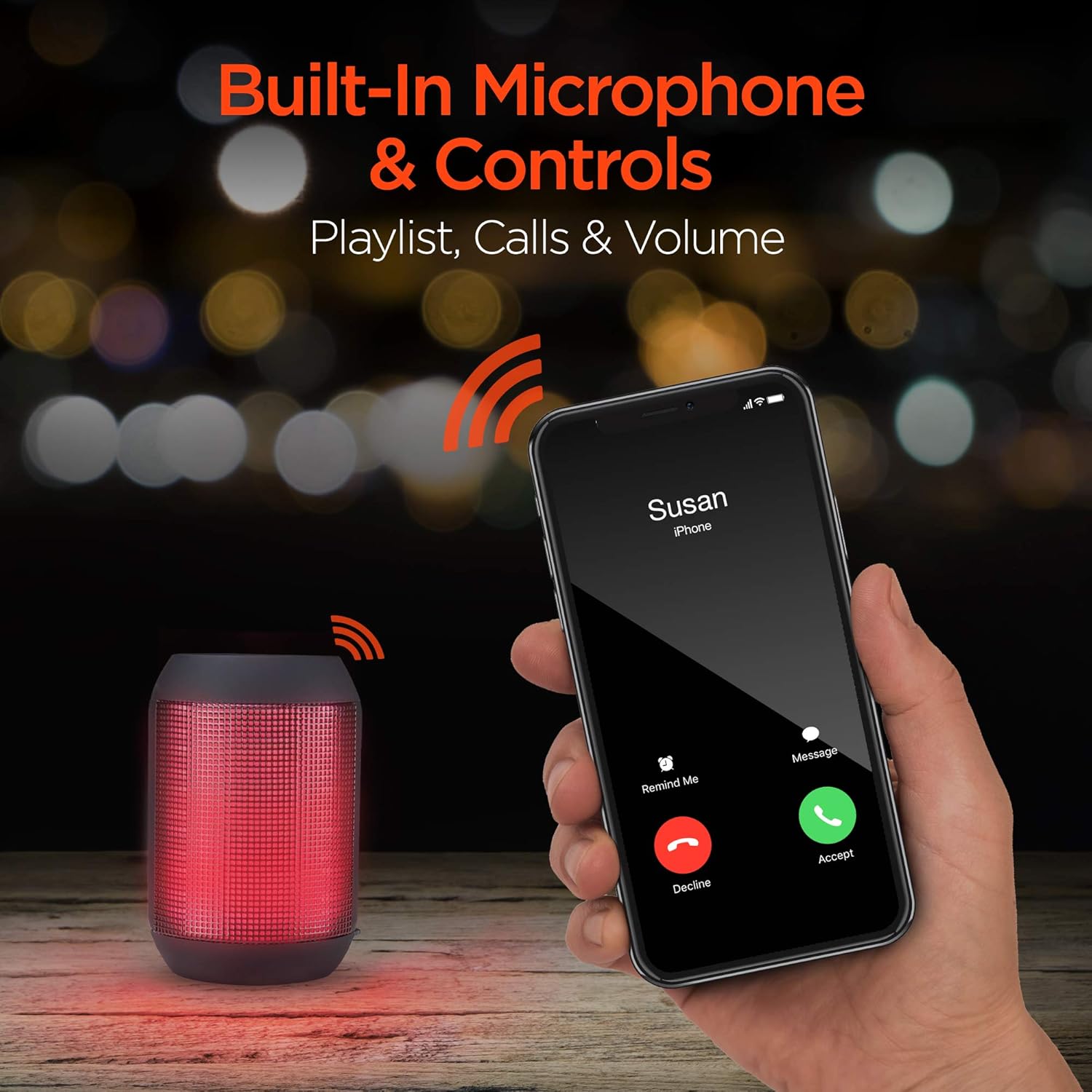
Built-in microphone and controls allow for hands-free calls and playlist navigation.
پلے بیک موڈز
The RaveMini offers four ways to play your audio:
- بلوٹوتھ: Connect wirelessly to your smartphone, tablet, or other Bluetooth-enabled devices.
- آکس ان: Use the included 3.5mm stereo auxiliary cable to connect to non-Bluetooth devices.
- مائیکرو ایسڈی کارڈ: Insert a Micro SD memory card with audio files نامزد سلاٹ میں۔
- USB فلیش ڈرائیو: آڈیو پر مشتمل USB فلیش ڈرائیو کو جوڑیں۔ files USB پورٹ پر۔

The RaveMini supports four versatile playback options.
دیکھ بھال
- Keep the speaker dry. Do not expose it to excessive moisture or liquids.
- Clean the speaker with a soft, dry cloth. Avoid using harsh chemicals or abrasive cleaners.
- استعمال میں نہ ہونے پر اسپیکر کو ٹھنڈی، خشک جگہ پر اسٹور کریں۔
- سپیکر کو شدید اثرات سے گریز کرنے یا اس کے تابع کرنے سے گریز کریں۔
خرابی کا سراغ لگانا
| مسئلہ | ممکنہ حل |
|---|---|
| سپیکر آن نہیں ہوتا۔ | Ensure the speaker is fully charged. Connect it to a power source using the Micro USB cable. |
| بلوٹوتھ ڈیوائس کے ساتھ جوڑا نہیں بنایا جا سکتا۔ |
|
| کوئی آواز یا کم والیوم نہیں۔ |
|
| ایل ای ڈی لائٹس کام نہیں کر رہی ہیں۔ | Check if the light show feature is enabled (if there's a dedicated button). Ensure the speaker has sufficient battery charge. |
وضاحتیں
| فیچر | تفصیل |
|---|---|
| ماڈل کا نام | 15077 |
| اسپیکر کی قسم | آؤٹ ڈور |
| خصوصی خصوصیت | Wireless Music + Calls, HD Stereo Sound, Beat-Driven LED Lightshow, Aux-in, Micro SD & USB compatible |
| مصنوعات کے لیے تجویز کردہ استعمال | میوزک پلیئرز کے لیے |
| کنٹرولر کی قسم | بیٹری سے چلنے والا |
| رنگ | سیاہ |
| بیٹری کی زندگی | 3 گھنٹے |
| چارج کرنے کا وقت | 1 گھنٹے |
| واٹر پروف ہے۔ | غلط |
| کنٹرول کا طریقہ | ایپ |
| وائرلیس کمیونیکیشن ٹیکنالوجی | بلوٹوتھ |
| اسپیکر کا سائز | 40 ملی میٹر |
| طاقت کا منبع | بیٹری سے چلنے والا |
| بیٹریوں کی تعداد | 2 AAA بیٹریاں درکار ہیں۔ (شامل) |
| آڈیو ڈرائیور کی قسم | متحرک ڈرائیور |
| بلوٹوتھ رینج | 33 فٹ |
| آڈیو ڈرائیور کا سائز | 40 ملی میٹر |
| کنیکٹیویٹی پروٹوکول | بلوٹوتھ |
| USB 2 پورٹس کی تعداد | 1 |
| یو پی سی | 633755150777 |
| کارخانہ دار | ہائپر گیئر |
| شے کا وزن | 10.9 اونس |
| ASIN | B07VHTZHJ4 |
| پہلی تاریخ دستیاب ہے۔ | 18 جولائی 2019 |
| برانڈ | ہائپر گیئر |
| اسپیکر زیادہ سے زیادہ آؤٹ پٹ پاور | 5 واٹ |
| کنیکٹوٹی ٹیکنالوجی | بلوٹوتھ، معاون، USB |
| آڈیو آؤٹ پٹ وضع | سٹیریو |
| چڑھنے کی قسم | ٹیبلٹاپ ماؤنٹ |
وارنٹی
The HyperGear RaveMini Portable Wireless LED Speaker comes with a Limited Warranty. For detailed information regarding warranty coverage, terms, and conditions, please refer to the official HyperGear webسائٹ یا ان کے کسٹمر سپورٹ سے براہ راست رابطہ کریں۔ وارنٹی کے دعووں کے لیے اپنی خریداری کا ثبوت رکھیں۔
حمایت
مزید مدد کے لیے، پروڈکٹ کی رجسٹریشن، یا کرنے کے لیے view frequently asked questions, please visit the official HyperGear webسائٹ:
Visit the HyperGear Store on Amazon
You may also contact HyperGear customer service for direct support.
Ask a question about this manual
Ask about setup, troubleshooting, compatibility, parts, safety, or missing instructions. Manuals+ will review the question and use this page’s manual context to help answer it.