
تعارف
Thank you for choosing the Uncaged Ergonomics Rise Up Electric Standing Desk. This manual provides essential information for the safe and efficient assembly, operation, and maintenance of your new adjustable height desk. Please read these instructions carefully before use and retain them for future reference.

Image: The Rise Up Electric Standing Desk with a black bamboo desktop and gray frame.
حفاظتی معلومات
محفوظ آپریشن کو یقینی بنانے اور نقصان کو روکنے کے لیے، براہ کرم درج ذیل کا مشاہدہ کریں:
- Ensure all cables are properly connected and secured before operation.
- اونچائی ایڈجسٹمنٹ کے دوران بچوں اور پالتو جانوروں کو میز سے دور رکھیں۔
- ڈیسک کو اوورلوڈ نہ کریں۔ زیادہ سے زیادہ وزن کی گنجائش 250 پونڈ (113 کلوگرام) ہے۔
- Avoid placing objects that could be damaged by movement under the desk.
- بیٹھیں یا ڈیسک فریم پر کھڑے نہ ہوں۔
- If the desk makes unusual noises or movements, discontinue use and consult the troubleshooting section.
- Only use the provided power adapter and control panel.
پیکیج کے مشمولات
تصدیق کریں کہ اسمبلی شروع کرنے سے پہلے تمام اجزاء موجود ہیں:
- Electric Desk Frame (Gray)
- 48x30 inch Solid Bamboo Desktop (Black)
- کنٹرول باکس
- میموری presets کے ساتھ کنٹرول پینل
- پاور اڈاپٹر اور کیبلز
- Assembly Hardware (screws, tools)
- ہدایات دستی (یہ دستاویز)
اسمبلی کی ہدایات
Assembly requires careful attention to detail. A second person may be helpful due to the weight of the components. A drill can simplify the process, though it is not strictly required.
مرحلہ 1: اجزاء کو کھولیں۔
احتیاط سے پیکیجنگ سے تمام حصوں کو ہٹا دیں. خروںچ کو روکنے کے لیے انہیں صاف، نرم سطح پر رکھیں۔
مرحلہ 2: ڈیسک فریم کو جمع کریں۔
Follow the detailed diagrams provided in the separate assembly guide (if included) to connect the crossbar, lifting columns, and feet of the desk frame. Ensure all screws are tightened securely.
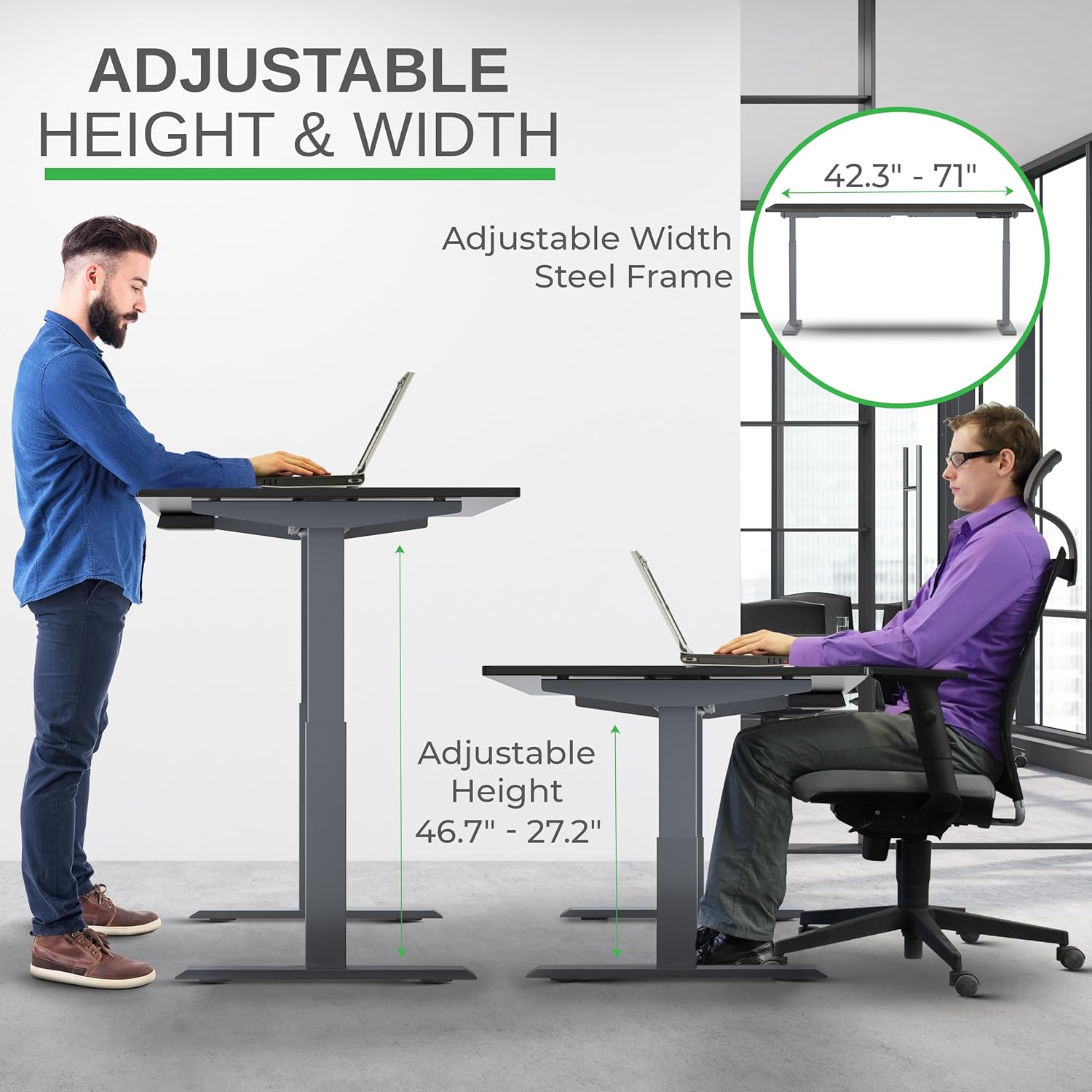
Image: Illustration of the adjustable height and width features of the desk frame, highlighting the range from 27.2" to 46.7" in height and 42.3" to 71" in width.
Step 3: Attach the Desktop
Carefully place the bamboo desktop upside down on a soft surface. Position the assembled desk frame onto the desktop, aligning the pre-drilled holes (if any) or marking new ones. Secure the desktop to the frame using the provided screws. The solid bamboo desktop is designed to accept screws without chipping.

Image: The Rise Up desk illustrating its adjustable height range from 27.2 inches to 46.7 inches, with a chair shown at both sitting and standing heights.
Step 4: Connect the Control Box and Cables
Mount the control box and control panel to the underside of the desktop as indicated in the assembly guide. Connect all motor cables and the power cable to the control box. Ensure all connections are secure.
تصویر: ایک قریبی اپ view of the dual motors and two-stage lifting columns, indicating fast and quiet operation.
آپریٹنگ ہدایات
اونچائی کی ایڈجسٹمنٹ
Use the up (▲) and down (▼) arrows on the control panel to adjust the desk to your desired height. The current height in centimeters will be displayed on the LCD screen.

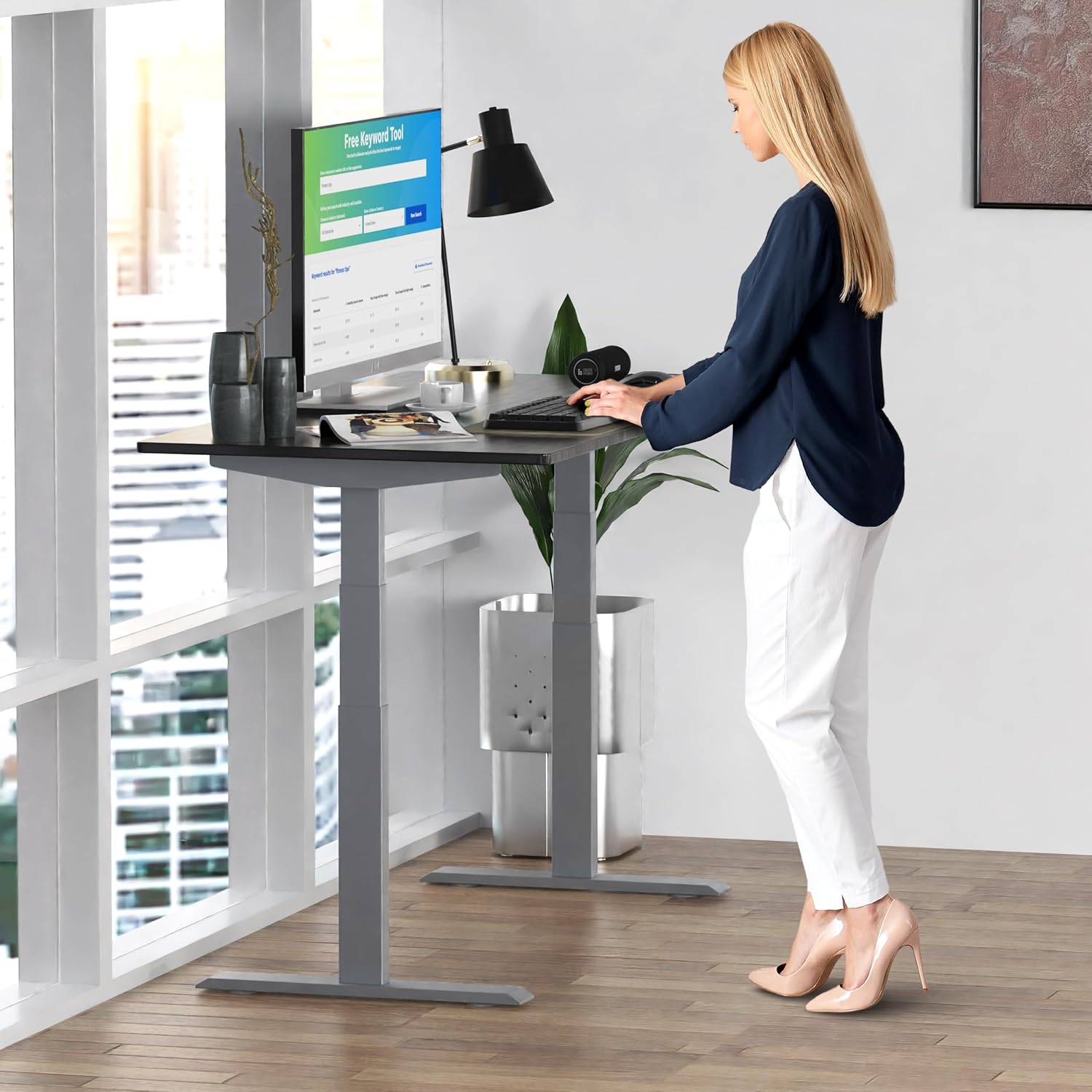
Image: A person standing at the Rise Up Electric Standing Desk, demonstrating the ease of height adjustment for an ergonomic work setup.
میموری پیش سیٹ
کنٹرول پینل آپ کی ترجیحی بیٹھنے اور کھڑے ہونے کی بلندیوں کو بچانے کے لیے چار میموری پیش سیٹ (1، 2، 3، 4) کی خصوصیات رکھتا ہے۔
- اوپر/نیچے تیروں کا استعمال کرتے ہوئے ڈیسک کو اپنی مطلوبہ اونچائی پر ایڈجسٹ کریں۔
- Press and hold the "M" button until the LCD screen flashes.
- Immediately press the number button (1, 2, 3, or 4) where you want to save the current height.
- To recall a saved height, simply press the corresponding number button. The desk will automatically adjust to that position.
Video: This video demonstrates how to set and use the memory presets on the Rise Up Electric Standing Desk control panel for quick height adjustments.
عمل کو دوبارہ ترتیب دیں
If the desk is not adjusting properly, or if the LCD screen displays an error message like "ASR" or "000", a motor reset may be required. This procedure is simple and fast:
- Unplug all cables from the desk.
- Allow the desk to rest for a few seconds to dissipate any residual electricity.
- Plug all cables back in securely.
- Press and hold both the up (▲) and down (▼) arrows simultaneously for approximately 20-30 seconds.
- The desk will drop to its lowest position and then beep, indicating that the reset procedure is complete.
Video: This video provides a step-by-step guide on how to reset the motors of your Rise Up Electric Standing Desk if it encounters adjustment issues or displays error codes.
دیکھ بھال
Regular maintenance ensures the longevity and optimal performance of your desk:
- صفائی: ڈیسک ٹاپ اور فریم کو نرم سے صاف کریں، ڈیamp کپڑا سخت کیمیکلز یا کھرچنے والے کلینر سے پرہیز کریں۔
- کیبل مینجمنٹ: Periodically check that all cables are neatly organized and not pinched or tangled.
- بندھن: Occasionally inspect all screws and bolts to ensure they remain tight. Retighten if necessary.
خرابی کا سراغ لگانا
| مسئلہ | ممکنہ وجہ | حل |
|---|---|---|
| Desk does not move / LCD shows "ASR" or "000" | Motor error or system needs reset. | Perform the "Reset Procedure" as described in the Operating Instructions section. |
| Uneven movement or noise | Loose connections or uneven load. | Check all cable connections. Ensure the desk load is evenly distributed. Perform a reset. |
| Desk stops mid-adjustment | Overload protection activated or anti-collision engaged. | Reduce the weight on the desk. Check for obstructions. Wait a few minutes and try again. |
وضاحتیں
| فیچر | تفصیل |
|---|---|
| ماڈل نمبر | RU2gbk48 |
| ڈیسک ٹاپ مواد | Solid Bamboo (Black) |
| فریم کا مواد | Alloy Steel (Gray) |
| ڈیسک ٹاپ کے طول و عرض | 48 inches (D) x 30 inches (W) |
| سایڈست اونچائی کی حد | 27.2 انچ - 46.7 انچ |
| سایڈست چوڑائی کی حد | 42 انچ - 71 انچ |
| موٹر کی قسم | دوہری موٹر |
| وزن کی صلاحیت | 250 پونڈ (113 کلوگرام) |
| خصوصی خصوصیات | Anti-collision technology, 4 memory presets |
وارنٹی اور سپورٹ
The Uncaged Ergonomics Rise Up Electric Standing Desk comes with a 5-year warranty on the electric components and frame. For technical support, warranty claims, or any questions regarding your product, please visit our webسائٹ یا ہماری کسٹمر سروس ٹیم سے رابطہ کریں۔
Webسائٹ: UncagedErgonomics.com