
تعارف
This manual provides detailed instructions for the ECHTPower Wireless Pro Controller, designed for use with Nintendo Switch and Switch OLED consoles. It covers setup, operation, maintenance, and troubleshooting to ensure an optimal gaming experience. Please read this manual carefully before using the product.
پروڈکٹ ختمview
Familiarize yourself with the controller's buttons and ports.

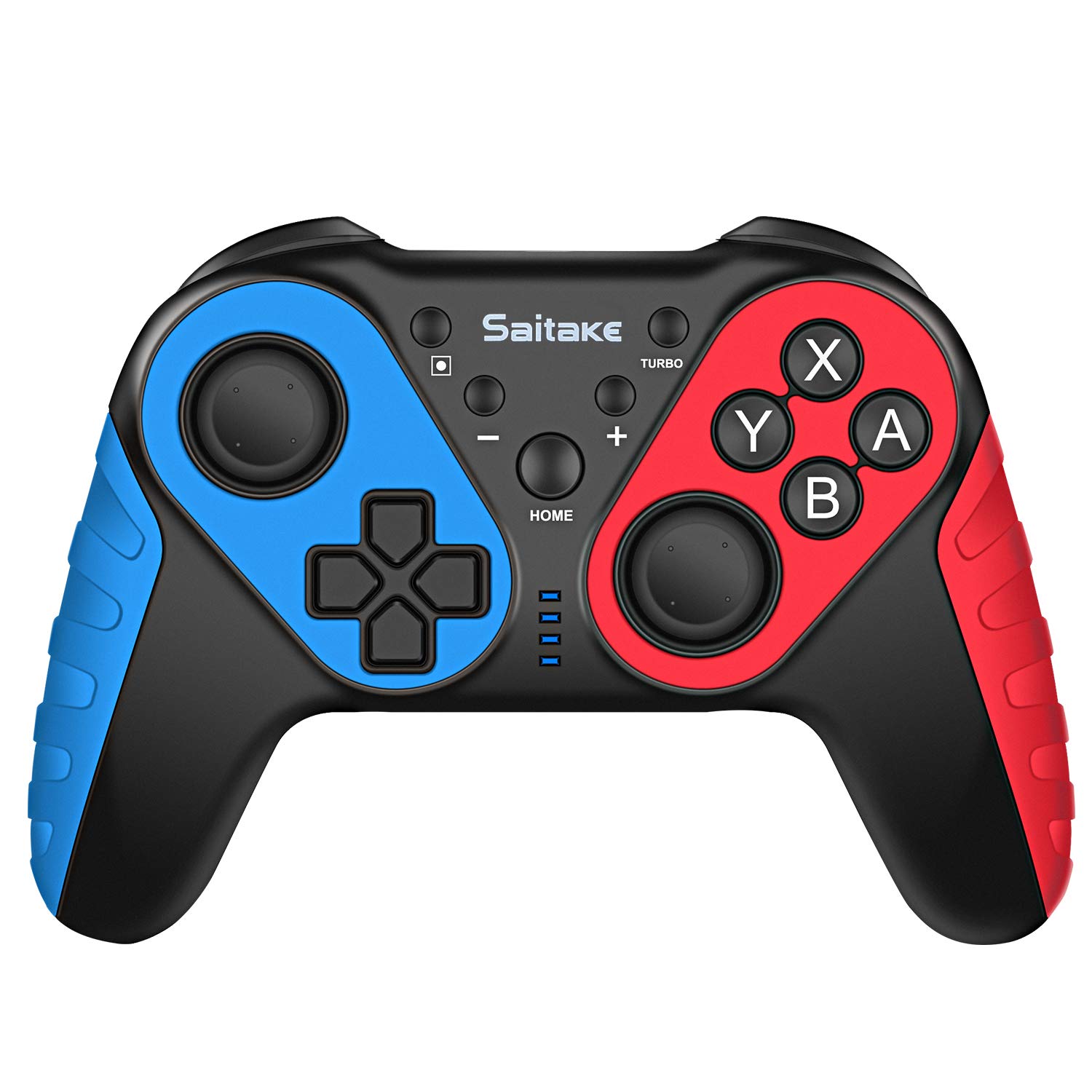
تصویر: سامنے اور اوپر۔ view of the ECHTPower Wireless Pro Controller, highlighting the D-Pad, Home button, Left and Right Joysticks, A/B/X/Y buttons, Capture button, Turbo button, Plus and Minus buttons, R/L/RZ/LZ triggers, Type-C Charging Port, and Skid-Proof Design.
- ڈی پیڈ: Directional Pad for movement and menu navigation.
- بائیں جوائس اسٹک: عین مطابق حرکت کے لیے ینالاگ اسٹک۔
- دائیں جوائس اسٹک: Analog stick for camera control and aiming.
- A/B/X/Y بٹن: درون گیم کمانڈز کے لیے ایکشن بٹن۔
- ہوم بٹن: Returns to the Nintendo Switch Home menu.
- کیپچر بٹن: اسکرین شاٹس یا ویڈیو کلپس لیتا ہے۔
- ٹربو بٹن: Activates/deactivates turbo function for rapid button presses.
- + / - بٹن: Plus and Minus buttons for in-game functions and menu navigation.
- R / L / RZ / LZ Buttons: Shoulder and trigger buttons for various in-game actions.
- ٹائپ سی چارجنگ پورٹ: Used for charging the controller.
- این ایف سی ایریا: Located near the HOME button, used for Amiibo functionality.
سیٹ اپ
1. Pairing with Nintendo Switch/OLED
- Ensure your Nintendo Switch/OLED console is powered on and updated to the latest system version.
- ہوم مینو سے، "کنٹرولرز" > "گرفت/آرڈر تبدیل کریں" کو منتخب کریں۔
- On the ECHTPower controller, press and hold the ہوم بٹن اور Y بٹن simultaneously for 3-5 seconds until the LED indicators start flashing rapidly.
- The controller will automatically pair with the Switch. Once connected, the corresponding player LED(s) on the controller will light up solid.
2. پی سی سے جڑنا
The controller can also be connected to a Desktop PC or Notebook PC. Connection methods may vary depending on the PC's Bluetooth capabilities. For wired connection, use a USB-C cable.

تصویر: Illustration showing the ECHTPower Wireless Pro Controller compatible with Nintendo Switch, Desktop PC, and Notebook PC, allowing for multiplayer gaming.
آپریٹنگ ہدایات
1. ٹربو فنکشن
The Turbo function allows for continuous rapid pressing of a button. This can be useful in games requiring quick, repeated inputs.
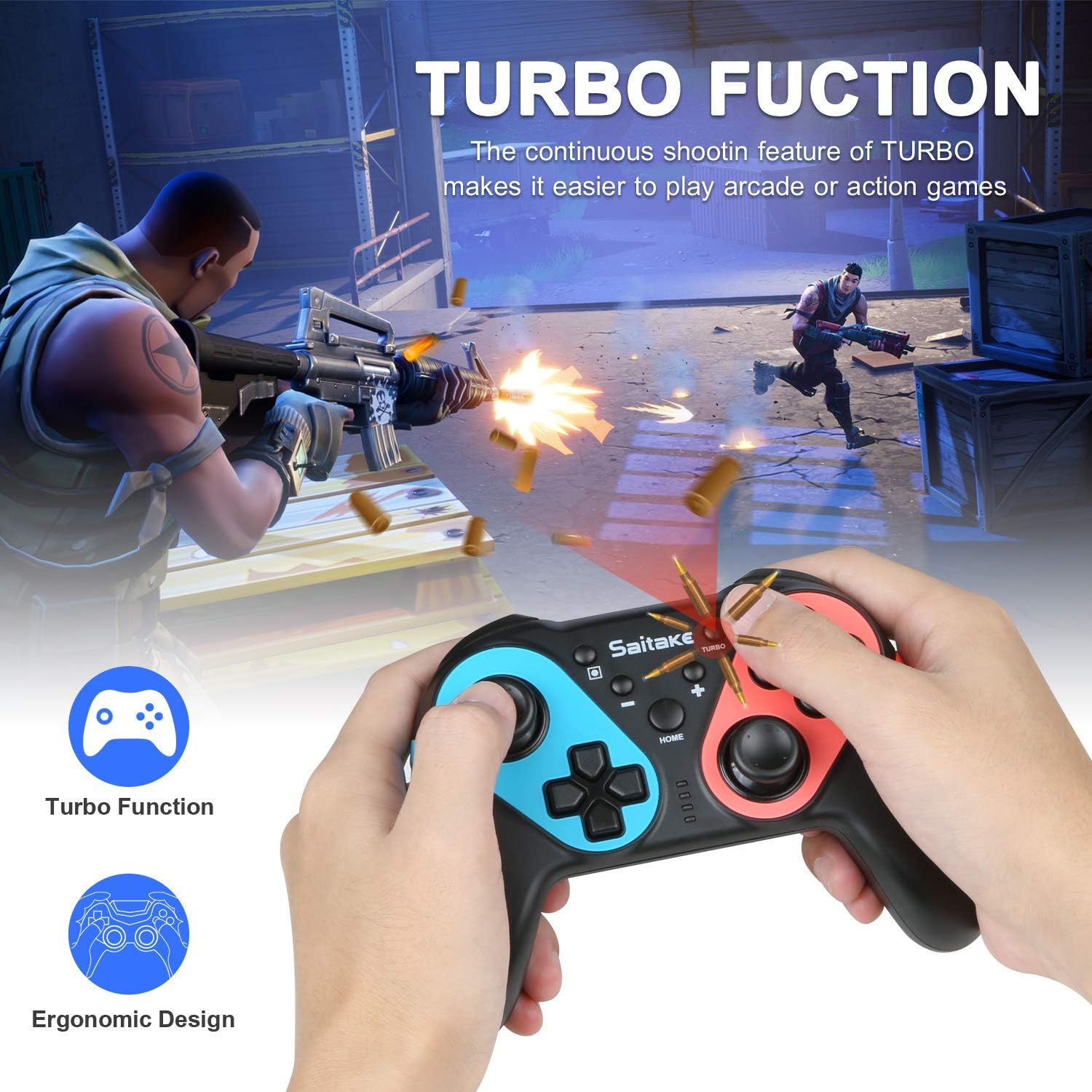
تصویر: Depiction of the Turbo function in action, showing rapid firing in a game, alongside an ergonomic design.
- To Activate Turbo: دبائیں اور تھامیں۔ ٹربو بٹن, then press the desired action button (A/B/X/Y/L/R/ZL/ZR). The button will now continuously input when held down.
- To Deactivate Turbo: Repeat the activation steps (hold Turbo, then press the action button again).
2. Adjustable Vibration
The controller features dual motors with three levels of vibration feedback (Weak, Moderate, Strong) to enhance your gaming experience.

تصویر: Diagram illustrating the three adjustable vibration levels: Weak, Moderate, and Strong, with internal motor representation.
Specific instructions for adjusting vibration levels are typically found in the console's controller settings or through a button combination (refer to the product packaging or manufacturer's webسائٹ اگر تفصیلی یہاں نہیں ہے)۔
3. NFC Function (Amiibo Support)
The controller includes built-in NFC functionality, allowing you to use Amiibo figures for in-game bonuses and features.
تصویر: The ECHTPower Wireless Pro Controller with an NFC icon, surrounded by various Amiibo figures (Pikachu, Ryu, Mario, Link, Rathalos), demonstrating quick induction for equipment.
- To use an Amiibo, place the Amiibo figure on the NFC area of the controller (typically near the HOME button) when prompted by a compatible game.
4. 6-Axis Gyroscope and High Precise Joysticks
The controller features a sensitive 6-axis gyroscope for motion control and high-precision joysticks for accurate input, enhancing gameplay in titles that utilize these features.
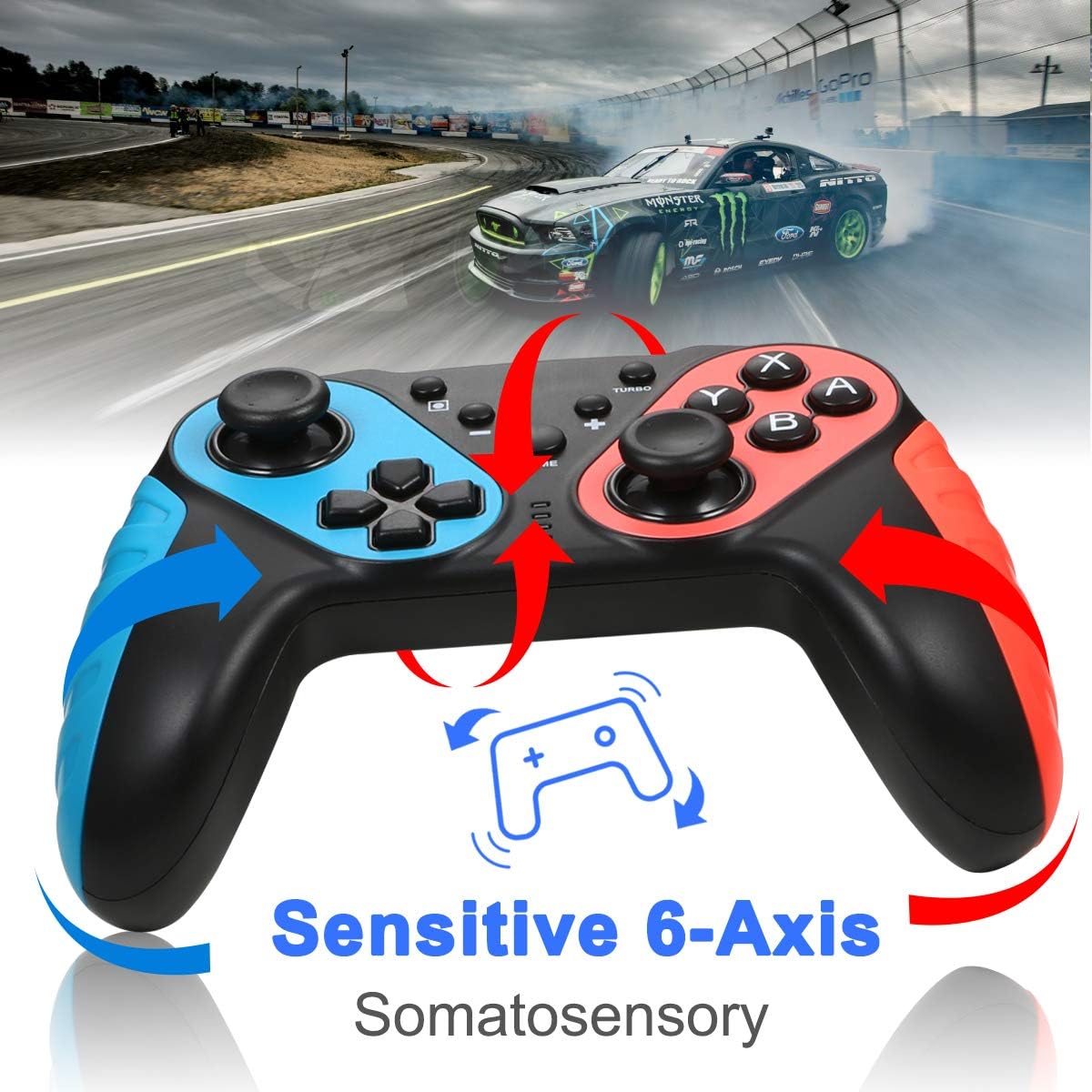
تصویر: The ECHTPower Wireless Pro Controller with arrows indicating sensitive 6-axis somatosensory movement, suggesting motion control capabilities.

تصویر: Close-up of the ECHTPower Wireless Pro Controller's joystick, highlighting its high precision with glowing effects.
5. کنٹرولر کو چارج کرنا
- Connect the provided USB Type-C cable to the controller's charging port and the other end to a USB power source (e.g., Nintendo Switch dock, PC, USB wall adapter).
- The LED indicators on the controller will show charging status and turn off or change color when fully charged.
دیکھ بھال
- کنٹرولر کو خشک اور انتہائی درجہ حرارت سے دور رکھیں۔
- کنٹرولر کو نرم، خشک کپڑے سے صاف کریں۔ سخت کیمیکل یا کھرچنے والے مواد کا استعمال نہ کریں۔
- کنٹرولر کو سخت اثرات سے گریز کرنے یا اس کے تابع کرنے سے گریز کریں۔
- نقصان سے بچنے کے لیے کنٹرولر کو کسی محفوظ جگہ پر اسٹور کریں۔
خرابی کا سراغ لگانا
- Controller does not connect:
- یقینی بنائیں کہ کنٹرولر چارج ہے۔
- Repeat the pairing process (HOME + Y).
- Check if the Switch console's system software is up to date.
- Move closer to the Switch console to ensure a strong Bluetooth signal.
- بٹن یا جوائس اسٹک غیر جوابی ہیں:
- Restart the controller by holding the HOME button for 10 seconds, then re-pair.
- Ensure no physical obstructions are affecting button presses.
- Vibration is not working:
- Check in-game settings and Switch console settings to ensure vibration is enabled.
- Adjust vibration intensity if applicable.
- NFC (Amiibo) not detected:
- Ensure the Amiibo is placed correctly on the NFC area.
- Verify the game supports Amiibo functionality.
وضاحتیں
| کنیکٹوٹی | Wireless (Bluetooth) / Wired (USB Type-C) |
| مطابقت | Nintendo Switch, Nintendo Switch OLED, Desktop PC, Notebook PC |
| خصوصی خصوصیات | Turbo Function, 6-Axis Gyroscope, Dual Motor Vibration (3 levels), NFC (Amiibo Support), High Precise Joysticks, Ergonomic Design |
| چارجنگ پورٹ | USB ٹائپ سی |
وارنٹی اور سپورٹ
For warranty information or technical support, please refer to the contact details provided on the product packaging or visit the official ECHTPower webسائٹ وارنٹی کے دعووں کے لیے اپنی خریداری کی رسید اپنے پاس رکھیں۔