
Gioteck SWIAGJC
Gioteck VX-4 Wired Controller User Manual
Model: SWIAGJC
Brand: Gioteck
تعارف
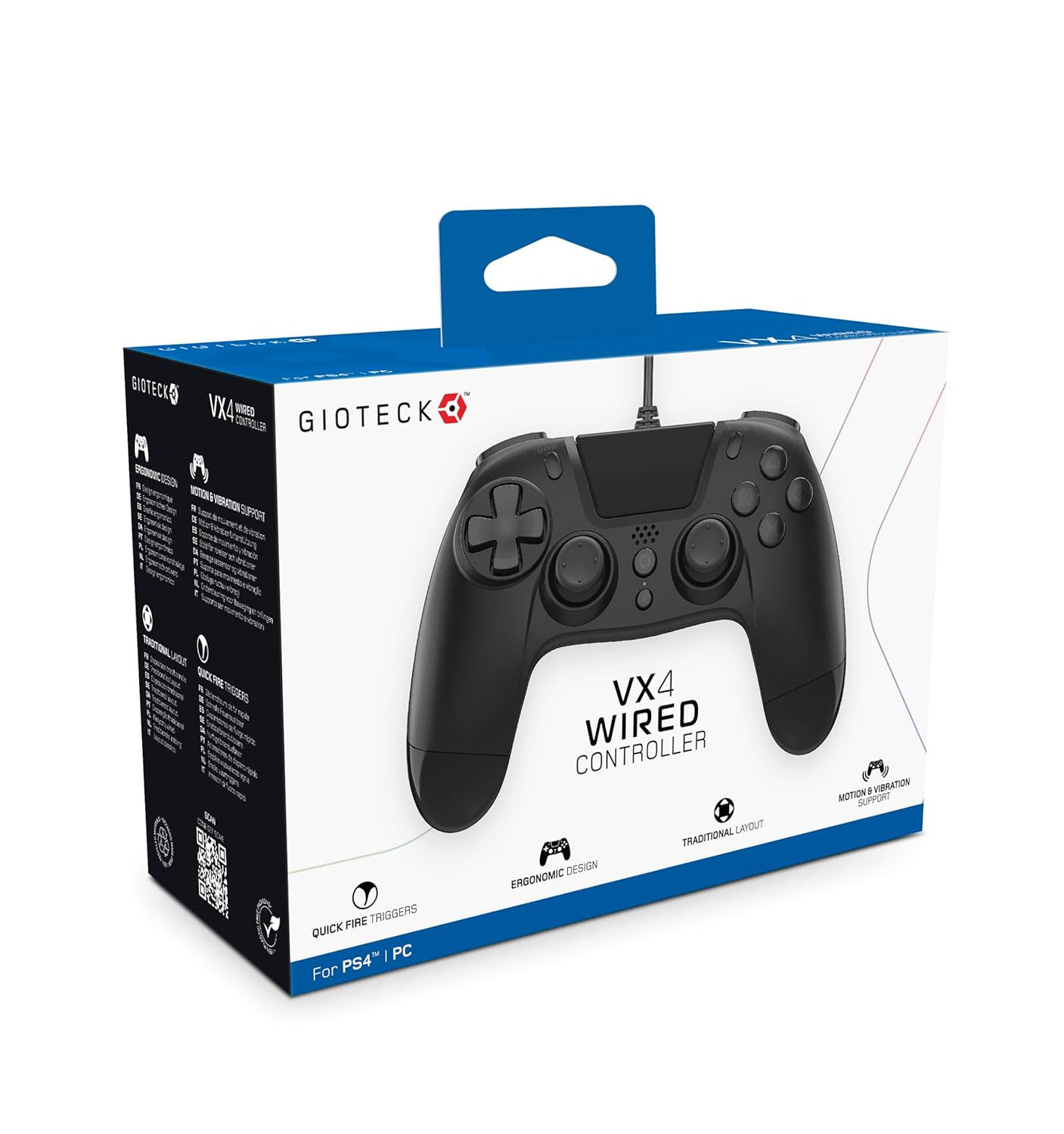
The Gioteck VX-4 Wired Controller is designed for PlayStation 4 and PC, offering a comfortable and responsive gaming experience. It features quick-fire triggers, a precision D-pad, and anti-slip rubber thumb sticks for enhanced performance, providing a next-level immersive gaming experience.
اہم خصوصیات:
- Quick Fire triggers
- ایرگونومک ڈیزائن
- Traditional PlayStation layout
پیکیج کا مواد:
- Gioteck VX-4 Wired Controller
- صارف دستی (یہ دستاویز)
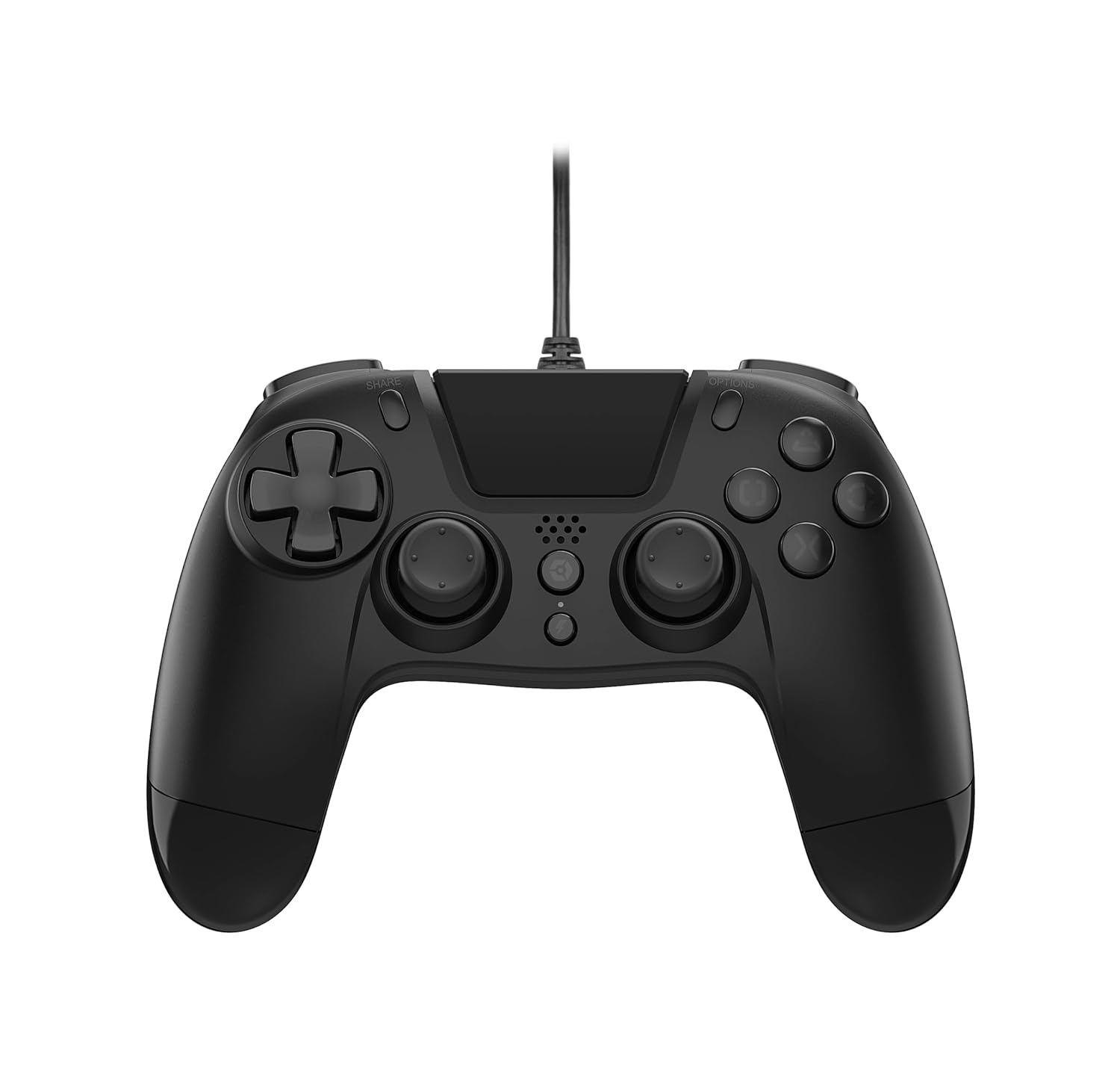
پروڈکٹ ختمview:
سیٹ اپ
Connecting to PlayStation 4:
- یقینی بنائیں کہ آپ کا پلے اسٹیشن 4 کنسول آن ہے۔
- Insert the USB connector of the VX-4 Wired Controller into an available USB port on your PlayStation 4 console.
- The controller should be automatically recognized and ready for use.
پی سی سے جڑنا:
- یقینی بنائیں کہ آپ کا پی سی آن ہے۔
- Insert the USB connector of the VX-4 Wired Controller into an available USB port on your PC.
- The PC operating system should automatically install the necessary drivers. If prompted, allow the driver installation to complete.
- The controller will be ready for use with compatible PC games.

آپریٹنگ ہدایات
بٹن لے آؤٹ:
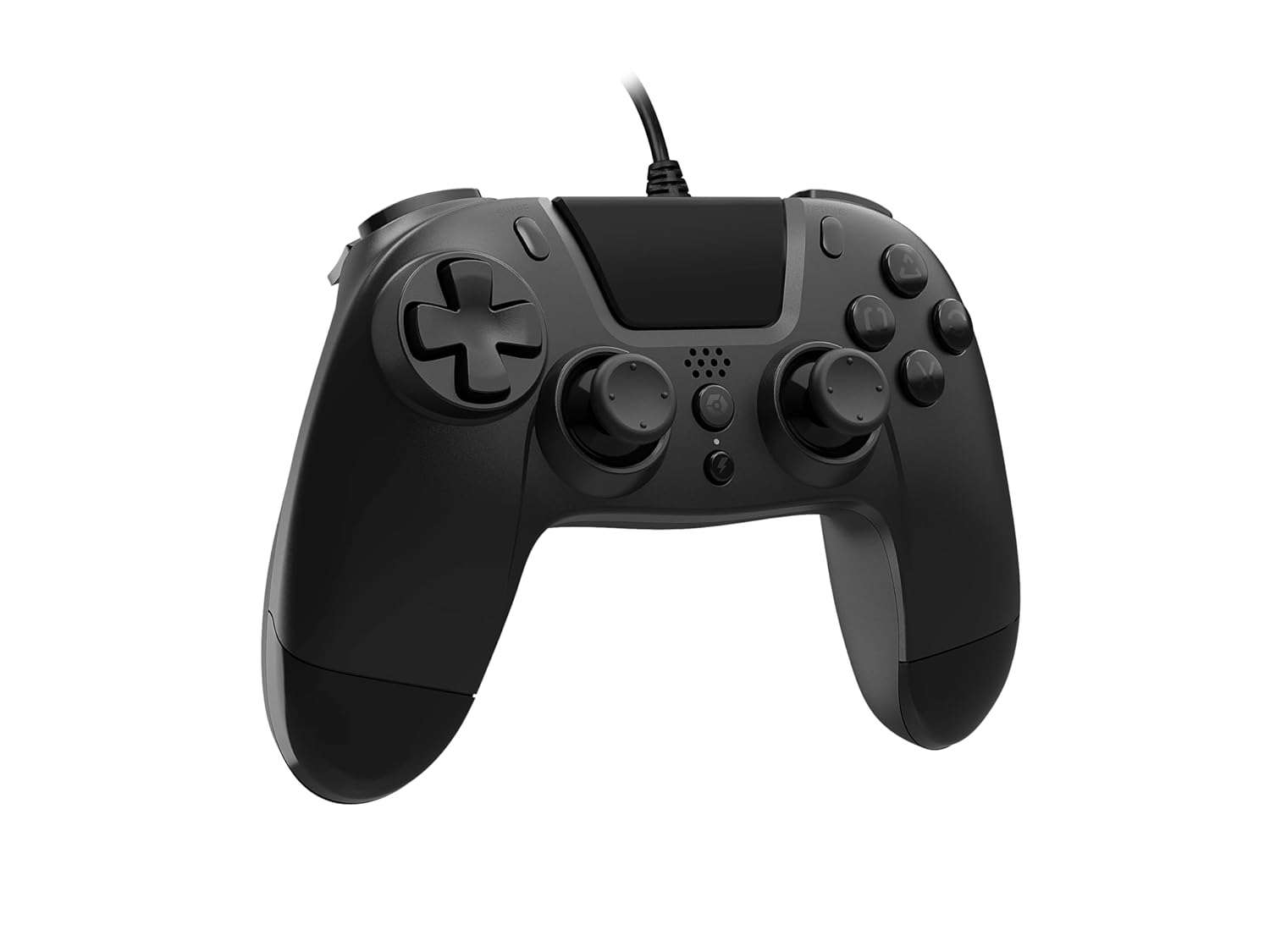
The VX-4 Wired Controller features a traditional PlayStation layout:
- دشاتمک پیڈ (D-Pad): عین مطابق دشاتمک ان پٹ کے لیے۔
- بائیں اینالاگ اسٹک: پرائمری موومنٹ کنٹرول۔
- دائیں اینالاگ اسٹک: Camera or aiming control.
- ایکشن بٹن (مثلث، دائرہ، کراس، مربع): Context-sensitive actions in games.
- شیئر بٹن: Share gameplay moments (PS4 only).
- آپشنز بٹن: Access in-game menus or pause (PS4 only).
- PS بٹن: Access the PlayStation Home screen or power on/off the console (PS4 only).
- L1/R1 بٹن: Shoulder buttons, typically for quick actions.
- L2/R2 محرکات: Analog triggers for precise input, such as acceleration or firing.
کنٹرولر کا استعمال کرتے ہوئے:
Once connected, the controller functions similarly to a standard PlayStation 4 controller for compatible games. For PC, ensure the game supports XInput or DirectInput controllers for optimal performance.
دیکھ بھال
صفائی:
To clean the controller, use a soft, dry cloth. For stubborn dirt, a slightly damp cloth can be used, but ensure no moisture enters the controller's internal components. Do not use harsh chemicals or abrasive cleaners, as these may damage the finish or internal electronics.
ذخیرہ:
Store the controller in a cool, dry place away from direct sunlight and extreme temperatures. Avoid placing heavy objects on the controller to prevent damage to the cable or buttons.
کیبل کی دیکھ بھال:
Do not sharply bend, twist, or pull on the controller cable. Always grasp the plug, not the cable, when connecting or disconnecting it from your console or PC to prevent internal wire damage.
خرابی کا سراغ لگانا
کنٹرولر جواب نہیں دے رہا ہے:
- یقینی بنائیں کہ USB کیبل کنٹرولر اور کنسول/PC دونوں میں محفوظ طریقے سے لگائی گئی ہے۔
- Try plugging the controller into a different USB port on your console/PC.
- اپنے کنسول یا پی سی کو دوبارہ شروع کریں۔
- If on PC, check Device Manager to ensure the controller is recognized and drivers are installed correctly.
Buttons or Sticks Not Working Correctly:
- Check for any physical obstructions or debris around the buttons or analog sticks.
- Ensure the controller is clean (refer to Maintenance section).
- Test the controller with another game or application to determine if the issue is specific to one program.
کمپن کام نہیں کر رہا ہے:
- Verify that the game or application you are playing supports vibration feedback.
- یہ یقینی بنانے کے لیے کہ وائبریشن فعال ہے درون گیم سیٹنگز چیک کریں۔
وضاحتیں
| فیچر | تفصیل |
|---|---|
| ماڈل نمبر | SWIAGJC |
| کنیکٹوٹی | وائرڈ USB |
| مطابقت | پلے اسٹیشن 4، پی سی |
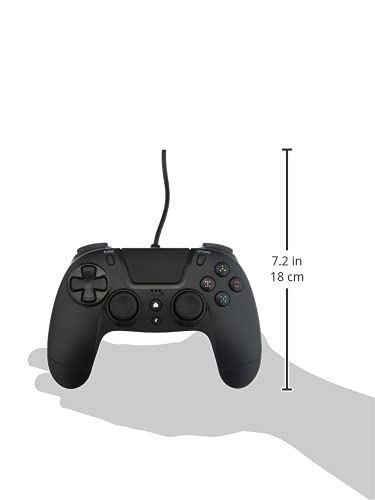
| پروڈکٹ کے طول و عرض (کنٹرولر) | Approximately 7.2 inches (18 cm) in height |
| شے کا وزن | 7.41 اونس (210 گرام) |
| کارخانہ دار | Gioteck |
وارنٹی اور سپورٹ
For warranty information and technical support regarding your Gioteck VX-4 Wired Controller, please refer to the official Gioteck website or contact their customer service directly. It is recommended to keep your proof of purchase for any warranty claims.
Manufacturer: Gioteck
Date First Available: September 10, 2020
Ask a question about this manual
Ask about setup, troubleshooting, compatibility, parts, safety, or missing instructions. Manuals+ will review the question and use this page’s manual context to help answer it.