
1. تعارف
Thank you for choosing the Eono Eonoheadphone 1 Wireless Active Noise Cancelling Headphones. This manual provides essential information for setting up, operating, and maintaining your headphones. Please read it carefully before use.
پیکیج کے مشمولات
- Eono Eonoheadphone 1 Wireless ANC Headphones
- USB-C چارجنگ کیبل
- 3.5 ملی میٹر آڈیو کیبل (AUX)
- سخت کیرینگ کیس
- صارف دستی
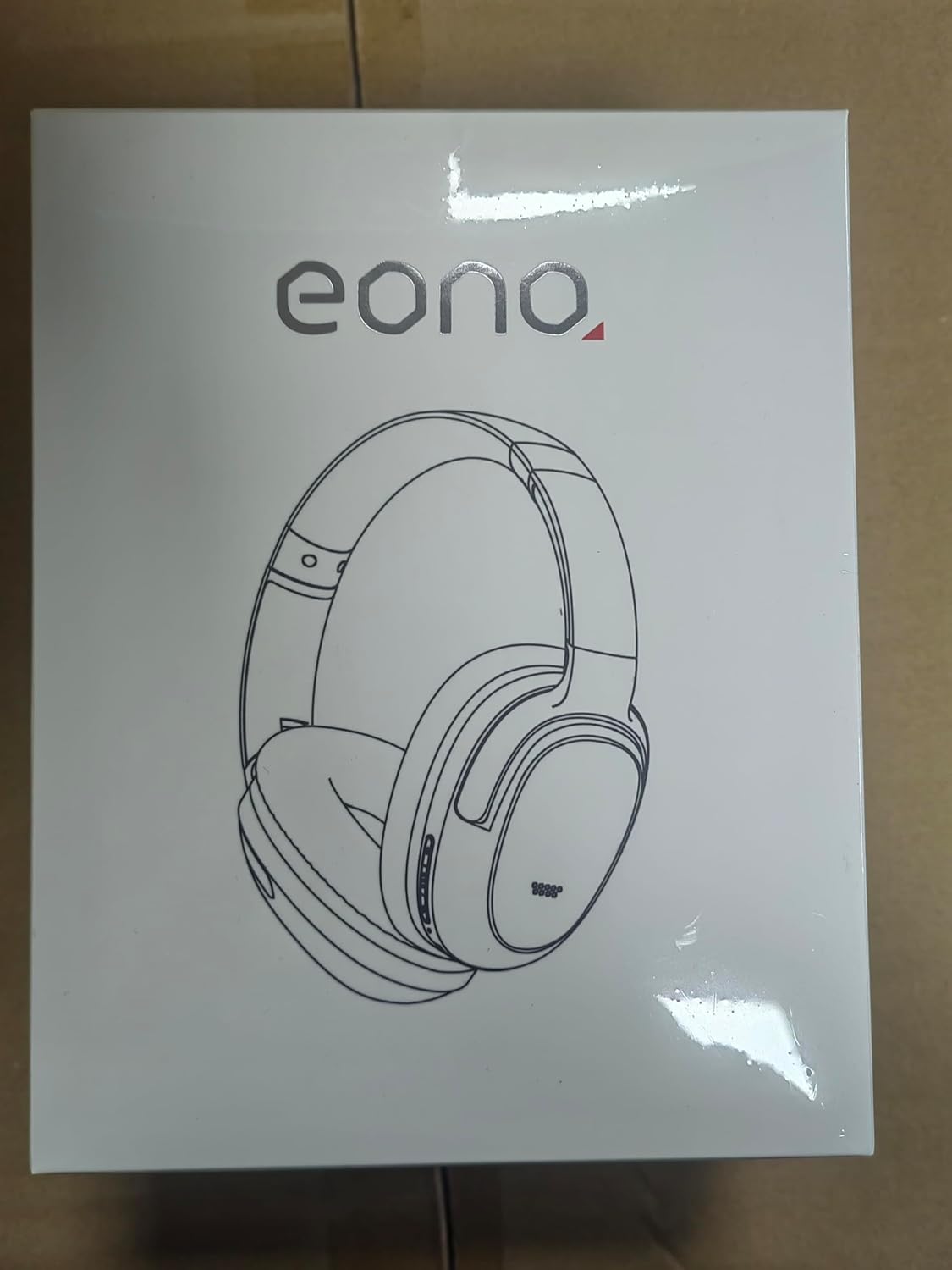
Image: Eono Eonoheadphone 1 headphones and included accessories.
2. پروڈکٹ ختمview
The Eono Eonoheadphone 1 features a lightweight, comfortable design with advanced audio technology.
مائیکروفون پلیسمنٹ

Image: Diagram illustrating the placement of ANC microphones (1, 2, 3, 4) and the Call Microphone (5) on the headphones.
- ANC Mics (1, 2, 3, 4): Four microphones are strategically placed to detect and filter out ambient noise for effective Active Noise Cancellation.
- Call Mic (5): Dedicated microphone for clear voice calls.
آرام اور ڈیزائن

Image: Close-up of the ultra-soft protein leather earcups with memory foam padding.
The Eonoheadphone 1 features ultra-soft protein leather earcups with memory foam padding designed to fit snugly over your ears, providing comfort during extended listening sessions. The lightweight construction further enhances wearability.
آڈیو کوالٹی

Image: Illustration of sound waves from a 40mm driver.
Equipped with 40mm dynamic drivers and highly flexible silk diaphragms, these headphones reproduce rich bass and crisp treble, extending up to 40 kHz for enhanced audio clarity.
3. سیٹ اپ
ہیڈ فون چارج کرنا
Before first use, fully charge your headphones. Use the provided USB-C cable to connect the headphones to a compatible USB power source.

Image: Quick charge and battery life information.
- ایک مکمل چارج لگ بھگ لگتا ہے۔ 60 منٹ.
- A 10 منٹ کا فوری چارج provides up to 5 hours of playback.
- Battery life: Up to 40 گھنٹے with Active Noise Cancellation (ANC) enabled, or up to 60 گھنٹے نارمل موڈ میں
بلوٹوت جوڑی بنانا
The Eonoheadphone 1 uses Bluetooth 5.2 for stable wireless connectivity.

تصویر: سابقample of a Bluetooth pairing request on a mobile device.
- پاور آن: ہیڈ فون پر پاور بٹن کو دبائے رکھیں جب تک کہ اشارے کی روشنی چمک نہ جائے، جوڑی کے موڈ کو ظاہر کرتا ہے۔
- بلوٹوتھ کو فعال کریں: اپنے آلے پر (اسمارٹ فون، ٹیبلیٹ، کمپیوٹر)، بلوٹوتھ کو فعال کریں۔
- ہیڈ فون منتخب کریں: In your device's Bluetooth settings, select "Eonoheadphone 1" from the list of available devices.
- کنکشن کی تصدیق کریں: ایک بار منسلک ہونے کے بعد، ہیڈ فون پر اشارے کی روشنی بدل جائے گی، اور آپ کو آڈیو پرامپٹ سنائی دے گا۔
ملٹی پوائنٹ کنکشن

Image: Headphones connected to two devices simultaneously.
The Eonoheadphone 1 can connect to two devices simultaneously. This allows you to seamlessly switch between listening to music on one device and taking calls on another without re-pairing.
4. آپریٹنگ ہدایات
پاور آن/آف
- پاور آن کرنے کے لیے: تقریباً 3 سیکنڈ تک پاور بٹن کو دبائے رکھیں۔
- پاور آف کرنا: تقریباً 5 سیکنڈ تک پاور بٹن کو دبائے رکھیں۔
فعال شور منسوخی (ANC) موڈز
The headphones offer multiple noise control modes to adapt to your environment.

Image: Visual representation of different noise cancelling modes in various settings.
- ANC موڈ: Activates active noise cancellation, reducing up to 95% of low-frequency ambient noise. Ideal for travel or noisy environments.
- نارمل موڈ: فعال شور منسوخی کے بغیر معیاری آڈیو پلے بیک۔
- شفافیت موڈ: Allows ambient sounds to pass through, enabling you to hear your surroundings while listening to audio. Useful for awareness in urban environments.
To switch between modes, press the dedicated ANC button on the headphones. An audio prompt will indicate the current mode.
موسیقی اور کال کنٹرولز
The headphones feature intuitive controls for managing your audio and calls. Refer to the physical buttons on the earcups for specific functions:
- والیوم اوپر/نیچے: آڈیو والیوم کو ایڈجسٹ کریں۔
- چلائیں/روکیں: ملٹی فنکشن بٹن کو سنگل دبائیں۔
- اگلا ٹریک: ملٹی فنکشن بٹن کو دو بار دبائیں۔
- پچھلا ٹریک: ملٹی فنکشن بٹن کو تین بار دبائیں۔
- جواب / کال ختم کریں: آنے والی کال یا ایکٹیو کال کے دوران ملٹی فنکشن بٹن کو ایک بار دبائیں۔
- کال مسترد کریں: آنے والی کال کے دوران ملٹی فنکشن بٹن کو دبائے رکھیں۔
5 دیکھ بھال
صفائی
اپنے ہیڈ فون کی حالت کو برقرار رکھنے کے لیے:
- ائرکپس اور ہیڈ بینڈ کو نرم، خشک کپڑے سے صاف کریں۔
- کھرچنے والے کلینر یا سالوینٹس کے استعمال سے پرہیز کریں۔
- Do not immerse the headphones in water. While water-resistant, they are not designed for submersion.
ذخیرہ
The Eonoheadphone 1 features a foldable design for convenient storage and portability.

Image: Instructions for folding and storing the headphones in the carrying case.
- Rotate the earcups flat.
- Fold the headphones inward.
- Place them in the provided hard carrying case to protect them from damage.
6 خرابیوں کا سراغ لگانا
If you encounter issues with your Eono Eonoheadphone 1, refer to the following common solutions:
- کوئی طاقت نہیں: یقینی بنائیں کہ ہیڈ فون چارج ہیں۔ USB-C کیبل کا استعمال کرتے ہوئے انہیں پاور سورس سے جوڑیں۔
- جوڑا نہیں بن سکتا: Make sure Bluetooth is enabled on your device and the headphones are in pairing mode. Try turning Bluetooth off and on again on your device, or restart both devices.
- کوئی آواز نہیں: Check the volume levels on both the headphones and your connected device. Ensure the headphones are correctly paired. If using a wired connection, ensure the 3.5mm audio cable is fully inserted into both the headphones and the audio source.
- خراب آواز کا معیار: Ensure there are no obstructions between the headphones and your device. Move closer to your device to improve signal strength. Check if the audio source quality is high.
- ANC مؤثر طریقے سے کام نہیں کر رہا: Ensure the earcups form a good seal around your ears. Some high-frequency or sudden noises may not be fully cancelled.
- مائیکروفون کے مسائل: Ensure the headphones are connected and selected as the input device on your computer or smartphone. Check for any mute functions on your device.
7. وضاحتیں
| ماڈل نمبر | S3 |
| برانڈ | Eono |
| ابعاد (پروڈکٹ) | 16 x 7.2 x 14.8 سینٹی میٹر |
| وزن (پروڈکٹ) | 410 گرام |
| رنگ | سیاہ |
| کان کی جگہ کا تعین | کان سے زیادہ |
| رکاوٹ | 16 اوہم |
| شور کنٹرول | فعال شور منسوخی |
| تعدد رسپانس | 16 Hz - 40 kHz |
| کنیکٹوٹی ٹیکنالوجی | وائرلیس (بلوٹوتھ 5.2) |
| بلوٹوتھ رینج | 10 میٹر |
| آڈیو کنیکٹر | USB-C (Charging), 3.5mm (Audio Input) |
| مواد | چمڑا، پلاسٹک |
| Charging Time (Full) | تقریبا. 60 منٹ |
| فوری چارج | 10 Minutes for 5 hours playback |
| بیٹری لائف (ANC آن) | 40 گھنٹے تک |
| بیٹری لائف (نارمل موڈ) | 60 گھنٹے تک |
| ڈرائیور کا سائز | 40 ملی میٹر |
| پانی کی مزاحمت کی سطح | پانی مزاحم |
| خصوصیات | Active Noise Cancellation, Fast Charging, Lightweight, Built-in Microphone, Foldable Design |
8. وارنٹی اور سپورٹ
For warranty information or technical support, please contact Eono customer service through your purchase platform. You can find support links on the product packaging or by visiting:
- Amazon.es Customer Service
- Amazon.com Customer Service
- Amazon.co.uk Customer Service
- Amazon.de Customer Service
- Amazon.fr Customer Service
- Amazon.it Customer Service
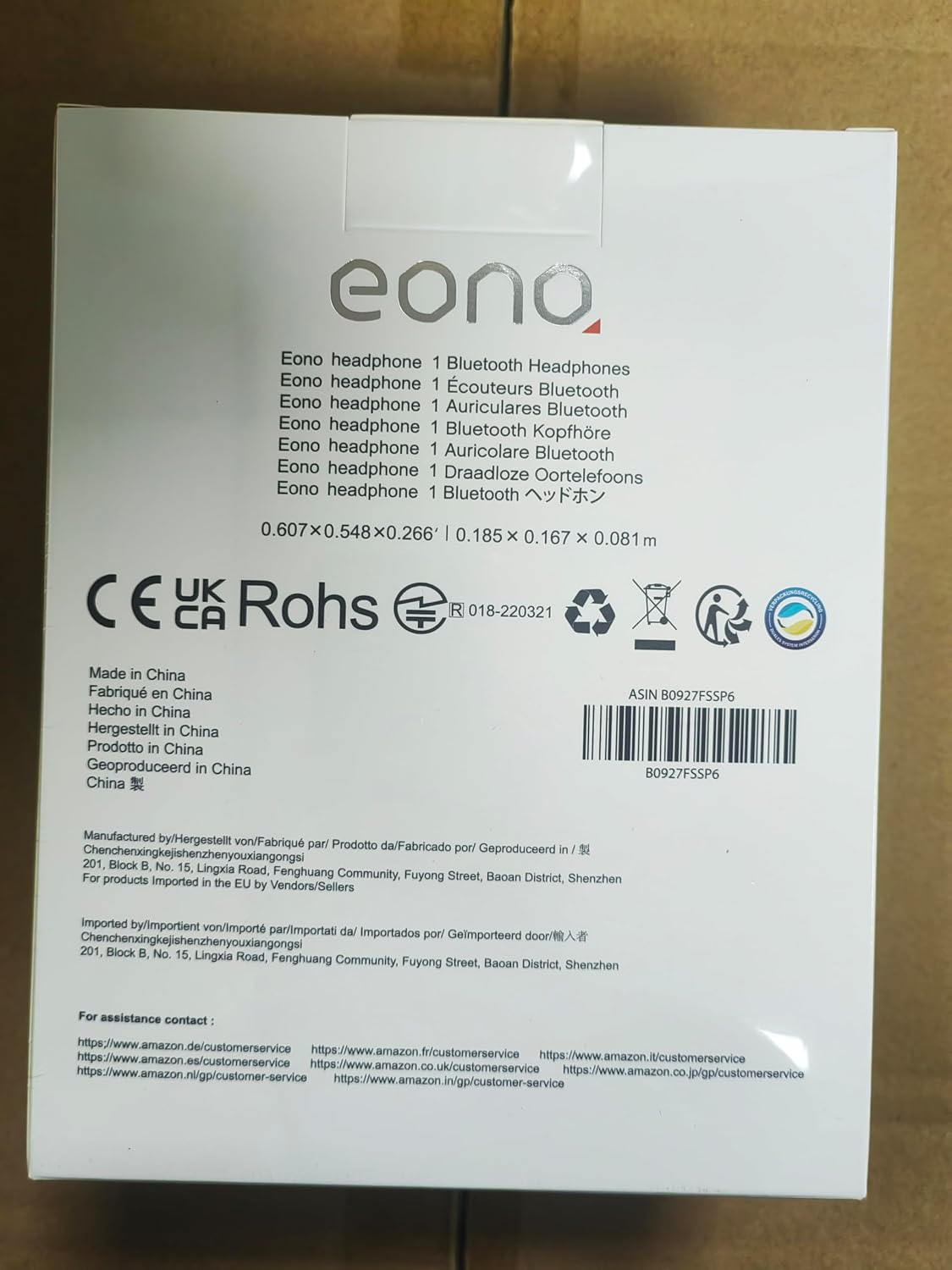
Image: Back of product packaging with customer service information.