
1. ختمview
The UMIDIGI Bison X10 PRO is a rugged smartphone designed for durability and performance in challenging environments. It features an IP69K rating for water and dust resistance, military-standard MIL-STD-810G compliance for extreme temperatures and drops, and runs on Android 11. Key functionalities include NFC for Google Pay, a 6.53-inch FHD screen, and a large 6150mAh battery. This manual provides essential information for setting up, operating, and maintaining your device.
2. پیکیج کے مشمولات
تصدیق کریں کہ تمام اشیاء آپ کی مصنوعات کی پیکیجنگ میں موجود ہیں:
- UMIDIGI Bison X10 PRO Smartphone
- USB ٹائپ سی کیبل
- سم ٹرے ایجیکٹر ٹول
- صارف دستی
- (Additional accessories such as a screen protector, phone case, or headset may be included depending on the specific package.)
3. ڈیوائس لے آؤٹ
Familiarize yourself with the physical components and ports of your UMIDIGI Bison X10 PRO.

تصویر 3.1: پیچھے view of the UMIDIGI Bison X10 PRO, highlighting the camera module, volume controls, power button with integrated fingerprint scanner, customizable buttons, SIM card slot, and speaker.
- کیمرہ ماڈیول: Located on the upper rear, housing the main, ultra-wide, and macro cameras, along with the infrared thermometer sensor and LED flash.
- والیوم بٹن: بائیں جانب، آڈیو لیولز کو ایڈجسٹ کرنے کے لیے۔
- پاور بٹن / فنگر پرنٹ سکینر: On the right side, used to power on/off the device and for fingerprint authentication.
- Customizable Button 1 (PTT/SOS): On the left side, programmable for Push-to-Talk (PTT) or SOS functions.
- Customizable Button 2 (Underwater Camera): On the right side, programmable for quick access to the underwater camera mode.
- سم سلاٹ: سم کارڈ داخل کرنے کے لیے، بائیں جانب واقع ہے۔
- اسپیکر: Located at the bottom rear of the device.
- USB ٹائپ سی پورٹ: چارج کرنے اور ڈیٹا کی منتقلی کے لیے نیچے واقع ہے۔
- 3.5 ملی میٹر ہیڈ فون جیک: سب سے اوپر واقع ہے۔
4. سیٹ اپ
4.1 سم کارڈ اور مائیکرو ایس ڈی کارڈ کی تنصیب
اپنا سم کارڈ اور/یا مائیکرو ایس ڈی کارڈ انسٹال کرنے کے لیے:
- آلہ کے بائیں جانب سم کارڈ ٹرے کو تلاش کریں۔
- سم ٹرے ایجیکٹر ٹول کو ٹرے کے ساتھ والے چھوٹے سوراخ میں داخل کریں اور ٹرے کے باہر آنے تک مضبوطی سے دبائیں
- سم ٹرے کو احتیاط سے باہر نکالیں۔
- اپنے نینو سم کارڈ (ز) اور/یا مائیکرو ایس ڈی کارڈ کو ٹرے پر مقرر کردہ سلاٹس میں رکھیں۔ یقینی بنائیں کہ سونے کے رابطے نیچے کی طرف ہیں۔
- ٹرے کو آہستہ سے سلاٹ میں واپس دھکیلیں جب تک کہ یہ آلہ سے فلش نہ ہوجائے۔
4.2. ابتدائی پاور آن
پہلی بار اپنے آلے کو آن کرنے کے لیے:
- Press and hold the Power Button on the right side of the phone until the UMIDIGI logo appears on the screen.
- ابتدائی سیٹ اپ مکمل کرنے کے لیے آن اسکرین ہدایات پر عمل کریں، بشمول زبان کا انتخاب، وائی فائی کنکشن، اور گوگل اکاؤنٹ سیٹ اپ۔
5. آپریٹنگ ہدایات
5.1. بنیادی آپریشنز
- پاور آن/آف: Press and hold the Power Button. Select "Power off" or "Restart" from the options.
- اسکرین لاک/انلاک: Press the Power Button briefly to lock or unlock the screen. Use your configured fingerprint, PIN, pattern, or password to unlock.
- والیوم ایڈجسٹمنٹ: Use the Volume Up and Volume Down buttons on the left side.
- نیویگیشن: Utilize the on-screen navigation gestures or buttons (Back, Home, Recent Apps) as per Android 11 interface.
5.2. کیمرے کی خصوصیات
The Bison X10 PRO is equipped with a versatile camera system:
- 20MP مین کیمرہ: ہائی ریزولوشن فوٹوز کے لیے۔
- 8MP Ultra-wide Angle Camera: Captures broader scenes.
- 5MP میکرو کیمرہ: تفصیلی قریبی اپ شاٹس کے لیے۔
- 8MP سیلفی کیمرہ: For front-facing photos and video calls.
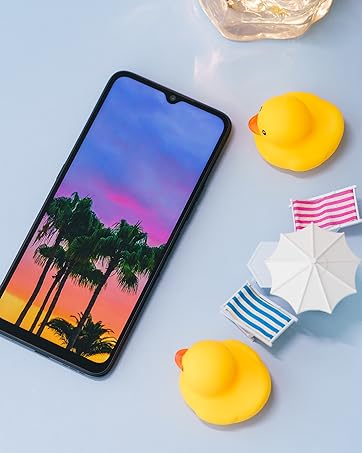
تصویر 5.1: Detail of the camera module on the UMIDIGI Bison X10 PRO.
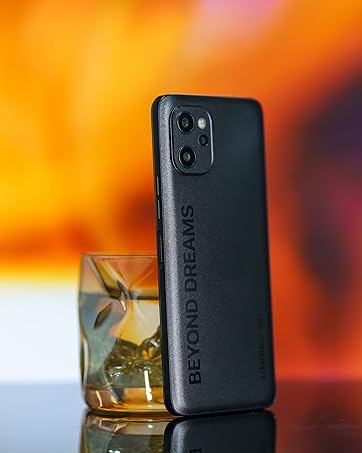
تصویر 5.2: Example of a wide-angle photograph captured with the device's ultra-wide camera.
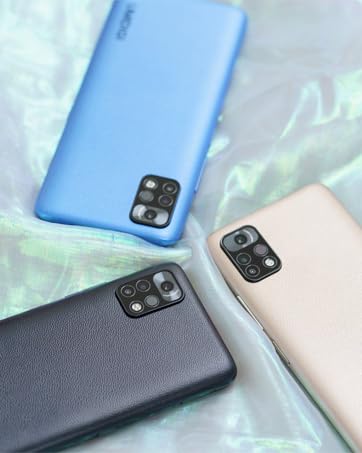
تصویر 5.3: Example of a macro photograph, demonstrating the camera's ability to capture fine details.

تصویر 5.4: Example of a selfie taken with the front-facing camera.
5.3. خصوصی خصوصیات
- ناہموار ڈیزائن: The device is built to withstand harsh conditions, featuring IP68 & IP69K ratings for water and dust resistance, and MIL-STD-810G compliance for drops and extreme temperatures. It can endure submersion in 1.5 meters of water for 30 minutes and drops from 1.8 meters.
- NFC (Near Field Communication) & Google Pay: Enables contactless payments and quick data exchange with compatible devices.
- مرضی کے مطابق بٹن: Two programmable buttons for quick access to specific functions.
- Button 1 (PTT/SOS): Can be configured for Push-to-Talk communication or as an emergency SOS button.
- Button 2 (Underwater Camera): Dedicated for activating the underwater camera mode.
- Wireless FM Radio: Enjoy FM radio without needing a headset or data connection.
- Precise Bosch Altimeter & Barometer: Integrated sensors provide accurate altitude and atmospheric pressure readings, useful for outdoor activities.
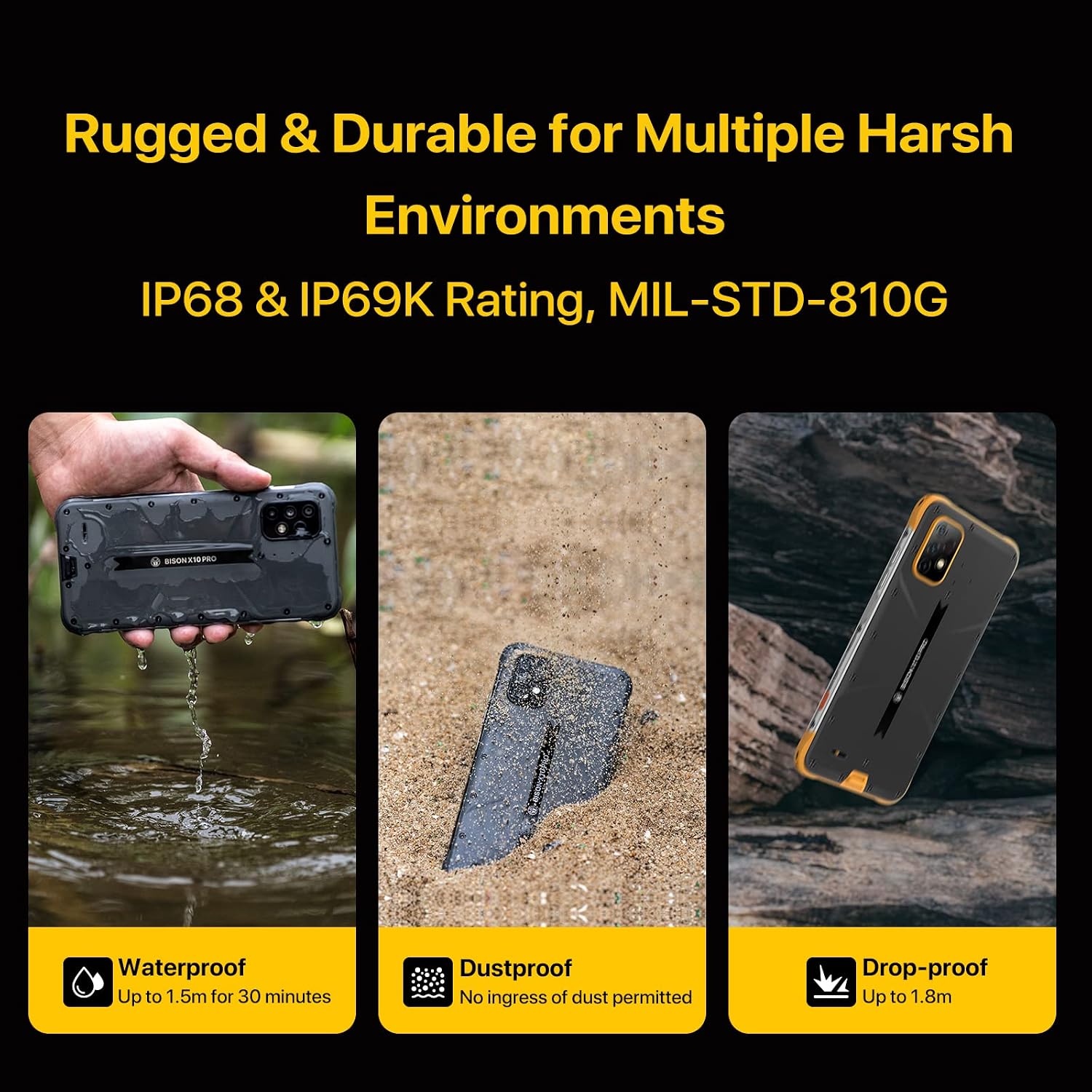
تصویر 5.5: Visual representation of the smartphone's rugged features, including water, dust, and drop resistance.
ویڈیو 5.1: Demonstration of the UMIDIGI Bison X10 PRO's rugged performance, showcasing its durability against water and drops.
ویڈیو 5.2: A durability test demonstrating the phone's resistance to impact, addressing concerns about breakage.
ویڈیو 5.3: A test showing the smartphone's functionality in extreme cold temperatures, specifically at -25 degrees Celsius.

تصویر 5.6: The smartphone demonstrating NFC functionality for Google Pay transactions.

تصویر 5.7: The device's wireless FM radio feature in use, showing the interface and a user enjoying music outdoors.
6 دیکھ بھال
To ensure the longevity and optimal performance of your UMIDIGI Bison X10 PRO, follow these maintenance guidelines:
- صفائی: آلے کو نرم سے صاف کریں، ڈیamp cloth. Avoid harsh chemicals or abrasive materials. For waterproof features, ensure all port covers are securely closed before exposure to water.
- درجہ حرارت: Avoid exposing the device to extreme temperatures outside its operating range (as specified in the specifications).
- چارج کرنا: Use only the provided USB Type-C cable and a compatible charger.
- سافٹ ویئر اپ ڈیٹس: Regularly check for and install software updates to ensure the latest features and security patches.
7 خرابیوں کا سراغ لگانا
اگر آپ کو اپنے آلے کے ساتھ مسائل کا سامنا کرنا پڑتا ہے، تو درج ذیل عام حل سے رجوع کریں:
| مسئلہ | حل |
|---|---|
| ڈیوائس آن نہیں ہوتی ہے۔ | Ensure the battery is charged. Connect the device to a charger for at least 10 minutes, then try powering on again. |
| Poor network signal or no service. | Check if the SIM card is correctly inserted. Verify that your carrier supports the device's network bands. Try restarting the phone. If issues persist, contact your carrier or UMIDIGI support. |
| ٹچ اسکرین غیر جوابدہ ہے۔ | Restart the device by holding the Power Button. If the issue continues, perform a factory reset (data will be erased). |
| بیٹری تیزی سے ختم ہو جاتی ہے۔ | Close unused apps, reduce screen brightness, disable unnecessary features like GPS or Wi-Fi when not in use. Check battery usage in settings to identify power-consuming apps. |
8. وضاحتیں
Detailed technical specifications for the UMIDIGI Bison X10 PRO:
| فیچر | تفصیل |
|---|---|
| برانڈ | UMIDIGI |
| ماڈل کا نام | Bison X10 PRO |
| آپریٹنگ سسٹم | اینڈرائیڈ 11.0 |
| RAM میموری انسٹال شدہ سائز | 4 جی بی |
| میموری ذخیرہ کرنے کی صلاحیت | 128 جی بی |
| اسکرین کا سائز | 6.53 انچ |
| قرارداد | 1920 x 1080 (FHD) |
| ریفریش ریٹ | 60 Hz |
| وائرلیس کیریئر | تمام کیریئرز کے لئے کھلا |
| سیلولر ٹیکنالوجی | 4G (Dual SIM 4G LTE support) |
| رنگ | پیلا |
| سم کارڈ سلاٹ کاؤنٹ | ڈوئل سم |
| کنیکٹر کی قسم | USB قسم C |
| Biometric Security Feature | Face Recognition, Fingerprint Scanner |
| پانی کی مزاحمت کی سطح | Waterproof (IP68 & IP69K) |
| ہیڈ فون جیک | 3.5 ملی میٹر |
| اضافی خصوصیات | Rugged Body, Wireless FM Radio, Customized Water Camera Mode, Barometer, Enhanced Antennas & Navigation System, Gloves Mode |
| فلیش میموری سپورٹڈ سائز زیادہ سے زیادہ | 128 جی بی (مائیکرو ایس ڈی) |
| مواد کی خصوصیات | Rugged and Durable |
| کیمرے کی تفصیل | Front, Rear (20MP Main, 8MP Ultra-wide, 5MP Macro) |
| شوٹنگ موڈز | پانی کے اندر |
| بیٹری کی صلاحیت | 6150 ایم اے ایچ |
| بیٹری کی اوسط زندگی | 2 دن |
| فون ٹاک ٹائم | 24 گھنٹے |
| آئٹم کے طول و عرض | 6.68 x 3.23 x 0.51 انچ |
| کنیکٹوٹی ٹیکنالوجی | این ایف سی |
| وائرلیس نیٹ ورک ٹیکنالوجی | CDMA, GSM, LTE |
| ویڈیو کیپچر ریزولوشن | 1080ص |
| جی پی ایس جیوtagging Functionality | سچ ہے۔ |
| یو پی سی | 610625572266 |
| ASIN | B09J2MHVGK |
9. وارنٹی اور سپورٹ
The UMIDIGI Bison X10 PRO comes with a 1 سال کی وارنٹی کارخانہ دار سے.
For technical support, warranty claims, or if you experience compatibility issues with your cellular carrier, please contact UMIDIGI customer service. You can typically find contact information on the UMIDIGI official webسائٹ یا آپ کے خریداری کے پلیٹ فارم کے ذریعے۔
If you encounter any connection problems with your carrier, please send a message to the seller via Amazon, and assistance will be provided within 24 hours.