
radius HP-P100BT
radius HP-P100BT Low Latency Gaming Wireless Earphones User Manual
تعارف
This manual provides detailed instructions for the safe and effective use of your radius HP-P100BT Low Latency Gaming Wireless Earphones. These earphones are designed with a low-latency mode for gaming, hybrid noise cancellation, and IPX5 water resistance. Please read this manual thoroughly before use and retain it for future reference.

Image: The radius HP-P100BT wireless earphones and their charging cases, showcasing available colors.
پیکیج کے مشمولات
تصدیق کریں کہ نیچے دی گئی تمام اشیاء آپ کے پیکیج میں شامل ہیں:
- radius HP-P100BT Wireless Earphones (Left and Right)
- چارجنگ کیس
- Earpieces (S/M/L sizes) x 1 set each
- USB Type-C™ Charging Cable x 1
- Instruction Manual (with Warranty) x 1
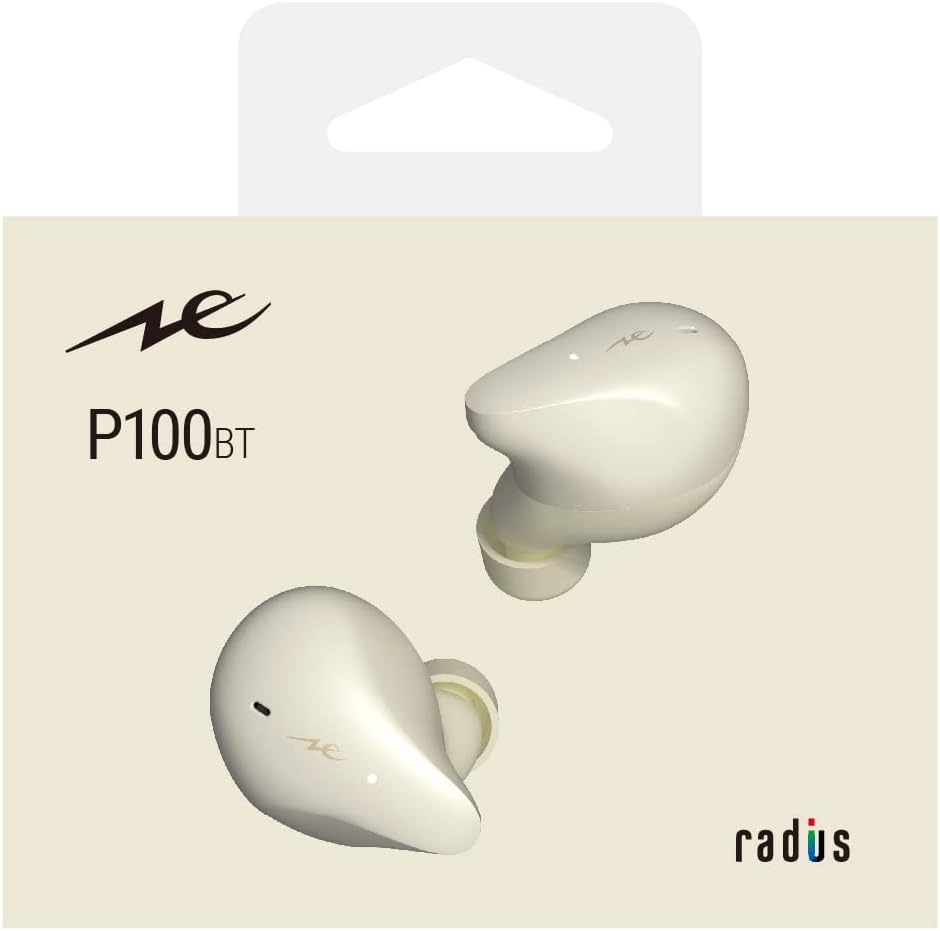
Image: Contents of the HP-P100BT package, including earphones, charging case, eartips, and USB-C cable.
پروڈکٹ ختمview
Familiarize yourself with the components of your HP-P100BT earphones.
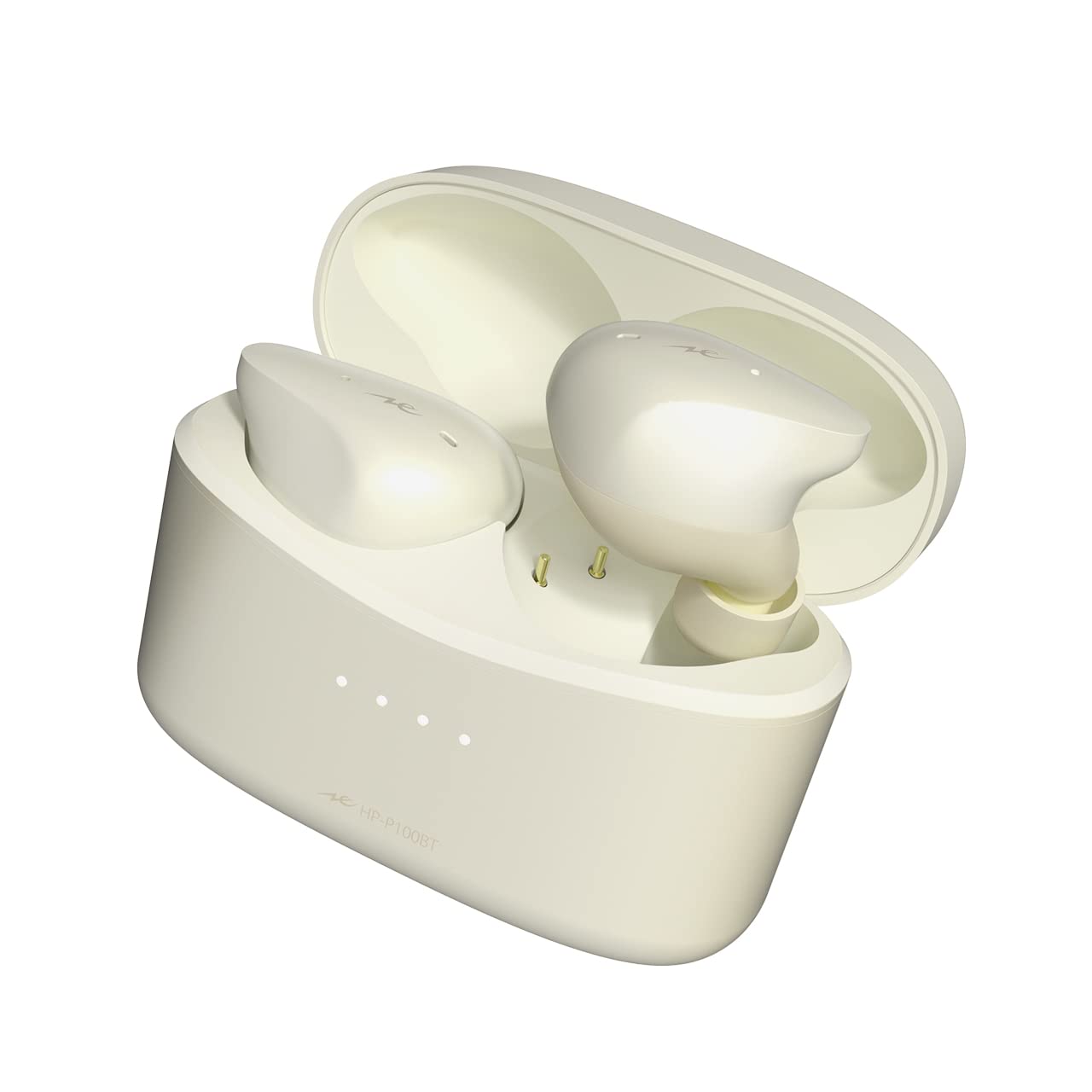
Image: The radius HP-P100BT white wireless earphones, showing their ergonomic design.
سیٹ اپ
1. ائرفون اور کیس چارج کرنا
پہلے استعمال سے پہلے، ائرفون اور چارجنگ کیس کو مکمل طور پر چارج کریں۔
- ائرفون چارجنگ کیس میں رکھیں۔ یقینی بنائیں کہ وہ صحیح طریقے سے بیٹھے ہیں۔
- Connect the USB Type-C charging cable to the charging port on the case and to a USB power source (e.g., computer, USB wall adapter).
- چارجنگ کیس پر انڈیکیٹر لائٹس چارجنگ سٹیٹس دکھائے گی۔ مکمل طور پر چارج ہونے کے بعد، لائٹس تکمیل یا بند ہونے کی نشاندہی کریں گی۔

Image: The HP-P100BT charging case with earbuds inserted, ready for charging.
2. بلوٹوتھ ڈیوائس کے ساتھ جوڑا بنانا
To use the earphones wirelessly, you must pair them with your Bluetooth-enabled device.
- چارجنگ کیس کھولیں۔ ائرفون خود بخود پیئرنگ موڈ میں داخل ہو جائیں گے، اور اشارے کی لائٹس چمکیں گی۔
- اپنے آلے پر (اسمارٹ فون، ٹیبلیٹ وغیرہ)، بلوٹوتھ سیٹنگز پر جائیں اور بلوٹوتھ کو آن کریں۔
- Select "radius HP-P100BT" from the list of available devices.
- Once connected, the earphone indicator lights will stop flashing or change to a steady light.

Image: Illustration of selecting "radius HP-P100BT" from a device's Bluetooth menu.
3. ائرفون فٹ کرنا
For optimal sound quality and comfort, choose the correct earpiece size and ensure a proper fit.
- Try different earpiece sizes (S, M, L) to find the best fit for your ears. A good seal is crucial for bass response and noise cancellation.
- Insert the earphones gently into your ear canal and twist slightly until they feel secure and comfortable.
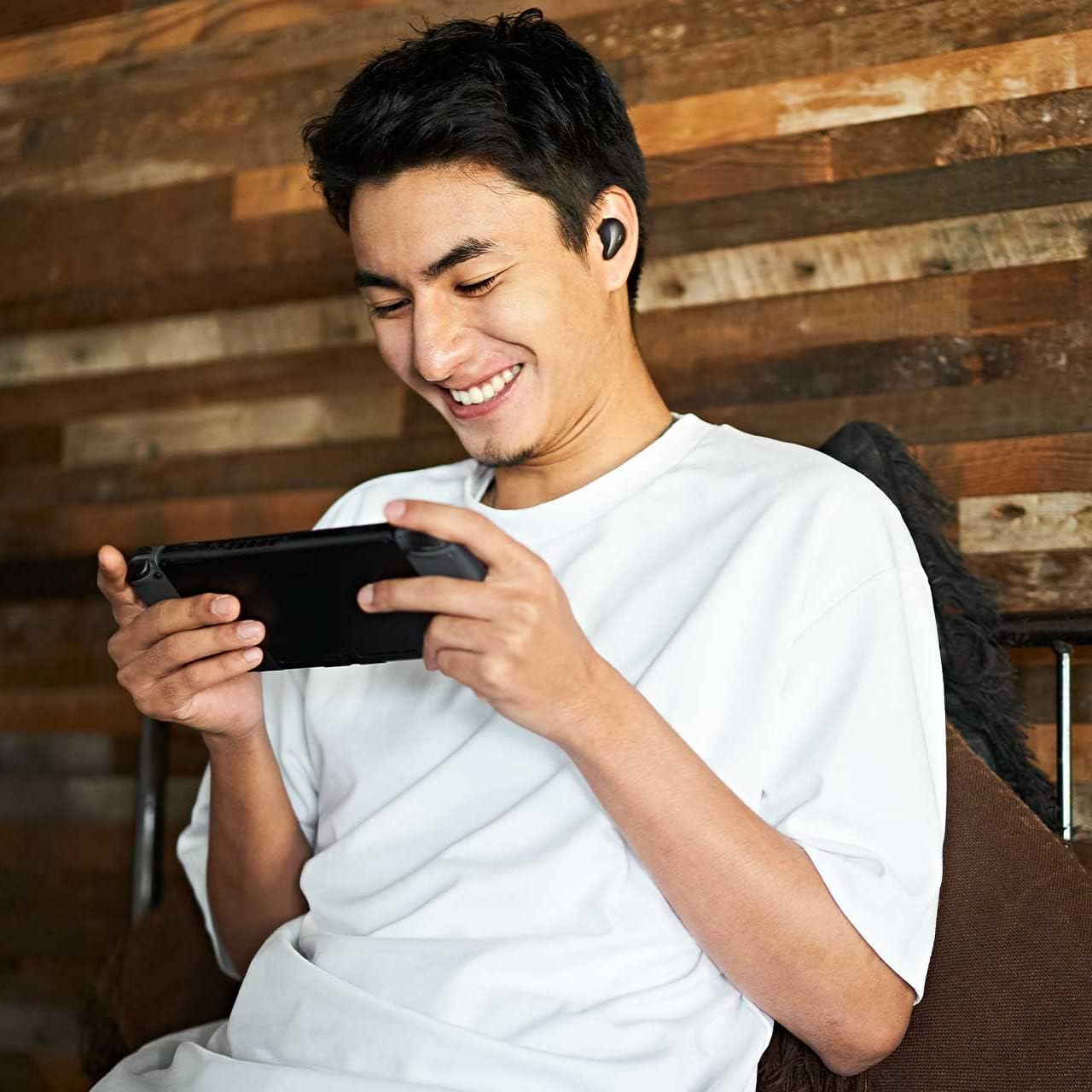
Image: A person wearing the HP-P100BT earphones, demonstrating a proper fit during use.
آپریٹنگ ہدایات
پاور آن/آف
- پاور آن: Open the charging case, or remove the earphones from the case. They will power on automatically.
- بجلی بند: ائرفون واپس چارجنگ کیس میں رکھیں اور ڈھکن بند کریں۔ وہ خود بخود بند ہوجائیں گے۔
میوزک پلے بیک کنٹرول۔
- چلائیں/روکیں: کسی بھی ائرفون کو ایک بار تھپتھپائیں۔
- اگلا ٹریک: دائیں ائرفون کو دو بار تھپتھپائیں۔
- پچھلا ٹریک: بائیں ائرفون پر دو بار تھپتھپائیں۔
کال مینجمنٹ
- جواب / کال ختم کریں: کسی بھی ائرفون کو ایک بار تھپتھپائیں۔
- کال مسترد کریں: Press and hold either earphone for approximately 2 seconds.
والیوم کنٹرول
- حجم میں اضافہ: Triple-tap the right earphone.
- حجم کم کریں: Triple-tap the left earphone.
Noise Cancelling / Ambient Sound Mode
The earphones feature Hybrid Noise Cancelling and Ambient Sound (external sound capture) modes.
- ٹوگل موڈز: Press and hold either earphone for approximately 2 seconds to cycle between Noise Cancelling, Ambient Sound, and Normal modes.

Image: Illustration of the press-and-hold gesture on an earbud to toggle between Noise Cancelling and Ambient Sound modes.
کم لیٹنسی موڈ
Activate Low Latency Mode for reduced audio delay, ideal for gaming and video playback. This mode offers approximately 40ms latency.
- فعال/غیر فعال کریں: Triple-tap either earphone. A voice prompt will confirm the mode change.
- نوٹ: While in Low Latency Mode, Bluetooth connection stability may be slightly reduced in environments with strong interference.

Image: Illustration of the triple-tap gesture on an earbud to activate or deactivate Low Latency Mode.
دیکھ بھال
- صفائی: Regularly clean the earphones and charging case with a soft, dry cloth. Do not use abrasive cleaners or solvents.
- ایئر پیسز: Remove earpieces and clean them with a mild soap solution if necessary. Ensure they are completely dry before reattaching.
- ذخیرہ: جب استعمال میں نہ ہوں، تو ائرفون کو چارجنگ کیس میں محفوظ کریں تاکہ ان کی حفاظت ہو اور انہیں چارج کیا جاسکے۔ انتہائی درجہ حرارت سے پرہیز کریں۔
- پانی کی مزاحمت: The earphones are IPX5 water-resistant, meaning they can withstand splashes and sweat. Do not submerge them in water or expose them to strong jets of water.
خرابی کا سراغ لگانا
اگر آپ کو مسائل کا سامنا ہے، تو درج ذیل عام حلوں کا حوالہ دیں:
| مسئلہ | حل |
|---|---|
| کوئی آواز یا کم حجم نہیں |
|
| آلہ کے ساتھ جوڑا نہیں بنایا جا سکتا |
|
| Intermittent connection / Sound drops |
|
| ائرفون چارج نہیں ہو رہے ہیں۔ |
|
| ائرفون کو دوبارہ ترتیب دینا | If issues persist, you may need to reset the earphones:
 Image: Illustration of the reset procedure by pressing both earbuds simultaneously for approximately 7 seconds. |
وضاحتیں
| فیچر | تفصیل |
|---|---|
| ماڈل کا نام | HP-P100BT |
| شور کنٹرول | فعال شور منسوخ کرنا (این این سی) |
| کنیکٹوٹی ٹیکنالوجی | وائرلیس (بلوٹوتھ) |
| وائرلیس کمیونیکیشن ٹیکنالوجی | بلوٹوتھ |
| کنٹرول کی قسم | Remote Control (Touch) |
| کیبل کی خصوصیات | Cableless |
| پانی کی مزاحمت کی سطح | IPX5 (واٹر پروف) |
| فارم فیکٹر | کان میں |
| رکاوٹ | 32 اوہم |
| پیکیج کے طول و عرض | 13 x 10.5 x 6.2 سینٹی میٹر |
| شے کا وزن | 140 گرام |
وارنٹی اور سپورٹ
Your radius HP-P100BT earphones come with a manufacturer's warranty. Please refer to the included warranty card in your package for specific terms and conditions.
For product support, inquiries, or warranty claims, please contact the official radius store or an authorized retailer where you purchased the product. Products purchased from unauthorized sellers may not be covered by the official warranty.
For more details, please visit the official radius webسائٹ

Image: Symbol of radius product warranty and support.
Ask a question about this manual
Ask about setup, troubleshooting, compatibility, parts, safety, or missing instructions. Manuals+ will review the question and use this page’s manual context to help answer it.