
تعارف
Thank you for choosing the HyperGear Vibe Wireless Headphones. These headphones are designed to provide a premium audio experience with comfort and convenience. This manual will guide you through the setup, operation, and maintenance of your new headphones.
باکس میں کیا ہے۔
- HyperGear Vibe Wireless Headphones
- USB-C چارجنگ کیبل
پروڈکٹ ختمview
Familiarize yourself with the components and controls of your HyperGear Vibe Wireless Headphones.

تصویر 1: HyperGear Vibe Wireless Headphones. This image shows the overall design of the red over-ear headphones, highlighting their sleek appearance.

تصویر 2: Easy Access Controls. This close-up view details the control buttons and ports on the earcup, including Volume Up/Seek, Power On/Off, Play/Pause, Volume Down/Seek, USB-C Port, and Aux In.

تصویر 3: Long-Lasting Power. This image illustrates the 10 hours of playtime and 2 hours of charge time for the headphones.

تصویر 4: Innovation in Comfort. A person wearing the headphones demonstrates the snug, comfortable fit that provides noise isolation.
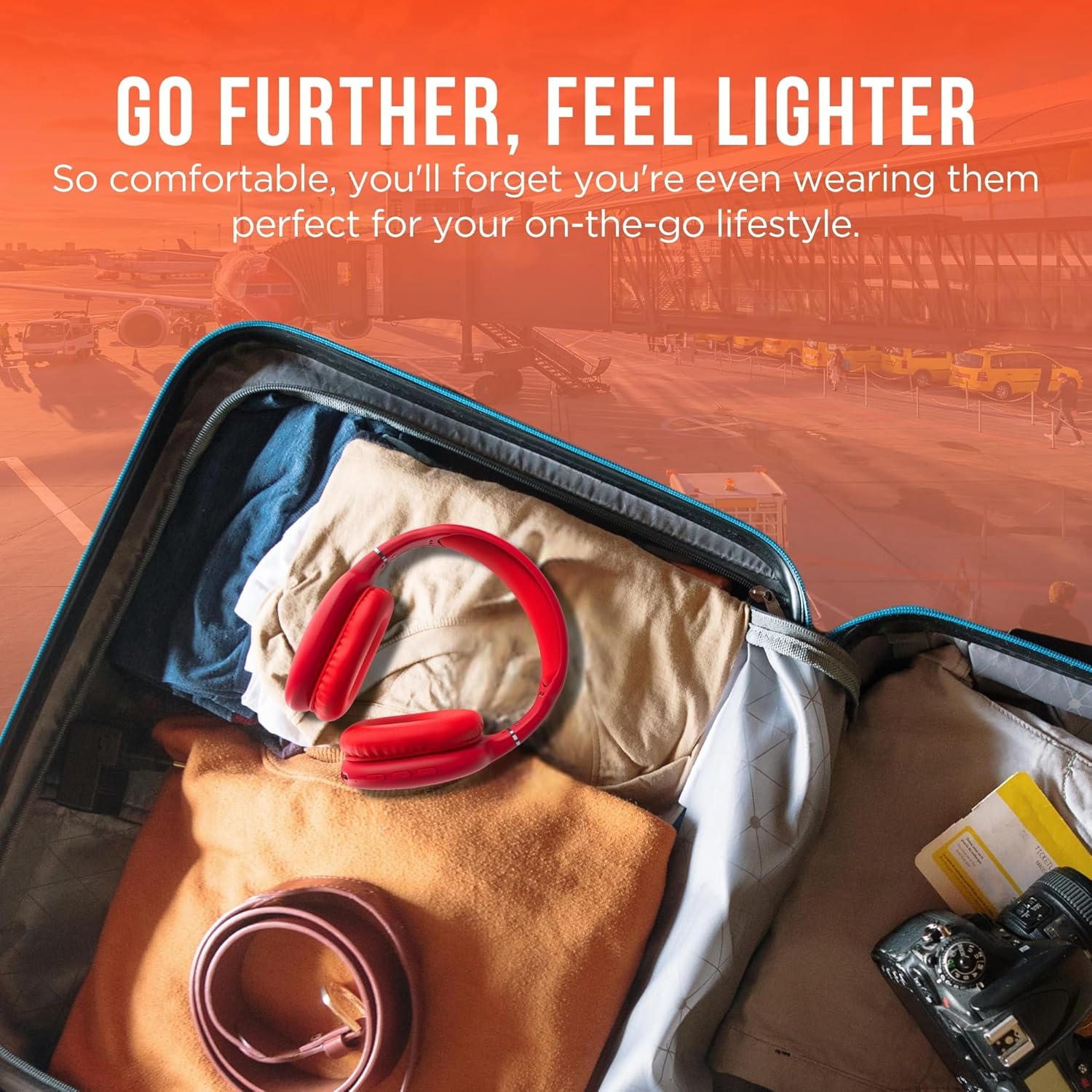
تصویر 5: Go Further, Feel Lighter. This image shows the headphones folded and packed in a suitcase, emphasizing their portability.
ویڈیو 1: HyperGear Vibe Bluetooth Wireless Headphones. This video provides a visual overview of the headphones' features and design.
سیٹ اپ
ہیڈ فون چارج کرنا
Before first use, fully charge your headphones. Connect the included USB-C charging cable to the USB-C port on the headphone earcup and the other end to a compatible USB power source. The LED indicator will show charging status.
بلوٹوت جوڑی بنانا
- یقینی بنائیں کہ آپ کے ہیڈ فون بند ہیں۔
- Press and hold the Power On/Off button for approximately 3 seconds until the LED indicator flashes red and blue alternately. This indicates the headphones are in pairing mode.
- اپنے آلے پر (اسمارٹ فون، ٹیبلیٹ، لیپ ٹاپ)، بلوٹوتھ کو فعال کریں اور دستیاب آلات تلاش کریں۔
- Select "HyperGear Vibe" (or similar name) from the list of devices to connect.
- ایک بار منسلک ہونے کے بعد، ایل ای ڈی اشارے آہستہ آہستہ ٹھوس نیلے یا فلیش نیلے رنگ میں بدل جائے گا۔
ویڈیو 2: Wireless Headphones Pairing Guide. This video demonstrates the process of powering on the headphones and connecting them via Bluetooth to a mobile device.
آپریٹنگ ہدایات
پاور آن/آف
- پاور آن: پاور آن/آف بٹن کو 3 سیکنڈ تک دبائے رکھیں۔
- بجلی بند: پاور آن/آف بٹن کو 3 سیکنڈ تک دبائے رکھیں۔
میوزک پلے بیک
- چلائیں/روکیں: پلے/پاز بٹن کو ایک بار دبائیں۔
- اگلا ٹریک: Press and hold the Volume Up/Seek button.
- پچھلا ٹریک: Press and hold the Volume Down/Seek button.
- اواز بڑھایں: Press the Volume Up/Seek button once.
- آواز کم: Press the Volume Down/Seek button once.
کال مینجمنٹ
- جواب / کال ختم کریں: پلے/پاز بٹن کو ایک بار دبائیں۔
- کال مسترد کریں: پلے/پاز بٹن کو 2 سیکنڈ کے لیے دبائے رکھیں۔
فعال شور منسوخی (ANC) / شفافیت موڈ
The headphones feature noise isolation. Specific controls for ANC/Transparency mode are integrated with the main control buttons. Refer to the product diagram for exact button location.
دیکھ بھال
- ہیڈ فون کو نرم، خشک کپڑے سے صاف کریں۔
- کھرچنے والے کلینر یا سالوینٹس کا استعمال نہ کریں۔
- ہیڈ فون کو انتہائی درجہ حرارت یا نمی کے سامنے لانے سے گریز کریں۔
- استعمال میں نہ ہونے پر ٹھنڈی، خشک جگہ پر اسٹور کریں۔
خرابی کا سراغ لگانا
کوئی طاقت نہیں۔
- یقینی بنائیں کہ ہیڈ فون پوری طرح سے چارج ہیں۔
- چارجنگ کیبل اور پاور سورس چیک کریں۔
کوئی آواز نہیں۔
- Ensure the headphones are paired correctly with your device.
- ہیڈ فونز اور اپنے منسلک ڈیوائس دونوں پر والیوم لیول چیک کریں۔
- یقینی بنائیں کہ ہیڈ فون کسی دوسرے آلے سے منسلک نہیں ہیں۔
جوڑا بنانے کے مسائل
- یقینی بنائیں کہ آپ کے آلے پر بلوٹوتھ فعال ہے۔
- Place the headphones and your device close to each other.
- Turn off and restart both the headphones and your device, then attempt pairing again.
- اگر ضروری ہو تو اپنے آلے پر پچھلے بلوٹوتھ کنکشنز کو صاف کریں۔
وضاحتیں
| ماڈل کا نام | وائب |
| آئٹم ماڈل نمبر | 15610 |
| کنیکٹوٹی ٹیکنالوجی | وائرلیس (بلوٹوتھ) |
| بلوٹوتھ ورژن | 5.0 |
| بلوٹوتھ رینج | 10 میٹر (33 فٹ) |
| آڈیو ڈرائیور کا سائز | 40 ملی میٹر |
| بیٹری کی زندگی | 10 گھنٹے |
| چارج کرنے کا وقت | 2 گھنٹے |
| شور کنٹرول | صوتی تنہائی |
| مواد | میموری فوم |
| شے کا وزن | 10.8 اونس (0.31 کلوگرام) |
| مصنوعات کے طول و عرض | 7.17 x 3.43 x 9.85 انچ |
وارنٹی اور سپورٹ
For warranty information or technical support, please visit the official HyperGear webسائٹ یا ان کی کسٹمر سروس سے رابطہ کریں۔ کسی بھی وارنٹی دعووں کے لیے اپنی خریداری کا ثبوت رکھیں۔
کا دورہ کریں۔ HyperGear Store on Amazon مزید معلومات کے لیے