
1. پروڈکٹ ختمview
The elemage ZS-GQ3 is a 2K outdoor security camera designed for reliable surveillance. It features 2K (2560 x 1440) HD resolution, PIR motion detection, two-way audio communication, and advanced night vision capabilities up to 15 meters. With an IP65 waterproof rating, it is suitable for various outdoor conditions. The camera operates on a built-in battery and connects via 2.4 GHz WiFi (5 GHz WiFi is not supported).
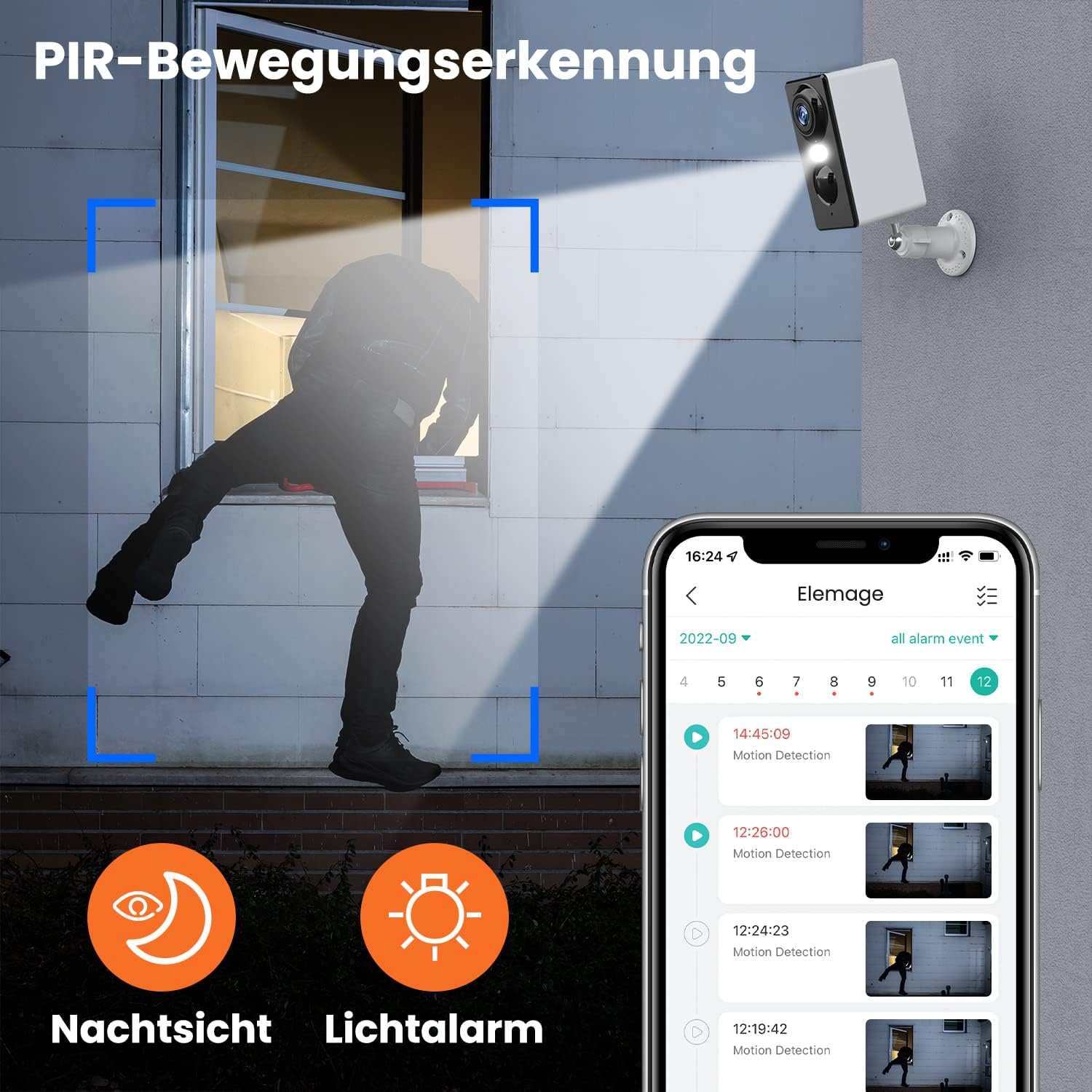
تصویر 1.1: The elemage ZS-GQ3 camera features PIR motion detection, night vision, and a light alarm for enhanced security.
2. پیکیج کے مشمولات
براہ کرم تصدیق کریں کہ نیچے دی گئی تمام اشیاء آپ کے پیکیج میں شامل ہیں:
- elemage 2K Outdoor Security Camera (ZS-GQ3)
- وال ماؤنٹ بریکٹ
- USB چارجنگ کیبل
- بڑھتے ہوئے پیچ اور وال پلگ
- صارف دستی

تصویر 2.1: The complete package contents of the elemage ZS-GQ3 security camera.
3. سیٹ اپ گائیڈ
3.1 ابتدائی چارجنگ
Before first use, fully charge the camera's built-in battery using the provided USB cable and a standard 5V USB power adapter (not included). A full charge ensures optimal performance and battery life.
3.2 اے پی پی کی تنصیب
ڈاؤن لوڈ اور انسٹال کریں۔ 'elemage Cam' application on your smartphone. The app is available for both iPhone and Android devices. تلاش کریں۔ 'elemage Cam' in your device's app store.
3.3 Camera Pairing and WiFi Connection
- Open the 'elemage Cam' app and create an account or log in.
- نیا آلہ شامل کرنے کے لیے درون ایپ ہدایات پر عمل کریں۔
- یقینی بنائیں کہ آپ کا سمارٹ فون ایک سے منسلک ہے۔ 2.4 GHz وائی فائی نیٹ ورک. The camera does not support 5 GHz WiFi.
- During the pairing process, you will be prompted to connect the camera to your home WiFi network. Enter your WiFi credentials carefully.
- Once connected, the camera's status indicator will confirm successful pairing.
3.4 کیمرہ لگانا
کیمرہ دیوار پر چڑھنے کے لیے ڈیزائن کیا گیا ہے۔ مطلوبہ جگہ کا انتخاب کریں۔ viewing angle and is within range of your 2.4 GHz WiFi network. Use the included wall mount bracket, screws, and wall plugs for secure installation.
- Mark the drilling points using the mount bracket as a template.
- سوراخ کریں اور دیوار کے پلگ ڈالیں۔
- Secure the mount bracket to the wall with the screws.
- Attach the camera to the mount bracket and adjust the angle as needed.

تصویر 3.1: The camera is IP65 waterproof, allowing for outdoor installation in various weather conditions.
4. آپریٹنگ ہدایات
4.1 لائیو View
Access the 'elemage Cam' app on your smartphone to view the live feed from your camera anytime, anywhere. The live view provides real-time monitoring of your property.
4.2 PIR حرکت کا پتہ لگانا
The camera is equipped with PIR (Passive Infrared) motion detection. When motion is detected, the camera will automatically begin recording and send push notifications to your smartphone. You can review recorded events within the app.
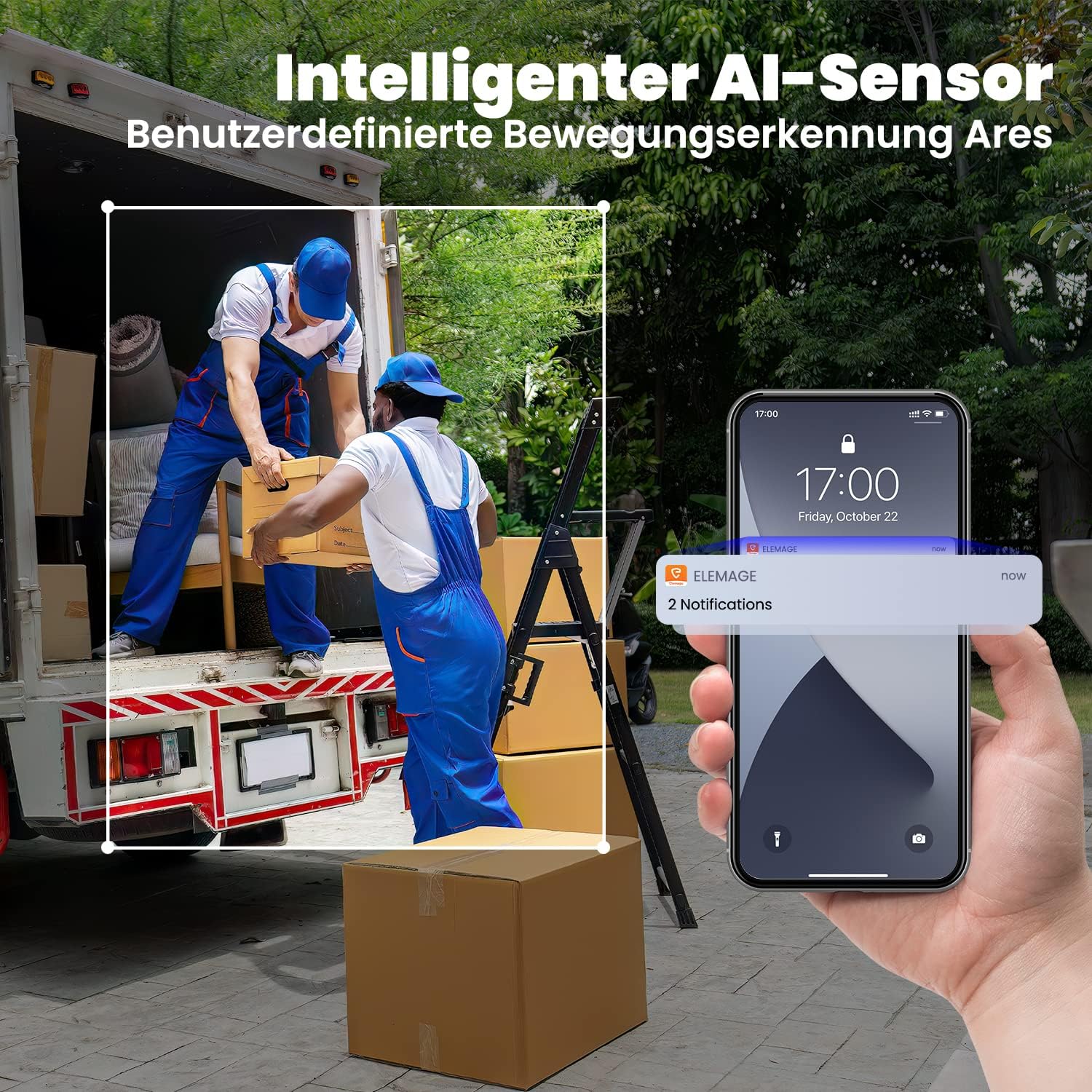
تصویر 4.1: Intelligent AI sensor provides user-defined motion detection and sends notifications to your phone.
4.3 دو طرفہ آڈیو
Utilize the built-in microphone and speaker for two-way communication. Through the 'elemage Cam' app, you can speak to visitors or deter intruders directly from your smartphone.

تصویر 4.2: Engage in real-time conversation with two-way audio functionality.
4.4 نائٹ ویژن
The camera offers advanced night vision, providing clear surveillance even in low-light conditions. It supports both black-and-white and colored night vision, with an effective range of up to 15 meters.

تصویر 4.3: Experience clear color night vision with a long-distance view.
4.5 اسٹوریج کے اختیارات
The camera supports local storage via a MicroSD card (2GB to 128GB, not included) and cloud storage options (subscription may be required). Recorded footage can be accessed and reviewed through the 'elemage Cam' app.
4.6 ملٹی ڈیوائس Viewing
You can share access to your camera's live feed with multiple users. After sharing, several phones can view the security camera simultaneously through the 'elemage Cam' app.

تصویر 4.4: View the camera feed from multiple phones, anytime and anywhere.
5 دیکھ بھال
5.1 بیٹری کا انتظام
The 'elemage Cam' app will send a reminder when the camera's battery level drops below 20%. Recharge the camera promptly to ensure continuous operation. Battery life varies based on usage, motion detection frequency, and environmental factors.
5.2 صفائی
Although the camera is IP65 waterproof, regularly clean the lens and camera body with a soft, damp دھول، گندگی، یا پانی کے دھبوں کو دور کرنے کے لیے کپڑا جو رکاوٹ بن سکتا ہے۔ view. Do not use harsh chemicals or abrasive materials.
5.3 فرم ویئر اپڈیٹس
Periodically check the 'elemage Cam' app for available firmware updates. Keeping your camera's firmware up-to-date ensures optimal performance, security, and access to new features.
6 خرابیوں کا سراغ لگانا
- کیمرہ وائی فائی سے منسلک نہیں ہے: Ensure your WiFi network is 2.4 GHz. Verify the WiFi password is correct. Move the camera closer to the router to improve signal strength.
- No motion detection notifications: Check the motion detection settings in the 'elemage Cam' app. Ensure notifications are enabled for the app on your smartphone. Verify the camera's battery level.
- خراب تصویر کا معیار: کیمرے کے لینس کو صاف کریں۔ یقینی بنائیں کہ کیمرے کے فیلڈ میں کوئی رکاوٹ نہیں ہے۔ view. اپنے انٹرنیٹ کنکشن کی رفتار چیک کریں۔
- مختصر بیٹری کی زندگی: Reduce the sensitivity of motion detection or the duration of recorded events. Ensure the camera is not in an area with excessive motion.
- دو طرفہ آڈیو مسائل: Ensure your phone's microphone and speaker are enabled for the 'elemage Cam' app. Check the camera's audio settings in the app.
For more detailed troubleshooting or specific issues, refer to the help section within the 'elemage Cam' application or contact customer support.
7. وضاحتیں
| فیچر | تفصیلات |
|---|---|
| ماڈل نمبر | ZS-GQ3 |
| ویڈیو ریکارڈنگ ریزولوشن | 2K (2560 x 1440) |
| مؤثر ویڈیو ریزولوشن | 1080 Pixels (Note: Product title states 2K, this might be a base resolution) |
| Viewآئی اینگل | 120 Radians (approx. 68.75 degrees) |
| فریم ریٹ | 15 ایف پی ایس |
| وائرلیس کمیونیکیشن ٹیکنالوجی | Wi-Fi (صرف 2.4 GHz) |
| طاقت کا منبع | Battery Powered, Solar Powered (optional accessory) |
| بیٹری کی قسم | Lithium-ion (1 CR2032 battery included for internal clock/memory, main battery is built-in rechargeable) |
| آئی پی کی درجہ بندی | IP65 واٹر پروف |
| ذخیرہ | MicroSD card (2-128GB, not included), Cloud Storage |
| چڑھنے کی قسم | وال ماؤنٹ |
| رنگ | سفید |
| وزن | 136 گرام |
| سرٹیفیکیشنز | CE, FCC, MSDS, RoHS, UN38.3 |
8. وارنٹی اور سپورٹ
For warranty information, please refer to the documentation provided at the time of purchase or contact elemage customer support directly. If you encounter any issues or have questions regarding your elemage ZS-GQ3 camera, please reach out to the manufacturer's support team for assistance. Contact details are typically available on the product packaging or the official elemage webسائٹ