
1. تعارف
Welcome to the Nokia T10 Wi-Fi Tablet user manual. This guide provides essential information to help you set up, operate, maintain, and troubleshoot your new device. The Nokia T10 is an 8-inch HD Android 12 tablet designed for everyday use, offering a balance of performance and portability.
Please read this manual carefully to ensure proper use and to maximize the lifespan of your tablet.
2. باکس میں کیا ہے۔
Upon unboxing your Nokia T10 tablet, please verify that all the following items are included:
- Nokia T10 Tablet Device
- ٹائپ سی USB کیبل
- چارجر
- فوری آغاز گائیڈ (QSG)
- حفاظتی کتابچہ۔
- User Guide Band
- Plastic Bag (packaging material)
If any items are missing or damaged, please contact your retailer or Nokia customer support immediately.
3. سیٹ اپ
3.1 ٹیبلٹ چارج کرنا
Before first use, fully charge your Nokia T10 tablet. Connect the provided Type-C USB cable to the tablet's charging port and the other end to the charger. Plug the charger into a power outlet. The battery indicator on the screen will show the charging status.
3.2 پاور آن/آف۔
- پاور آن کرنے کے لیے: Press and hold the Power button until the Nokia logo appears.
- پاور آف کرنا: Press and hold the Power button until the power options appear on the screen. Select "Power off" and confirm.
- دوبارہ شروع کرنے کے لیے: Press and hold the Power button until the power options appear. Select "Restart" and confirm.
3.3 ابتدائی سیٹ اپ
When you power on your tablet for the first time, you will be guided through an initial setup process:
- زبان کا انتخاب: اپنی پسند کی زبان منتخب کریں۔
- وائی فائی کنکشن: Connect to a Wi-Fi network to access the internet. This is crucial for downloading updates and setting up your Google account.
- گوگل اکاؤنٹ: Sign in with your existing Google account or create a new one. This is necessary for accessing the Google Play Store, Gmail, and other Google services.
- تاریخ اور وقت: صحیح تاریخ اور وقت سیٹ کریں، یا نیٹ ورک کو خود بخود سیٹ کرنے کی اجازت دیں۔
- سیکورٹی: Set up a screen lock (PIN, pattern, password) and consider enabling AI Face Unlock for convenient access.
3.4 مائیکرو ایس ڈی کارڈ داخل کرنا
The Nokia T10 supports expandable storage via a MicroSD card. Locate the SIM/SD card tray on the side of the tablet. Use the provided SIM ejector tool to open the tray. Carefully place the MicroSD card into the designated slot with the gold contacts facing down, then reinsert the tray firmly.
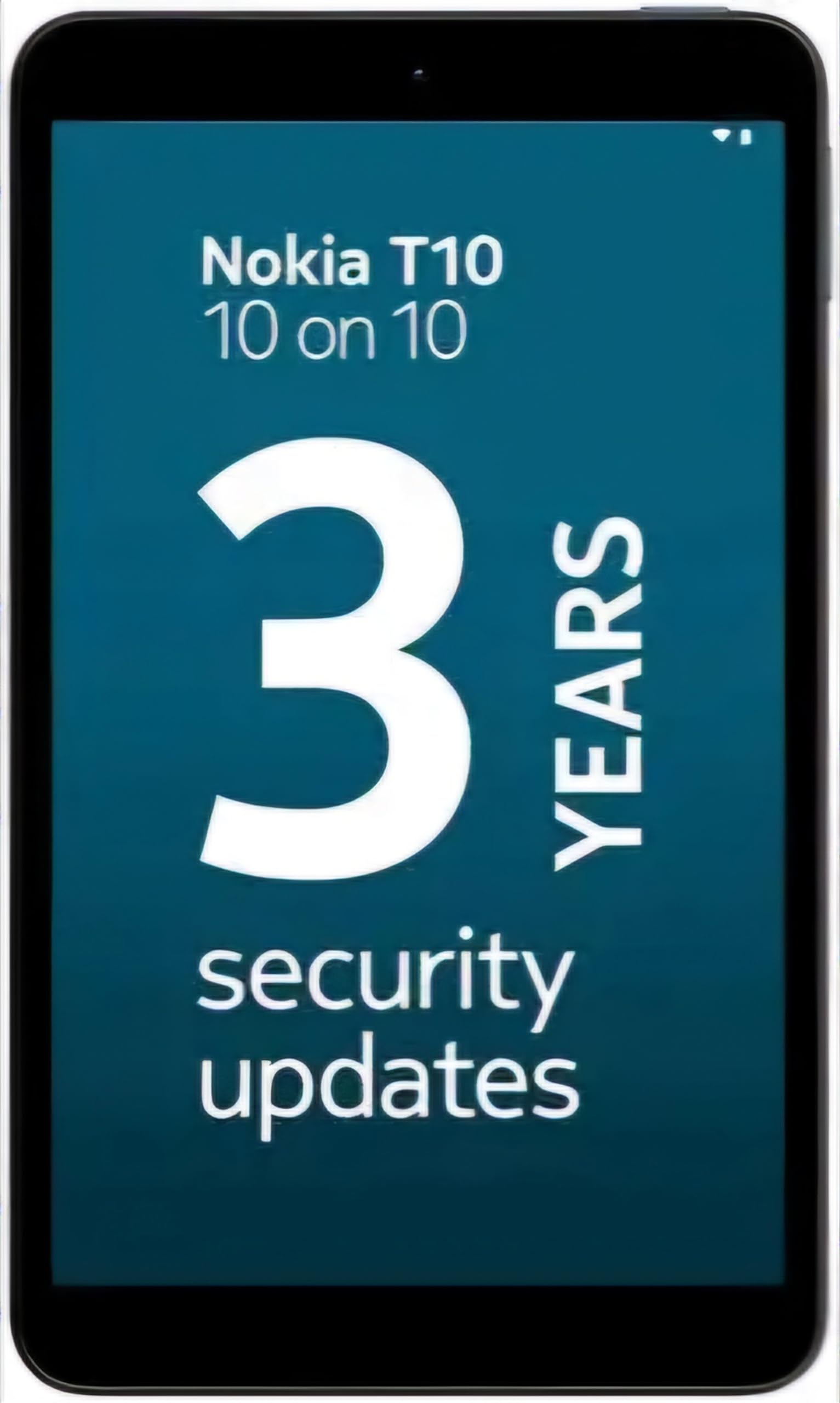
Image: Nokia T10 tablet, showcasing its sleek design and the rear camera module.
4. آپریٹنگ ہدایات
4.1 ڈسپلے اور نیویگیشن
The Nokia T10 features an 8-inch HD display (1280x800 pixels). Navigate the interface using touch gestures:
- تھپتھپائیں: کوئی آئٹم منتخب کریں یا ایپ کھولیں۔
- سوائپ: اسکرینوں، فہرستوں، یا مواد کے ذریعے سکرول کریں۔
- چوٹکی سے زوم: تصاویر کو زوم ان یا آؤٹ کریں۔ web صفحات
- لانگ پریس: سیاق و سباق کے مینو تک رسائی حاصل کریں یا ایپ آئیکنز کو منتقل کریں۔
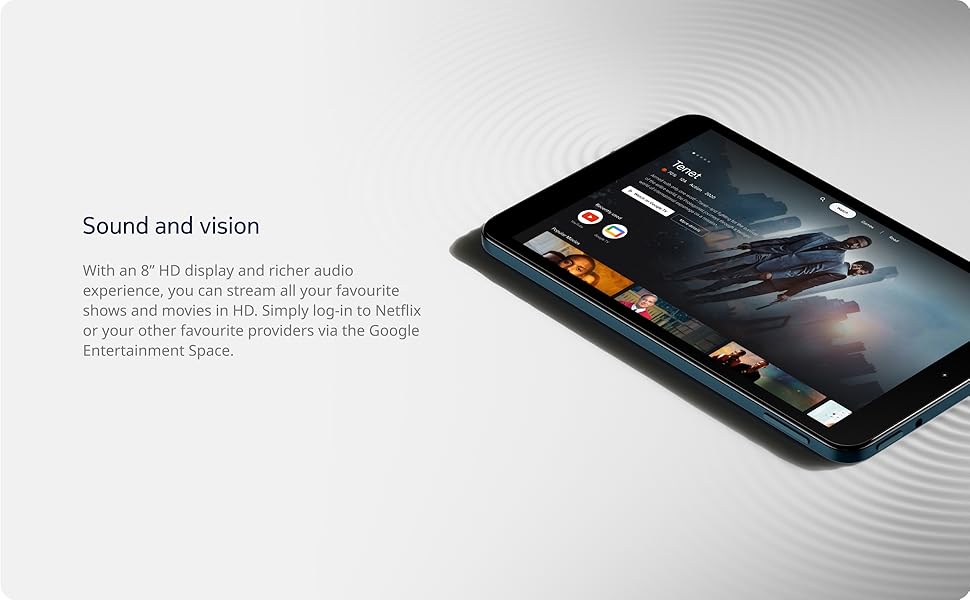
Image: The Nokia T10 tablet showcasing its 8-inch HD display with streaming video content.
4.2 کیمرے کے افعال
Your tablet is equipped with an 8MP rear camera with autofocus and flash, and a 2MP front camera.
- فوٹو کھنچوانا: کیمرہ ایپ کھولیں، اپنے شاٹ کو فریم کریں، اور شٹر بٹن کو تھپتھپائیں۔
- ریکارڈنگ ویڈیوز: Switch to video mode in the Camera app and tap the record button to start/stop. The tablet supports FHD 1080p video capture.
- فرنٹ کیمرہ: Tap the camera switch icon to use the front camera for selfies or video calls.

Image: A Nokia T10 tablet displaying a video call, highlighting its front camera functionality.
4.3 بیٹری کا انتظام
The Nokia T10 has a 5250 mAh battery designed for all-day use. To optimize battery life:
- اسکرین کی چمک کو کم کریں۔
- استعمال میں نہ ہونے پر وائی فائی اور بلوٹوتھ کو بند کر دیں۔
- پس منظر کی ایپس بند کریں۔
- Enable battery saver mode in Settings.
4.4 کنیکٹیویٹی
- وائی فائی: Connect to wireless networks via Settings > Network & internet > Wi-Fi. The tablet supports 802.11a/b/g/n/ac standards.
- بلوٹوتھ: Pair with Bluetooth devices (headphones, speakers) via Settings > Connected devices > Bluetooth. The tablet features Bluetooth 5.0.
- USB قسم-C: Use the USB-C port for charging and data transfer.
4.5 AI فیس انلاک
For quick and secure access, set up AI Face Unlock:
- Go to Settings > Security > Face unlock.
- اپنے چہرے کو رجسٹر کرنے کے لیے اسکرین پر دی گئی ہدایات پر عمل کریں۔
- Ensure you are in a well-lit environment during setup and use.
4.6 سافٹ ویئر اور اپ ڈیٹس
The Nokia T10 runs on Android 12. Nokia provides 2 years of OS updates and 3 years of monthly security updates to keep your device secure and up-to-date. You will receive notifications when updates are available. It is recommended to install updates over a Wi-Fi connection.
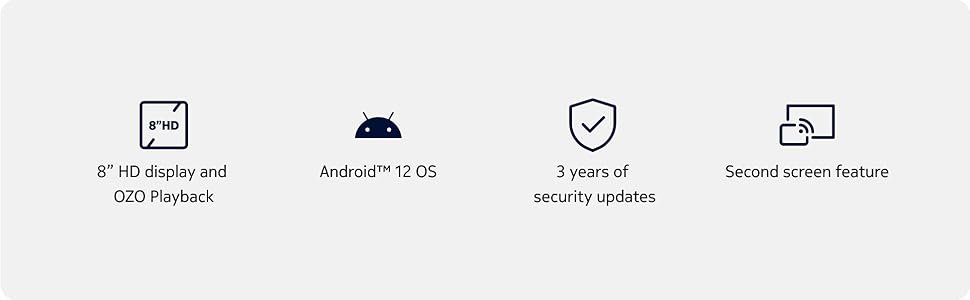
Image: Visual representation of Nokia T10 features including Android 12 OS and 3 years of security updates.
5 دیکھ بھال
5.1 اپنے ٹیبلٹ کی صفائی
- اسکرین اور جسم کو صاف کرنے کے لیے نرم، لنٹ سے پاک کپڑا استعمال کریں۔
- سخت کیمیکلز، کھرچنے والے کلینر، یا ایروسول سپرے استعمال کرنے سے گریز کریں۔
- Do not expose the tablet to excessive moisture.
5.2 سافٹ ویئر اپ ڈیٹس
زیادہ سے زیادہ کارکردگی اور سیکیورٹی کو یقینی بنانے کے لیے باقاعدگی سے سافٹ ویئر اپ ڈیٹس کو چیک کریں اور انسٹال کریں۔ ترتیبات > سسٹم > سسٹم اپ ڈیٹ پر جائیں۔
5.3 اسٹوریج مینجمنٹ
To maintain performance, periodically manage your tablet's storage:
- غیر ضروری ایپس کو حذف کریں۔ files.
- بڑی حرکت کریں۔ files (photos, videos) to a MicroSD card or cloud storage.
- Clear app cache regularly via Settings > Apps > [App Name] > Storage & cache.
6 خرابیوں کا سراغ لگانا
If you encounter issues with your Nokia T10 tablet, try the following solutions:
| مسئلہ | حل |
|---|---|
| ٹیبلٹ آن نہیں ہوتا ہے۔ | یقینی بنائیں کہ بیٹری چارج ہے۔ چارجر کو جوڑیں اور دوبارہ پاور آن کرنے کی کوشش کرنے سے پہلے چند منٹ انتظار کریں۔ |
| وائی فائی کنکشن کے مسائل | Restart your Wi-Fi router. Go to Settings > Network & internet > Wi-Fi, turn Wi-Fi off and then on again. Forget the network and reconnect. |
| سست کارکردگی | Close unused apps. Clear app caches. Restart the tablet. Check for available software updates. |
| ایپس کریش ہو رہی ہیں یا منجمد ہو رہی ہیں۔ | Force stop the app (Settings > Apps > [App Name] > Force stop). Clear the app's cache and data. Reinstall the app. |
| بیٹری تیزی سے ختم ہو جاتی ہے۔ | Reduce screen brightness. Disable unnecessary features like GPS, Bluetooth, and Wi-Fi when not in use. Check battery usage in Settings to identify power-hungry apps. |
If the problem persists after trying these steps, please contact Nokia customer support.
7. وضاحتیں
Below are the key technical specifications for the Nokia T10 Wi-Fi Tablet:
- ماڈل کا نام: Nokia T10 TA-1472 WIFI 3/32
- آپریٹنگ سسٹم: اینڈرائیڈ 12
- پروسیسر: Unisoc T606 (Octa-core, 1.6 GHz)
- گرافکس کاپروسیسر: مالی جی 57
- رام: 3 جی بی
- اندرونی ذخیرہ: 32 جی بی
- قابل توسیع ذخیرہ: Yes, via MicroSD card (up to 512GB, sold separately)
- ڈسپلے: 8-inch HD (1280 x 800 pixels) TFT, 16:10 aspect ratio
- پیچھے والا کیمرہ: 8 MP with AF and Flash
- فرنٹ کیمرہ: 2 MP
- ویڈیو کیپچر ریزولوشن: FHD 1080p at 30 fps
- بیٹری: 5250 ایم اے ایچ لتیم پولیمر
- کنیکٹوٹی: Wi-Fi (802.11a/b/g/n/ac), Bluetooth 5.0, USB Type-C, 3.5mm Audio Jack
- حفاظتی خصوصیات: اے آئی فیس انلاک۔
- آڈیو: Stereo Speakers, OZO Playback
- Dimensions (L x W x Thickness): 20.8L x 12.3W x 0.9Th Centimeters
- وزن: 375 گرام
- رنگ: نیلا
8. وارنٹی کی معلومات
The Nokia T10 tablet comes with a 1 سال کی صنعت کار وارنٹی for the device and battery from the date of purchase. In-box accessories are covered by a 6 ماہ کی مینوفیکچرر وارنٹی from the date of purchase. Please retain your proof of purchase for warranty claims. For detailed terms and conditions, refer to the warranty card included in your product packaging or visit the official Nokia support webسائٹ
9. سپورٹ
For further assistance, technical support, or to find service centers, please visit the official Nokia support website or contact their customer service. You can typically find support contact information on the Nokia website or in the safety booklet provided with your tablet.
آن لائن مدد: نوکیا سپورٹ Webسائٹ