
تعارف
Thank you for choosing the VirtuFit Elite Water Resistance Rower. This manual provides essential information for the safe and effective assembly, operation, and maintenance of your new fitness equipment. Please read this manual thoroughly before use and keep it for future reference.

تصویر: سائیڈ view of the VirtuFit Elite Water Resistance Rower, showcasing its black finish and water tank.
حفاظتی معلومات
Before starting any exercise program, consult with your physician. It is crucial to understand and follow all safety precautions to prevent injury.
- Always perform a warm-up before and a cool-down after your workout.
- Inspect the rower for any loose or damaged parts before each use. Do not use if any components are compromised.
- Ensure the rower is placed on a stable, level surface with adequate clear space around it.
- آپریشن کے دوران بچوں اور پالتو جانوروں کو آلات سے دور رکھیں۔
- مناسب ایتھلیٹک جوتے اور لباس پہنیں۔
- اگر آپ کو درد، چکر آنا، یا سانس کی قلت کا سامنا ہو تو فوری طور پر ورزش بند کر دیں۔
سیٹ اپ
1. اسمبلی
While specific assembly steps are not detailed here, the rower typically requires some initial setup. Refer to the separate assembly guide included with your product for detailed instructions. Ensure all bolts, nuts, and moving parts are securely fastened before first use.
2. پانی کے ٹینک کو بھرنا
- Locate the water tank cap on the top of the rower's water tank.
- ٹوپی کو ہٹا دیں۔
- Use the provided hand pump and funnel to fill the tank with clean tap water to the desired resistance level. The water level directly influences resistance.
- Add a water purification tablet (PuriTab) to the tank to keep the water clean and prevent algae growth.
- ٹینک کی ٹوپی کو محفوظ طریقے سے تبدیل کریں۔
3. Console Battery Installation
The console is powered by batteries. Locate the battery compartment, typically on the back or underside of the console. Insert 4x AA batteries, ensuring correct polarity. Close the compartment securely.
آپریٹنگ ہدایات
1. Understanding the Console

Image: Close-up of the VirtuFit Elite Rower's LCD console, showing various workout metrics and control buttons.
The backlit LCD console displays key workout metrics such as time, distance, strokes, watts, calories, and pulse (with compatible heart rate monitor). Use the buttons to navigate through different programs and settings:
- ہدایات: Cycles through display modes or confirms selections.
- اوپر نیچے: Adjusts values or navigates menus.
- اسٹارٹ / اسٹاپ: Begins or pauses your workout.
- دوبارہ تلاش کریں: Clears current workout data.
- بازیافت: Initiates the recovery test function.
- بلوٹوتھ: Activates Bluetooth for app connectivity and heart rate monitor pairing.
2 مزاحمت کو ایڈجسٹ کرنا
The water resistance system provides a dynamic and smooth rowing experience. Resistance is naturally adjusted by your rowing intensity and speed. For a higher base resistance, increase the water level in the tank. For lower resistance, remove water from the tank using the provided pump.
3. Workout Programs
The console offers various training programs:
- دستی موڈ: Start rowing and track your metrics without a predefined program.
- وقفہ پروگرام: Pre-set or customizable intervals for varied intensity training.
- ٹارگٹ پروگرامز: Set goals for time, distance, or calories.
- ریکوری ٹیسٹ: Measures your heart rate recovery to assess fitness levels.
4. Bluetooth Connectivity and Apps

Image: The VirtuFit Elite Rower with a tablet mounted on its holder, displaying the Kinomap fitness application during a virtual rowing session.
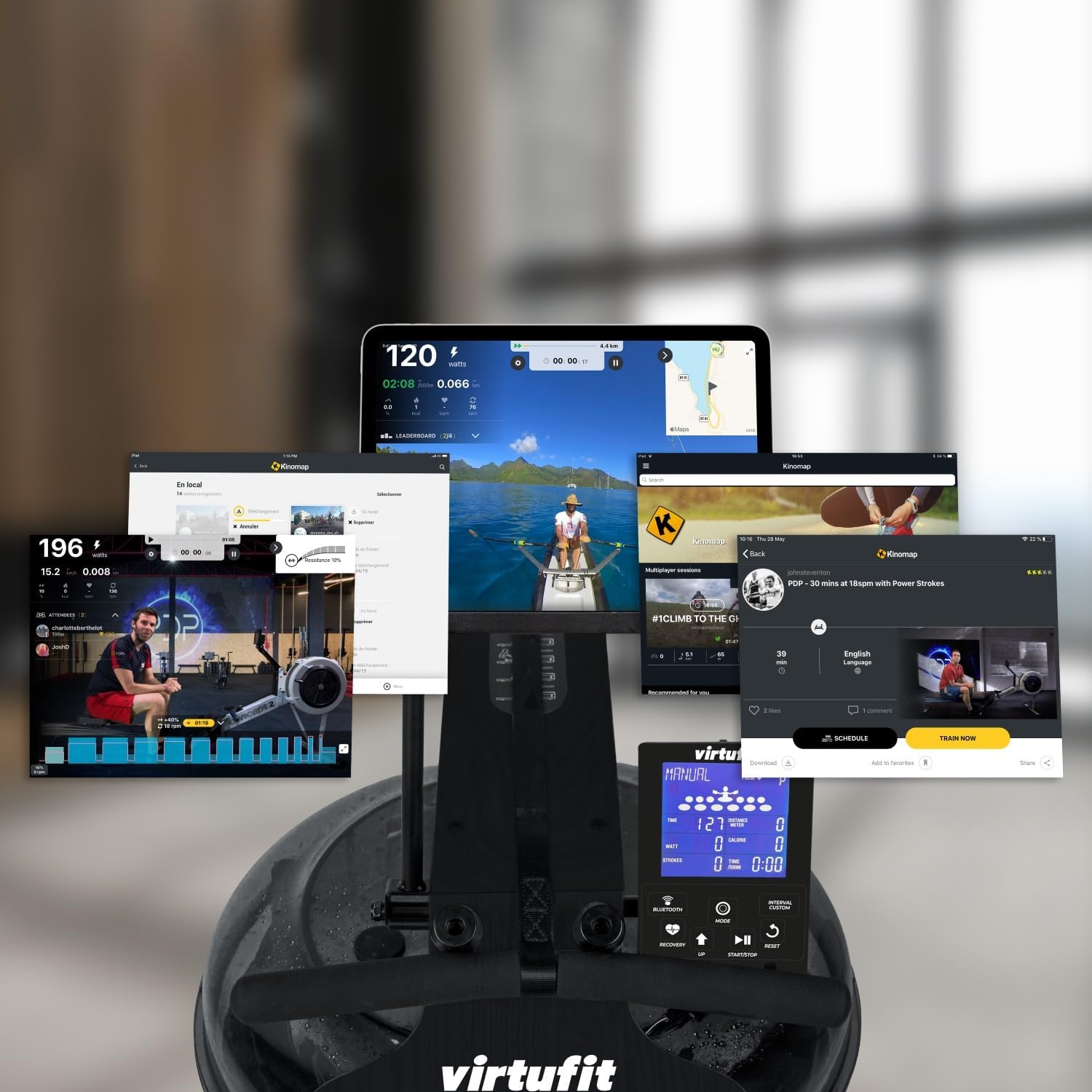
Image: A collage of various screens demonstrating the Kinomap application's diverse features and integration with the VirtuFit Rower, including virtual routes and workout data.
The rower features Bluetooth connectivity for enhanced training options:
- دل کی شرح مانیٹر: Pair a 5 kHz heart rate chest strap (not included) to monitor your pulse on the console.
- Fitness Apps: Connect your rower to popular fitness applications like Kinomap via Bluetooth. Use the integrated tablet holder to view your device while exercising.
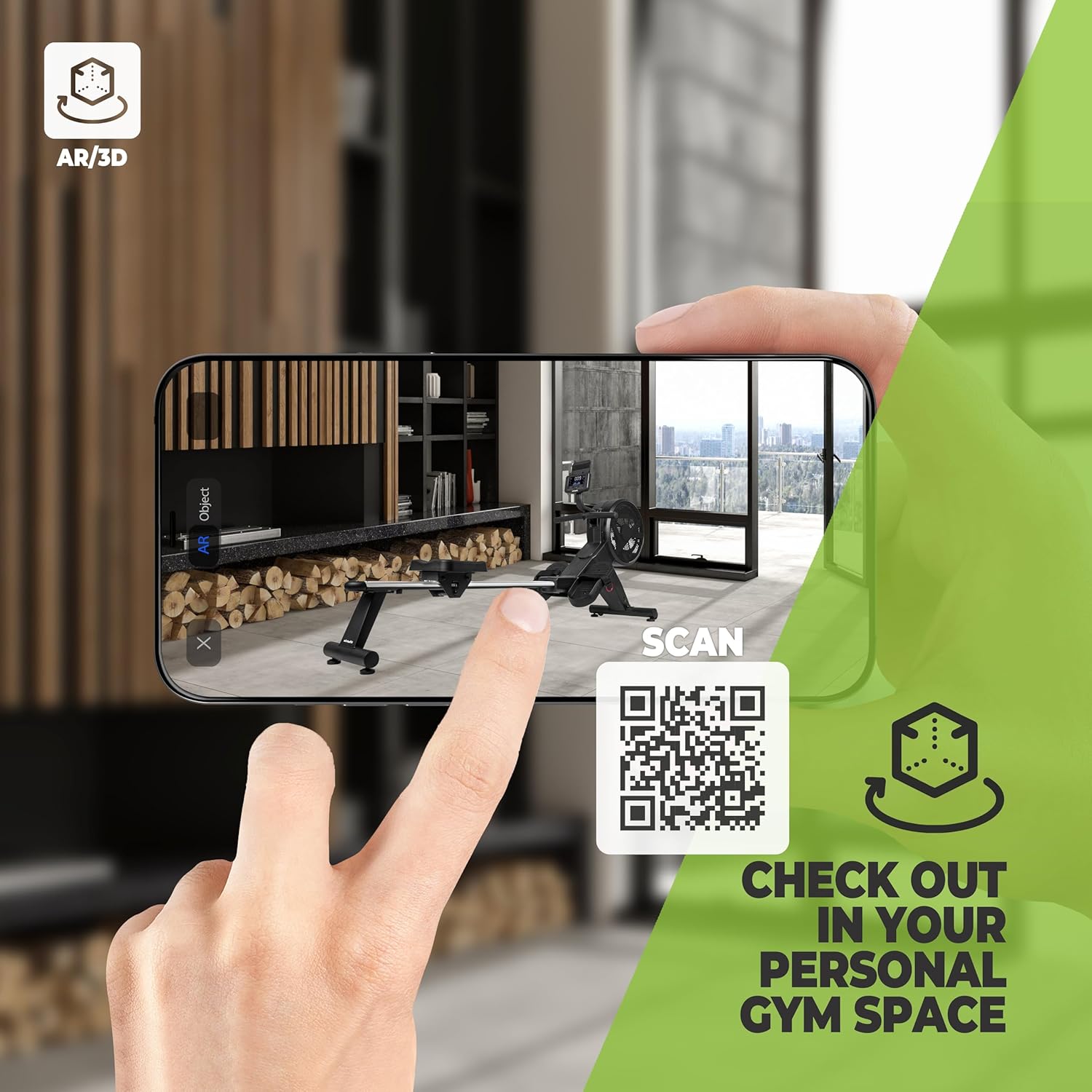
Image: A smartphone screen showing an augmented reality (AR) view of the VirtuFit Rower placed virtually in a room, with a QR code for scanning. This feature allows users to visualize the rower in their space before purchase.
Explore the rower in your space using Augmented Reality: VirtuFit AR Experience
5. Basic Rowing Technique
Proper rowing technique is essential for an effective and safe workout. The rowing stroke consists of four phases:
- کیچ: گھٹنے جھکے ہوئے، پنڈلی عمودی، بازو آگے بڑھے ہوئے، پیچھے سیدھے، کندھے آرام دہ۔
- ڈرائیو: اپنی ٹانگوں سے دھکیلیں، پھر اپنی پیٹھ کو جھولیں، اور آخر میں اپنے بازوؤں سے کھینچیں۔
- ختم: Legs extended, lean back slightly, handle pulled to your lower chest/upper abdomen.
- بحالی: Extend arms forward, then lean forward from the hips, and finally bend your knees to slide forward.

تصویر: کلوز اپ view of the foot straps and the rowing handle, illustrating the connection points for the user during exercise.
دیکھ بھال
1. Water Treatment
To maintain water clarity and prevent microbial growth, add a water purification tablet (PuriTab) to the water tank every 3-6 months, or as needed. If the water becomes discolored, it may need to be replaced and the tank cleaned.
2. صفائی
- Wipe down the rower with a damp پسینے اور دھول کو دور کرنے کے لیے ہر استعمال کے بعد کپڑا۔
- Avoid using abrasive cleaners or solvents, as these can damage the finish and components.
- Periodically clean the rails and seat rollers to ensure smooth operation.
3. ذخیرہ
The VirtuFit Elite Rower is designed for convenient storage. After your workout, the rower can be stored vertically to save space. Ensure the rower is stable and secure in its upright position.

Image: The VirtuFit Elite Water Resistance Rower shown in its vertical storage position, demonstrating its space-saving design.
خرابی کا سراغ لگانا
- Console Not Displaying: بیٹری کی تنصیب کو چیک کریں اور یقینی بنائیں کہ بیٹریاں ختم نہیں ہوئی ہیں۔ اگر ضروری ہو تو تبدیل کریں۔
- No Resistance or Uneven Resistance: Verify the water level in the tank. Ensure the impeller is not obstructed.
- غیر معمولی آوازیں: Inspect all connections and moving parts for looseness. Lubricate moving parts if recommended in the assembly guide.
- بلوٹوتھ کنیکٹیویٹی کے مسائل: Ensure Bluetooth is enabled on both the rower console and your device. Try restarting both devices.
وضاحتیں
| فیچر | تفصیل |
|---|---|
| ماڈل نمبر | VFROWWRB |
| طول و عرض (L x W x H) | 206 x 63 x 52 سینٹی میٹر |
| شے کا وزن | 30 کلوگرام |
| مزاحمت کا طریقہ کار | پانی کی مزاحمت |
| فریم کا مواد | Aluminium (with natural wood elements as per description) |
| کنسول ڈسپلے | LCD (بیک لِٹ) |
| طاقت کا منبع | Battery Powered (4x AA batteries included) |
| خصوصی خصوصیات | Includes hand pump and funnel, Bluetooth connectivity, Tablet holder, Vertical storage capability. |
وارنٹی اور سپورٹ
For warranty information, please refer to the documentation provided at the time of purchase or contact your retailer. For technical support or spare parts, please contact VirtuFit customer service or your local distributor. Keep your proof of purchase for warranty claims.