
تعارف
This manual provides essential information for the proper use and maintenance of your AGM PAD P1 Rugged Android Tablet. Please read this manual thoroughly before operating the device to ensure optimal performance and longevity. The AGM PAD P1 is designed for durability, featuring waterproof, dustproof, and drop-proof capabilities, making it suitable for various environments.
باکس میں کیا ہے۔
Upon unboxing your AGM PAD P1, verify that all the following items are included:
- AGM PAD P1 Rugged Android Tablet
- USB کیبل
- پاور اڈاپٹر
- حفاظتی کیس
- صارف دستی (یہ دستاویز)
- AGM اسٹیکرز
پروڈکٹ ختمview
The AGM PAD P1 features a robust design with a 10.36-inch display and integrated cameras. Familiarize yourself with the device's physical components.

Image: The AGM PAD P1 tablet highlighting its waterproof and drop-proof design, shown submerged in water and on rough terrain with its protective case.
The tablet is equipped with an 8MP main camera on the rear and a 5MP front camera for video calls and selfies.
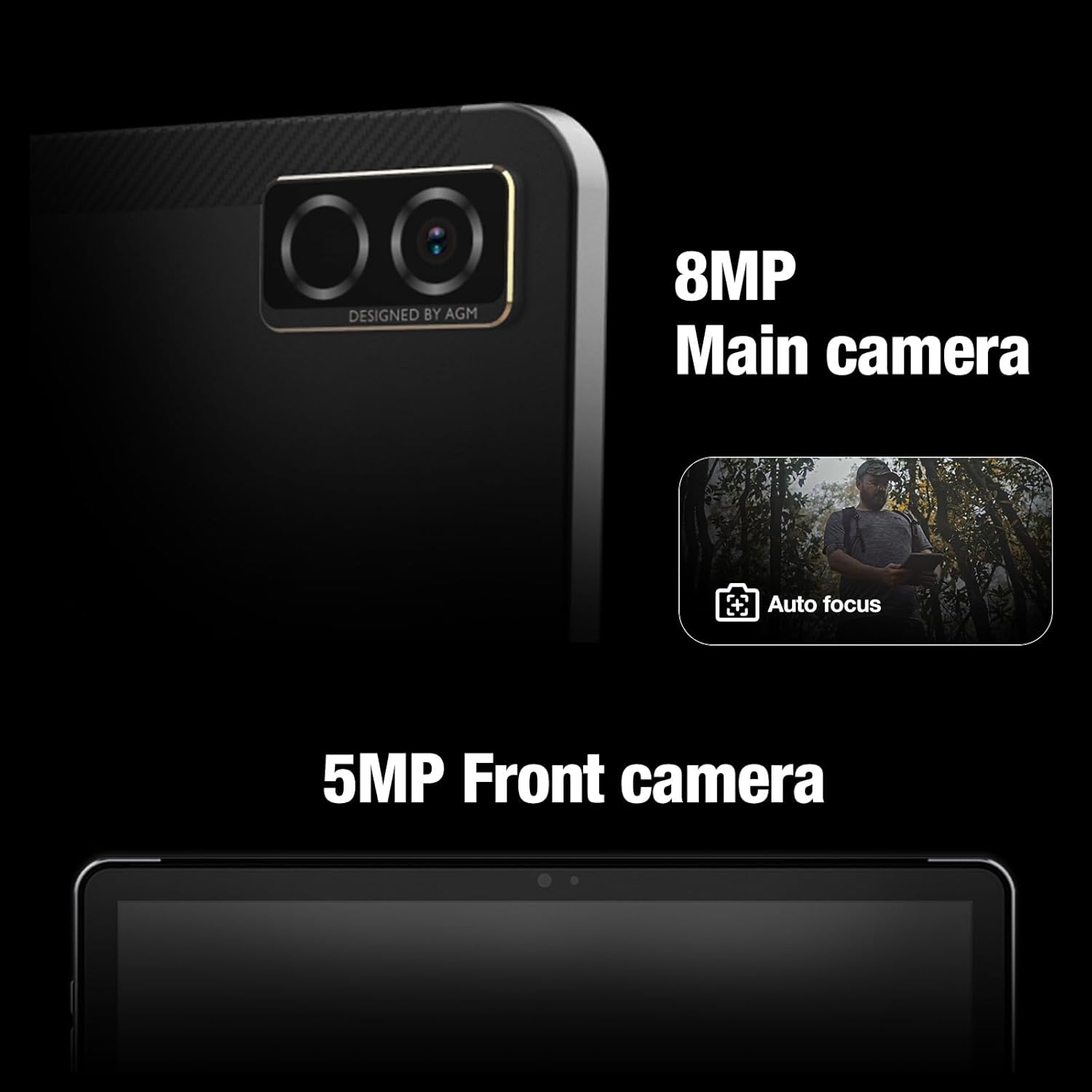
تصویر: کلوز اپ view of the AGM PAD P1's rear 8MP main camera with autofocus and the 5MP front camera.
سیٹ اپ
1. ڈیوائس کو چارج کرنا
Before initial use, fully charge the AGM PAD P1 using the provided USB cable and power adapter. Connect the USB cable to the tablet's charging port and the adapter to a power outlet. The battery indicator on the screen will show charging progress.
2. پر / آف پاور
- پاور آن کرنے کے لیے: Press and hold the Power button until the AGM logo appears on the screen.
- پاور آف کرنا: پاور بٹن دبائیں اور تھامیں جب تک کہ پاور آپشنز مینو ظاہر نہ ہو۔ "پاور آف" کو منتخب کریں اور تصدیق کریں۔
3. ابتدائی سیٹ اپ وزرڈ
پہلی بار پاور آن ہونے پر، ٹیبلیٹ سیٹ اپ کے ابتدائی عمل میں آپ کی رہنمائی کرے گا۔ اس میں آپ کی زبان کا انتخاب، وائی فائی نیٹ ورک سے جڑنا، اپنا Google اکاؤنٹ ترتیب دینا، اور ڈیوائس کی بنیادی ترتیبات کو ترتیب دینا شامل ہے۔
4. مائیکرو ایس ڈی کارڈ داخل کرنا
The AGM PAD P1 supports expandable storage via a microSD card (up to 2TB). Locate the card slot on the side of the tablet, open the protective cover, and carefully insert the microSD card with the gold contacts facing down until it clicks into place. Close the protective cover securely to maintain water and dust resistance.
آپریٹنگ ہدایات
ڈسپلے اور انٹرفیس
The tablet features a 10.36-inch 2K (1200 x 2000 pixels) display with a 120Hz refresh rate, providing a clear and smooth visual experience. Navigate the Android 13 operating system using touch gestures.

Image: The AGM PAD P1 tablet displaying vibrant content on its 10.36-inch 2K screen.
کارکردگی
Powered by the MediaTek G99 Octa-core processor (up to 2.2 GHz) and 8GB of RAM, the AGM PAD P1 delivers efficient performance for multitasking, gaming, and media consumption. It runs on Android 13, offering the latest features and security updates.

Image: The AGM PAD P1 tablet showcasing its MediaTek Helio G99 processor for high performance.
ذخیرہ
The tablet comes with 256GB of internal storage, which can be expanded up to 2TB using a microSD card. This provides ample space for applications, photos, videos, and documents.

Image: The AGM PAD P1 tablet illustrating its 256GB built-in memory and the option to expand storage up to 2TB with an SD card.
بیٹری کی زندگی
Equipped with a 7000mAh Lithium-Ion battery, the AGM PAD P1 offers extended usage time. Battery life varies based on usage patterns and settings.
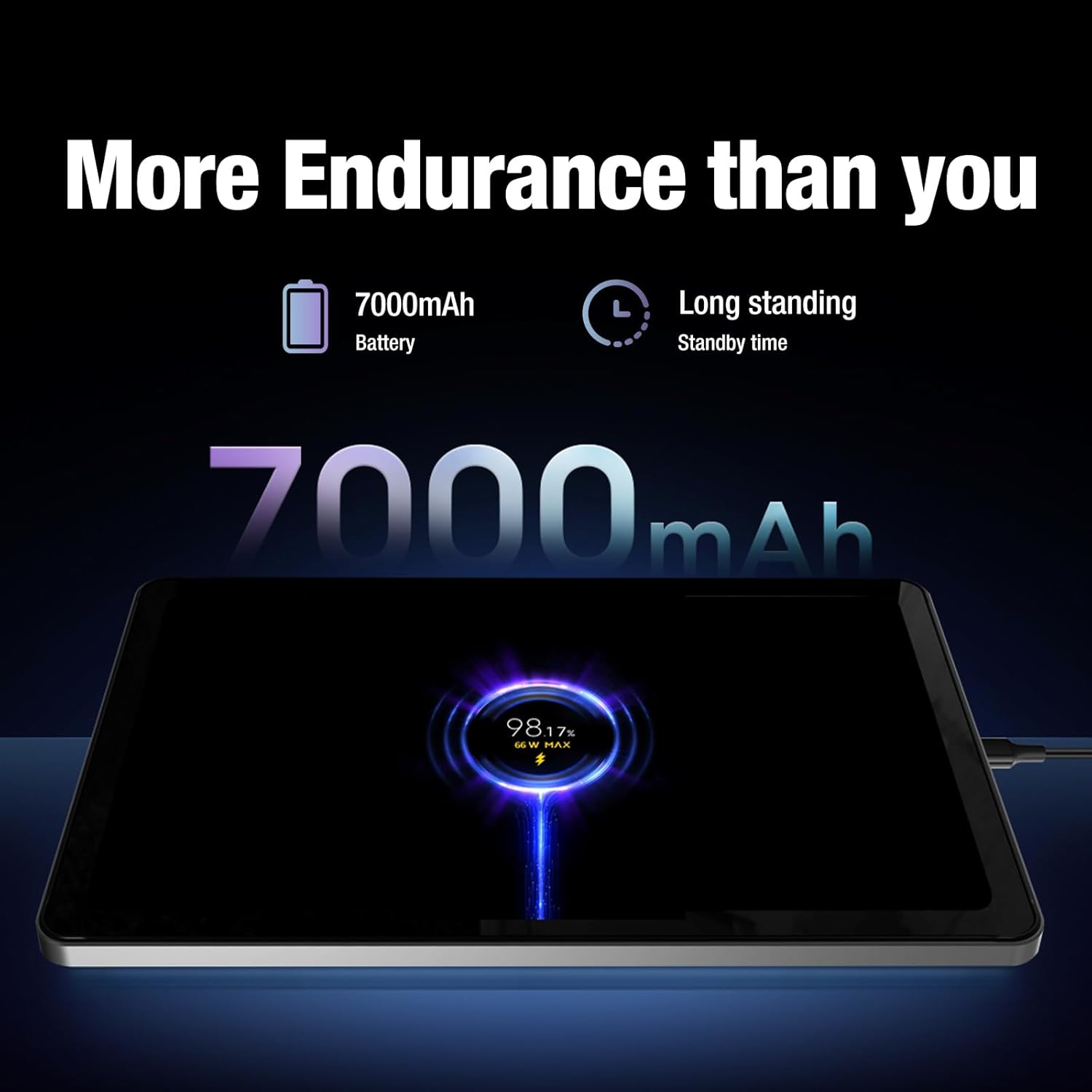
Image: The AGM PAD P1 tablet connected to a charger, indicating its 7000mAh battery capacity and long standby time.
آڈیو
Experience immersive sound with the dual box stereo speakers. The tablet supports various audio formats including MP3, AAC, WAV, and OPUS.
کنیکٹوٹی
The AGM PAD P1 supports Wi-Fi (802.11a/b/g), Bluetooth, and 4G cellular technology for internet access and peripheral connections. It also includes GPS for navigation.
پائیداری کی خصوصیات
The AGM PAD P1 is built to withstand challenging environments with its rugged design and IP68/IP69K ratings.
- Waterproof (IP68/IP69K): The tablet is protected against continuous immersion in water up to 1.5 meters for 30 minutes (IP68) and against high-pressure, high-temperature water jets (IP69K). Ensure all port covers are securely closed before exposure to water.
- ڈراپ پروف: Designed to endure accidental drops, the tablet's robust construction and included protective case offer enhanced shock resistance.
- ڈسٹ پروف: The device is fully protected against dust ingress, making it suitable for dusty environments.
Video: An underwater unboxing of the AGM PAD P1, demonstrating its waterproof capabilities and initial boot-up sequence while submerged.
Video: A demonstration of the AGM PAD P1's ruggedness and waterproof features, showcasing its suitability for outdoor and challenging conditions.
دیکھ بھال
- صفائی: ایک نرم استعمال کریں، ڈیamp cloth to clean the tablet's surface. Avoid harsh chemicals or abrasive materials. Ensure all port covers are sealed before cleaning with liquids.
- سافٹ ویئر اپ ڈیٹس: Regularly check for and install system updates to ensure your device has the latest features, security patches, and performance improvements. Go to Settings > System > System update.
- بیٹری کی دیکھ بھال: To prolong battery life, avoid exposing the tablet to extreme temperatures. Do not let the battery completely drain frequently.
خرابی کا سراغ لگانا
| مسئلہ | حل |
|---|---|
| ڈیوائس آن نہیں ہے۔ | Ensure the battery is charged. Connect the tablet to the charger for at least 30 minutes, then try powering on again. |
| ٹچ اسکرین غیر جوابدہ ہے۔ | Restart the device by holding the Power button for 10-15 seconds. If the issue persists, perform a factory reset (data will be lost). |
| وائی فائی کنکشن کے مسائل | چیک کریں کہ آیا سیٹنگز میں Wi-Fi فعال ہے۔ اپنا راؤٹر اور ٹیبلیٹ دوبارہ شروع کریں۔ نیٹ ورک کو بھول جائیں اور دوبارہ جڑیں۔ |
| ایپس کریش ہو رہی ہیں یا سست ہیں۔ | Close background apps. Clear app cache (Settings > Apps > [App Name] > Storage > Clear cache). Restart the tablet. |
For further assistance, refer to the official AGM support resources.
وضاحتیں
| فیچر | تفصیل |
|---|---|
| برانڈ | AGM |
| ماڈل کا نام | AGM PAD P1 |
| آپریٹنگ سسٹم | اینڈرائیڈ 13 |
| پروسیسر | MediaTek Helio G99 Octa-core (up to 2.2 GHz) |
| رام | 8 جی بی |
| اندرونی اسٹوریج | 256 جی بی |
| قابل توسیع اسٹوریج | مائیکرو ایس ڈی 2 ٹی بی تک |
| اسکرین کا سائز | 10.36 انچ |
| ڈسپلے ریزولوشن | 1200 x 2000 پکسلز (2K) |
| ریفریش ریٹ ڈسپلے کریں۔ | 120 Hz |
| پیچھے والا کیمرہ | 8 MP |
| سامنے والا کیمرہ | 5 MP |
| بیٹری کی صلاحیت | 7000 ایم اے ایچ لتیم آئن |
| کنیکٹوٹی | Wi-Fi (802.11a/b/g), Bluetooth, 4G, GPS |
| پائیداری | IP68/IP69K Waterproof, Drop-Proof, Dustproof |
| Dimensions (L x W x Thickness) | 9.84"L x 6.29"W x 0.35"th |
| شے کا وزن | 0.94 کلوگرام |
وارنٹی اور سپورٹ
The AGM PAD P1 comes with a 1-year manufacturer's limited warranty. For warranty claims or technical support, please contact AGM Mobile directly. Keep your proof of purchase for warranty validation.
Manufacturer: AGM Mobile
For additional support and resources, visit the official AGM webسائٹ یا ان کی کسٹمر سروس سے رابطہ کریں۔