
1. تعارف
The JZAQ A13 Bluetooth Helmet Speakers and Intercom System provides wireless communication and audio playback for motorcycle riders, skiers, cyclists, and other sports enthusiasts. This system features Bluetooth 5.3 connectivity, two-way intercom functionality, noise cancellation, and a waterproof design for reliable performance in various conditions.

Image 1.1: JZAQ A13 Bluetooth Helmet Headset overview.
2. پیکیج کے مشمولات
Before installation, please verify that all items listed below are present in your package:
- JZAQ A13 Headphone Host
- Hard Earbuds
- Soft Earbuds
- کلپ کی بنیاد
- Paste Base
- Horn Velcro
- TYPE-C چارجنگ کیبل
- Hard and Soft Velcro Pads
- صارف دستی

Image 2.1: All components included in the JZAQ A13 package.
3. پروڈکٹ ختمview
Familiarize yourself with the main unit and its controls:
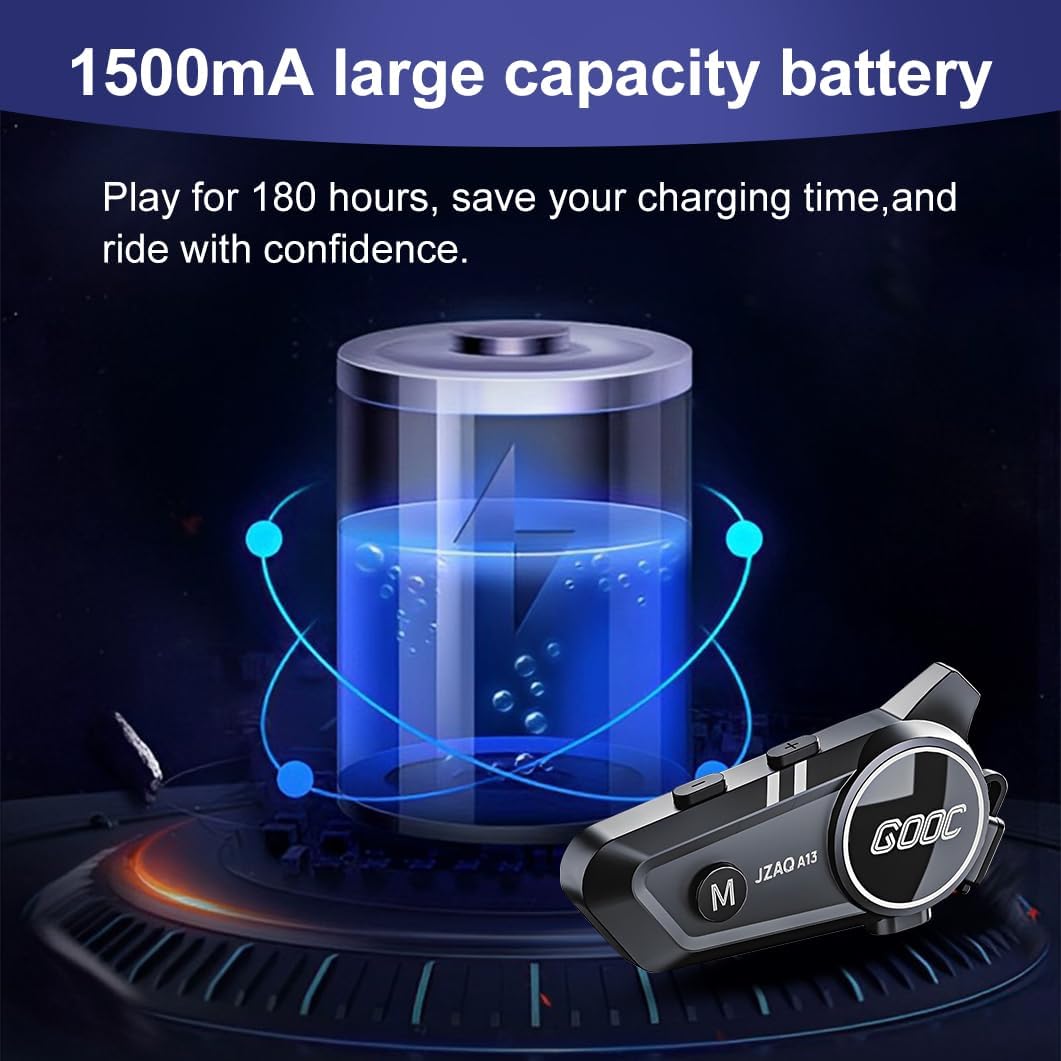
Image 3.1: Diagram illustrating the button functions and ports on the JZAQ A13 unit.
- Power On/Off/Pause/Play/Connect Button: Controls power, music playback, and Bluetooth connection.
- Volume Up/Next Song Button: والیوم بڑھاتا ہے اور اگلے ٹریک پر چلا جاتا ہے۔
- Volume Down/Previous Song/Voice Assistant Button: Decreases volume, goes to the previous track, and activates the voice assistant.
- چارجنگ پورٹ: USB Type-C port for charging the device.
- ہیڈ فون جیک: Connects the speakers and microphone.
4. سیٹ اپ اور انسٹالیشن
4.1 ڈیوائس کو چارج کرنا
Before first use, fully charge the JZAQ A13 unit. Connect the provided TYPE-C charging cable to the charging port on the unit and a USB power source. A full charge typically takes approximately 2 hours. The device features a 1500mAh battery, providing up to 180 hours of continuous play time.

Image 4.1: Illustration of the 1500mAh large capacity battery.
4.2 ہیلمٹ کی تنصیب
The JZAQ A13 is designed to be compatible with various helmet types. The speakers are ultra-thin (10mm) to ensure comfort and avoid ear pressure.

تصویر 4.2: مثال کے طور پرamples of various helmet types compatible with the JZAQ A13.
Follow these steps to install the system in your helmet:
- اسپیکر کی جگہ کا تعین: Identify suitable locations within your helmet for the speakers, typically in the ear recesses. Use the provided Velcro pads to secure the speakers.
- مائیکروفون اٹیچمنٹ: Choose between the hard or soft earbuds (microphones) based on your helmet type and preference. Attach the microphone using Velcro in a position that allows clear voice pickup without obstructing your vision or comfort.
- مین یونٹ ماؤنٹنگ: Use either the clip base or the paste base to attach the main JZAQ A13 unit to the side of your helmet. Ensure it is securely fastened and easily accessible for operation.
- کیبل مینجمنٹ: تکلیف یا مداخلت کو روکنے کے لیے تمام کیبلز کو ہیلمٹ کی پیڈنگ کے اندر صفائی سے روٹ کریں۔

Image 4.3: Step-by-step visual guide for installing the JZAQ A13 system into a helmet.
5. آپریٹنگ ہدایات
5.1 پاور آن/آف
- پاور آن: پاور بٹن کو تقریباً 3 سیکنڈ تک دبائے رکھیں جب تک کہ اشارے کی روشنی روشن نہ ہو جائے۔
- بجلی بند: پاور بٹن کو تقریباً 3 سیکنڈ تک دبائے رکھیں جب تک کہ اشارے کی روشنی بند نہ ہوجائے۔
5.2 بلوٹوتھ جوڑی
The JZAQ A13 uses Bluetooth 5.3 for stable wireless connectivity.
- یقینی بنائیں کہ آلہ بند ہے۔
- پاور بٹن کو تقریباً 5-7 سیکنڈ تک دبائے رکھیں جب تک کہ انڈیکیٹر لائٹ باری باری سرخ اور نیلے رنگ میں نہ چمکے، جو پیئرنگ موڈ کی نشاندہی کرتی ہے۔
- On your mobile phone or Bluetooth-enabled device, search for "JZAQ A13" in the Bluetooth settings.
- Select "JZAQ A13" to connect. Once paired, the indicator light will flash blue slowly.
5.3 میوزک پلے بیک
After successful Bluetooth pairing, you can play music from your connected device. The system features Hi-Fi stereo sound and DSP noise reduction technology for clear audio.

Image 5.1: The JZAQ A13 provides clear music playback with noise reduction.
- چلائیں/روکیں: ایک بار پاور بٹن دبائیں۔
- اواز بڑھایں: والیوم اپ (+) بٹن دبائیں۔
- آواز کم: والیوم ڈاؤن (-) بٹن دبائیں۔
- اگلا گانا: والیوم اپ (+) بٹن کو دبا کر رکھیں۔
- پچھلا گانا: والیوم ڈاؤن (-) بٹن کو دبا کر رکھیں۔
5.4 دو طرفہ انٹرکام
The JZAQ A13 supports two-way intercom communication between two riders within a range of up to 200 meters. The universal pairing function allows connection with other compatible intercom systems.

Image 5.2: Illustration of two-way intercom communication between riders.
- انٹرکام شروع کریں: Consult the specific instructions for initiating intercom with another JZAQ A13 unit or a universally paired device.
- انٹرکام ختم کریں: Press the Power button once during an active intercom call.
5.5 فون کالز
The system supports hands-free calling with automatic answering and DSP noise reduction for clear voice communication.
- کال کا جواب دیں: The system will automatically answer incoming calls after a few rings.
- کال ختم کریں: ایک بار پاور بٹن دبائیں۔
- کال مسترد کریں: پاور بٹن کو 2 سیکنڈ تک دبائے رکھیں۔
5.6 وائس اسسٹنٹ
Activate your smartphone's voice assistant (e.g., Siri) directly from the JZAQ A13.
- متحرک صوتی معاون: Press the Volume Down (-) button twice quickly.
6 دیکھ بھال
6.1 واٹر پروفنگ
The JZAQ A13 features IPX67 deep waterproof technology with Nano coating, making it suitable for use in rainy or snowy conditions and capable of operating in temperatures as low as -20°F.
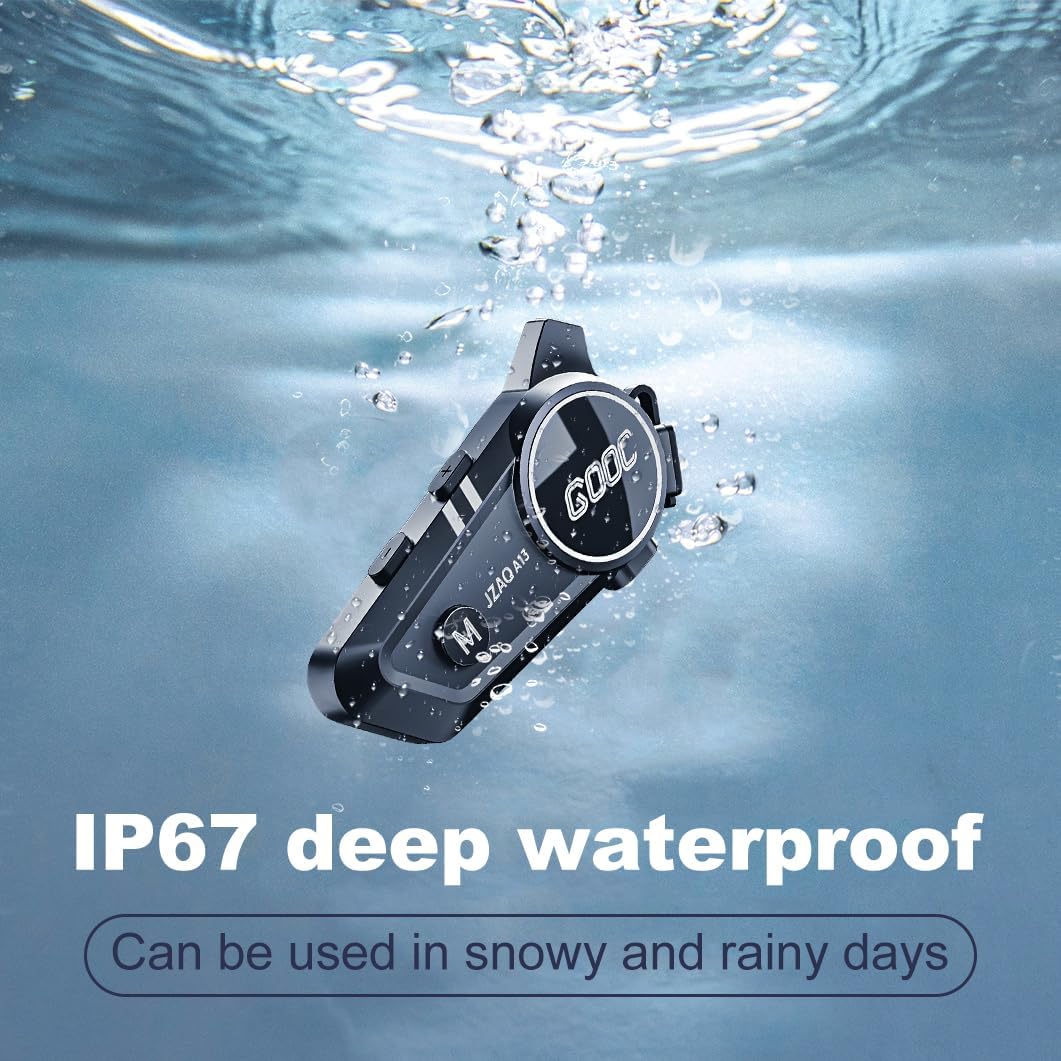
Image 6.1: The JZAQ A13 demonstrating its IP67 deep waterproof capability.
6.2 صفائی ستھرائی اور ذخیرہ
- یونٹ کو ایک نرم کے ساتھ مسح کریں، ڈیamp کپڑا سخت کیمیکلز یا کھرچنے والے کلینر کے استعمال سے پرہیز کریں۔
- یقینی بنائیں کہ پانی کی مزاحمت کو برقرار رکھنے کے لیے چارجنگ پورٹ کور محفوظ طریقے سے بند ہے۔
- استعمال میں نہ ہونے پر آلہ کو ٹھنڈی، خشک جگہ پر اسٹور کریں۔
7 خرابیوں کا سراغ لگانا
If you encounter issues with your JZAQ A13, refer to the following common problems and solutions:
| مسئلہ | ممکنہ وجہ | حل |
|---|---|---|
| ڈیوائس آن نہیں ہے۔ | کم بیٹری؛ آلہ منجمد | Charge the device fully; Perform a hard reset (if applicable, refer to manufacturer for specific steps). |
| فون کے ساتھ جوڑا نہیں بنایا جا سکتا | Not in pairing mode; Bluetooth off on phone; Device already paired | Ensure device is in pairing mode (flashing red/blue); Turn on phone's Bluetooth; Forget previous connections on phone and re-pair. |
| اسپیکر سے کوئی آواز نہیں۔ | Volume too low; Speakers disconnected; Faulty connection | Increase volume on device and phone; Check speaker connections; Try re-plugging speakers into the main unit. |
| انٹرکام منسلک نہیں ہو رہا ہے۔ | حد سے باہر؛ جوڑا بنانے کا طریقہ کار غلط ہے۔ | Ensure riders are within 200m range; Repeat intercom pairing steps for both units. |
| Poor voice quality during calls/intercom | Microphone position; Excessive wind noise | Adjust microphone closer to mouth; Ensure microphone is shielded from direct wind. |
8. وضاحتیں
Key technical specifications for the JZAQ A13 Bluetooth Helmet Speakers & Intercom System:
| فیچر | تفصیلات |
|---|---|
| ماڈل کا نام | A13 |
| برانڈ | JZAQ |
| کنیکٹوٹی ٹیکنالوجی | وائرلیس (بلوٹوتھ) |
| بلوٹوتھ ورژن | 5.3 |
| بیٹری کی صلاحیت | 1500mAh |
| Battery Life (Play Time) | 180 گھنٹے تک |
| چارج کرنے کا وقت | 2 گھنٹے |
| انٹرکام رینج | Up to 200 meters (two-way) |
| پانی کی مزاحمت کی سطح | IPX67 (واٹر پروف) |
| شور کنٹرول | Sound Isolation, DSP Noise Reduction |
| خصوصی خصوصیات | Built-In Voice Assistant, Fast Charging, Includes microphone, Lightweight |
| شے کا وزن | 7.4 اونس (0.21 کلوگرام) |
| آپریٹنگ درجہ حرارت | -20°F to (unspecified upper limit) |
9. وارنٹی اور سپورٹ
The JZAQ A13 Bluetooth Helmet Speakers & Intercom System comes with a 2 سال کی وارنٹی. For any product-related inquiries, technical assistance, or warranty claims, please contact JZAQ customer service through the Amazon Buyer Center. Our customer service team is available to assist you.