
XREAL 6976143800071
XREAL H-C Cable User Manual
ماڈل: 6976143800071
تعارف
This manual provides essential information for the proper use, setup, and maintenance of your XREAL H-C Cable. This high-speed HDMI to USB-C cable is designed to connect various devices, including gaming consoles and PCs, to compatible AR glasses like the XREAL Beam and Air AR glasses, supporting 4K/60Hz video transmission.
حفاظتی معلومات
Please read and follow these safety guidelines to ensure safe operation and prolong the life of your cable:
- کیبل کو انتہائی درجہ حرارت، براہ راست سورج کی روشنی، یا زیادہ نمی کے سامنے نہ رکھیں۔
- Avoid bending or twisting the cable excessively, especially near the connectors, as this can damage internal wires.
- Keep the cable away from water and other liquids. If it gets wet, disconnect it immediately and allow it to dry completely before reuse.
- Do not attempt to disassemble or modify the cable. This will void the warranty and may cause damage.
- بچوں اور پالتو جانوروں کی پہنچ سے دور رکھیں۔
- صرف ہم آہنگ آلات کے ساتھ استعمال کریں جیسا کہ اس مینول میں بیان کیا گیا ہے۔
پیکیج کے مشمولات
پیکیج میں درج ذیل آئٹم شامل ہیں:
- 1 x XREAL H-C Cable (HDMI to USB-C)
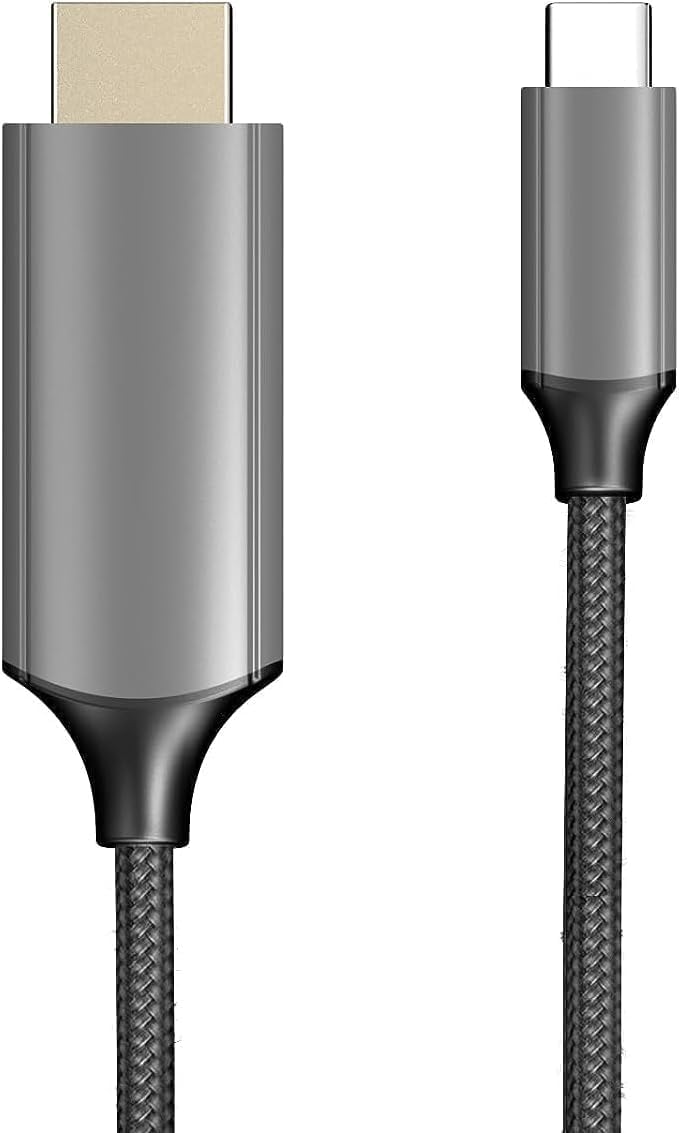
Image: The XREAL H-C Cable showing both the HDMI and USB-C connectors. The cable features a durable, woven design.
پروڈکٹ ختمview
The XREAL H-C Cable is engineered for high-fidelity video and audio transmission. It features a robust, woven design for enhanced durability and tangle-free use. The cable facilitates connection from an HDMI source to a USB-C display, supporting resolutions up to 4K at 60Hz.
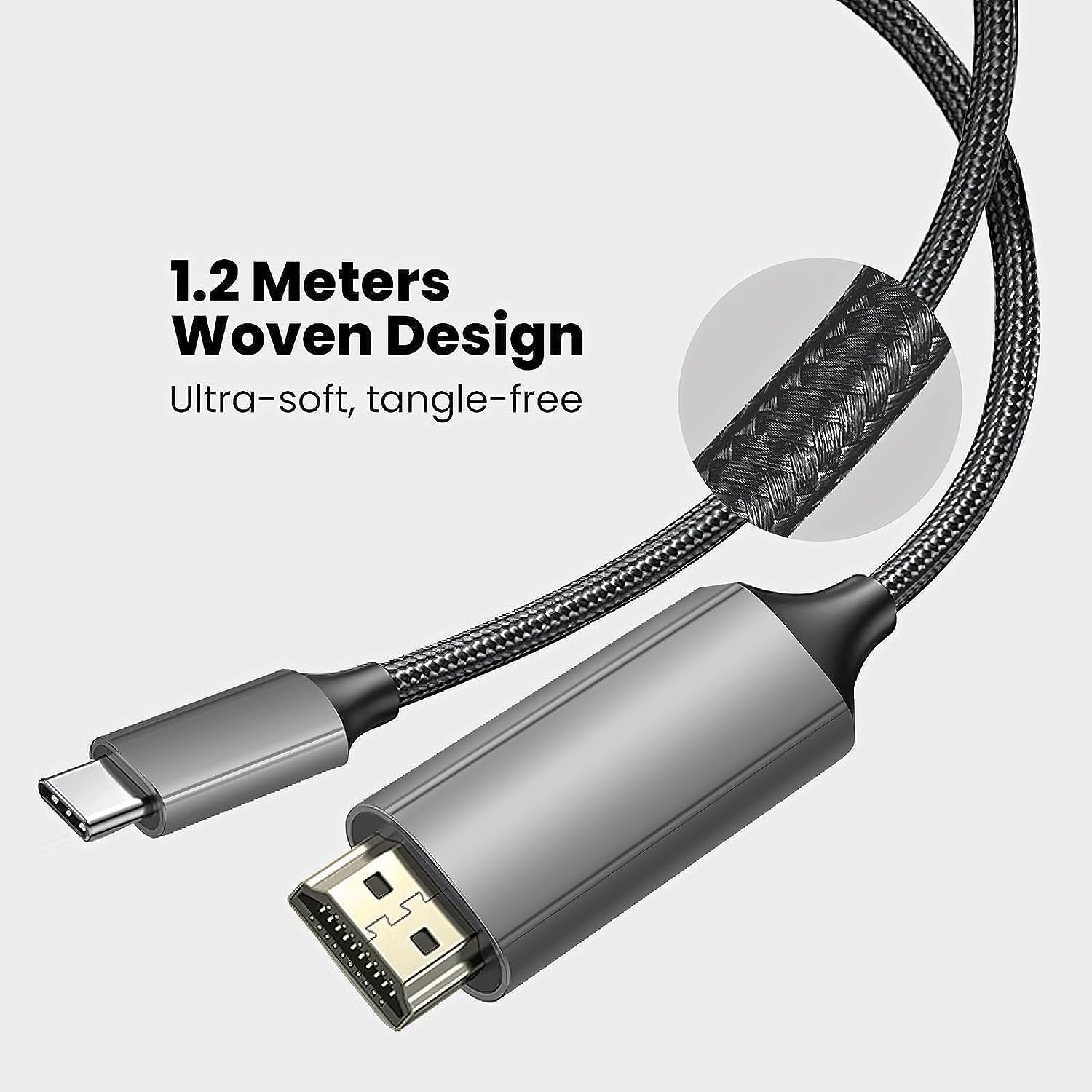
Image: Close-up of the XREAL H-C Cable highlighting its 1.2-meter length and ultra-soft, tangle-free woven design.
سیٹ اپ
Follow these steps to connect your XREAL H-C Cable:
- کنیکٹرز کی شناخت کریں: Locate the HDMI "In" connector and the USB-C "Out" connector on the cable.
- ماخذ سے جڑیں: پلگ ان کریں۔ HDMI "In" end of the cable into the HDMI output port of your source device (e.g., PlayStation, Xbox, Nintendo Switch, PC graphics card).
- ڈسپلے سے جڑیں: پلگ ان کریں۔ USB-C "Out" end of the cable into the USB-C input port of your compatible display device (e.g., XREAL Beam, XREAL Air AR glasses).
- ڈیوائس آن پاور: یقینی بنائیں کہ آپ کا سورس ڈیوائس اور ڈسپلے ڈیوائس دونوں آن ہیں۔
- کنکشن کی تصدیق کریں: The display should automatically detect the input signal. If not, you may need to manually select the input source on your display device.

Image: The XREAL H-C Cable clearly labeled with "HDMI In" and "USB-C Out" to indicate connection direction.
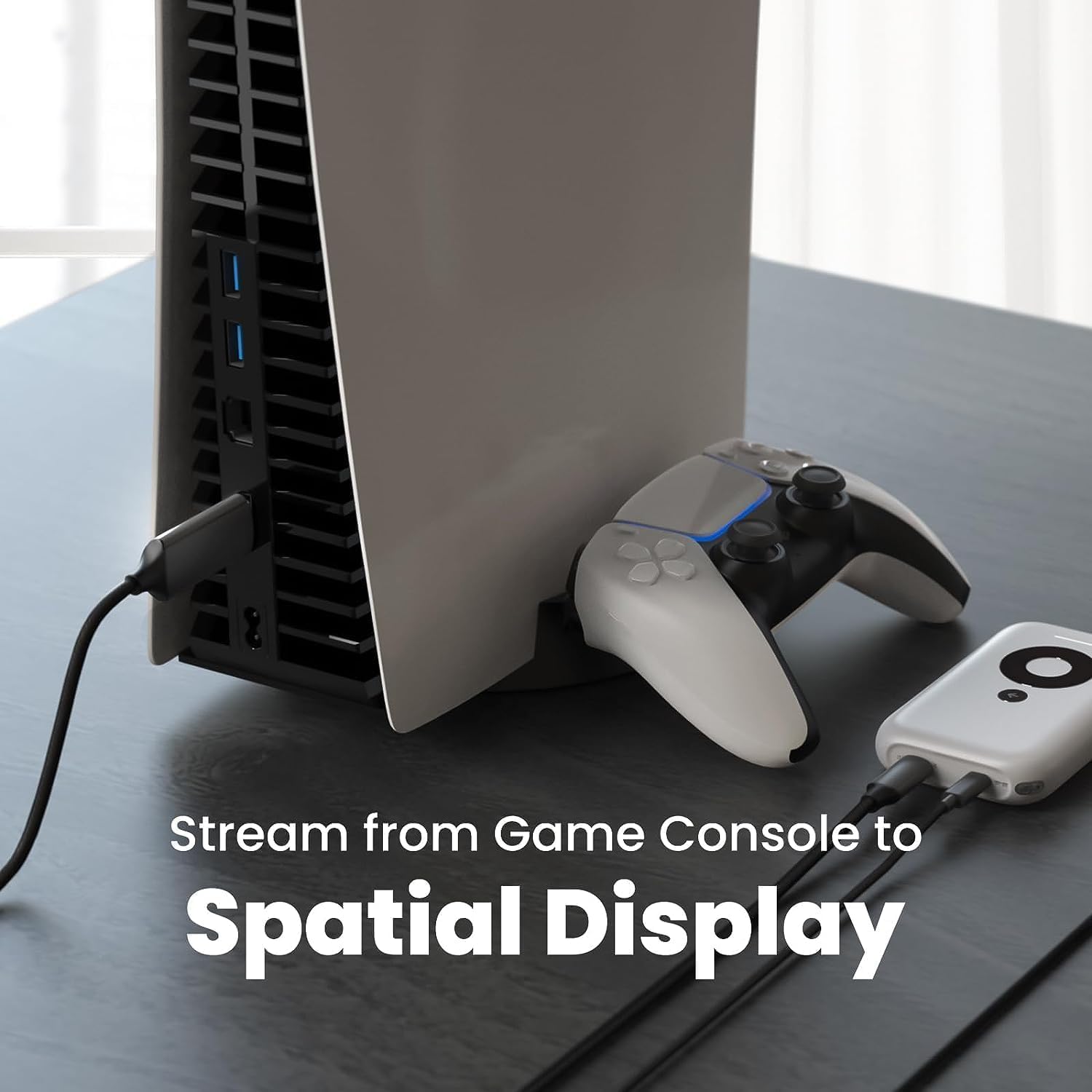
تصویر: ایک سابقample setup showing the XREAL H-C Cable connecting a PlayStation 5 console to an XREAL Beam device, enabling streaming to a spatial display.
آپریٹنگ
Once connected, the XREAL H-C Cable operates as a plug-and-play device. No additional drivers or software are typically required.
- ریزولوشن اور ریفریش ریٹ: The cable supports up to 4K resolution at 60Hz. Ensure your source device and display device are configured to output and receive these resolutions and refresh rates for optimal performance.
- آڈیو ٹرانسمیشن: The cable transmits both video and audio signals. Verify audio settings on your source device if no sound is heard.
- مطابقت: This cable is designed for specific applications, primarily connecting HDMI output devices to USB-C input displays, such as XREAL AR glasses. It is not a bidirectional cable and will not function if connected in reverse.
دیکھ بھال
Proper care will extend the life of your XREAL H-C Cable:
- صفائی: Use a soft, dry, lint-free cloth to gently wipe the cable and connectors. Do not use liquid cleaners or abrasive materials.
- ذخیرہ: When not in use, coil the cable loosely. Avoid tight coiling or sharp bends. Store in a cool, dry place away from direct sunlight.
- ہینڈلنگ: Always grasp the connector housing when plugging or unplugging the cable. Do not pull on the cable itself.
خرابی کا سراغ لگانا
If you encounter issues with your XREAL H-C Cable, try the following solutions:
| مسئلہ | ممکنہ وجہ | حل |
|---|---|---|
| ڈسپلے پر کوئی سگنل نہیں ہے۔ |
|
|
| جھلملاتی یا مسخ شدہ تصویر |
|
|
| کوئی آڈیو نہیں۔ |
|
|
وضاحتیں
| برانڈ | XREAL |
| ماڈل نمبر | 6976143800071 |
| کنیکٹر کی قسم | HDMI (Input), USB Type-C (Output) |
| ڈیٹا کی منتقلی کی شرح | 5 Gigabits per second (for compatible data streams) |
| ہم آہنگ آلات | Gaming Consoles (PlayStation, Xbox, Switch), Windows Desktop, XREAL Beam, XREAL Air AR Glasses |
| زیادہ سے زیادہ ریزولوشن سپورٹ | 4K @ 60Hz۔ |
| کیبل کی لمبائی | 1.2 میٹر (تقریباً 3.9 فٹ) |
وارنٹی اور سپورٹ
XREAL products are manufactured to high quality standards. For information regarding warranty coverage and customer support, please refer to the official XREAL webسائٹ یا ان کی کسٹمر سروس سے براہ راست رابطہ کریں۔ کسی بھی وارنٹی دعووں کے لیے خریداری کے ثبوت کے طور پر اپنی خریداری کی رسید رکھیں۔
مزید مدد کے لیے، ملاحظہ کریں: www.xreal.com/support