
1. پروڈکٹ ختمview
The Wokyo Portable Mini Projector (Model CA164965161) is a compact and lightweight device designed for displaying media from various sources. Its small form factor allows for easy portability, making it suitable for home cinema, outdoor viewing, or business presentations.
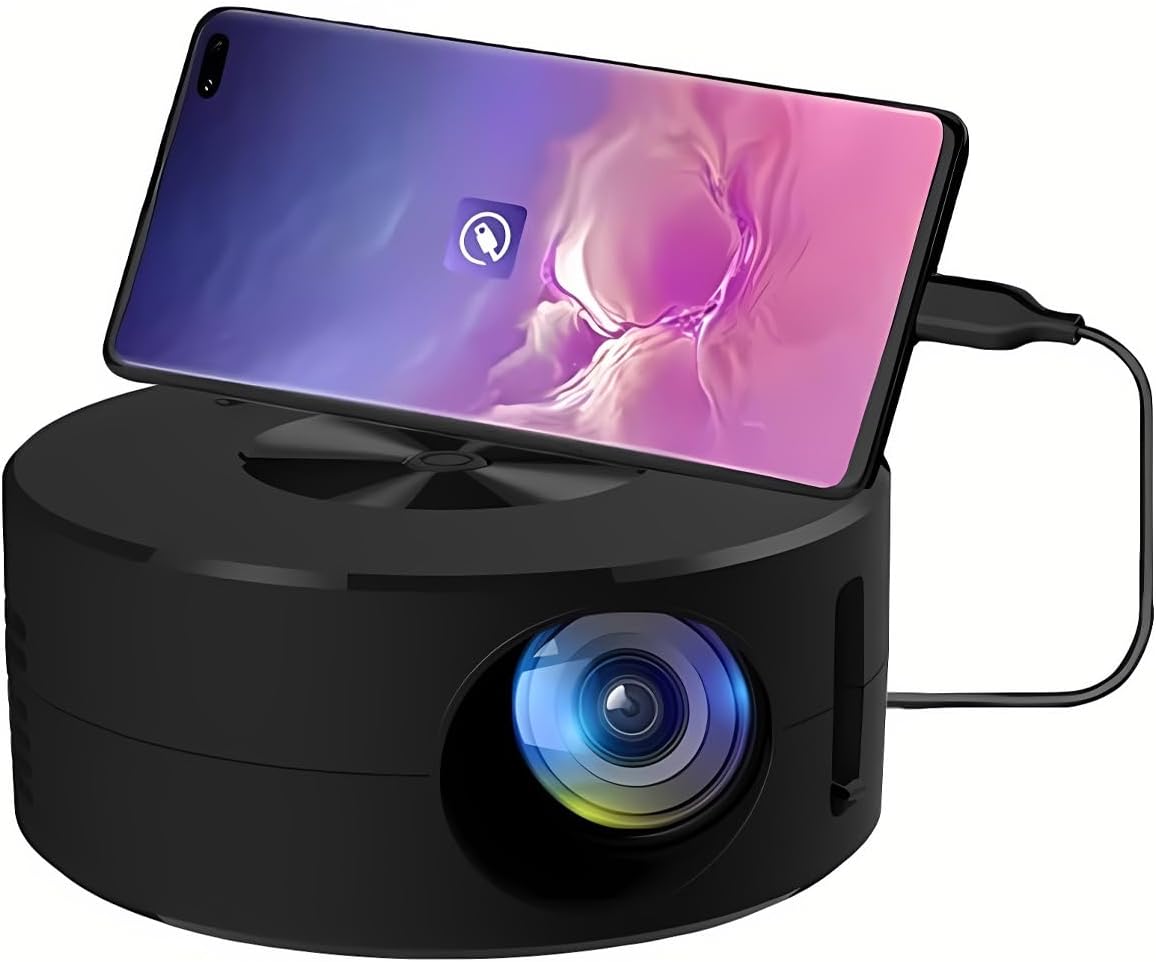
تصویر 1.1: سامنے view of the Wokyo Portable Mini Projector.
Key features of this projector include:
- کومپیکٹ ڈیزائن: Smaller than a typical smartphone, facilitating easy transport.
- وائرڈ اسکرین مررنگ: Supports direct connection to mobile phones and tablets using their charging cables for screen display, eliminating the need for additional adapters.
- High Clarity Support: Capable of supporting resolutions up to 1920x1080p, providing clear image quality.
- پائیدار تعمیر: Manufactured from environmentally friendly ABS material.
- Efficient Light Source: Utilizes an LCD light source for lower energy consumption and extended lifespan.
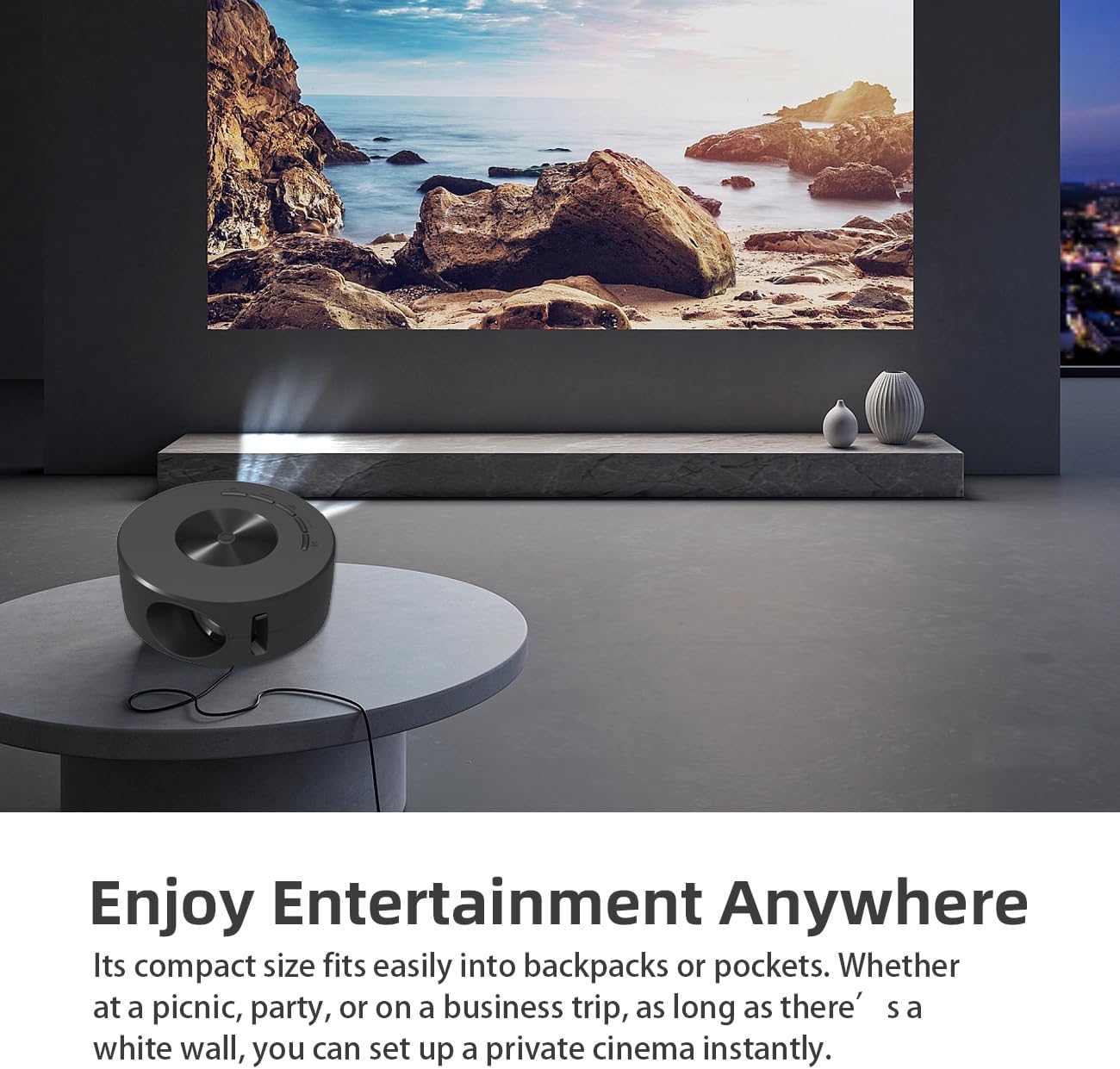
Image 1.2: Projector in use, demonstrating its compact size and projection capability.
2. پیکیج کے مشمولات
تصدیق کریں کہ نیچے دی گئی تمام اشیاء آپ کے پروڈکٹ پیکیج میں شامل ہیں:

Image 2.1: All items included in the Wokyo Portable Mini Projector package.
- Wokyo Portable Mini Projector
- ریموٹ کنٹرول
- USB کیبل
- صارف دستی
- رنگین خانہ
- فوم باکس
- Parcel Bag
3. مصنوعات کے طول و عرض
The projector features a compact design for portability.

Image 3.1: Product dimensions of the Wokyo Portable Mini Projector.
- قطر: تقریباً 4.33 انچ (110 ملی میٹر)
- اونچائی: تقریباً 1.85 انچ (47 ملی میٹر)
- وزن: تقریباً 10.6 اونس
4. ابتدائی سیٹ اپ
4.1 پاور کنکشن
To power the projector, connect it to a suitable power source. The projector requires a 5V 2A power input.

Image 4.1: Power connection options for the projector.
- Ensure your power source (e.g., phone charger, power bank) provides at least 5V 2A output.
- Connect the provided USB cable to the projector's power input port.
- Connect the other end of the USB cable to your chosen power source.
- The projector will power on automatically or can be turned on using the power button.
4.2 Device Connection (Wired Screen Mirroring)
The projector supports wired screen mirroring from mobile phones and tablets using their standard charging cables.
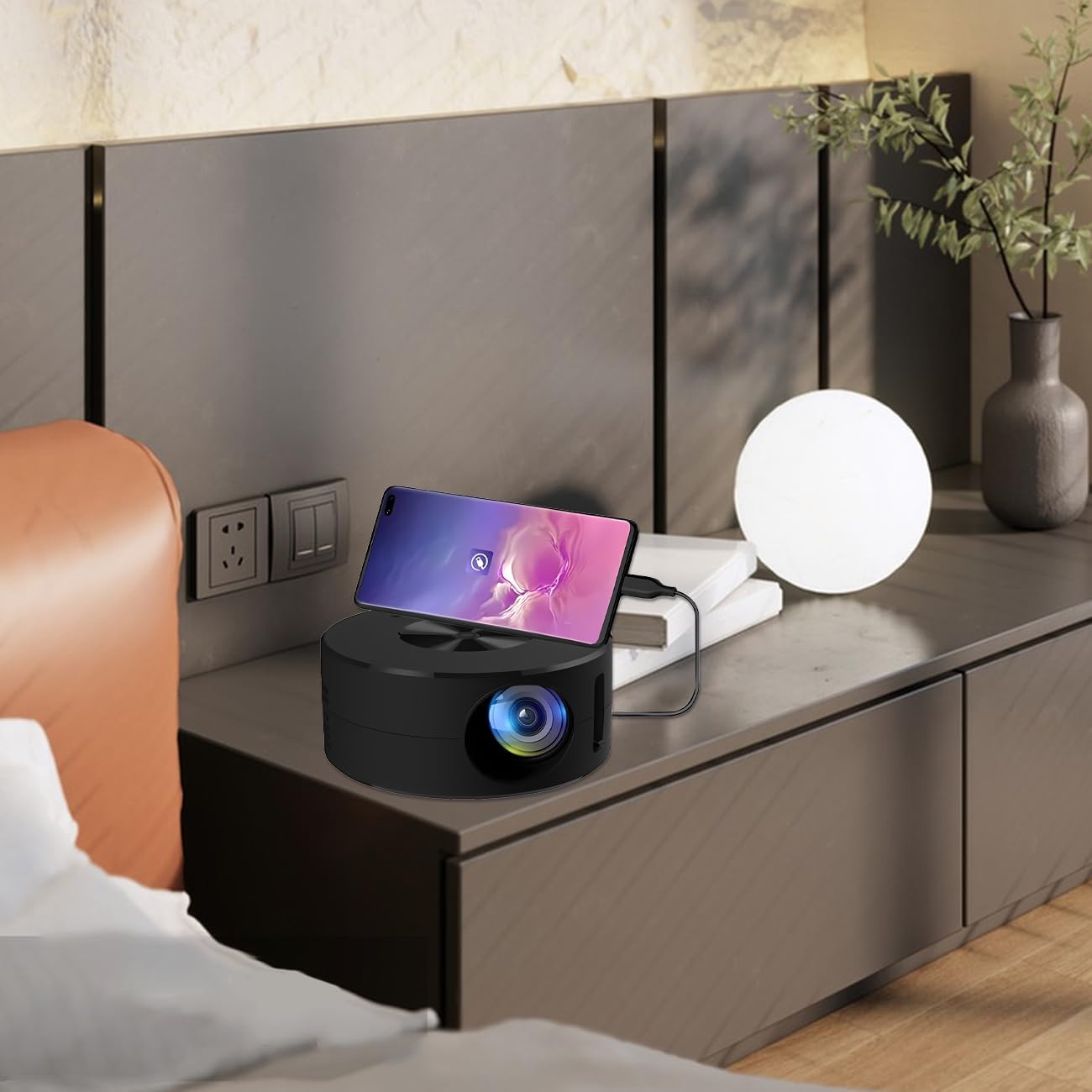
Image 4.2: Smartphone connected to the projector for wired screen mirroring.
- Connect your mobile phone or tablet to the projector using its original charging cable.
- The projector should automatically detect the connection and initiate screen mirroring.
- Follow any on-screen prompts on your device or the projector to confirm the connection.
5. آپریٹنگ ہدایات
5.1 Basic Controls and Ports
Familiarize yourself with the projector's control buttons and input/output ports.

تصویر 5.1: ختمview of projector ports and controls.
- پاور بٹن: پروجیکٹر کو آن/آف کرتا ہے۔
- نیویگیشن بٹن (اوپر/نیچے/بائیں/دائیں/ٹھیک): مینوز کو نیویگیٹ کرنے اور انتخاب کی تصدیق کرنے کے لیے استعمال کیا جاتا ہے۔
- USB پورٹ: USB اسٹوریج ڈیوائسز کو جوڑنے کے لیے۔
- ہیڈسیٹ پورٹ: بیرونی آڈیو آلات کو جوڑنے کے لیے۔
- IR ان پٹ: ریموٹ کنٹرول سے سگنل وصول کرنے کے لیے۔
- 5V 2A Power Input: For connecting the power supply.
- بلٹ ان سٹیریو اسپیکر: آڈیو آؤٹ پٹ فراہم کرتا ہے۔
5.2 فوکس کو ایڈجسٹ کرنا
To achieve a clear image, adjust the focus ring located around the projector lens. Rotate the ring until the projected image appears sharp.
5.3 ریموٹ کنٹرول کا استعمال
The included remote control allows for convenient operation of the projector from a distance. Ensure the remote has batteries installed and is pointed towards the projector's IR sensor.
6 دیکھ بھال
مناسب دیکھ بھال آپ کے پروجیکٹر کی لمبی عمر اور بہترین کارکردگی کو یقینی بناتی ہے۔
- لینز کی صفائی: Use a soft, lint-free cloth specifically designed for optical lenses. Avoid abrasive materials or harsh chemicals. Gently wipe the lens to remove dust or smudges.
- باہر کی صفائی: پروجیکٹر کے بیرونی حصے کو نرم، خشک کپڑے سے صاف کریں۔ مائع کلینر کو براہ راست ڈیوائس پر استعمال نہ کریں۔
- وینٹیلیشن: Ensure the projector's ventilation openings are not blocked during operation to prevent overheating.
- ذخیرہ: When not in use, store the projector in a cool, dry place away from direct sunlight and excessive dust.
7 خرابیوں کا سراغ لگانا
عام مسائل اور ان کے حل کے لیے درج ذیل جدول کو دیکھیں۔
| مسئلہ | ممکنہ وجہ | حل |
|---|---|---|
| کوئی تصویر پیش نہیں کی گئی۔ | Power not connected; Input source not selected; Device not connected properly. | Ensure power is connected (5V 2A). Check device connection. Verify screen mirroring is active on your device. |
| تصویر دھندلی ہے | فوکس ایڈجسٹ نہیں ہوا۔ | Rotate the focus ring around the lens until the image is clear. |
| کوئی آواز نہیں۔ | Volume too low; External audio device connected; Device audio output settings. | Increase projector volume. Disconnect external audio devices if using internal speaker. Check audio settings on the connected source device. |
| ریموٹ کنٹرول کام نہیں کر رہا ہے۔ | Batteries low/dead; Obstruction between remote and projector; Remote not pointed at IR sensor. | Replace remote batteries. Ensure clear line of sight to the projector's IR sensor. |
8. تکنیکی تفصیلات
Detailed specifications for the Wokyo Portable Mini Projector.
| فیچر | تفصیلات |
|---|---|
| برانڈ | ووکیو |
| ماڈل نمبر | CA164965161 |
| شے کا وزن | 10.6 اونس |
| مصنوعات کے طول و عرض | 4.33 x 4.33 x 1.97 انچ |
| رنگ | سیاہ |
| خصوصی خصوصیت | پورٹیبلٹی |
| کنیکٹوٹی ٹیکنالوجی | بلوٹوتھ |
| ڈسپلے ریزولوشن (آبائی) | 320 x 180 |
| Display Resolution (Maximum Supported) | 1920 x 1080 |
9. وارنٹی اور سپورٹ
For warranty information or technical support, please refer to the contact details provided with your purchase documentation or visit the official Wokyo webسائٹ وارنٹی دعووں کے لیے خریداری کے ثبوت کے طور پر اپنی خریداری کی رسید رکھیں۔