
1. تعارف
The BINIZE Android 13 CarPlay AI Box is an advanced multimedia video box designed to enhance your in-car entertainment and connectivity. It seamlessly converts your vehicle's OEM wired CarPlay or Android Auto system into a full-fledged Android 13 operating system, offering wireless CarPlay, wireless Android Auto, and access to a wide range of streaming applications.
Equipped with an 8-core processor, 8GB RAM, and 128GB ROM, this device ensures a fast, stable, and smooth user experience. It supports various control methods, including Siri voice control, steering wheel controls, and touch screen input, integrating perfectly with your vehicle's existing interface.
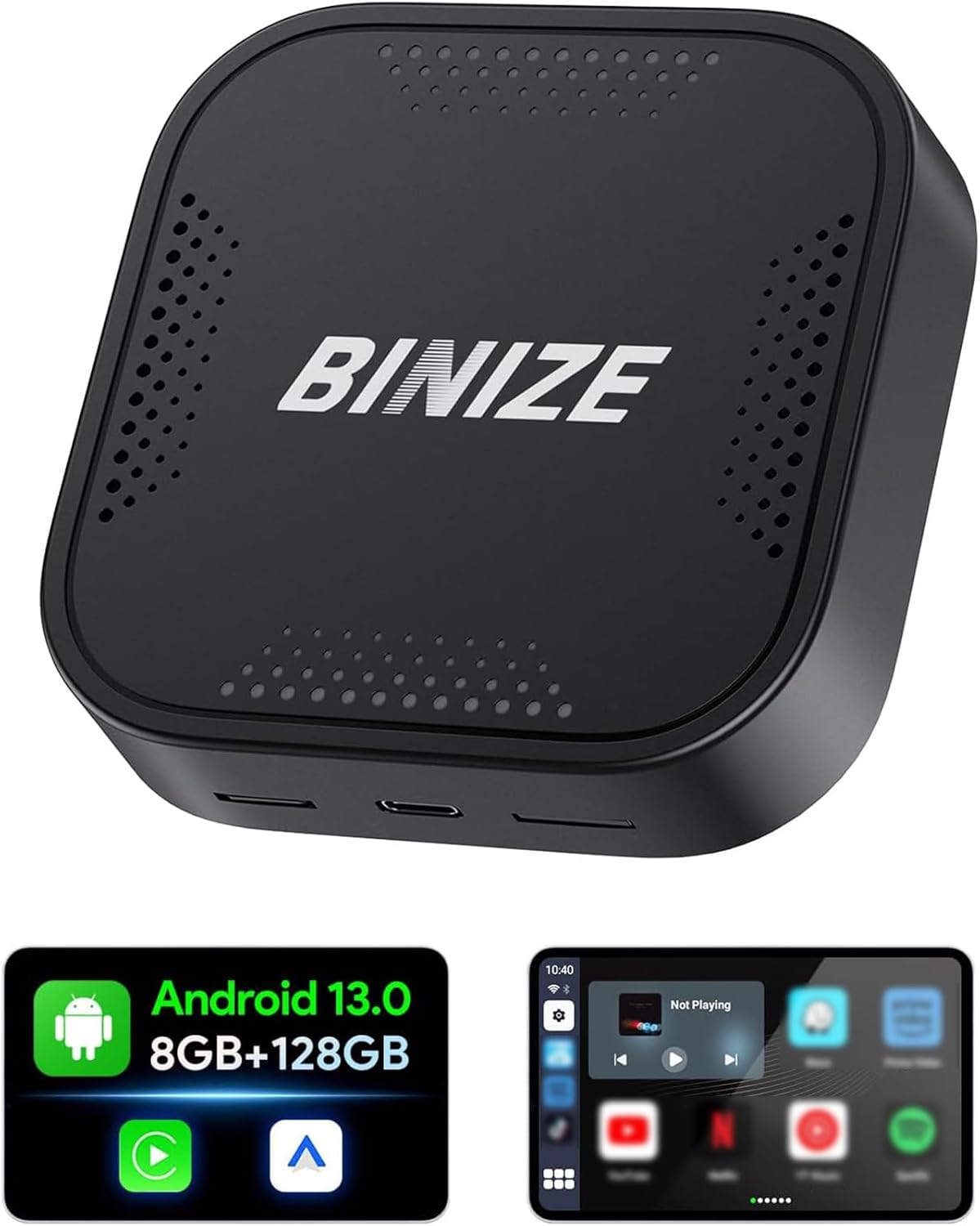
Figure 1.1: The BINIZE Android 13 CarPlay AI Box, a compact device designed to upgrade your car's infotainment system.
2. کلیدی خصوصیات
- اینڈرائیڈ 13 آپریٹنگ سسٹم: Experience faster speeds and broad app compatibility with the latest Android 13 OS.
- وائرلیس کار پلے اور اینڈرائیڈ آٹو: Convert your wired connection to wireless, reducing cable clutter and enhancing convenience.
- اعلی کارکردگی: Powered by a Qualcomm 8-core chip with 8GB RAM and 128GB ROM, ensuring responsive and continuous operation.
- ملٹی میڈیا صلاحیتیں: Pre-installed streaming apps like Netflix and YouTube for entertainment on the go. Supports various audio and video formats.
- پلگ اینڈ پلے: Quick installation within 10 seconds, with automatic connection after initial setup.
- دوہری بلوٹوتھ: Connect Bluetooth accessories such as mice, remotes, OBD devices, and keyboards.
- Original Car Control Integration: Maintain control via Siri voice commands, steering wheel buttons, knob controls, and the original touch screen.
- قابل توسیع ذخیرہ: SD card slot supports expansion up to 128GB (TF Card not included).
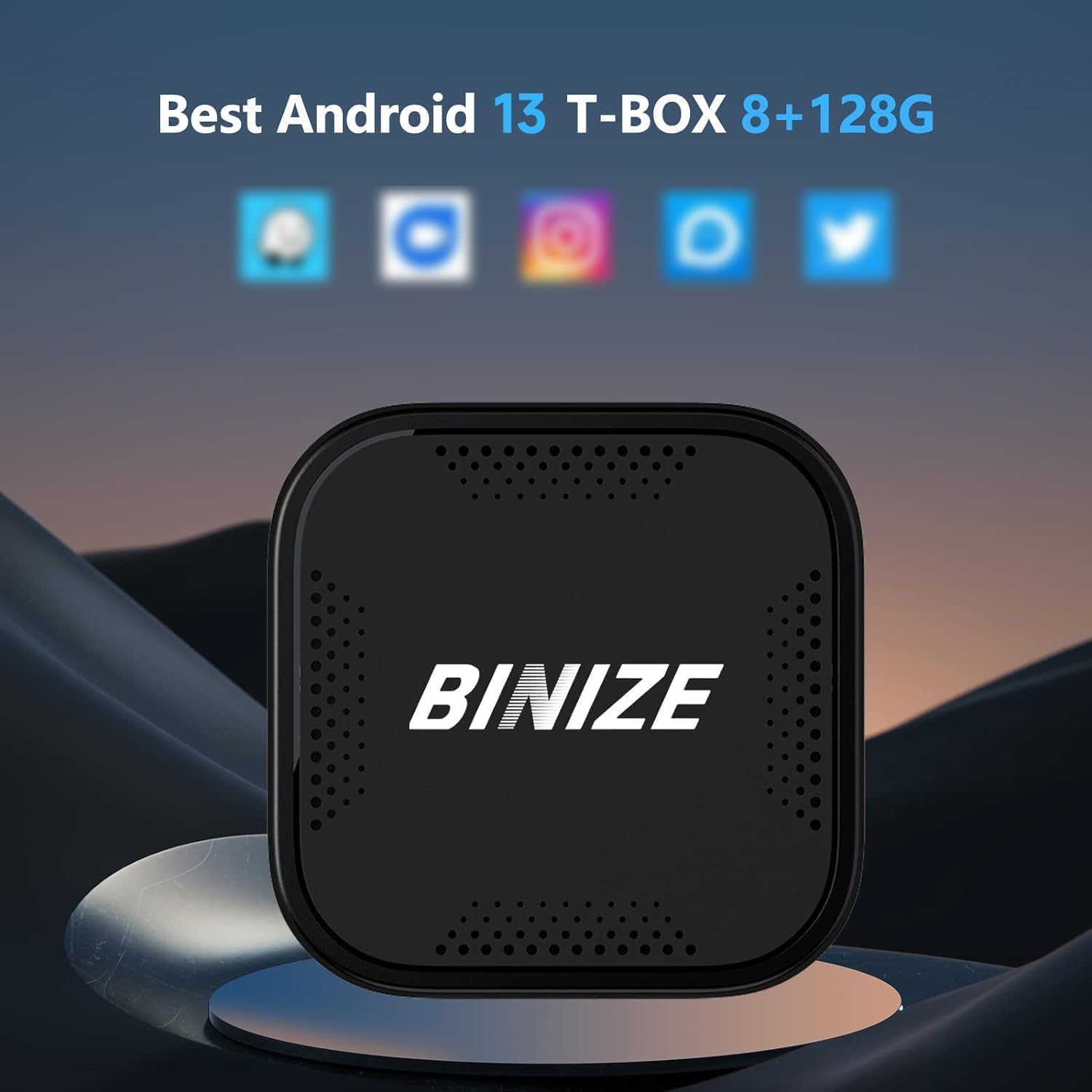
Figure 2.1: Visual representation of the Android 13 operating system with 8GB RAM and 128GB internal storage, highlighting its core specifications.

Figure 2.2: An in-car display demonstrating the seamless integration of Wireless CarPlay and Wireless Android Auto interfaces provided by the AI Box.
3. سیٹ اپ گائیڈ
- گاڑی کی مطابقت: Ensure your vehicle has OEM wired CarPlay or Android Auto functionality. The BINIZE AI Box is compatible with approximately 99% of models that support these wired connections.
- اے آئی باکس کو جوڑیں: Plug the BINIZE AI Box into your car's USB port that supports wired CarPlay/Android Auto. The package includes two USB cables (USB-A to USB-C and USB-C to USB-C) to accommodate various vehicle ports.
- Power Supply (Toyota Series Note): For Toyota series vehicles, an additional split power supply line may be necessary. This is due to the less powerful USB ports in some Toyota models, requiring additional power and data from the cigarette lighter. Ensure adequate power supply for optimal performance.
- ابتدائی جوڑا: Once connected, the AI Box will automatically boot up. Follow the on-screen prompts on your car's display to pair your smartphone wirelessly via Bluetooth and Wi-Fi for Wireless CarPlay or Android Auto.
- خودکار کنکشن: After the first successful pairing, the AI Box will automatically connect to your phone when you start your vehicle.

Figure 3.1: Illustration of the simple Plug & Play setup, showing the AI Box connected to a car's USB port.
4. آپریٹنگ ہدایات
4.1 وائرلیس کار پلے / اینڈرائیڈ آٹو
- Once connected, your car's display will show the Wireless CarPlay or Android Auto interface.
- Navigate using your car's original controls: touch screen, rotary knob, or steering wheel buttons.
- Activate voice commands using Siri (for CarPlay) or Google Assistant (for Android Auto) for hands-free operation.
4.2 سٹریمنگ ایپلی کیشنز
- Connect the AI Box to a Wi-Fi network or your mobile hotspot to access pre-installed streaming apps like Netflix, YouTube, and more.
- Log in to your accounts within the apps to access your content.
- The device supports split-screen functionality, allowing you to run two applications simultaneously (e.g., navigation and video).

Figure 4.1: An in-car display showcasing the variety of built-in video applications available for entertainment during your journey.
4.3 ڈوئل بلوٹوتھ کنیکٹیویٹی
- The dual Bluetooth feature allows connection to multiple Bluetooth devices simultaneously.
- Pair Bluetooth mice, remote controls, OBD devices, or keyboards for enhanced interaction with the Android system.
5 دیکھ بھال
To ensure the longevity and optimal performance of your BINIZE Android 13 CarPlay AI Box, follow these general maintenance guidelines:
- صفائی رکھیں: Regularly wipe the device with a soft, dry cloth to remove dust and fingerprints. Avoid using harsh chemicals or abrasive materials.
- درجہ حرارت کنٹرول: Do not expose the device to extreme temperatures (hot or cold) or direct sunlight for prolonged periods, as this can affect internal components.
- مناسب ذخیرہ: When not in use for extended periods, store the device in a cool, dry place away from moisture.
- کیبل کی دیکھ بھال: Handle USB cables carefully. Avoid bending or crimping them excessively, which can damage the internal wires.
- سافٹ ویئر اپ ڈیٹس: مینوفیکچررز کو چیک کریں۔ website or contact support for any available software updates to ensure the device runs with the latest features and bug fixes.
6 خرابیوں کا سراغ لگانا
If you encounter issues with your BINIZE Android 13 CarPlay AI Box, refer to the following common troubleshooting steps:
- کوئی پاور/ڈیوائس شروع نہیں ہو رہی ہے:
- Ensure the USB cable is securely connected to both the AI Box and the car's USB port.
- Verify that your car's USB port is active and providing power.
- For Toyota series vehicles, confirm that the additional split power supply line (if required) is correctly installed and providing sufficient power from the cigarette lighter.
- No Wireless CarPlay/Android Auto Connection:
- یقینی بنائیں کہ آپ کے فون کا بلوٹوتھ اور وائی فائی فعال ہیں۔
- Delete previous pairings on both your phone and the AI Box, then attempt to re-pair.
- Confirm your car's OEM system supports wired CarPlay/Android Auto.
- Lag or Slow Performance:
- Close unnecessary background applications on the AI Box.
- Ensure a stable Wi-Fi connection if streaming content.
- Consider clearing the cache of frequently used apps.
- ایپ کی تنصیب کے مسائل:
- Ensure the AI Box is connected to the internet.
- دستیاب اسٹوریج کی جگہ چیک کریں۔
- If downloading from unofficial sources, ensure the APK file is compatible and not corrupted. Contact BINIZE support for installation files اگر ضرورت ہو
- کوئی آڈیو آؤٹ پٹ نہیں:
- Check the volume levels on both the AI Box and your car's audio system.
- Ensure the correct audio source is selected on your car's head unit.
اگر ان اقدامات سے مسئلہ حل نہیں ہوتا ہے، تو مزید مدد کے لیے براہ کرم سپورٹ سیکشن سے رجوع کریں۔
7. وضاحتیں
| فیچر | تفصیل |
|---|---|
| ماڈل نمبر | BINIZE_AVR8G128 |
| آپریٹنگ سسٹم | اینڈرائیڈ 13 |
| پروسیسر | Qualcomm 8-core chip |
| رام | 8 جی بی |
| اندرونی اسٹوریج (ROM) | 128 جی بی |
| قابل توسیع اسٹوریج | SD card slot (up to 128GB, TF Card not included) |
| کنیکٹوٹی ٹیکنالوجی | Wi-Fi (2.4G & 5G Signal Transmission), Bluetooth (Dual Bluetooth) |
| ہم آہنگ آلات | Cars with OEM Wired CarPlay/Android Auto |
| کنیکٹر کی قسم | USB (USB-A to USB-C & USB-C to USB-C cables included) |
| آڈیو آؤٹ پٹ وضع | سٹیریو |
| سراؤنڈ ساؤنڈ چینل کنفیگریشن | 4.0 |
| رنگ | سیاہ |
| پیکیج کے طول و عرض | 10 x 4 x 4 انچ |
| شے کا وزن | 4 اونس |
| پہلی تاریخ دستیاب ہے۔ | 8 اکتوبر 2023 |
8. وارنٹی اور سپورٹ
BINIZE is committed to providing excellent customer service and professional technical support for its products. While specific warranty details are not provided in this manual, it is recommended to:
- Check Manufacturer's Webسائٹ: Visit the official BINIZE website or the product page on the retailer's site for the most up-to-date warranty information and terms and conditions.
- سپورٹ سے رابطہ کریں: For technical assistance, troubleshooting beyond this manual, or warranty claims, please reach out to BINIZE customer support. Contact information can typically be found on the product packaging or the official BINIZE webسائٹ
- آن لائن وسائل: Additional resources, including FAQs and software updates, may be available on the BINIZE brand store: BINIZE Store on Amazon.