
Zenwire E520h
Zenwire E520h Projector User Manual
Model: E520h | Brand: Zenwire
1. تعارف
This manual provides detailed instructions for the setup, operation, and maintenance of your Zenwire E520h projector. Please read this manual thoroughly before using the device to ensure proper functionality and to maximize your viewتجربہ ہے.
The Zenwire E520h is a Full HD 1080p projector with 4K support, featuring Android 9.0, dual-band WiFi (2.4/5 GHz), and Bluetooth 5.0 for versatile home theater entertainment.
2. پیکیج کے مشمولات
تصدیق کریں کہ تمام اشیاء پیکیج میں موجود ہیں:
- Zenwire E520h Projector
- ریموٹ کنٹرول (بیٹریاں شامل نہیں)
- پاور کیبل
- HDMI کیبل
- AV Cable (stereo)
- صارف دستی

The image above displays the Zenwire E520h projector along with its standard accessories: a remote control, power cable, HDMI cable, and AV cable. These components are essential for setting up and operating your projector.
3. پروڈکٹ ختمview
Familiarize yourself with the various parts and connections of your Zenwire E520h projector.

یہ تصویر ایک جامع فراہم کرتی ہے۔ view of the projector from different angles, highlighting the lens, control panel, ventilation grilles, and various input/output ports located on the sides and rear of the device.

The Zenwire E520h projector supports a wide range of multimedia devices, including streaming sticks (Roku, Fire TV, Chromecast), external audio systems, USB storage, gaming consoles (Xbox, PlayStation), mobile devices (phones, tablets), DVD players, and computers (laptops, desktops) via its various input ports.
4. سیٹ اپ
4.1 جگہ کا تعین
Position the projector on a stable, flat surface. Ensure adequate ventilation around the device. The optimal projection distance ranges from 1.2 to 6 meters, allowing for screen sizes from 36 to 200 inches.

This image demonstrates how varying the distance between the projector and the screen affects the projected image size, showing examples for 45, 120, and 200-inch displays.
4.2 پاور کنکشن
Connect the power cable to the projector's power input and then plug it into a suitable electrical outlet.
4.3 ابتدائی پاور آن
Press the power button on the projector or the remote control to turn on the device. The projector will boot into the Android 9.0 operating system.
5. آپریٹنگ ہدایات
5.1 فوکس اور کی اسٹون کی تصحیح
Adjust the focus ring around the lens until the image is clear. Use the 4D keystone correction feature to adjust the image shape if the projector is not perfectly perpendicular to the screen. This can be done via the remote control or on-screen settings.

This image illustrates the process of adjusting the focus ring on the projector lens and demonstrates the effect of keystone correction on the projected image, ensuring a rectangular display even when the projector is angled.
5.2 اینڈرائیڈ 9.0 سمارٹ سسٹم
The projector runs on Android 9.0, allowing direct access to streaming applications like YouTube, Netflix, HBO, and Spotify. Navigate the interface using the remote control.

The image above shows the projector's smart interface, featuring a grid of popular streaming applications, demonstrating the integrated Android 9.0 system's capability to run apps directly.
5.3 Wireless Connectivity (WiFi & Bluetooth)
وائی فائی: Connect to your home network using the integrated 2.4/5 GHz WiFi. This enables Miracast and Airplay for wireless screen mirroring from iOS, Android, and Windows devices.

This image illustrates the projector's wireless connectivity, showing it mirroring content from a smartphone and tablet, and highlighting its compatibility with iOS, Android, and Windows 10 devices for screen sharing.
بلوٹوتھ 5.0: Pair with external Bluetooth speakers, soundbars, or headphones for enhanced audio. Go to the settings menu to manage Bluetooth devices.
5.4 وائرڈ کنیکٹیویٹی
The projector features multiple ports for wired connections:
- HDMI (x2): Connect laptops, gaming consoles, Blu-ray players, or streaming devices.
- USB: USB ڈرائیوز سے براہ راست میڈیا چلائیں۔
- اے وی: Connect older devices using the included AV cable.
- Mini-Jack: بیرونی آڈیو آؤٹ پٹ کے لیے۔
- Micro-SD/TF Card Reader: میموری کارڈز سے میڈیا چلانے کے لیے۔
6 دیکھ بھال
6.1 لینز کی صفائی
خاص طور پر آپٹیکل سطحوں کے لیے ڈیزائن کیے گئے نرم، لنٹ فری کپڑے سے پروجیکٹر کے لینس کو آہستہ سے صاف کریں۔ کھرچنے والے کلینر یا ضرورت سے زیادہ طاقت کا استعمال نہ کریں۔
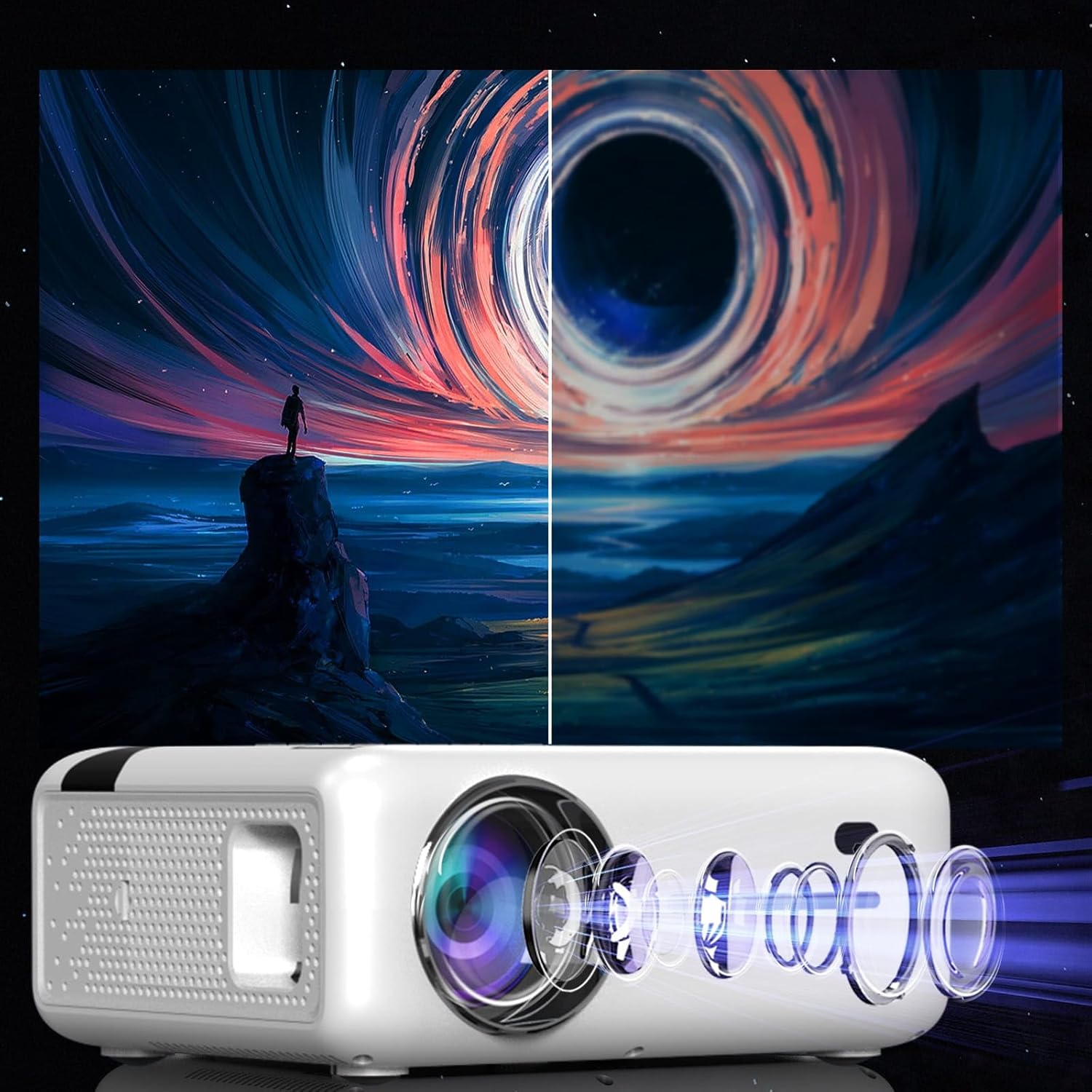
This diagram illustrates the multi-element lens system of the projector, highlighting the precision optics that require careful handling during cleaning to maintain image quality.
6.2 وینٹیلیشن
Ensure that the projector's ventilation openings are not blocked to prevent overheating. Regularly check for dust accumulation and clean if necessary using compressed air.
6.3 اسٹوریج
When not in use for extended periods, store the projector in a cool, dry place, away from direct sunlight and excessive dust. Use the original packaging or a protective case.
7 خرابیوں کا سراغ لگانا
| مسئلہ | ممکنہ وجہ | حل |
|---|---|---|
| کوئی تصویر نہیں دکھائی گئی۔ | پاور کیبل منقطع، غلط ان پٹ سورس، لینس کیپ آن۔ | Check power connection, select correct input source (HDMI, USB, etc.), remove lens cap. |
| دھندلی تصویر | Focus not adjusted, keystone incorrect. | Adjust the focus ring, use keystone correction. |
| کوئی آواز نہیں۔ | Volume too low, incorrect audio output selected, external device muted. | Increase projector volume, check audio settings, ensure external device is not muted. |
| وائی فائی کنکشن کے مسائل | Incorrect password, router too far, interference. | Verify WiFi password, move projector closer to router, check for other wireless devices. |
8. وضاحتیں
| فیچر | تفصیل |
|---|---|
| ماڈل | Zenwire E520h |
| مقامی قرارداد | 1920 x 1080p (Full HD) |
| تائید شدہ قرارداد | 4K تک |
| چمک | 9000 lumens (300 ANSI) |
| کنٹراسٹ ریشو | 2000:1 |
| آپریٹنگ سسٹم | اینڈرائیڈ 9.0 |
| وائی فائی | 2.4/5 GHz (Miracast, Airplay support) |
| بلوٹوتھ | 5.0 |
| کنیکٹوٹی | 2x HDMI, USB, AV, Mini-Jack, Micro-SD/TF |
| پروجیکشن سائز | 36 - 200 انچ |
| پروجیکشن فاصلہ | 1.2 - 6 میٹر |
| کلیدی پتھر کی اصلاح | 4D (manual and auto) |
| والیومtage | 230 وولٹ |
| طول و عرض (پیکیج) | 23 x 18.5 x 10.5 سینٹی میٹر |
| وزن (پیکیج) | 1.2 کلوگرام |
9. وارنٹی اور سپورٹ
For warranty information and technical support, please refer to the contact details provided with your purchase documentation or visit the official Zenwire webسائٹ وارنٹی کے دعووں کے لیے اپنی خریداری کا ثبوت رکھیں۔
Ask a question about this manual
Ask about setup, troubleshooting, compatibility, parts, safety, or missing instructions. Manuals+ will review the question and use this page’s manual context to help answer it.