
1. حفاظتی معلومات
Before beginning installation, ensure the power supply is disconnected at the circuit breaker. All wiring must comply with national and local electrical codes. If you are unfamiliar with electrical wiring, consult a qualified electrician. Ensure the mounting structure can support the fan's weight. Maintain a minimum clearance of 7 feet from the floor to the fan blades and 18 inches from the wall to the blade tips. Do not connect the fan to a dimmer switch or fan speed switch, as this can cause operational malfunctions.
2. پیکیج کے مشمولات
تنصیب شروع کرنے سے پہلے تصدیق کریں کہ تمام اجزاء موجود ہیں:
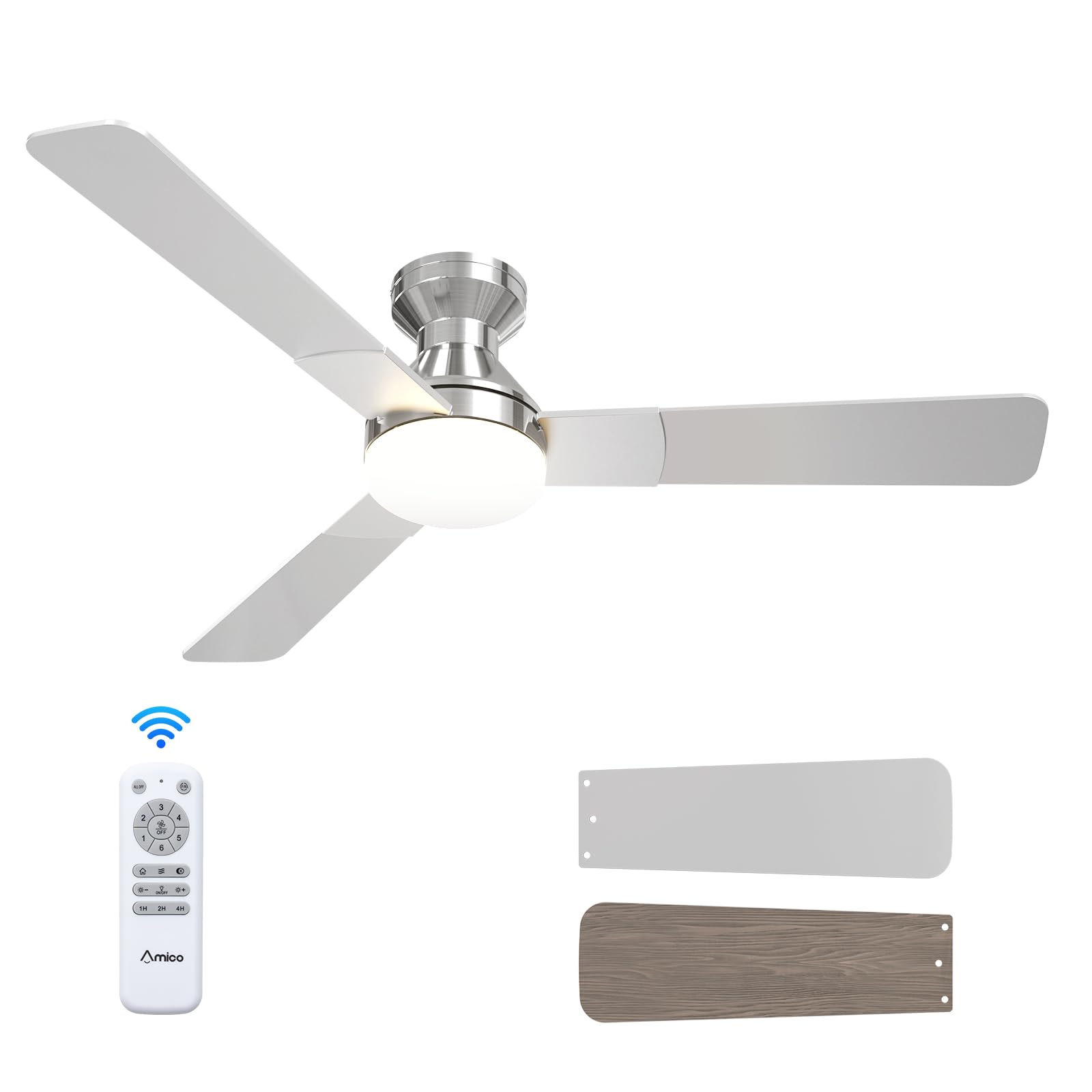
- سیلنگ فین یونٹ
- ABS Lampسایہ
- Light Kit (LED)
- بڑھتے ہوئے ہارڈ ویئر
- ریموٹ کنٹرول
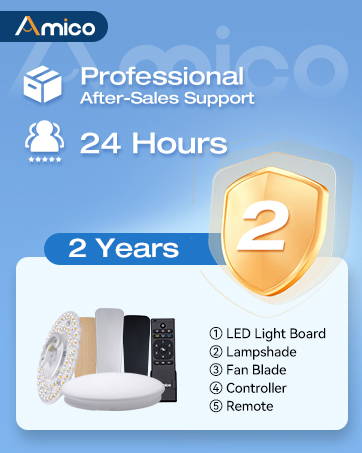
Illustration of various ceiling fan components included in the package.
Unboxing and Component Overview
یہ ویڈیو ایک اوور فراہم کرتا ہے۔view of the Amico ceiling fan components as they are unboxed, highlighting the included parts and instructions for easy installation.
3. مصنوعات کی تفصیلات
| برانڈ | امیکو |
| ماڈل نمبر | KFM52PLY3B02R1 |
| سائز | 52 انچ |
| رنگ | نکل |
| مصنوعات کے طول و عرض | 52"D x 52"W x 15.7"H |
| طاقت کا منبع | 120V AC input, DC motor |
| بلیڈ کی تعداد | 3 |
| بلیڈ کا مواد | انجینئرڈ لکڑی |
| ہلکی قسم | ایل ای ڈی (متبادل) |
| رفتار کی تعداد | 6 |
| شور کی سطح | 35 ڈیسیبل |
| کنٹرول کا طریقہ | ریموٹ کنٹرول |
| انڈور / آؤٹ ڈور استعمال | انڈور، آؤٹ ڈور (Damp درجہ بندی) |
4. تنصیب
Follow these steps for a safe and efficient installation of your Amico ceiling fan. It is recommended to have a second person assist during certain stagتنصیب کے es.
4.1 پری انسٹالیشن چیک
- Ensure the power is OFF at the circuit breaker before starting.
- Confirm your ceiling junction box is securely mounted and capable of supporting the fan's weight (at least 35 lbs).
- ضروری اوزار جمع کریں: سکریو ڈرایور، تار اسٹرائپرز، الیکٹریکل ٹیپ، سیڑھی۔

Image illustrating the mounting bracket and electrical wiring connections for installation.
4.2 بریکٹ کو چڑھانا
Attach the mounting bracket to the ceiling junction box using the provided screws. Ensure it is firmly secured to prevent wobbling.

Diagram showing the ceiling fan mounting directly to a standard ceiling junction box for easy DIY installation.
4.3 وائرنگ
Connect the fan's electrical wires to the household wiring according to the color codes: Black (Live), White (Neutral), Yellow/Green (Earth). Use wire nuts to secure connections. Ensure all connections are tight and insulated. Important: Do not connect to dimmer switches or fan speed switches to prevent operational malfunctions.

Illustration showing compatible conventional wall switches and incompatible dimmer/fan speed switches.
4.4 Attaching Motor and Blades
Carefully lift the fan motor assembly and attach it to the mounting bracket. Secure it with the designated screws. Then, attach the three fan blades to the motor housing. The blades are reversible, with a nickel finish on one side and an oak grain on the other, allowing you to choose the aesthetic that best suits your decor.

کلوز اپ view of the fan motor assembly with reversible blades, showing the nickel and oak grain sides.
4.5 لائٹ کٹ انسٹال کرنا
Connect the LED light kit to the fan's wiring. Secure the light kit to the fan motor assembly using the provided screws. Ensure the connections are firm.
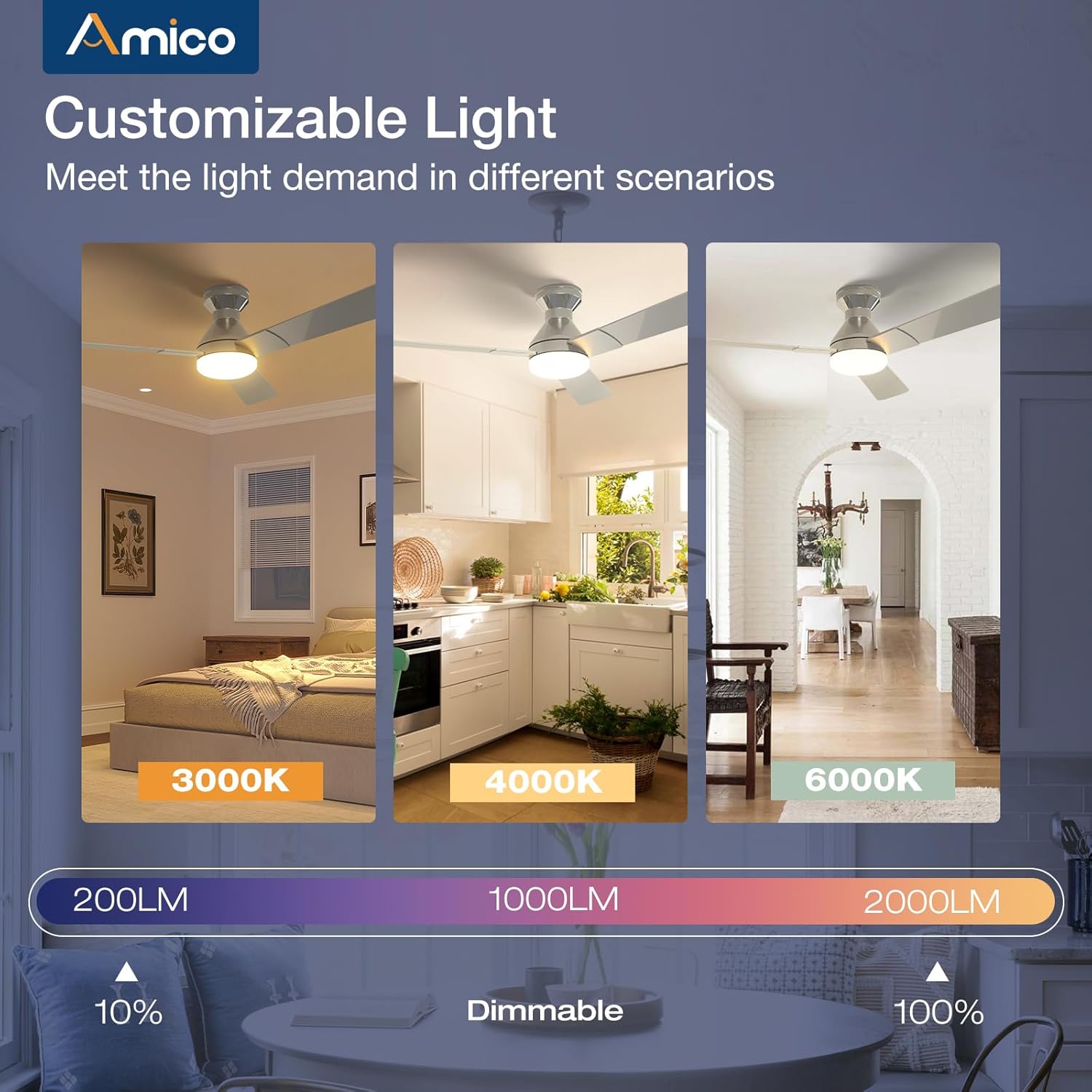
Image detailing the installation of the LED light kit onto the ceiling fan.
4.6 فائنل اسمبلی
ایل منسلک کریں۔ampshade or light cover to the light kit, twisting or securing it into place as per the design. Restore power at the circuit breaker and test the fan and light functions using the remote control.

Image showing the final step of attaching the light cover to the ceiling fan.
انسٹالیشن ویڈیو گائیڈ
This video demonstrates the installation process, highlighting how easy it is to set up the Amico ceiling fan, even for remodels.
5. آپریٹنگ ہدایات
Your Amico ceiling fan is designed for ease of use with a comprehensive remote control.
5.1 ریموٹ کنٹرول کے افعال

Image of the remote control with labeled buttons for various functions.
- پاور بٹن: پنکھا اور لائٹ آن/آف کرتا ہے۔
- پنکھے کی رفتار (1-6): Adjusts fan speed from gentle breeze (1) to strong wind (6).
- ریورس فنکشن: Changes the direction of blade rotation for summer (downward airflow) or winter (upward airflow) use.
- لائٹ آن/آف: Toggles the light independently.
- روشنی کی چمک (+/-): Dims or brightens the light (10%-100%).
- رنگ درجہ حرارت: Cycles through 3000K (warm white), 4000K (natural white), and 6000K (cool white).
- ٹائمر (1H, 2H, 4H): Sets the fan and/or light to turn off automatically after the selected duration.
Remote Control Demonstration
This video demonstrates the various functions of the remote control, including fan speed, light temperature, and dimming capabilities.
5.2 Fan Speed and Airflow
The fan offers 6 adjustable speeds to suit your comfort needs, from a gentle, comfortable breeze to a strong cooling wind. The DC motor ensures powerful yet quiet operation.

Diagram illustrating the 6 adjustable fan speeds and their corresponding wind levels.
5.3 Customizable Light
The integrated LED light is dimmable from 10% to 100% and offers three color temperature options: 3000K (warm), 4000K (natural), and 6000K (cool). Adjust the light to match your activity or mood.
Image showing the three color temperature options (3000K, 4000K, 6000K) and dimmable range of the fan light.
5.4 ریورس ایبل ڈی سی موٹر
The reversible DC motor allows you to change the direction of the fan blades. In summer, set the fan to rotate counter-clockwise for a downward airflow that creates a cooling effect. In winter, set it to rotate clockwise for an upward airflow that helps circulate warm air trapped near the ceiling.

Diagram illustrating the summer (cooling) and winter (warming) modes of the reversible DC motor.
5.5 ٹائمر سیٹنگ
Utilize the timer function to automatically turn off the fan and/or light after 1, 2, or 4 hours, promoting energy efficiency and convenience, especially during sleep.

Graphic showing the 1-hour, 2-hour, and 4-hour timer settings for the fan.
5.6 میموری فنکشن
The fan and light feature memory functions. Once you select your desired light brightness, color temperature, and fan speed, these settings will be retained even after turning the unit off and on via the wall switch. This avoids the need to reset your preferences each time.

Illustration demonstrating how the fan and light settings are remembered after being turned off and on.
5.7 خاموش آپریشن
Engineered for minimal noise, the fan operates at a low 35dB, comparable to the sound of falling leaves, ensuring a quiet living environment suitable for bedrooms and nurseries.

Graphic comparing the fan's low noise level (35dB) to common ambient sounds.
6 دیکھ بھال
باقاعدگی سے دیکھ بھال آپ کے چھت کے پنکھے کی بہترین کارکردگی اور لمبی عمر کو یقینی بناتی ہے۔
- صفائی: وقتا فوقتا پنکھے کے بلیڈ اور موٹر ہاؤسنگ کو نرم سے صاف کریں، ڈیamp کپڑا کھرچنے والے کلینر یا سالوینٹس کا استعمال نہ کریں۔
- روشنی کا احاطہ: The ABS lampshade can be removed and cleaned with mild soap and water. Ensure it is completely dry before reattaching.
- Blade Screws: Check all blade attachment screws periodically to ensure they are tight.
- ایل ای ڈی لائٹ کٹ: The LED light kit is replaceable. If replacement is needed, contact customer support for compatible parts.
7 خرابیوں کا سراغ لگانا
If you encounter any issues with your Amico ceiling fan, refer to the following common troubleshooting steps:
- پنکھا شروع نہیں ہوتا:
- Check that power is supplied to the fan.
- یقینی بنائیں کہ تمام تار کنکشن محفوظ ہیں۔
- تصدیق کریں کہ ریموٹ کنٹرول بیٹریاں کام کر رہی ہیں اور صحیح طریقے سے داخل کی گئی ہیں۔
- روشنی کام نہیں کرتی:
- Check the light kit's electrical connections.
- Ensure the light function on the remote is activated.
- پنکھے کے جھٹکے:
- Ensure the mounting bracket is securely fastened to the ceiling junction box.
- چیک کریں کہ بلیڈ کے تمام پیچ سخت ہیں۔
- Verify blades are not bent or damaged.
- ریموٹ کنٹرول جواب نہیں دے رہا ہے:
- ریموٹ کنٹرول بیٹریاں بدل دیں۔
- یقینی بنائیں کہ ریموٹ اور پنکھے کے ریسیور کے درمیان کوئی رکاوٹ نہیں ہے۔
8. وارنٹی اور سپورٹ
Amico is committed to customer satisfaction. Your ceiling fan comes with a 24 ماہ کی پریشانی سے پاک وارنٹی. We also provide 24 گھنٹے تکنیکی مدد to assist with any issues during use or installation.
رابطہ کی معلومات:
- ای میل: support@amicolight.com
- فون: +1 (888) 676-1042 (Monday - Friday from 9:00 AM - 5:00 PM PT)

Graphic detailing Amico's after-sales support and warranty information.