
1. تعارف اور اوورview
This manual provides essential information for the proper installation, operation, and maintenance of your Anpviz 5MP 4-in-1 Analog Security Turret Camera, model HD-D3150W. This high-resolution camera delivers clear 5MP (2560x1920) footage at 20 frames per second, ensuring detailed surveillance. It supports four video output modes: TVI, AHD, CVI, and CVBS, making it compatible with a wide range of DVR systems. Designed for both indoor and outdoor use, it features 100ft IR night vision and a durable IP67-rated metal housing for reliable performance in various weather conditions.
2. باکس میں کیا ہے۔
پیکج کھولنے پر، تصدیق کریں کہ درج ذیل تمام اشیاء شامل ہیں:
- 1x Anpviz 5MP 4-in-1 Analog Security Turret Camera (HD-D3150W)
- 1x ہدایت نامہ (یہ دستاویز)
- 1x Screw Kit for mounting
- 1x After-sales Card
ویڈیو کی تفصیل: This video demonstrates the unboxing process for the Anpviz 5MP HD 4-in-1 TVI Camera (HD-3150W), showing all included components such as the camera, drill template, screw kit, and quick start guide.
3. مصنوعات کی خصوصیات
The Anpviz HD-D3150W camera is equipped with advanced features for comprehensive surveillance:
- Crystal Clear 5MP Footage: High resolution of 2560x1920 provides excellent video quality and clarity.
- 4-in-1 Video Output: Supports AHD/TVI/CVI/CVBS video output (default TVI), ensuring compatibility with various DVR systems.
- 100ft IR Night Vision: High-quality IR LEDs automatically activate in low-light conditions, capturing clear views at night.
- 2.8 ملی میٹر فکسڈ لینس: Offers a wide 110-degree field of view (FOV) to cover large areas.
- IP67 Waterproof Metal Housing: Built to withstand harsh weather conditions, operating reliably from -20°C to 60°C.
- Digital Wide Dynamic Range (WDR): بہت روشن اور بہت تاریک دونوں جگہوں والے مناظر میں تصویر کے معیار کو بہتر بناتا ہے۔
- H.265+ Compression: Efficient video compression for reduced bandwidth and storage requirements.
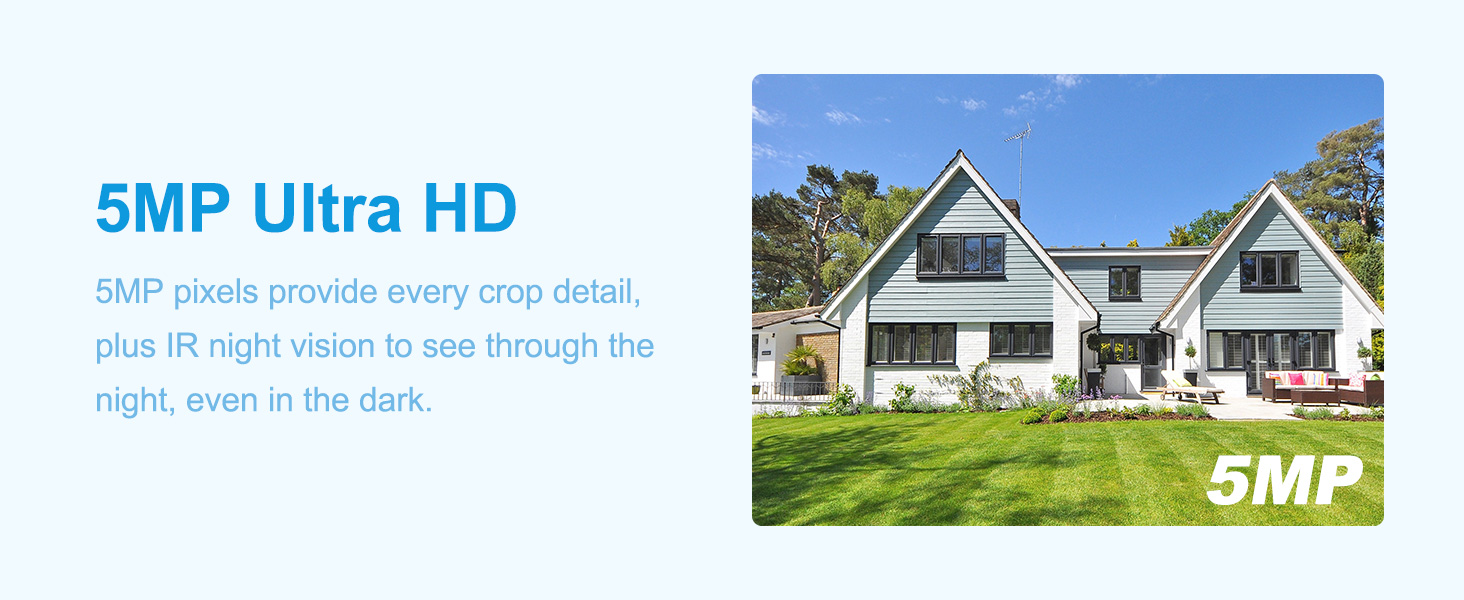
تصویر کی تفصیل: This image illustrates the superior clarity of 5MP Ultra HD resolution provided by the Anpviz camera, highlighting the detail captured compared to standard resolution.
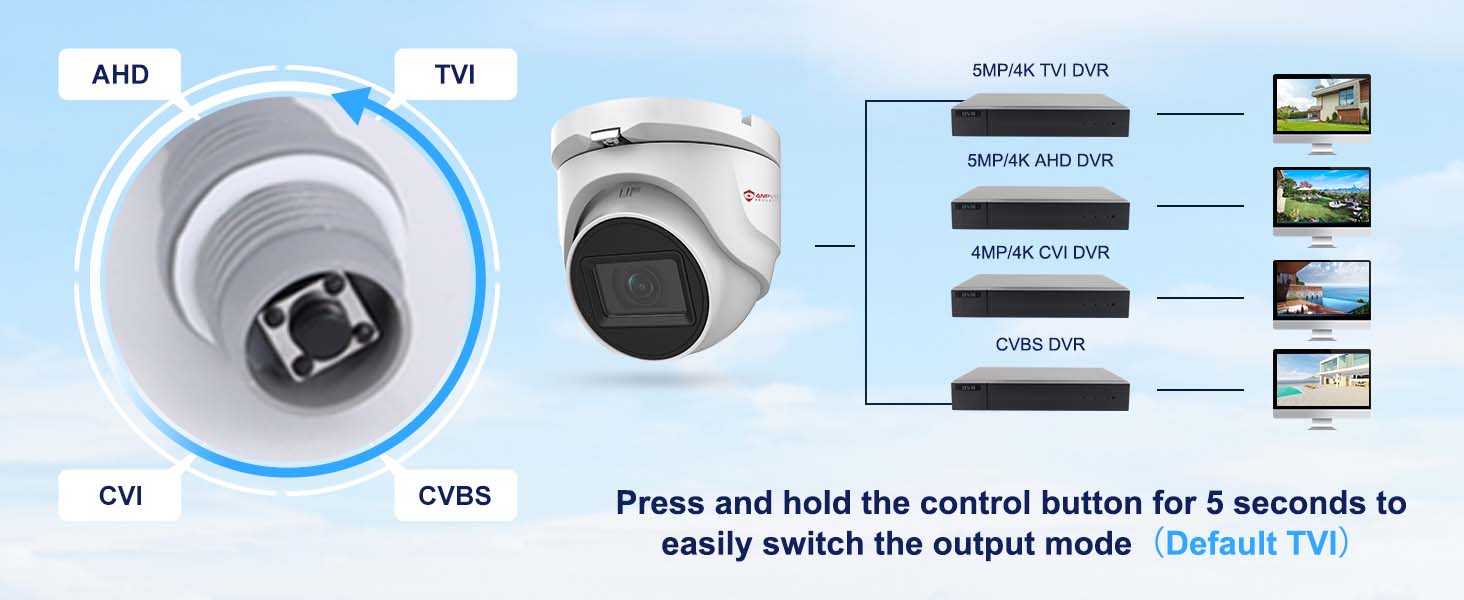
تصویر کی تفصیل: This image shows the 4-in-1 compatibility of the camera, allowing users to switch between TVI, AHD, CVI, and CVBS video output modes using a control button.
ویڈیو کی تفصیل: This video demonstrates the IP67 waterproof rating of the Anpviz camera, showing it enduring water exposure, highlighting its durability for outdoor use.
4. سیٹ اپ اور انسٹالیشن
Follow these steps to set up and install your Anpviz 5MP 4-in-1 Analog Security Turret Camera:
4.1 پری انسٹالیشن چیک لسٹ
- Ensure you have a compatible DVR system that supports 5MP or above pixels for optimal performance. If your DVR does not support 5MP, you may need to switch the camera's video signal mode.
- Acquire a DC 12V power adapter (not included) and coaxial video cables (not included).
- Identify the desired mounting location (ceiling or wall) and ensure it provides a clear field of view.
4.2 جسمانی تنصیب
- Use the provided drill template to mark the screw holes on your chosen mounting surface.
- Drill pilot holes and insert the wall anchors if necessary.
- Secure the camera base to the surface using the provided screws.
- زیادہ سے زیادہ کوریج کے لیے کیمرے کے زاویہ اور واقفیت کو ایڈجسٹ کریں۔
4.3 وائرنگ رابطے
The camera features a power port, a video output port (BNC), and a signal switch on its cable pigtail.
تصویر کی تفصیل: This diagram labels the key connection points of the camera: the metal housing, 2.8mm HD lens, 100ft IR night vision, the signal switch for TVI/AHD/CVI/CVBS, the 12VDC power input port, and the high-definition video output.
- Connect the DC 12V power adapter to the camera's power port.
- Connect one end of the coaxial video cable to the camera's BNC video output port.
- Connect the other end of the coaxial video cable to an available BNC input port on your DVR.
- Ensure your DVR is connected to a monitor and a power source.
ویڈیو کی تفصیل: This video provides a step-by-step guide on how to connect an HD 4-in-1 camera to a DVR system, including power, video, and network connections.
ویڈیو کی تفصیل: This video demonstrates the connection process for the Anpviz 5MP 4-in-1 TVI Camera, showing how to link it to a DVR for live viewing
5. آپریٹنگ ہدایات
5.1 Switching Video Output Mode
The camera's 4-in-1 capability allows it to operate in TVI, AHD, CVI, or CVBS modes. The default mode is TVI. To switch between modes:
- Locate the joystick switch on the camera's cable pigtail.
- Press and hold the control button on the joystick for approximately 5 seconds to cycle through the available video output modes.
- Observe the video feed on your connected DVR monitor to confirm the desired mode is active.

تصویر کی تفصیل: This image displays the joystick switch on the camera's cable, used to easily switch between TVI, AHD, CVI, and CVBS video output modes.
5.2 ریموٹ رسائی
If your DVR system supports remote access, you can view your camera's feed from anywhere using compatible software. Anpviz DVRs typically support applications like IVMS and Guarding Vision, and can be accessed via web browsers. Refer to your DVR's specific manual for detailed instructions on setting up remote access.
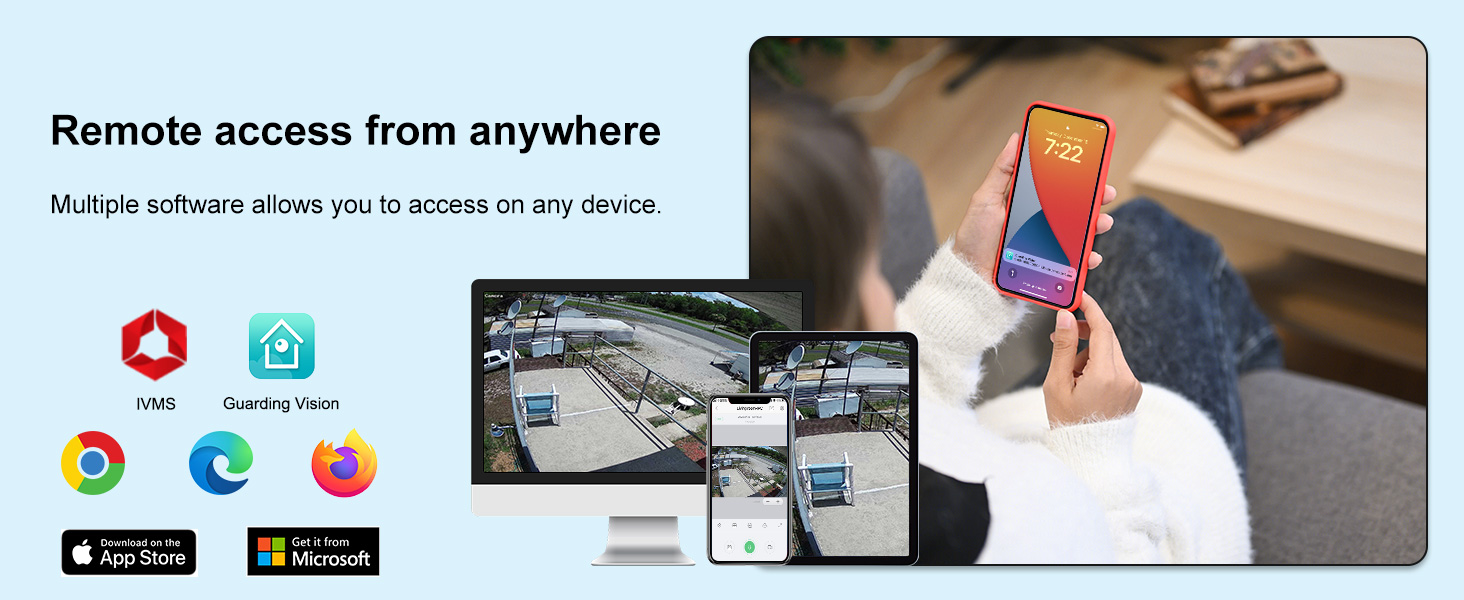
تصویر کی تفصیل: This image illustrates remote access capabilities, showing the camera feed being viewed on various devices such as a computer, tablet, and smartphone using different software applications.
6 دیکھ بھال
باقاعدگی سے دیکھ بھال آپ کے سیکیورٹی کیمرے کی بہترین کارکردگی اور لمبی عمر کو یقینی بناتی ہے۔
6.1 صفائی
- Gently wipe the camera lens with a soft, clean cloth to remove dust or smudges. Avoid abrasive materials or harsh chemicals.
- Periodically clean the camera housing to prevent dirt buildup, especially in outdoor environments.
6.2 ماحولیاتی تحفظات
The camera is IP67 waterproof and designed to operate in temperatures ranging from -20°C to 60°C. While robust, extreme conditions outside this range may affect performance. Ensure proper installation to prevent water accumulation around the camera base.
7 خرابیوں کا سراغ لگانا
If you encounter issues with your Anpviz security camera, refer to the following common troubleshooting steps:
7.1 کوئی ویڈیو ڈسپلے نہیں۔
- پاور چیک کریں: Ensure the camera is receiving power from a DC 12V power adapter. Verify the power adapter is functioning correctly.
- کیبل کنکشن کی تصدیق کریں: Confirm that the coaxial video cable is securely connected to both the camera's BNC port and the DVR's BNC input port.
- DVR مطابقت: The DVR must support camera access with 5MP or above pixels. If your DVR is older or lower resolution, you may need to switch the camera's video signal mode (TVI, AHD, CVI, CVBS) to match your DVR's capabilities. Use the joystick switch on the camera cable to change modes.
- مانیٹر ان پٹ: Ensure your monitor is set to the correct input source (e.g., HDMI, VGA) connected to your DVR.
7.2 خراب تصویری معیار
- صاف لینس: Dust or smudges on the lens can degrade image quality. Clean the lens gently with a soft cloth.
- روشنی کے حالات: Ensure adequate lighting during the day. For night vision, confirm IR LEDs are active in low-light conditions.
- Cable Quality/Length: Long or low-quality coaxial cables can introduce signal degradation. Use appropriate cables for your installation distance.
- DVR Resolution Settings: Check your DVR's settings to ensure it is configured to record and display at the camera's 5MP resolution.
8. وضاحتیں
| فیچر | تفصیلات |
|---|---|
| ماڈل کا نام | Anpviz 5MP Analog CCTV Camera 4-in-1 (TVI/AHD/CVI/CVBS) Turret TVI Camera |
| ماڈل نمبر | HD-D3150W |
| موثر پھر بھی قرارداد | 5 MP (2560x1920) |
| ویڈیو کیپچر ریزولوشن | 5 MP |
| فریم ریٹ | 20 فریمز_فی_سیکنڈ |
| کنیکٹوٹی ٹیکنالوجی | Ethernet (for DVR connection) |
| ویڈیو آؤٹ پٹ موڈز | TVI/AHD/CVI/CVBS (4-in-1) |
| لینس | 2.8 ملی میٹر فکسڈ فوکس |
| Viewآئی اینگل | 110 ڈگری |
| نائٹ ویژن رینج۔ | 100 Feet (IR Night Vision) |
| واٹر پروف ریٹنگ | آئی پی 67 |
| انکلوژر میٹریل | دھات |
| آپریٹنگ درجہ حرارت | -20 Degrees Celsius to 60 Degrees Celsius |
| طاقت کا منبع | Corded Electric (DC 12V, not included) |
| طول و عرض | 3.89 x 3.34 x 3.94 انچ |
| تجویز کردہ استعمال | Indoor/Outdoor Surveillance |
9. وارنٹی اور سپورٹ
For warranty information and technical support, please refer to the After-sales Card included in your product package or visit the official Anpviz website. You can also contact Anpviz customer service directly for assistance with product inquiries, troubleshooting, or warranty claims.