
1. تعارف
This manual provides detailed instructions for the installation, operation, and maintenance of your Hikvision 2-Wire Video Intercom Kit, Model 38084. This system is designed for single-family homes, offering enhanced security and convenience through its 7-inch touchscreen monitor, FullHD outdoor camera, and seamless integration with the Hik-Connect mobile application. Please read this manual thoroughly before installation and use to ensure proper functioning and safety.
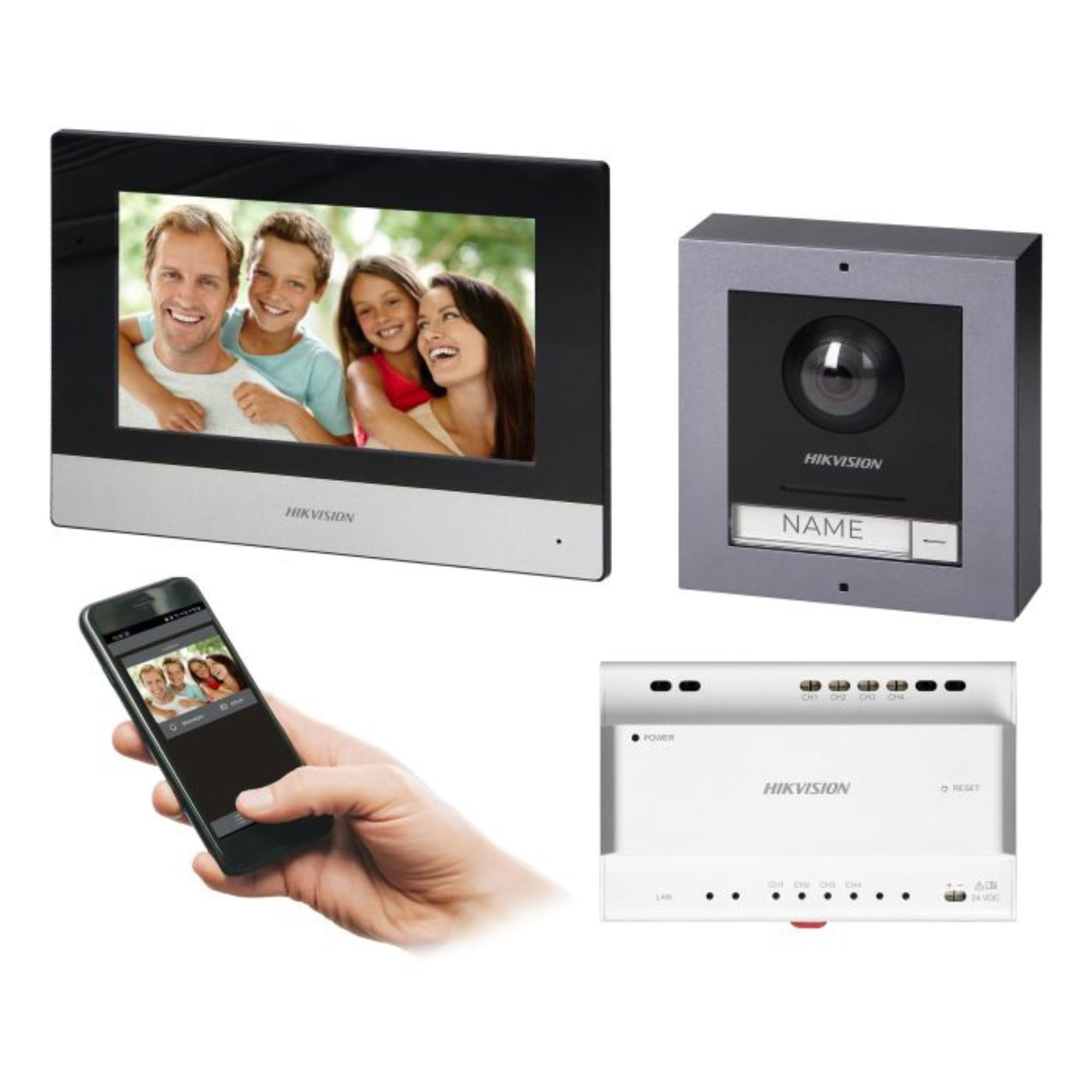
Figure 1: Hikvision 7-inch Video Intercom Monitor (Front View)
The image displays the front view of the Hikvision 7-inch video intercom monitor, featuring a large screen and the Hikvision logo at the bottom.
2. حفاظتی معلومات
آگ، برقی جھٹکا، اور افراد کو چوٹ لگنے کے خطرے کو کم کرنے کے لیے ہمیشہ بنیادی حفاظتی احتیاطی تدابیر پر عمل کریں۔
- برقی حفاظت: Installation must be performed by qualified personnel in accordance with all local electrical codes. Disconnect power before installation or servicing.
- پانی اور نمی: Do not expose the indoor monitor to rain or moisture. The outdoor panel is IP65 rated for weather resistance but should not be submerged.
- درجہ حرارت: آلہ کو درجہ حرارت کی مخصوص حد کے اندر چلائیں۔
- صفائی: صفائی کے لیے نرم، خشک کپڑا استعمال کریں۔ مائع یا ایروسول کلینر استعمال نہ کریں۔
- مداخلت: Avoid installing near sources of strong electromagnetic interference.
3. پیکیج کے مشمولات
تصدیق کریں کہ پیکیج میں تمام اجزاء موجود ہیں:
- 7-inch Indoor Monitor (with WiFi)
- FullHD Outdoor Panel (with Camera and Night Vision)
- 4-Channel Distributor
- بڑھتے ہوئے لوازمات (پیچ، وال پلگ)
- صارف دستی (یہ دستاویز)
- 16 GB MicroSD Card (pre-installed or included for video storage)

Figure 2: Hikvision Outdoor Panel and Mounting Accessories
This image shows the Hikvision outdoor panel alongside its rain shield and a flush-mount box, illustrating the various mounting options available.
4. سیٹ اپ اور انسٹالیشن
The Hikvision video intercom system utilizes a 2-wire installation method, simplifying wiring. Both the indoor monitor and outdoor panel are designed for surface mounting.
4.1 Outdoor Panel Installation
- مقام کا انتخاب کریں: Select a suitable location near the entrance, ensuring the camera has a clear view of visitors. The panel is IP65 rated for outdoor use.
- چڑھنا: Use the provided mounting bracket to mark drill holes on the wall. Drill holes, insert wall plugs, and secure the bracket.
- وائرنگ: Connect the 2-wire cable from the distributor to the outdoor panel terminals. Ensure correct polarity.
- محفوظ پینل: Attach the outdoor panel to the mounting bracket.

Figure 3: Hikvision Outdoor Panel (Front View)
This image shows the front of the Hikvision outdoor panel, featuring the FullHD camera, speaker grille, call button, and nameplate area.
4.2 انڈور مانیٹر کی تنصیب
- مقام کا انتخاب کریں: Select an indoor location where the monitor is easily accessible and visible.
- چڑھنا: Use the provided mounting plate to mark and drill holes. Secure the mounting plate to the wall.
- وائرنگ: Connect the 2-wire cable from the distributor to the indoor monitor terminals.
- پاور کنکشن: Connect the monitor to a power source (mains electricity).
- محفوظ مانیٹر: Attach the indoor monitor to the mounting plate.

Figure 4: Hikvision Indoor Monitor (Back View) and Mounting Plate
The image displays the rear of the Hikvision indoor monitor, showing its connection ports and the separate mounting plate used for installation.
4.3 System Wiring Diagram (General)
The 2-wire system connects the outdoor panel, indoor monitor, and the 4-channel distributor. The distributor manages power and data communication between the devices.
- Connect the outdoor panel to the distributor using a 2-wire cable.
- Connect the indoor monitor to the distributor using a 2-wire cable.
- Ensure the distributor is powered.
- For electric lock control, additional power may be required for the lock itself, connected via the outdoor panel.
4.4 وائی فائی کنکشن
After physical installation, power on the monitor. Navigate to the network settings on the 7-inch touchscreen to connect to your 2.4 GHz Wi-Fi network (802.11 b/g/n standard). This enables smartphone communication via the Hik-Connect app.
5. آپریٹنگ ہدایات
5.1 انڈور مانیٹر کے افعال
- ٹچ اسکرین: Navigate menus and control functions using the 7-inch touch screen.
- انٹرکام فنکشن: Communicate with visitors at the outdoor panel or other indoor monitors (if expanded).
- میموری فنکشن: The monitor supports a memory function, likely for capturing images or short video clips of visitors.
- SD کارڈ ریڈر: A 16GB MicroSD card is included for storing recorded video streams.
- Ringtone Management: Choose from 3 available ringtones. Adjust volume or mute the ringtone as needed.
- دروازے کا کنٹرول: Use the monitor to remotely open an electric lock connected to the system.
- CCTV Camera Integration: The system can be expanded to integrate up to 16 CCTV cameras.
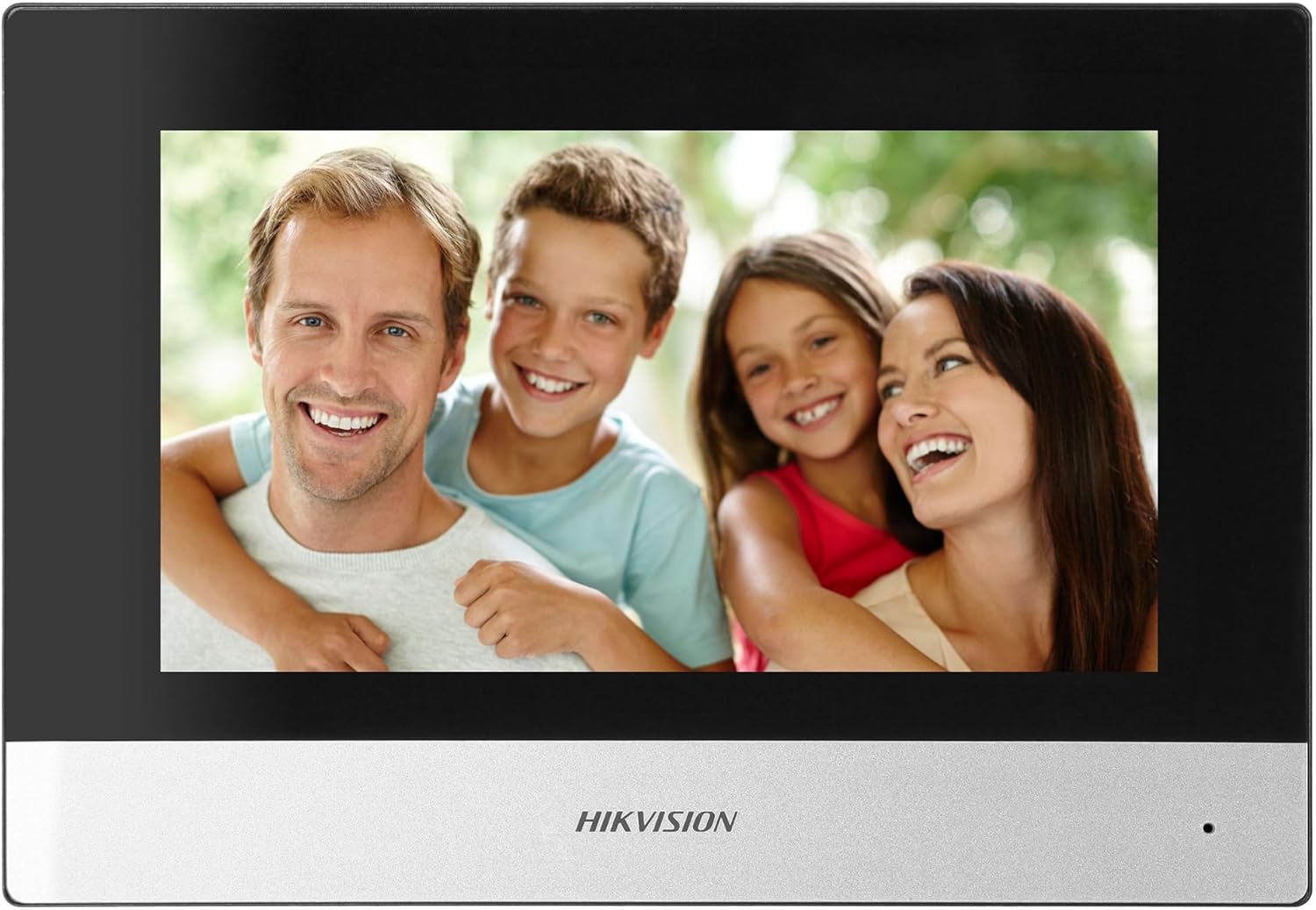
Figure 5: Hikvision Indoor Monitor (Front View)
This image shows the Hikvision 7-inch indoor monitor from the front, highlighting its sleek design and large display area.
5.2 Outdoor Panel Operation
- کال بٹن: Visitors press the single call button to initiate a call to the indoor monitor.
- FullHD Camera: Provides a 2MP (1920x1080p) video feed with a wide viewing angle (96°/180°).
- نائٹ ویژن: Integrated IR illumination ensures clear visibility even in low-light conditions.
- نام کی تختی: A space is provided for a nameplate or label.

Figure 6: Hikvision Outdoor Panel (Angled View)
ایک زاویہ view of the Hikvision outdoor panel, showcasing its robust construction and integrated camera and call button.
5.3 Hik-Connect Mobile Application
Download the Hik-Connect app from your smartphone's app store. Once installed and configured with your system, you can:
- Receive calls from the outdoor panel on your smartphone.
- View live video from the outdoor camera.
- Remotely open the door.
- ریکارڈ شدہ ویڈیو foo تک رسائی حاصل کریں۔tage.
6 دیکھ بھال
باقاعدگی سے دیکھ بھال آپ کے انٹرکام سسٹم کی لمبی عمر اور بہترین کارکردگی کو یقینی بناتی ہے۔
- صفائی: Wipe the monitor screen and outdoor panel with a soft, damp کپڑا کھرچنے والے کلینر سے پرہیز کریں۔
- فرم ویئر اپ ڈیٹس: Periodically check for firmware updates via the Hik-Connect app or Hikvision's official website to ensure your system has the latest features and security patches.
- کیبل معائنہ: Periodically inspect all wiring for any signs of wear or damage.
- Outdoor Panel Lens: Keep the camera lens on the outdoor panel clean for clear video quality.
7 خرابیوں کا سراغ لگانا
اگر آپ کو مسائل کا سامنا کرنا پڑتا ہے تو، مندرجہ ذیل عام ٹربل شوٹنگ کے اقدامات سے رجوع کریں:
- کوئی طاقت نہیں: Check all power connections and ensure the distributor is receiving power.
- کوئی ویڈیو/آڈیو نہیں: Verify the 2-wire connections between the outdoor panel, monitor, and distributor. Ensure correct polarity.
- وائی فائی کنکشن کے مسائل: Ensure your router is operating on 2.4 GHz. Re-enter WiFi credentials on the monitor. Check signal strength.
- Door Lock Not Opening: Confirm the electric lock has its own power supply if required. Check wiring from the outdoor panel to the lock.
- ناقص نائٹ ویژن: Ensure the outdoor camera lens is clean and free from obstructions.
8. وضاحتیں
| قسم | اکیلا خاندان |
| ویڈیو فنکشن | جی ہاں |
| بجلی کی فراہمی | مینز بجلی |
| ٹرانسمیشن کی قسم | Wired (2-wire) |
| Smartphone Communication | Yes (via Hik-Connect app) |
| وائی فائی فریکوئنسی | 2.4 GHz |
| Wi-Fi معیار | 802.11 b/g/n |
| تنصیب کا طریقہ | 2-wire, Surface Mount |
| Max. Monitors | 3 تک قابل توسیع |
| Max. Outdoor Panels | 1 تک قابل توسیع |
| Max. CCTV Cameras | 16 تک قابل توسیع |
| الیکٹرک لاک کنٹرول | Yes (requires additional power for lock) |
| دن / رات کی تقریب | جی ہاں |
| چڑھنے کا طریقہ | سطح کا پہاڑ |
| Hands-free System | جی ہاں |
| سکرین ترچھی۔ | 7 انچ |
| قرارداد | 1024 x 600 |
| ٹچ اسکرین | جی ہاں |
| ویڈیو سسٹم | پال، رنگ |
| میموری فنکشن | جی ہاں |
| SD کارڈ ریڈر | Yes (16GB card included) |
| انٹر کام فنکشن | جی ہاں |
| رنگ ٹونز | 3 |
| مواد | پلاسٹک |
| رنگ | سیاہ |
| طول و عرض (W x H x D) | 140 ملی میٹر x 200 ملی میٹر x 15 ملی میٹر |
| کال بٹن | 1 |
| چڑھنے کا طریقہ | سطح کا پہاڑ |
| کیمرہ ریزولوشن | 2MP, 1920x1080 (FullHD) |
| کیمرہ Viewآئی اینگل | 96°/180° |
| رات کی روشنی | IR (Infrared) |
| PTZ فنکشن | نہیں |
| قربت کارڈ ریڈر | نہیں |
| Nameplate Space | جی ہاں |
| وینڈل پروف | نہیں |
| تحفظ کی درجہ بندی | آئی پی 65 |
| مواد | سٹیل |
| رنگ | چاندی |
| طول و عرض (W x H x D) | 98 ملی میٹر x 99.8 ملی میٹر x 43.9 ملی میٹر |
| مصنوعات کے طول و عرض | 20 x 15 x 10 سینٹی میٹر |
| شے کا وزن | 1 کلوگرام |
| ماڈل نمبر | 38084 |
9. وارنٹی اور سپورٹ
وارنٹی کی معلومات اور تکنیکی معاونت کے لیے، برائے مہربانی سرکاری Hikvision سے رجوع کریں۔ webسائٹ یا اپنے مقامی ڈسٹری بیوٹر سے رابطہ کریں۔ وارنٹی کے دعووں کے لیے اپنی خریداری کی رسید اپنے پاس رکھیں۔
- آن لائن مدد: وزٹ کریں۔ www.hikvision.com for product documentation, FAQs, and support resources.
- کسٹمر سروس: Contact your retailer or authorized Hikvision service center for assistance.