
تعارف
This manual provides instructions for the Akasa AK-CR-12 2-in-1 USB 3.2 Dual Card Reader. This device offers expanded connectivity for common memory cards, including SD, SDHC, SDXC, microSD, microSDHC, and microSDXC, in a compact aluminum housing. It is designed for compatibility with various devices featuring either USB Type-C or USB Type-A connectors.
مصنوعات کی خصوصیات
- دوہری پورٹ ڈیزائن: Features both USB Type-A and Type-C connectors for versatile device compatibility.
- تیز رفتار ڈیٹا کی منتقلی: Supports USB 3.2 Gen 1, providing data transfer rates up to 5Gbps.
- دوہری کارڈ سلاٹس: Simultaneously reads and writes SD and microSD cards.
- وسیع آپریٹنگ سسٹم کی مطابقت: Works with macOS, Windows, Linux, and Android systems.
- پائیدار تعمیر: Premium aluminum housing enhances heat dissipation and protection.
- پلگ اینڈ پلے: No drivers required for most operating systems.
- گرم، شہوت انگیز تبادلہ: Allows for connection and disconnection without restarting the device.
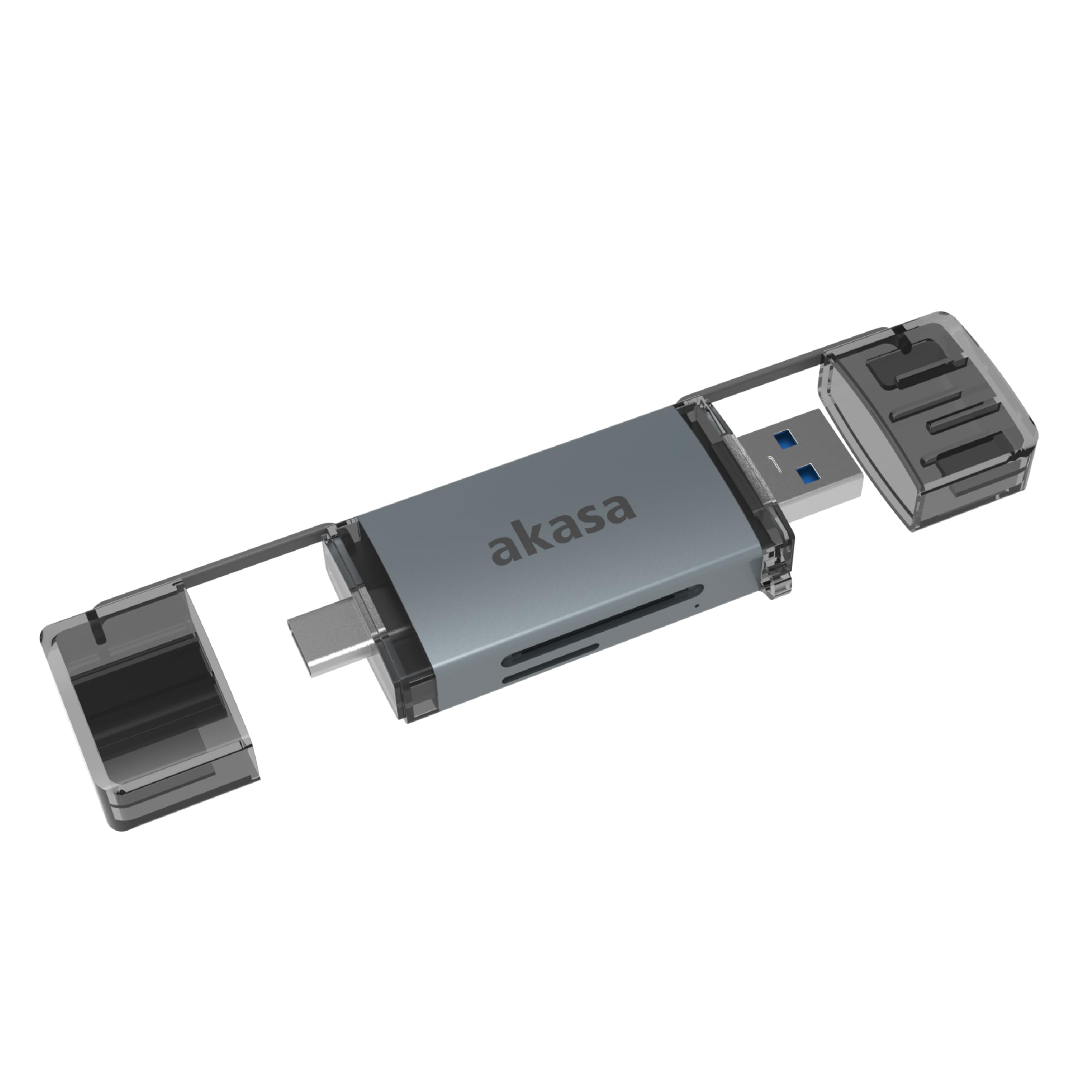
Image: The Akasa AK-CR-12 connected to a laptop, highlighting its USB 3.2 Gen 1 high-speed data transmission capability of up to 5Gbps, compared to USB 2.0's 480Mbps.

تصویر: ایک قریبی اپ view of the Akasa AK-CR-12, emphasizing its aluminum housing designed for enhanced heat dissipation and protection, and its ease of plugging into various devices.
سیٹ اپ اور آپریشن
- میموری کارڈ داخل کریں: Gently insert your SD or microSD card into the corresponding slot on the Akasa AK-CR-12. Ensure the card is inserted correctly with the contacts facing down.
- ڈیوائس سے جڑیں:
- For devices with a USB Type-C port (e.g., modern laptops, smartphones, tablets), connect the USB Type-C end of the card reader.
- For devices with a USB Type-A port (e.g., older laptops, desktop PCs), connect the USB Type-A end of the card reader.
- ڈیٹا تک رسائی: Once connected, your operating system should automatically detect the card reader and the inserted memory card. The memory card will appear as a removable drive. You can then access, transfer, and manage files جیسا کہ آپ کسی دوسرے اسٹوریج ڈیوائس کے ساتھ کریں گے۔
- محفوظ طریقے سے نکالیں: Before disconnecting the card reader, always safely eject the removable drive through your operating system's interface to prevent data corruption.
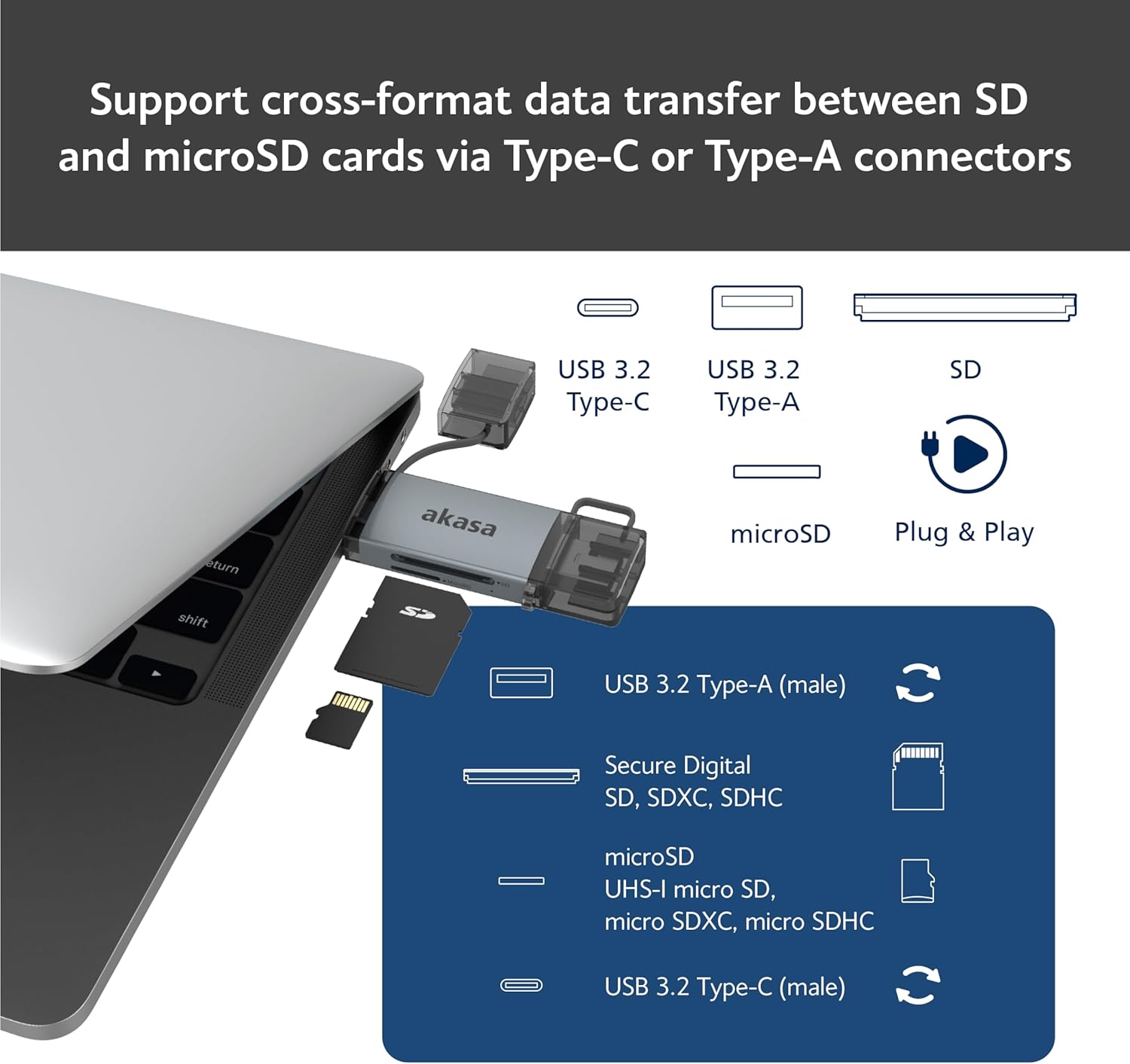
Image: An illustration demonstrating how to support cross-format data transfer between SD and microSD cards using the Type-C or Type-A connectors of the Akasa AK-CR-12, showing the different connector types and card slots.
مطابقت
The Akasa AK-CR-12 is designed for broad compatibility with various operating systems and devices:
- آپریٹنگ سسٹمز:
- macOS 10.6.2 یا اس سے زیادہ
- ونڈوز ایکس پی/7/8/10/11
- Linux Fedora FC8 or higher
- اینڈرائیڈ سسٹم
- ہم آہنگ آلات: Personal Computers, Laptops, Smartphones, Tablets.
- Memory Card Types: Secure Digital (SD, SDHC, SDXC, UHS-I), microSD (microSD, microSDHC, microSDXC).
Note for Smartphone/Tablet Devices:
If an adapter is needed for smartphone/tablet devices, the device must have USB OTG (On-The-Go) functionality to utilize the card reader feature.
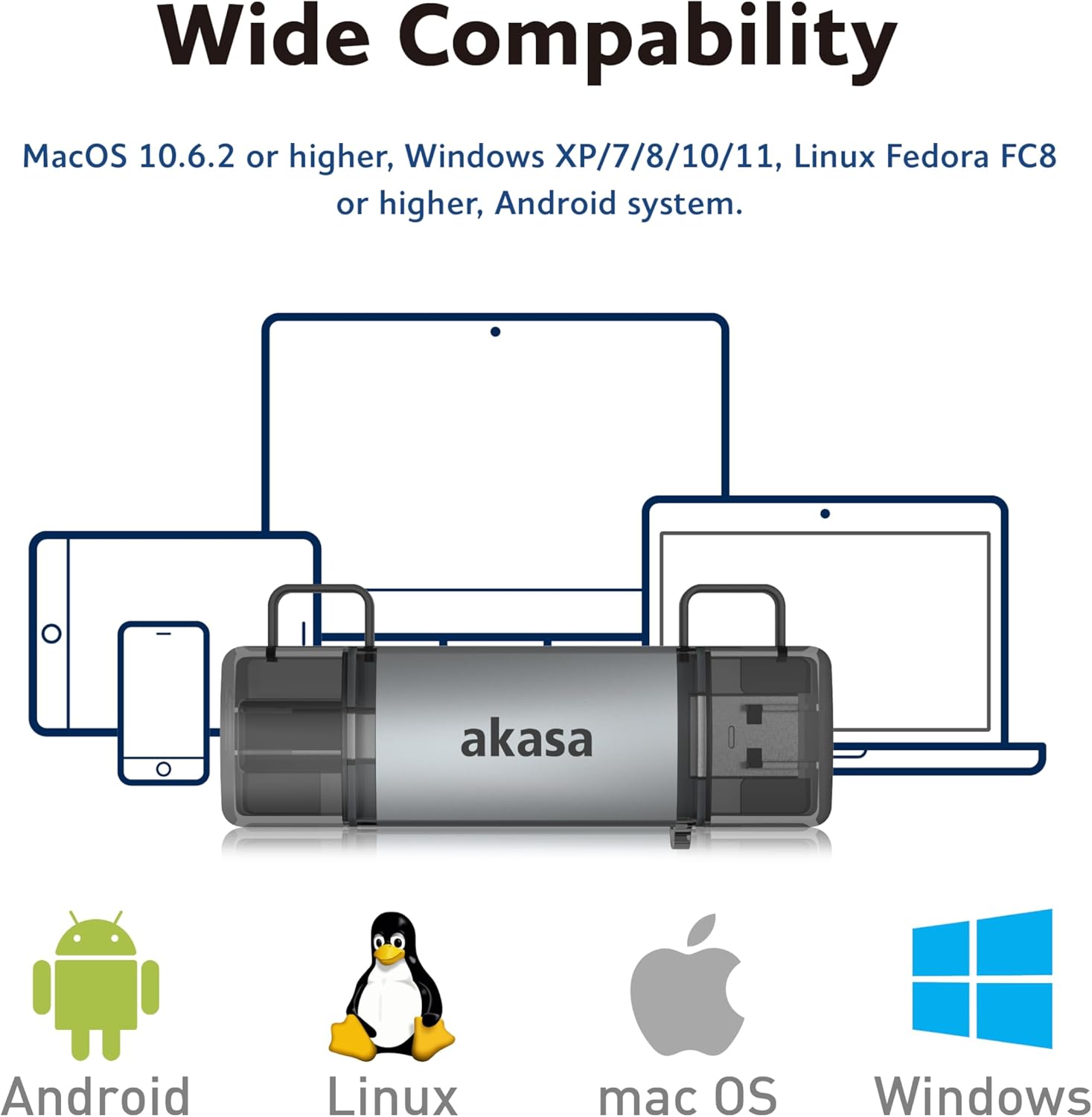
Image: The Akasa AK-CR-12 positioned centrally with logos for Android, Linux, macOS, and Windows operating systems, illustrating its wide compatibility across different platforms.
وضاحتیں
| فیچر | تفصیل |
|---|---|
| درخواست | External USB 3.2 Gen 1 Card Reader |
| طول و عرض | 84.5 x 25.35 x 11.4 ملی میٹر |
| اپ اسٹریم پورٹس | USB 3.2 Type-C (male) & USB 3.2 Type-A (male) |
| Memory Card Types | Secure Digital (UHS-I micro SD, micro SDXC, micro SDHC), microSD (micro SD, micro SDXC, micro SDHC) |
| زیادہ سے زیادہ ڈیٹا کی منتقلی کی شرح | 5Gb/s (USB 3.2 Gen 1 / USB 3.0), 480Mb/s (USB 2.0) |
| OS مطابقت | macOS 10.6.2 or higher, Windows XP/7/8/10/11, Linux Fedora FC8 or higher, Android System |
| پلگ اینڈ پلے | حمایت کی |
| گرم ، شہوت انگیز تبدیل | حمایت کی |
| پروڈکٹ کوڈ | AK-CR-12 |
| شے کا وزن | 20 گرام |

Image: A detailed diagram illustrating the physical dimensions of the Akasa AK-CR-12, including its length (84.5mm), width (25.35mm), and thickness (11.4mm).
خرابی کا سراغ لگانا
- ڈیوائس کا پتہ نہیں چلا:
- Ensure the card reader is firmly connected to your device's USB port.
- Try a different USB port on your computer or device.
- Verify that the memory card is correctly inserted into the card reader.
- Test the card reader on another compatible device to rule out a port issue.
- سست ڈیٹا کی منتقلی:
- Ensure you are connected to a USB 3.0/3.2 port for optimal speeds. Connecting to a USB 2.0 port will result in lower transfer rates (up to 480Mb/s).
- Check the speed class of your memory card; slower cards will limit transfer speeds.
- بہت سے چھوٹے منتقل کرنے سے بچیں files بیک وقت، کیونکہ یہ مجموعی رفتار کو کم کر سکتا ہے۔
- رسائی نہیں ہو سکتی Files:
- Ensure the memory card is not write-protected (check for a physical lock switch on SD cards).
- Verify the memory card is formatted correctly for your operating system.
- Try accessing the card directly if your device has a built-in card reader to confirm the card itself is functional.
- Smartphone/Tablet Compatibility:
- Confirm your smartphone or tablet supports USB OTG (On-The-Go) functionality. This is essential for the device to recognize external USB storage.
- Some devices may require enabling OTG in their settings.
دیکھ بھال
- صفائی: Use a soft, dry cloth to clean the exterior of the card reader. Avoid liquid cleaners or solvents.
- ذخیرہ: Store the card reader in a cool, dry place away from direct sunlight and extreme temperatures.
- تحفظ: Keep the protective caps on the USB connectors when not in use to prevent dust and damage.
- ہینڈلنگ: آلے کو گرانے یا اسے شدید اثرات کا نشانہ بنانے سے گریز کریں۔
وارنٹی اور سپورٹ
For warranty information and technical support, please refer to the official Akasa webسائٹ یا اپنے مقامی خوردہ فروش سے رابطہ کریں۔ خریداری کے ثبوت کے طور پر اپنی خریداری کی رسید اپنے پاس رکھیں۔
Akasa Official Webسائٹ: www.akasa.com.tw