
Alienware AW920K
Alienware AW920K ٹرائی موڈ وائرلیس گیمنگ کی بورڈ یوزر مینوئل
Model: AW920K
تعارف
The Alienware AW920K Tri-Mode Wireless Gaming Keyboard is designed to elevate your gaming and productivity performance with versatile connectivity options, customizable controls, and vibrant AlienFX per-key RGB lighting. This manual provides essential information for setting up, operating, and maintaining your keyboard.

Figure 1: Alienware AW920K Tri-Mode Wireless Gaming Keyboard with USB dongle and cable.
باکس میں کیا ہے۔
- Alienware AW920K Tri-Mode Wireless Gaming Keyboard
- USB Cable (detachable paracord)
- دستاویزات (یہ صارف دستی)
سیٹ اپ
کنیکٹیویٹی کے اختیارات
The Alienware AW920K keyboard offers three modes of connectivity:
2.4GHz وائرلیس کنکشن
For responsive wireless gaming performance on your PC, use the included 2.4GHz wireless USB-C dongle. For optimal reception, deploy the convenient dongle extender to position the receiver closer to the keyboard.
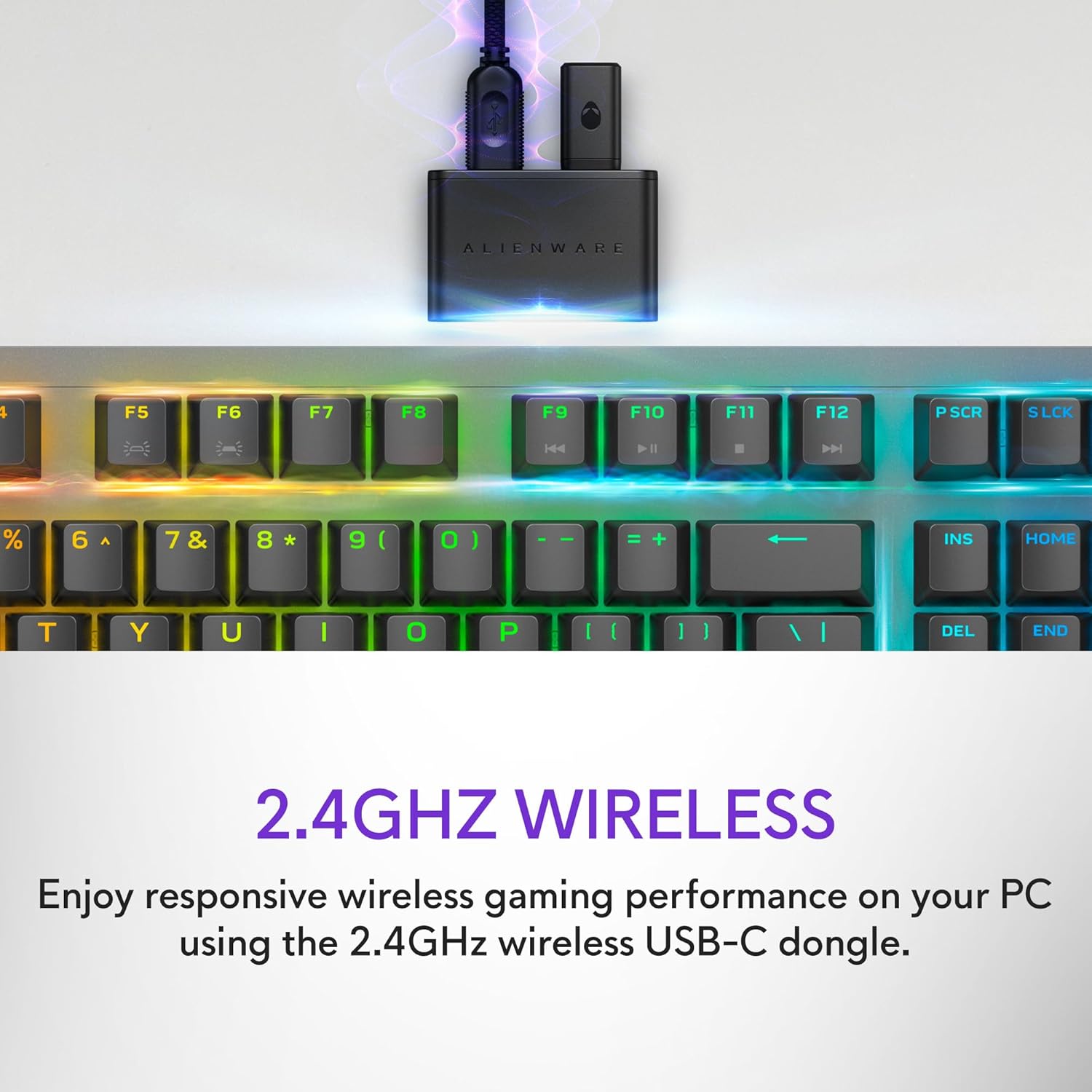
Figure 2: The 2.4GHz wireless USB-C dongle for PC connection.
بلوٹوتھ 5.1 کنکشن
Connect up to three different compatible devices via Bluetooth 5.1. Use the selection button located on the back of the keyboard to choose the active paired device or switch to the 2.4GHz connection.

Figure 3: Connectivity toggle switch on the back of the keyboard.
وائرڈ USB کنکشن
For a direct and reliable connection, plug in and play on your PC using the detachable USB paracord cable.

Figure 4: Connecting the keyboard via the detachable USB cable.
چارج ہو رہا ہے۔
The keyboard features magnetic snap-on charging for convenience. Easily connect and disconnect the charging cable to keep your keyboard powered without interrupting your game or compromising performance.

Figure 5: Magnetic snap-on charging port.
The keyboard offers robust battery life: up to 42 hours with 50% RGB lighting brightness on 2.4GHz dongle connection, or up to 46 hours on Bluetooth connection with 50% RGB lighting brightness.
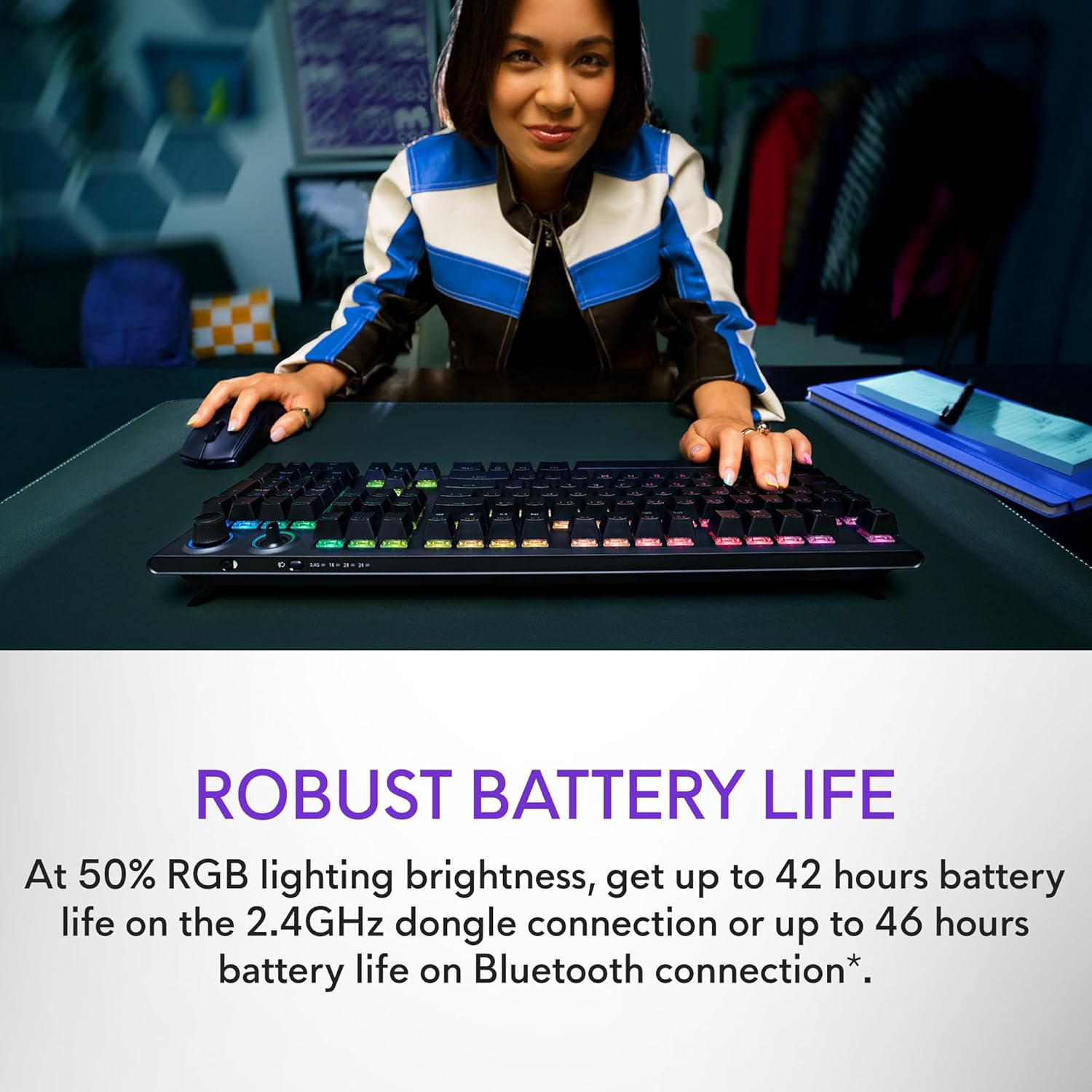
Figure 6: Illustration of the keyboard's extended battery life.
آپریٹنگ ہدایات
Key Switches and Performance
The AW920K features CHERRY MX Red switches, known for their consistent high performance, 100 million actuation lifecycle, responsive feel, and smooth linear operation, making them ideal for gaming.

تصویر 7: کلوز اپ view of the CHERRY MX Red switches.
Double-shot PBT keycaps provide reliable durability and exceptional wear resistance. The key legends are molded into the cap, not painted, ensuring dependable fade resistance.
مرضی کے مطابق کنٹرولز
The programmable rocker switch and dial allow you to customize your experience. Map compatible Windows productivity controls via Alienware Command Center on your PC. This includes media controls and system volume, accessible directly from your fingertips.

Figure 8: The programmable rocker switch and dial for custom functions.
ایلین ایف ایکس آر جی بی لائٹنگ
AlienFX per-key RGB lighting is configurable with Alienware Command Center, delivering an immersive gaming experience with up to 16.8 million colors. Utilize the Alienware Command Center on PC to create themes and customize the keyboard for a more personal gaming experience.

Figure 9: Keyboard displaying AlienFX RGB lighting effects.
گیمنگ کی خصوصیات
The keyboard supports full anti-ghosting and N-key rollover, ensuring that all keystrokes register correctly and the keyboard remains responsive during intense gaming sessions and rapid typing.
دیکھ بھال
To ensure the longevity and optimal performance of your Alienware AW920K keyboard, follow these maintenance guidelines:
- صفائی: تھوڑا سا نرم، لنٹ سے پاک کپڑا استعمال کریں۔ampened with water or a mild cleaning solution to wipe down the keycaps and chassis. Avoid harsh chemicals or abrasive materials.
- دھول ہٹانا: کی کیپس کے درمیان سے دھول اور ملبہ ہٹانے کے لیے کمپریسڈ ہوا کا استعمال کریں۔
- ذخیرہ: جب لمبے عرصے تک استعمال نہ ہو، کی بورڈ کو براہ راست سورج کی روشنی اور انتہائی درجہ حرارت سے دور خشک، ٹھنڈی جگہ پر محفوظ کریں۔
- کیبل کی دیکھ بھال: Handle the detachable USB cable with care. Avoid sharp bends or excessive pulling to prevent damage.
خرابی کا سراغ لگانا
If you encounter issues with your Alienware AW920K keyboard, refer to the following common troubleshooting steps:
| مسئلہ | ممکنہ وجہ/حل |
|---|---|
| کی بورڈ جواب نہیں دے رہا ہے (وائرلیس) |
|
| آر جی بی لائٹنگ کام نہیں کر رہی ہے۔ |
|
| چابیاں رجسٹر نہیں ہو رہی ہیں یا گھوسٹنگ نہیں کر رہی ہیں۔ |
|
| Programmable features not working |
|
وضاحتیں
| فیچر | تفصیل |
|---|---|
| ماڈل نمبر | AW920K |
| کنیکٹوٹی | 2.4GHz وائرلیس، بلوٹوتھ 5.1، USB-C وائرڈ |
| کلید سوئچز | CHERRY MX Red |
| کیکیپس | ڈبل شاٹ پی بی ٹی |
| لائٹنگ | AlienFX per-key RGB |
| Battery Life (2.4GHz, 50% RGB) | 42 گھنٹے تک |
| Battery Life (Bluetooth, 50% RGB) | 46 گھنٹے تک |
| اینٹی گھوسٹنگ | مکمل اینٹی گھوسٹنگ |
| N-Key رول اوور | حمایت کی |
| طول و عرض (LxWxH) | 17.76 x 5.82 x 2.28 انچ (45.1 x 14.8 x 5.8 سینٹی میٹر) |
| وزن | 2.35 پاؤنڈ (1.06 کلوگرام) |
| ہم آہنگ آلات | لیپ ٹاپ، پی سی، اسمارٹ فون، ٹیبلٹ |

Figure 10: Keyboard dimensions (Length, Width, Height).
وارنٹی اور سپورٹ
Alienware products are backed by a manufacturer's warranty. For detailed warranty information, technical support, or service inquiries, please visit the official Alienware support webسائٹ یا ان کی کسٹمر سروس سے رابطہ کریں۔ وارنٹی کے دعووں کے لیے اپنی خریداری کی رسید اپنے پاس رکھیں۔
For software updates and advanced customization, download the Alienware Command Center from the official Alienware support page.
You can visit the official Alienware store for more products and support: Alienware Store
Ask a question about this manual
Ask about setup, troubleshooting, compatibility, parts, safety, or missing instructions. Manuals+ will review the question and use this page’s manual context to help answer it.