
Anker Soundcore K20i
Anker Soundcore K20i True Wireless Earbuds صارف دستی
Model: K20i | Brand: Anker Soundcore
1. تعارف
The Anker Soundcore K20i are true wireless earbuds designed for comfortable, extended listening. They feature Bluetooth 5.3 connectivity, IPX5 water resistance, and up to 36 hours of total playback with the charging case. Enjoy powerful bass and clear calls with AI noise reduction.

Image: Anker Soundcore K20i earbuds and charging case in black, white, purple, and blue.
2. پیکیج کے مشمولات
یقینی بنائیں کہ آپ کے پروڈکٹ پیکیج میں تمام اشیاء موجود ہیں:
- Soundcore K20i True Wireless Earbuds
- چارجنگ کیس
- USB-C & USB-A Charging Cable
- Safety Manual & Quick Start Guide

Image: The Anker Soundcore K20i earbuds, their charging case, and the included USB-C charging cable.
3. سیٹ اپ
3.1. چارج کرنا
پہلے استعمال سے پہلے، ایئربڈز اور چارجنگ کیس دونوں کو مکمل طور پر چارج کریں۔
- Place the earbuds into the charging case. Close the case to begin charging the earbuds.
- فراہم کردہ USB-C کیبل کا استعمال کرتے ہوئے چارجنگ کیس کو پاور سورس سے جوڑیں۔
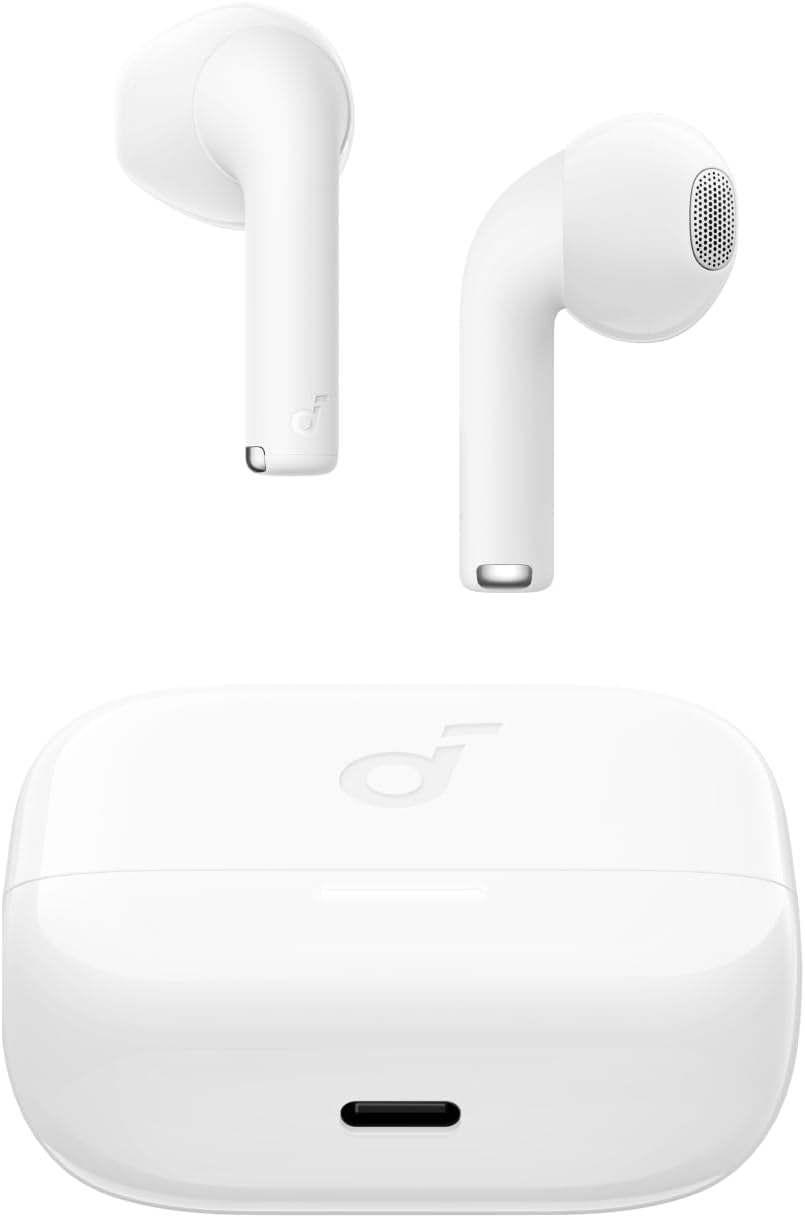
Image: The Anker Soundcore K20i earbuds resting in their open charging case, with the USB-C charging port visible at the front of the case.
3.2. جوڑنا
اپنے ایئربڈز کو بلوٹوتھ فعال ڈیوائس کے ساتھ جوڑنے کے لیے ان اقدامات پر عمل کریں:
- Open the charging case. The earbuds will automatically enter Bluetooth pairing mode.
- On your device (smartphone, PC), enable Bluetooth and search for 'Soundcore K20i'.
- Select 'Soundcore K20i' to connect.
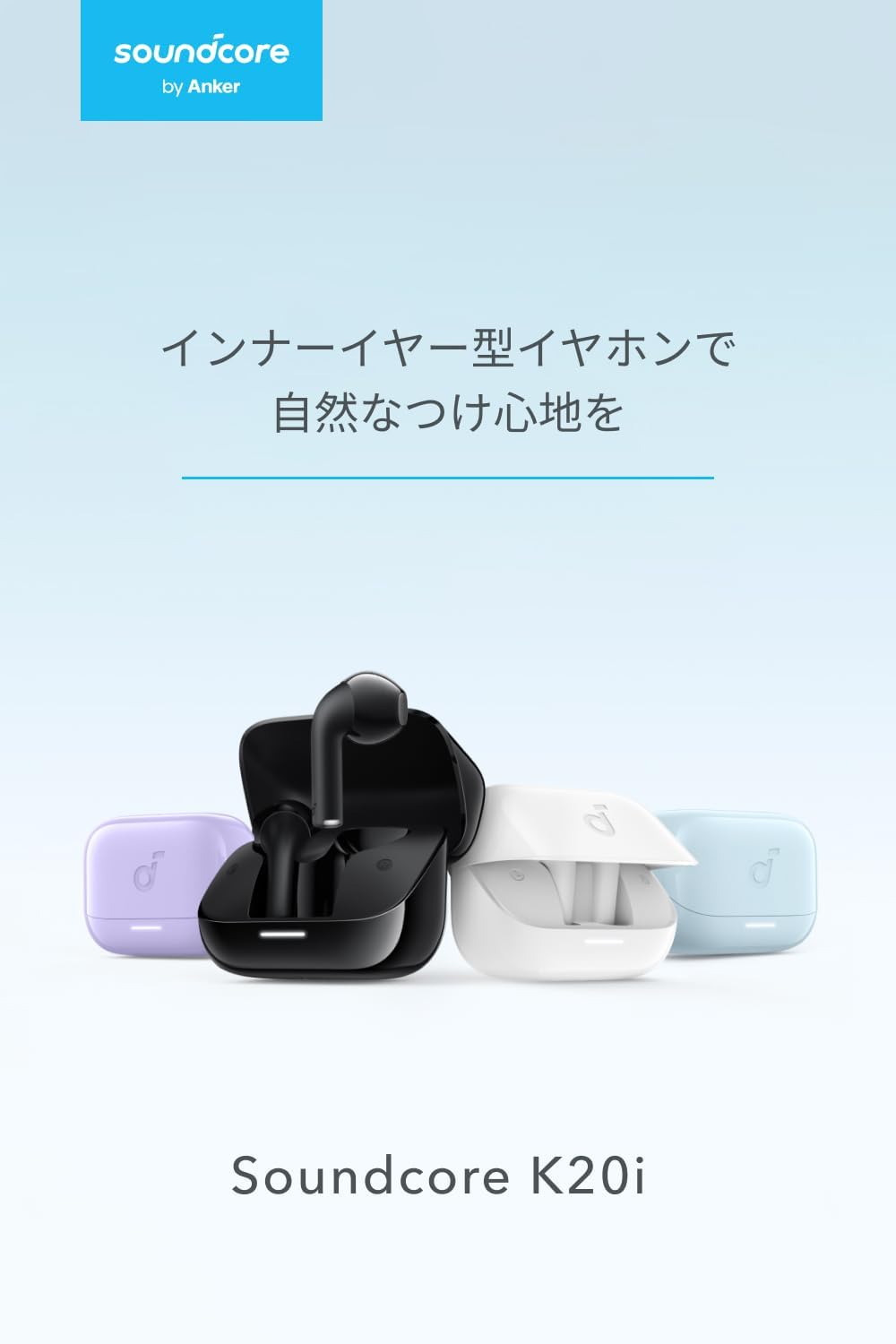
Image: The Anker Soundcore K20i earbuds removed from their charging case, indicating they are ready for Bluetooth pairing.
4. آپریٹنگ ہدایات
4.1. ایئربڈز پہننا
For optimal comfort and sound quality, ensure the earbuds are properly seated in your ears.
- ایئربڈز کو اپنے کانوں میں داخل کریں اور انہیں آہستہ سے گھمائیں جب تک کہ وہ اچھی طرح اور آرام سے فٹ نہ ہوجائیں۔
- Each earbud weighs approximately 3.3g, designed for extended comfortable wear without ear tips.

Image: A diagram illustrating the correct way to position the Anker Soundcore K20i earbud in the ear canal for a secure and comfortable fit.
4.2۔ بنیادی کنٹرولز
The Soundcore K20i earbuds feature touch controls for various functions. Specific actions for single, double, or triple taps can often be customized via the Soundcore app.
4.3. ساؤنڈ سکور ایپ
Enhance your listening experience by downloading the Soundcore app. The app allows you to:
- Customize sound settings and adjust the equalizer.
- اگر غلط جگہ پر ہو تو اپنے ایئربڈز کو تلاش کریں۔
- ایئربڈ فرم ویئر کو اپ ڈیٹ کریں۔

Image: A user interacting with the Soundcore application on a smartphone, displaying various sound customization options for the earbuds.
5 دیکھ بھال
5.1. صفائی
باقاعدگی سے صفائی زیادہ سے زیادہ کارکردگی اور حفظان صحت کو برقرار رکھنے میں مدد کرتی ہے:
- Regularly clean the earbuds and charging case with a dry, soft, lint-free cloth.
- سخت کیمیکلز یا کھرچنے والے مواد کے استعمال سے پرہیز کریں۔
5.2. پانی کی مزاحمت (IPX5)
The earbuds are IPX5 water-resistant, meaning they can withstand splashes and sweat. This makes them suitable for workouts and light rain. انہیں پانی میں نہ ڈوبیں۔

Image: Two Anker Soundcore K20i earbuds covered in water droplets, illustrating their IPX5 water-resistant design.
5.3. ذخیرہ
Store the earbuds in their charging case when not in use to protect them from damage and ensure they remain charged.
6 خرابیوں کا سراغ لگانا
If you encounter issues with your Soundcore K20i earbuds, try the following solutions:
- ایئربڈس جوڑا نہیں بن رہے ہیں: Ensure both earbuds are charged and within range of your device. Turn off and on your device's Bluetooth.
- صرف ایک ایئربڈ آواز چلاتا ہے: Try placing both earbuds back into the charging case, closing it for a few seconds, then reopening. Refer to the quick start guide for specific earbud reset instructions.
- خراب آواز کا معیار: Ensure the earbuds are properly seated in your ears. Try adjusting equalizer settings in the Soundcore app.
- چارجنگ کے مسائل: Verify the charging cable is securely connected to both the case and the power source. Ensure the charging contacts on the earbuds and inside the case are clean.
7. وضاحتیں
| فیچر | تفصیلات |
|---|---|
| ماڈل کا نام | Soundcore K20i |
| کنیکٹوٹی ٹیکنالوجی | وائرلیس (بلوٹوتھ 5.3) |
| کان کی جگہ کا تعین | کان میں |
| ہیڈ فون اسٹائل | کان میں |
| رکاوٹ | 16 اوہم |
| شور کنٹرول | None (AI Noise Reduction for calls) |
| پلے بیک ٹائم (ایئر بڈز) | 6 گھنٹے تک |
| پلے بیک کا کل وقت (کیس کے ساتھ) | 36 گھنٹے تک |
| فاسٹ چارجنگ | 10 minutes charge for approx. 2 hours playback |
| Earbud Weight (per earbud) | تقریبا 3.3 گرام |
| پروڈکٹ کا وزن | 42.6 گرام |
| پانی کی مزاحمت | IPX5 |
| مینوفیکچرر ماڈل نمبر | A3994 |
| ہم آہنگ آلات | Smartphones, PCs, and other Bluetooth-compatible devices |
8. وارنٹی اور سپورٹ
Anker Soundcore K20i comes with an 18 ماہ کی مصنوعات کی وارنٹی from the date of purchase. For registered members, an additional 6 ماہ کی توسیعی وارنٹی is provided, totaling 24 months of coverage.
For product or delivery-related inquiries, please contact customer support. Anker provides dedicated Japanese customer support.

Image: Details on Anker's 18-month product warranty, an additional 6-month extended warranty for members, and information for contacting Japanese customer support.
Ask a question about this manual
Ask about setup, troubleshooting, compatibility, parts, safety, or missing instructions. Manuals+ will review the question and use this page’s manual context to help answer it.