
تعارف
This manual provides detailed instructions for setting up and operating your YNF Smart Plug. Please read this manual carefully before use to ensure proper functionality and safety. The YNF Smart Plug allows you to control your home appliances remotely, via voice commands, and through scheduled timers.

Image: The YNF Smart Plug, a compact white device designed for smart home integration.
حفاظتی معلومات
- ڈیوائس کو جدا یا ترمیم نہ کریں۔
- پانی اور زیادہ نمی والے ماحول سے دور رہیں۔
- Do not exceed the maximum load rating of the smart plug. Refer to specifications.
- یقینی بنائیں کہ پلگ دیوار کے آؤٹ لیٹ میں پوری طرح سے داخل ہے۔
- صرف اندرونی استعمال کے لیے۔
پیکیج کے مشمولات
- 1 x YNF Smart Plug
- 1 ایکس یوزر مینوئل (یہ دستاویز)
سیٹ اپ
1. Smart Life ایپ ڈاؤن لوڈ کریں۔
تلاش کریں۔ "Smart Life" in the Apple App Store or Google Play Store and download the application. Alternatively, scan the QR code provided in the product packaging (if available) to download.
2. Register and Log In
Open the Smart Life App. If you are a new user, register for an account. If you already have an account, log in.
3۔ ڈیوائس شامل کریں۔
- Plug the YNF Smart Plug into a wall outlet.
- Open the Smart Life App and tap the "+" icon in the top right corner to add a device.
- Select "Electrical Outlet" or "Smart Plug" from the device list.
- Confirm that the indicator light on the smart plug is blinking rapidly. If not, press and hold the power button on the plug for 5-10 seconds until it blinks rapidly.
- Enter your 2.4GHz Wi-Fi network password. The YNF Smart Plug supports 2.4GHz Wi-Fi and Bluetooth for stable connection.
- Wait for the app to connect to the device. Once connected, you can rename the smart plug.

Image: A comparison chart highlighting YNF Smart Plug's superior connectivity (Wi-Fi & Bluetooth), faster response time, higher stability, and broader compatibility (Alexa, Google, SmartThings) compared to other smart plugs.
آپریٹنگ ہدایات
Remote Control via Smart Life App
Once the smart plug is successfully added to the Smart Life App, you can control connected appliances from anywhere with an internet connection.
- Open the Smart Life App.
- Tap on the smart plug's name to access its control interface.
- Toggle the power button within the app to turn the connected appliance on or off.

Image: A user demonstrating remote control of a smart plug via the Smart Life app on a smartphone, showing a bedroom light being controlled.
وائس کنٹرول (الیکسا اور گوگل ہوم)
The YNF Smart Plug is compatible with Amazon Alexa and Google Home for hands-free voice control.
- Link Smart Life to Voice Assistant:
- اپنا Alexa یا Google Home ایپ کھولیں۔
- "Skills & Games" (Alexa) یا "Works with Google" (Google Home) پر جائیں۔
- تلاش کریں۔ "سمارٹ لائف" اور مہارت/سروس کو فعال کریں۔
- اپنی اسناد کا استعمال کرتے ہوئے اپنے اسمارٹ لائف اکاؤنٹ کو لنک کریں۔
- آلات دریافت کریں۔
- وائس کمانڈز:
- "الیکسا، [ڈیوائس کا نام] آن کریں۔"
- "Ok Google، [device name] کو آف کر دیں۔"
- "Alexa, set [device name] to 50%." (If applicable for dimmable devices connected to the plug)
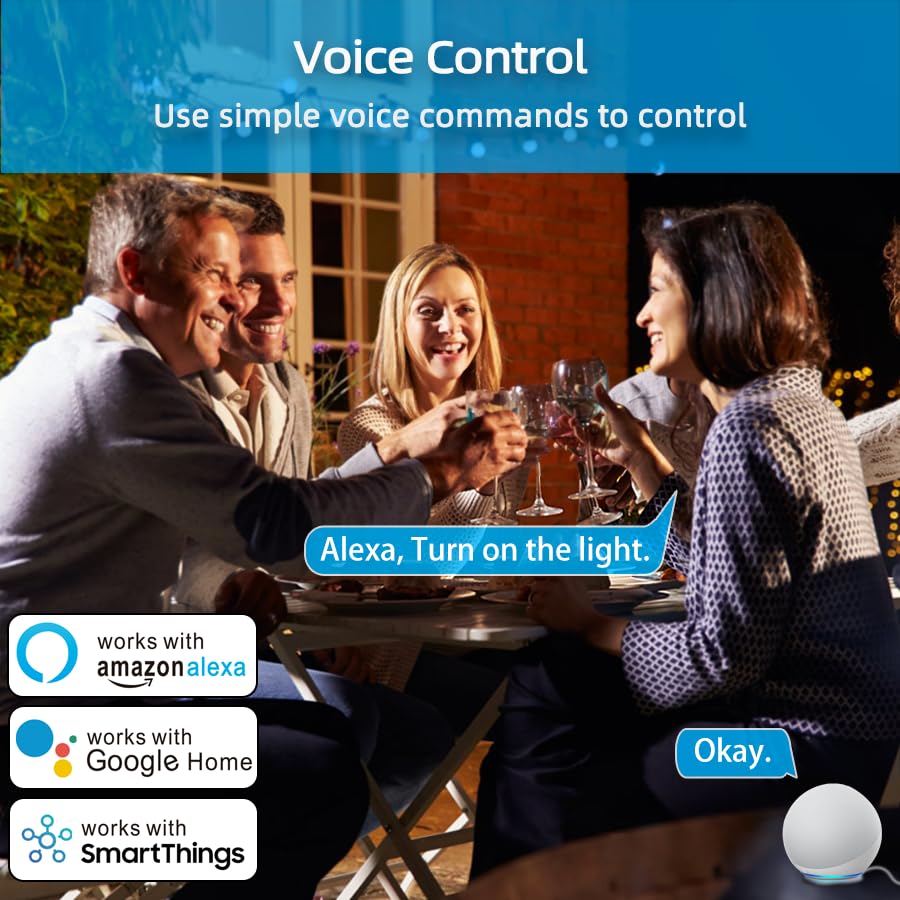
Image: An illustration of voice control in action, with people at a dinner table and a voice command "Alexa, Turn on the light." being processed, indicating compatibility with Amazon Alexa, Google Home, and SmartThings.
Timer Function and Schedules
Set schedules and timers to automate your appliances.
- In the Smart Life App, select your smart plug.
- Tap on "Timer" or "Schedule" to create new automation rules.
- You can set specific times for the plug to turn on or off daily, weekly, or on custom days.

Image: A visual representation of setting a schedule, with a sunrise icon at 7:00 AM and a sunset icon at 6:00 PM, demonstrating how to automate device operation based on time.
موسمی وضع
Utilize the Weather Mode feature to automate actions based on local weather conditions.
- In the Smart Life App, navigate to the smart plug's settings or automation section.
- Look for "Weather Mode" or "Scene" creation.
- Configure rules, for example, "If weather is Rainy, turn on the light."

Image: A diagram illustrating the "Weather Mode" feature, where actions like "Turn on the light" are scheduled based on daily weather forecasts (e.g., Cloudy, Rainy, Snowy, Hazy).
گروپ کنٹرول اور ڈیوائس شیئرنگ
Manage multiple smart plugs simultaneously and share control with family members.
- گروپ کنٹرول: In the Smart Life App, select multiple smart plugs and create a group to control them all with a single command.
- ڈیوائس شیئرنگ: Share access to your smart plugs with other Smart Life account users in your household.
دیکھ بھال
- سمارٹ پلگ کو صاف اور خشک رکھیں۔
- Wipe with a soft, dry cloth. Do not use liquid cleaners.
- Ensure the firmware of the smart plug and the Smart Life App are updated to the latest versions for optimal performance and security.
خرابی کا سراغ لگانا
| مسئلہ | ممکنہ حل |
|---|---|
| Smart plug not connecting to Wi-Fi. |
|
| صوتی کنٹرول کام نہیں کر رہا ہے۔ |
|
| پلگ غیر جوابدہ ہے۔ |
|
وضاحتیں
| فیچر | تفصیل |
|---|---|
| برانڈ | وائی این ایف |
| ماڈل | B0D6ZDR4KD |
| رنگ | سفید |
| مواد | Acrylonitrile Butadiene Styrene (ABS) |
| کنیکٹر کی قسم | الیکٹریکل پلگ |
| تاروں کی تعداد | 3 |
| پلگ کی قسم | B قسم |
| وائرلیس کنیکٹیویٹی | 2.4GHz Wi-Fi، بلوٹوتھ |
| مطابقت | Amazon Alexa, Google Home, SmartThings, Smart Life App |
| سرٹیفیکیشنز | ETL, UL, cUL |
وارنٹی اور سپورٹ
For warranty information and technical support, please refer to the contact details provided on the product packaging or visit the official YNF webسائٹ وارنٹی کے دعووں کے لیے اپنی خریداری کی رسید اپنے پاس رکھیں۔
مزید مدد کے لیے، آپ اس پلیٹ فارم کے ذریعے بیچنے والے سے بھی رابطہ کر سکتے ہیں جہاں سے پروڈکٹ خریدی گئی تھی۔