
1. تعارف
This manual provides detailed instructions for the YOTON Portable DVD Player Model YD075. Please read this manual thoroughly before using the device to ensure proper operation and to maximize its lifespan. This portable DVD player features a 7.5-inch swivel HD screen, a built-in rechargeable battery, and supports various disc and media formats.

Image 1.1: The YOTON Portable DVD Player YD075 in white, with its screen open displaying a cartoon character.
2. حفاظتی معلومات
- آلے کو بارش یا نمی کے سامنے نہ رکھیں۔
- براہ راست سورج کی روشنی اور اعلی درجہ حرارت سے بچیں.
- Do not disassemble the device; refer all servicing to qualified personnel.
- Keep out of reach of small children to prevent accidental damage or ingestion of small parts.
- Use only the provided AC power adapter and car charger.
- وینٹیلیشن کے آغاز کو روکیں نہ۔
3. پیکیج کے مشمولات
تصدیق کریں کہ نیچے دی گئی تمام اشیاء آپ کے پیکیج میں شامل ہیں:
- 1 x YOTON Portable DVD Player YD075 (White)
- 1 ایکس ریموٹ کنٹرول (بیٹری شامل نہیں)
- 1 ایکس AC پاور اڈاپٹر۔
- 1 x 1.8m Car Charger
- 1 x 3-in-1 AV Cable
- 1 ایکس یوزر مینوئل (یہ دستاویز)

Image 3.1: All included accessories for the YOTON Portable DVD Player YD075.
4. پروڈکٹ ختمview
The YOTON Portable DVD Player YD075 features a compact design with a swivel screen for versatile viewing. Key components include the main unit with integrated speakers, a 7.5-inch LCD display, control buttons, disc tray, and various input/output ports.
4.1. اسکرین کی خصوصیات
The 7.5-inch screen offers 270° rotation and 180° flipping capabilities, allowing for multiple viewing angles and easy sharing. The screen resolution is 800x480 pixels.

Image 4.1: Illustration of the flexible screen rotation and flip functionality.
4.2 کنٹرول پینل اور پورٹس
The device includes an intuitive control panel for playback, volume, and menu navigation. Side ports provide connectivity for USB drives, SD cards, headphones, AV output, and power input.
5. سیٹ اپ گائیڈ
5.1. بیٹری چارج کرنا
Before first use, fully charge the built-in lithium-ion battery. Connect the provided AC power adapter to the DC IN port on the player and plug it into a wall outlet. The charging indicator will illuminate. A full charge provides approximately 4-6 hours of playback.
For in-car use, connect the provided car charger to the DC IN port and your vehicle's cigarette lighter socket.
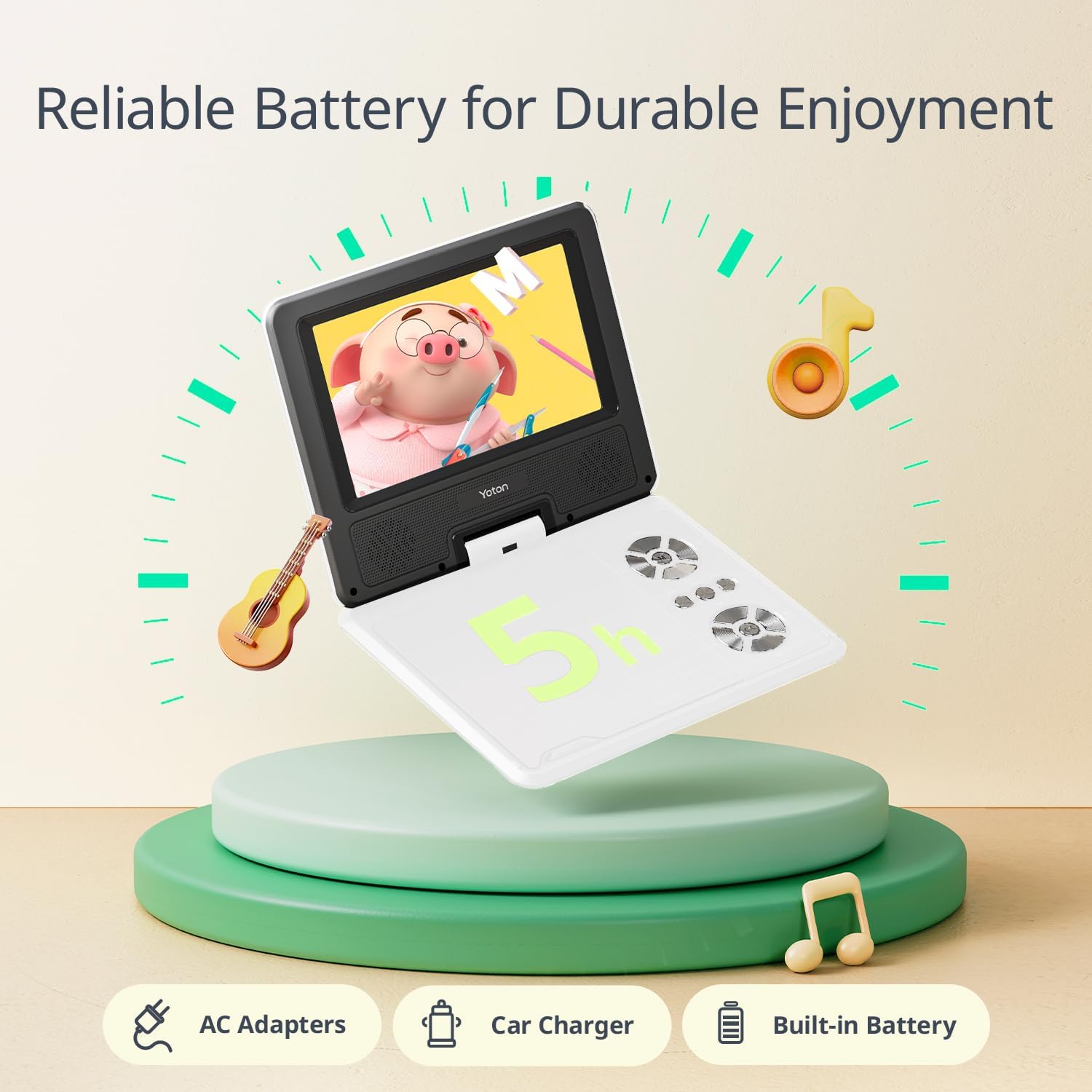
Image 5.1: The portable DVD player highlighting its battery life and charging accessories.
5.2. Inserting a DVD Disc
- Gently open the disc cover by pressing the EJECT button or sliding the latch.
- Place the DVD disc onto the spindle with the label side facing up. Ensure the disc is securely seated.
- Close the disc cover firmly until it clicks into place.
- The player will automatically begin reading the disc.
5.3. Connecting to a TV or Projector
کو view content on a larger screen, use the included 3-in-1 AV cable. Connect one end to the AV OUT port on the DVD player and the other end to the corresponding AV IN ports (Yellow for Video, White for Left Audio, Red for Right Audio) on your television or projector. Select the correct input source on your TV/projector.
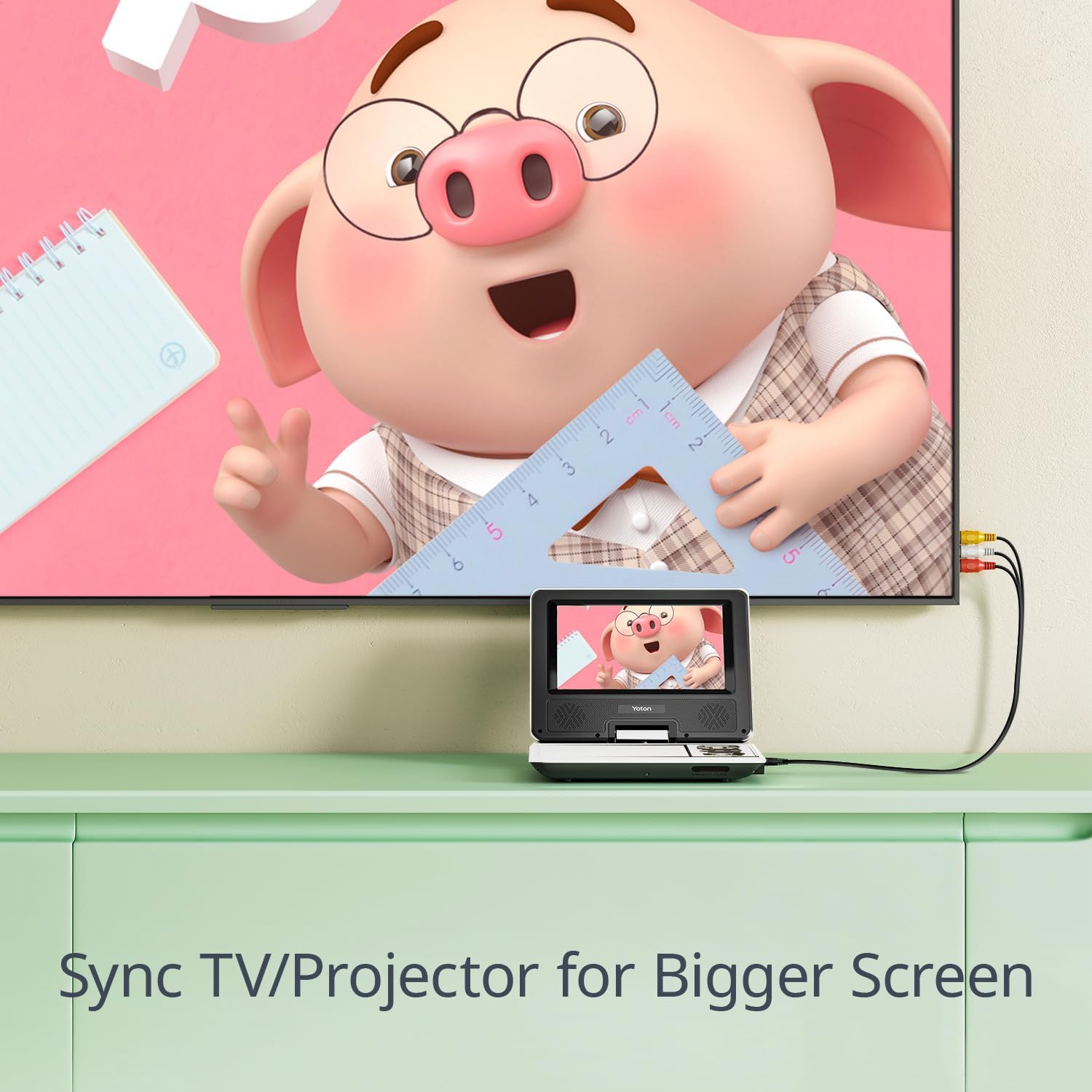
Image 5.2: Connecting the portable DVD player to a TV for synchronized screen display.
5.4. Using USB Drive or SD Card
Insert a USB drive into the USB port or an SD card into the SD card slot. The player supports various media files (JPEG, WMA, MPG, MP3, DIVX, VOB, AVI) with resolutions up to 720*480 for video and 2650*1440 for images. Select the USB or SD source from the player's menu to access your files.
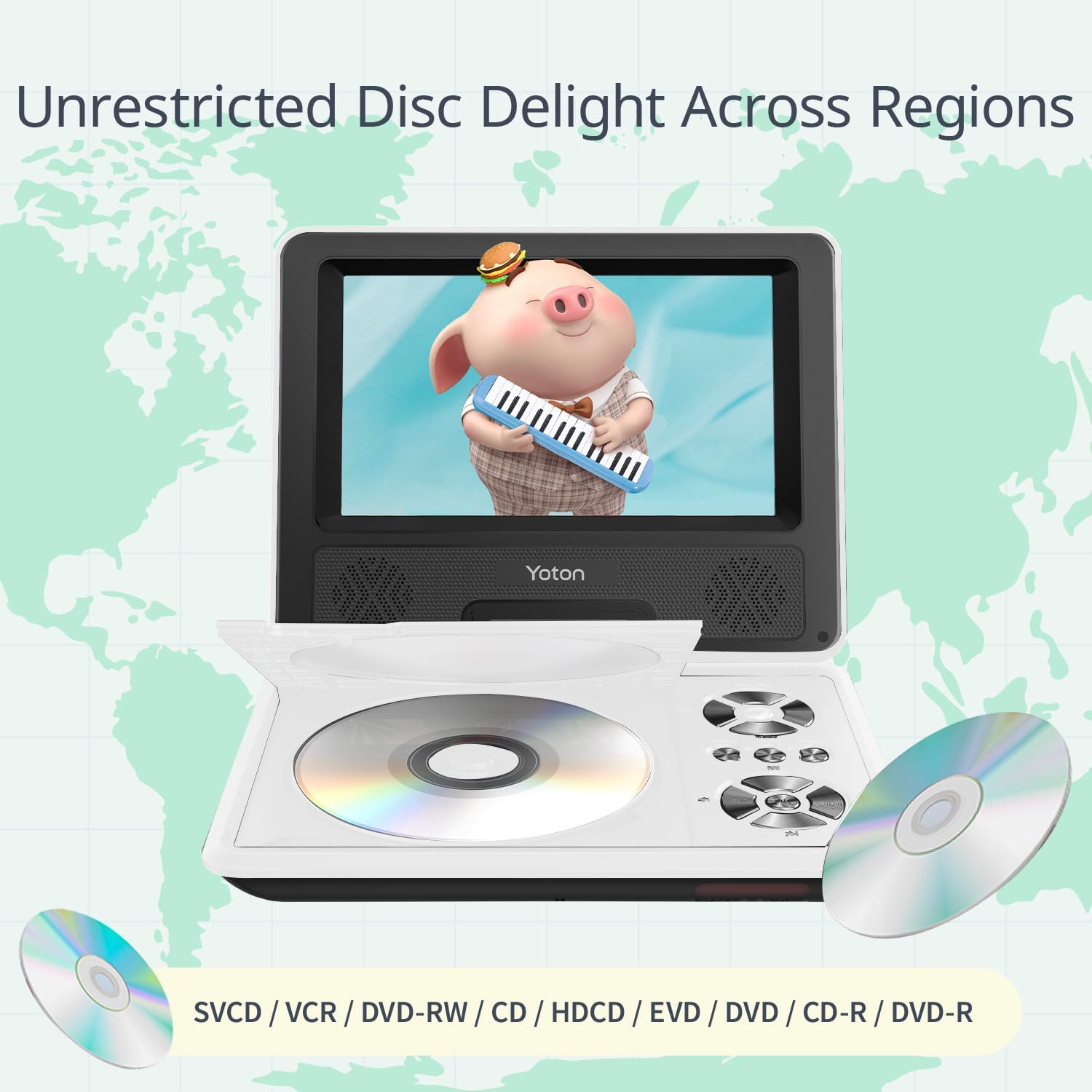
Image 5.3: The player's wide compatibility with different media types.
6. آپریٹنگ ہدایات
6.1. پاور آن/آف
Slide the POWER switch to the ON position to turn on the player. To turn off, slide the switch to the OFF position.
6.2. Basic Playback Controls
Use the control buttons on the player or the remote control for the following functions:
- چلائیں/روکیں: پلے بیک شروع کرنے یا روکنے کے لیے دبائیں۔
- روکیں: پلے بیک روکنے کے لئے دبائیں۔
- پچھلا/اگلا: Press to skip to the previous or next chapter/track.
- FF/REW: تیزی سے آگے بڑھانے یا ریوائنڈ کرنے کے لیے دبائیں اور تھامیں۔
- VOL+/VOL-: حجم کی سطح کو ایڈجسٹ کریں۔
6.3. Break-Point Memory Function
The player features a break-point memory function. If the device is turned off during playback, it will automatically resume from the last viewing position when powered on again.

Image 6.1: The player's intelligent memory function for seamless resume.
6.4. How to Play a DVD (Video Demonstration)
Watch this video for a visual guide on how to insert a DVD and operate basic playback functions on your YOTON Portable DVD Player YD075.
Video 6.1: A demonstration of inserting a DVD and using playback controls on the YOTON Portable DVD Player YD075.
7 دیکھ بھال
7.1. آلہ صاف کرنا
Wipe the exterior of the player with a soft, dry cloth. Do not use liquid cleaners or abrasive materials. For the screen, use a soft, lint-free cloth specifically designed for electronics displays.
7.2. ڈسک کی دیکھ بھال
- فنگر پرنٹس سے بچنے کے لیے ڈسکس کو ان کے کناروں سے ہینڈل کریں۔
- استعمال میں نہ ہونے پر ڈسکس کو ان کے کیسز میں اسٹور کریں۔
- گندی ڈسکس کو نرم، لنٹ سے پاک کپڑے سے صاف کریں، مرکز سے باہر کی طرف صاف کریں۔
- Do not use scratched or damaged discs, as they may harm the player's lens.
7.3. بیٹری کی دیکھ بھال
To prolong battery life, avoid fully discharging the battery frequently. If storing the player for an extended period, charge the battery to about 50% and recharge every few months.
8 خرابیوں کا سراغ لگانا
| مسئلہ | ممکنہ وجہ | حل |
|---|---|---|
| کوئی طاقت نہیں۔ | Battery discharged; Power adapter not connected properly. | Charge the battery; Ensure power adapter is securely connected. |
| ڈسک نہیں چل رہی / "کوئی ڈسک نہیں" کی خرابی۔ | Disc inserted incorrectly; Disc is dirty or damaged; Unsupported disc format. | Reinsert disc correctly; Clean or replace disc; Ensure disc is a supported format (DVD, SVCD, VCD, CD, CD-R/RW, DVD±R/±RW). Note: Does not support 1080P, 4K, or Blu-ray discs. |
| کوئی آواز نہیں۔ | Volume too low; Mute function activated; Headphone connected. | Increase volume; Deactivate mute; Disconnect headphones if using speakers. |
| ٹی وی پر کوئی تصویر نہیں۔ | AV cable not connected properly; Incorrect TV input selected. | Check AV cable connections; Select the correct AV input on your TV. |
| USB/SD کارڈ کی شناخت نہیں ہوئی۔ | Card/drive inserted incorrectly; Unsupported file فارمیٹ کرپٹ میڈیا۔ | USB/SD کارڈ دوبارہ داخل کریں؛ یقینی بنائیں files are supported (JPEG, WMA, MPG, MP3, DIVX, VOB, AVI); Try another USB/SD card. |
9. وضاحتیں
| فیچر | تفصیل |
|---|---|
| ماڈل نمبر | YD075 |
| اسکرین کا سائز | 7.5 انچ (ترچھی) |
| ڈسپلے کی قسم | LCD |
| اسکرین ریزولوشن | 800 x 480 |
| ڈسک مطابقت | DVD, SVCD, VCD, CD, CD-R/RW, DVD±R/±RW (Does not support Blu-Ray, 1080P, 4K) |
| Media Compatibility (USB/SD) | AVI, VOB, MP3, WMA, OGG, ACC, JPG (Video: 720*480 max, Image: 2650*1440 max) |
| بیٹری کی زندگی | Approx. 4-6 hours (on full charge) |
| مصنوعات کے طول و عرض | 8.15 x 6.3 x 1.65 انچ |
| شے کا وزن | 1.5 پاؤنڈ |
| کارخانہ دار | یوٹن |
10. وارنٹی اور سپورٹ
10.1. وارنٹی کی معلومات
All YOTON products are covered by a 1-year warranty from the date of purchase. This warranty covers manufacturing defects and malfunctions under normal use.
10.2. کسٹمر سپورٹ
For any questions, concerns, or technical assistance, please contact YOTON customer support. Our professional team is available to provide support within 24 hours.
- ای میل: support.vp@yoton.co
- Webسائٹ: www.yoton.co
- فروخت کے بعد سروس: YOTON customers enjoy after-sales service, including free new parts for any broken or missing components. Please contact our after-sales team directly.