
AMPAI 4 Gang
AMPAI WiFi Wall Touch Smart Switch User Manual
Model: 4 Gang
1. تعارف
کو منتخب کرنے کے لیے آپ کا شکریہ AMPAI WiFi Wall Touch Smart Switch. This smart switch is designed to upgrade your home lighting control with advanced features and convenience. It offers multiple control methods including touch panel, RF433 remote, and voice control via Alexa and Google Home. This manual provides detailed instructions for installation, operation, and troubleshooting to ensure optimal performance and safety.

تصویر 1: AMPAI WiFi Wall Touch Smart Switch (4 Gang) and included RF433 Remote.
2. اہم حفاظتی معلومات
- برقی حفاظت: Installation should be performed by a qualified electrician or a person with a thorough understanding of electrical systems. Always turn off power at the circuit breaker before installation or maintenance.
- مطابقت: This switch is designed for standard on/off control only. It is NOT compatible with dimmable bulbs or fixtures. Attempting to use it with dimmable bulbs may cause damage to the bulbs or the switch.
- وائی فائی نیٹ ورک: The smart switch operates on a 2.4GHz Wi-Fi network only. It is not compatible with 5GHz Wi-Fi networks. Ensure your router supports 2.4GHz.
- وائرنگ: This switch supports both neutral wire and no neutral wire (single fire) installations. Refer to the wiring diagrams carefully.
- Not a Traditional 3-Way Switch: While it offers 3-way control via multi-control methods (app, remote, voice), it does not function as a traditional mechanical 3-way switch requiring traveler wires between two switches.

Figure 2: Key attention points regarding 2.4GHz WiFi, wiring, and non-compatibility with traditional 3-way or dimmable setups.
3. پیکیج کے مشمولات
براہ کرم پیکیج کے مواد کو کھولنے پر چیک کریں تاکہ یہ یقینی بنایا جا سکے کہ تمام اشیاء موجود ہیں اور بغیر کسی نقصان کے:
- AMPAI WiFi Wall Touch Smart Switch (4 Gang)
- بڑھتے ہوئے ہارڈ ویئر (پیچ)
- RF433 Remote Control (if included in your specific package)
- صارف دستی (یہ دستاویز)
4. سیٹ اپ اور انسٹالیشن
4.1 وائرنگ کی ہدایات
WARNING: Ensure power is OFF at the circuit breaker before beginning any wiring.
This smart switch supports two wiring methods: with a neutral wire or without a neutral wire (single fire). Identify your home's wiring configuration before proceeding.

Figure 3: Wiring diagrams for Neutral and Fire Line (left) and Single Fire (right) installations. A capacitor is required for single fire wiring.
- پاور آف کریں: Locate the circuit breaker controlling the light switch and turn it OFF. Verify power is off using a voltagای ٹیسٹر
- پرانے سوئچ کو ہٹا دیں: موجودہ وال پلیٹ کو احتیاط سے ہٹائیں اور وال باکس سے پرانے سوئچ کو کھول دیں۔ تاروں کو منقطع کریں۔
- تاروں کی شناخت کریں: Identify the Live (Line), Load, and Neutral wires (if present). For single fire wiring, you will only have Live and Load.
- اسمارٹ سوئچ کو وائر کریں:
- Neutral and Fire Line Wiring: Connect the Live wire to the 'L' terminal, the Neutral wire to the 'N' terminal, and the Load wires to the 'L1', 'L2', 'L3', 'L4' terminals corresponding to your light circuits.
- Single Fire Wiring: Connect the Live wire to the 'L' terminal and the Load wires to the 'L1', 'L2', 'L3', 'L4' terminals. A capacitor must be connected across the Live and Load wires of the light fixture for stable operation.
- سوئچ ماؤنٹ کریں: Secure the smart switch into the wall box using the provided screws. Attach the glass panel.
- بجلی کی بحالی: سرکٹ بریکر پر پاور کو دوبارہ آن کریں۔
4.2 App Installation and Pairing (Tuya Smart Life)
- اپلی کیشن ڈاؤن لوڈ کریں: App Store (iOS) یا Google Play Store (Android) سے "Smart Life" یا "Tuya Smart" ایپ ڈاؤن لوڈ کریں۔
- رجسٹر/لاگ ان: ایپ کھولیں اور ایک نیا اکاؤنٹ رجسٹر کریں یا اگر آپ کے پاس پہلے سے موجود ہے تو لاگ ان کریں۔
- ڈیوائس شامل کریں:
- یقینی بنائیں کہ آپ کا فون 2.4GHz Wi-Fi نیٹ ورک سے منسلک ہے۔
- ایپ میں، آلہ شامل کرنے کے لیے اوپری دائیں کونے میں "+" آئیکن کو تھپتھپائیں۔
- Select "Electrical Switch" or "Wall Switch" from the device list.
- Follow the on-screen instructions to put the switch into pairing mode (usually by pressing and holding a button on the switch until an indicator light blinks rapidly).
- تصدیق کریں کہ ایپ میں اشارے کی روشنی تیزی سے جھپک رہی ہے اور اپنا Wi-Fi پاس ورڈ درج کریں۔
- The app will connect to the switch. Once connected, you can rename the switch and assign it to a room.
4.3 RF433 Remote Pairing
The included RF433 remote can be paired directly with the switch for local control without Wi-Fi.
- جوڑا بنانے کا موڈ درج کریں: On the smart switch, press and hold the touch button you wish to pair for approximately 5-7 seconds until you hear a "beep" sound or see a small indicator light flash.
- ریموٹ بٹن دبائیں: Within 3 seconds, press the corresponding button (A, B, or C) on the RF433 remote.
- تصدیق: The switch will "beep" again or the light will stop flashing, indicating successful pairing.
5. Operating the Smart Switch
5.1 ٹچ کنٹرول
Simply touch the corresponding icon on the glass panel to turn the connected light ON or OFF.

Figure 4: The smart switch supports multiple control methods for convenience.
5.2 Smart Life / Tuya App Control
Open the Smart Life or Tuya Smart app on your smartphone. From the device list, tap on your smart switch to access its control interface. You can turn lights ON/OFF, set schedules, and create scenes from anywhere with an internet connection.
5.3 وائس کنٹرول (الیکسا اور گوگل ہوم)
دی AMPAI Smart Switch is compatible with Amazon Alexa and Google Home for convenient voice control.
- اکاؤنٹ لنک کریں: In the Alexa or Google Home app, enable the "Smart Life" or "Tuya Smart" skill/action and link your Smart Life/Tuya account.
- ڈیوائسز دریافت کریں: Ask Alexa or Google Home to "Discover devices" or manually add them through the app.
- وائس کمانڈز: ایک بار دریافت ہونے کے بعد، آپ کمانڈ استعمال کرسکتے ہیں جیسے:
- "Alexa, turn on [Light Name]"
- "Hey Google, turn off [Light Name]"
- "Alexa, set [Light Name] to 50%" (Note: This switch does not support dimming, so dimming commands will not work.)

Figure 5: Enjoy hands-free control with Amazon Alexa and Google Assistant.
5.4 RF433 Remote Control
Use the paired RF433 remote to control the switch from a distance. Each button (A, B, C) on the remote can be paired to control a specific gang or group of gangs on the switch.

Figure 6: The RF433 remote provides an additional convenient control method.
5.5 Timer and Scene Functions
Utilize the Smart Life/Tuya app to set schedules and create custom scenes for your lighting. For example, you can set lights to turn on at sunset or off at a specific time, or create a "Movie Night" scene that turns off certain lights.
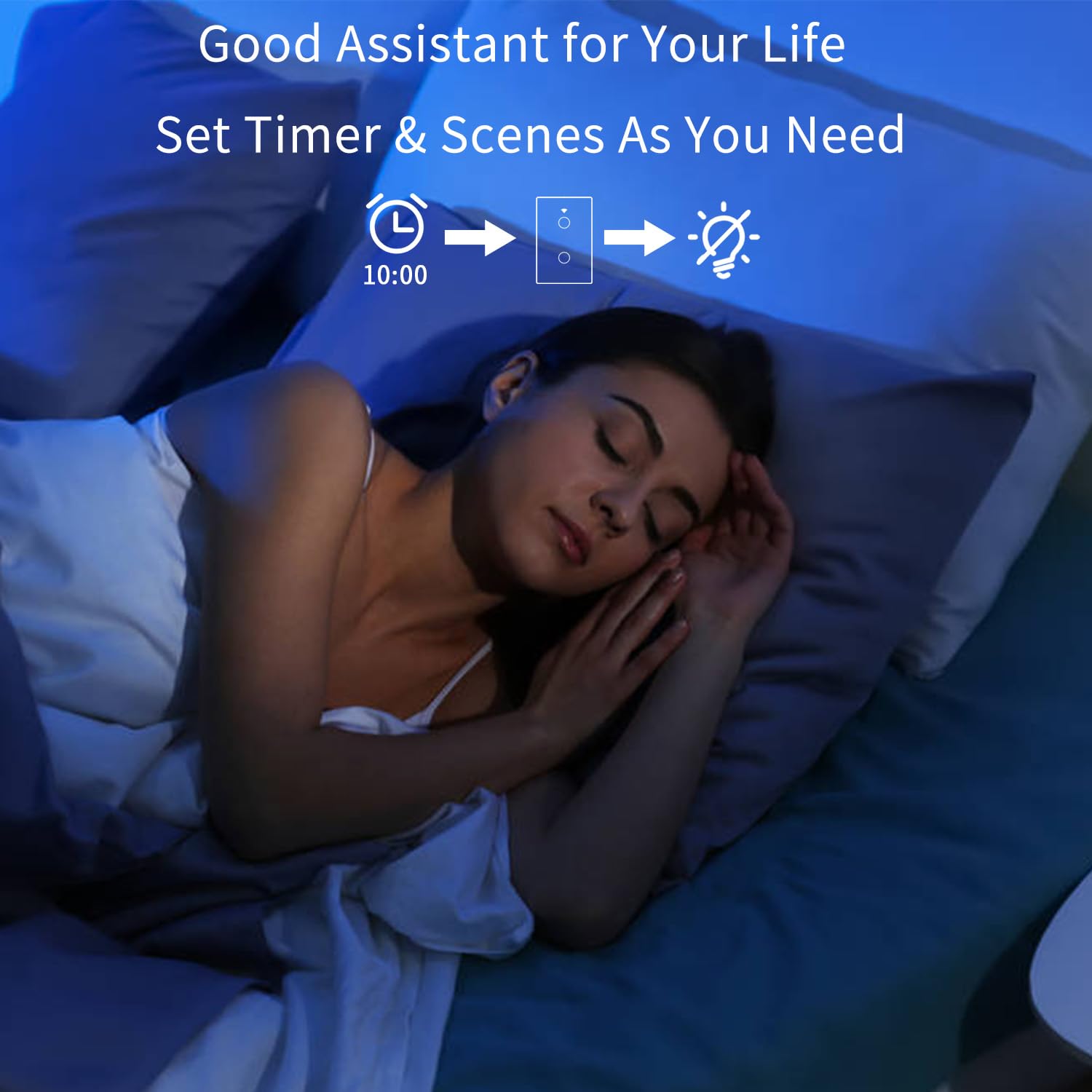
Figure 7: Set timers and scenes for automated lighting control.
6 دیکھ بھال
دی AMPAI Smart Switch requires minimal maintenance. To keep it clean and functioning properly:
- صفائی: Gently wipe the glass panel with a soft, damp cloth. Avoid using abrasive cleaners or solvents, as they may damage the surface.
- پاور سائیکل: اگر سوئچ غیر جوابی ہو جاتا ہے تو، 10 سیکنڈ کے لیے سرکٹ بریکر پر بجلی بند کرنے کی کوشش کریں، پھر اسے دوبارہ آن کریں۔
- فرم ویئر اپ ڈیٹس: Periodically check the Smart Life/Tuya app for any available firmware updates for your switch to ensure optimal performance and security.
7 خرابیوں کا سراغ لگانا
| مسئلہ | ممکنہ وجہ | حل |
|---|---|---|
| رابطے کا جواب نہ دینے پر سوئچ کریں۔ | No power; Loose wiring; Switch malfunction. | Check circuit breaker. Verify wiring connections. Power cycle the switch. If problem persists, contact support. |
| Wi-Fi سے منسلک نہیں ہو سکتا۔ | Incorrect Wi-Fi band (5GHz); Incorrect password; Router too far; Switch not in pairing mode. | Ensure your phone is on a 2.4GHz Wi-Fi network. Double-check Wi-Fi password. Move router closer or use a Wi-Fi extender. Re-enter pairing mode. |
| Lights flicker or do not turn off completely (single fire wiring). | Missing or incorrectly installed capacitor. | Ensure the capacitor is correctly installed across the Live and Load wires of the light fixture. |
| صوتی کنٹرول کام نہیں کر رہا ہے۔ | اکاؤنٹ منسلک نہیں؛ آلہ دریافت نہیں ہوا؛ غلط احکامات۔ | Ensure Smart Life/Tuya skill/action is enabled and linked in Alexa/Google Home app. Ask to "Discover devices." Use correct device names and commands. |
| RF433 remote not controlling switch. | Remote not paired; Battery low in remote. | Re-pair the remote following section 4.3. Replace remote battery if necessary. |
| Switch does not dim lights. | This switch is not designed for dimming. | This is an on/off switch only. It is not compatible with dimmable bulbs or fixtures. |
8. وضاحتیں
| فیچر | تفصیل |
|---|---|
| ماڈل نمبر | 4 گروہ |
| برانڈ | AMPAI |
| مصنوعات کے طول و عرض | 2.85 x 1.36 x 4.74 انچ |
| آپریٹنگ والیومtage | 120 وولٹ |
| موجودہ درجہ بندی | 10 Amps |
| آپریشن موڈ | وائرلیس |
| کنیکٹوٹی | Wi-Fi 2.4GHz, RF433MHz |
| سرکٹ کی قسم | 3-way (Multi-control) |
| ایکچیویٹر کی قسم | ٹچ پینل |
| مطابقت | Tuya Smart Life App, Amazon Alexa, Google Home |
| خصوصی خصوصیت | No Neutral Wire Required (with capacitor) |
9. وارنٹی اور سپورٹ
For warranty information and technical support, please contact AMPAI customer service. You can often find support contact details on the product packaging, the manufacturer's official webسائٹ، یا آپ کے خریداری کے پلیٹ فارم کے ذریعے (مثلاً، ایمیزون)۔
مینوفیکچرر: AMPAI
مزید مدد کے لیے، براہ کرم ملاحظہ کریں۔ AMPAI Store on Amazon.
Ask a question about this manual
Ask about setup, troubleshooting, compatibility, parts, safety, or missing instructions. Manuals+ will review the question and use this page’s manual context to help answer it.