
1. تعارف
Thank you for choosing the Intelbras PFL7560 Full HD Wi-Fi Projector. This projector is designed to deliver a high-quality visual and audio experience for various applications, from home cinema to business presentations. It features Full HD resolution, 8000 lumens brightness, and integrated 12W stereo speakers. This manual provides essential information for safe and efficient operation of your projector.
2. حفاظتی معلومات
پروجیکٹر استعمال کرنے سے پہلے براہ کرم تمام حفاظتی ہدایات کو احتیاط سے پڑھیں۔ اس دستی کو مستقبل کے حوالے کے لیے رکھیں۔
- بجلی کی فراہمی: Use only the power adapter provided with the projector. Ensure the voltage آپ کی مقامی بجلی کی فراہمی سے میل کھاتا ہے۔
- وینٹیلیشن: وینٹیلیشن کے سوراخوں کو مسدود نہ کریں۔ زیادہ گرم ہونے سے بچنے کے لیے مناسب ہوا کے بہاؤ کے لیے پروجیکٹر کے ارد گرد مناسب جگہ کو یقینی بنائیں۔
- جگہ کا تعین: Place the projector on a stable, level surface. Avoid placing it in direct sunlight, near heat sources, or in environments with high humidity or dust.
- آنکھوں کی حفاظت: براہ راست پروجیکٹر کے لینس میں مت دیکھیں جب ایلamp آن ہے، کیونکہ تیز روشنی آنکھ کو نقصان پہنچا سکتی ہے۔
- صفائی: صفائی سے پہلے پروجیکٹر کو ان پلگ کریں۔ نرم، خشک کپڑا استعمال کریں۔ مائع یا ایروسول کلینر استعمال نہ کریں۔
- سروسنگ: پروجیکٹر کو خود ٹھیک کرنے کی کوشش نہ کریں۔ تمام خدمات کا حوالہ اہل سروس اہلکاروں کو دیں۔
3. پیکیج کے مشمولات
تصدیق کریں کہ تمام اشیاء پیکیج میں موجود ہیں:
- Intelbras PFL7560 Projector Unit
- ریموٹ کنٹرول
- پاور کیبل
- صارف دستی
4. پروڈکٹ ختمview
Familiarize yourself with the main components and ports of your Intelbras PFL7560 projector.
4.1 پروجیکٹر کے اجزاء

Image: Intelbras PFL7560 Projector with included remote control.
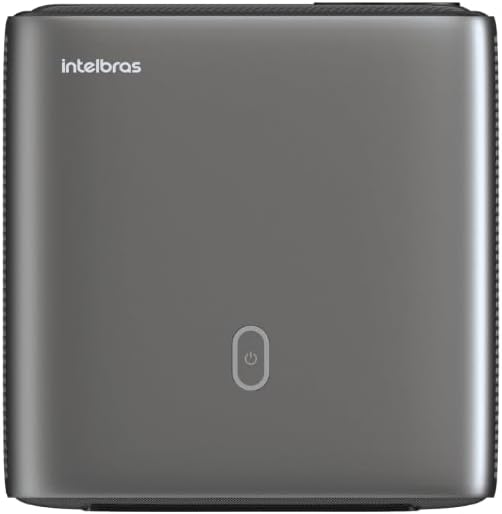
تصویر: اوپر view of the projector, highlighting the power button and sleek design.
4.2. پورٹس اور کنیکٹیویٹی
پروجیکٹر متعدد کنیکٹیویٹی آپشنز پیش کرتا ہے:
- HDMI: For connecting high-definition devices such as laptops, gaming consoles, or Blu-ray players.
- USB: میڈیا چلانے کے لیے USB سٹوریج کے آلات کو جوڑنے کے لیے files براہ راست.
- Wi-Fi (802.11 ac/b/g/n): For wireless connectivity and screen mirroring from compatible Android devices.
- آڈیو آؤٹ: For connecting external audio systems or headphones.
5. سیٹ اپ
5.1. مقام
Choose a suitable location for your projector. The PFL7560 can project images from 60 to 150 inches, making it versatile for various room sizes. Ensure the projector is placed on a stable surface and is not obstructed.
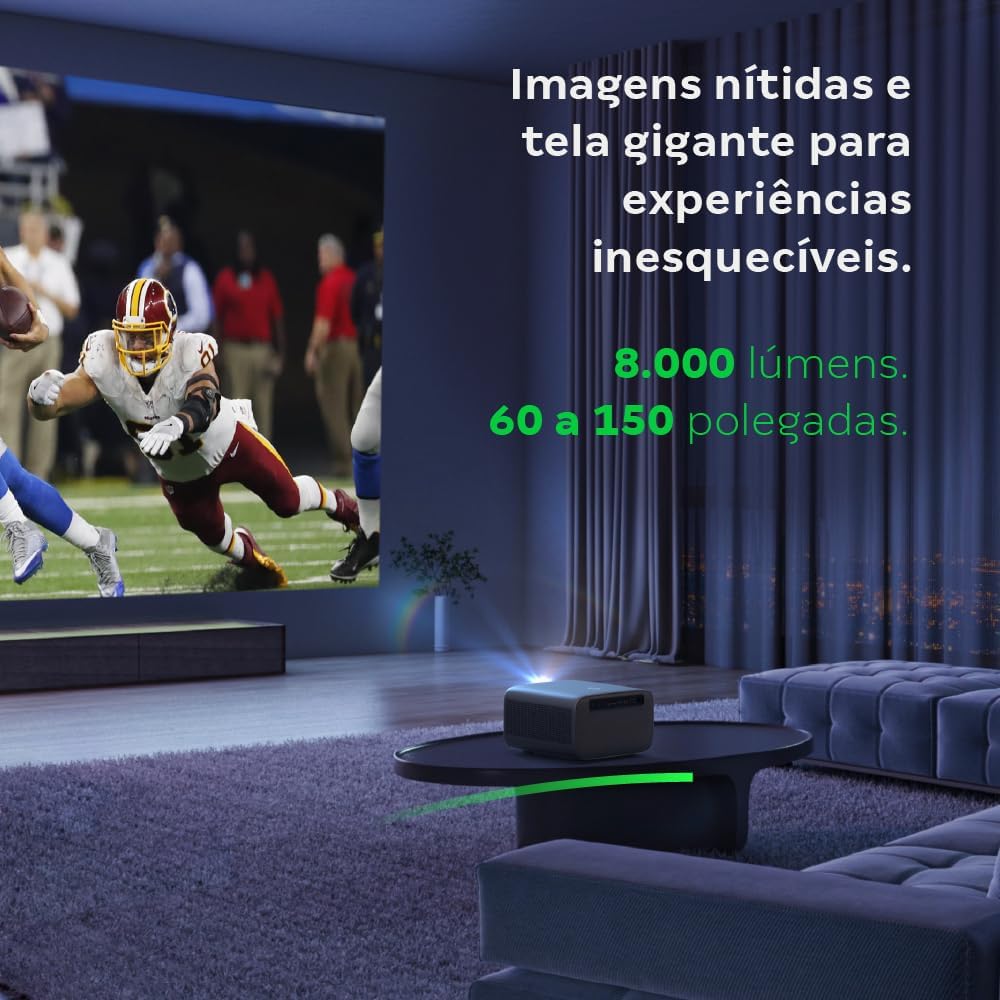
Image: The projector creating a large, clear image in a home environment, demonstrating its capability for immersive viewing
5.2. پاور کنکشن
پاور کیبل کو پروجیکٹر کے پاور ان پٹ سے اور پھر پاور آؤٹ لیٹ سے جوڑیں۔
5.3. ابتدائی پاور آن
ڈیوائس کو آن کرنے کے لیے پروجیکٹر یا ریموٹ کنٹرول پر پاور بٹن دبائیں۔ پروجیکٹر اپنے آغاز کے سلسلے کو شروع کرے گا۔
5.4. فوکس اور کی اسٹون تصحیح
The PFL7560 features automatic focus and keystone correction for a perfectly aligned and sharp image without manual effort. If manual adjustment is needed, refer to the on-screen display (OSD) menu.
6. آپریٹنگ ہدایات
6.1. منسلک آلات
- HDMI: Connect your device using an HDMI cable to the HDMI port on the projector. Select the corresponding HDMI input from the projector's source menu.
- USB: Insert a USB drive into the USB port. The projector's media player will typically detect the drive automatically, allowing you to browse and play files.
- Wi-Fi / Screen Mirroring: For compatible Android devices, enable screen mirroring on your device and select the projector from the available devices. Ensure both devices are connected to the same Wi-Fi network.
6.2. آڈیو آؤٹ پٹ۔
The projector is equipped with two integrated 12W speakers, providing clear and immersive audio. For external audio, connect speakers or headphones to the audio output port.

Image: Detail of the projector's integrated 12W speakers, designed for powerful and clear sound.
7 دیکھ بھال
7.1. عینک کی صفائی
پروجیکٹر کے لینس کو آہستہ سے صاف کرنے کے لیے خاص طور پر آپٹیکل لینز کے لیے ڈیزائن کیا گیا نرم، لنٹ سے پاک کپڑا استعمال کریں۔ کھرچنے والے مواد یا سخت کیمیکل استعمال کرنے سے گریز کریں۔
7.2. پروجیکٹر باڈی کی صفائی
Wipe the exterior of the projector with a soft, dry cloth. Do not use liquid or spray cleaners directly on the unit.
7.3. LED Light Source Longevity
The Intelbras PFL7560 uses an LED light source with a lifespan of up to 30,000 hours, ensuring long-term use and consistent performance without significant brightness degradation.
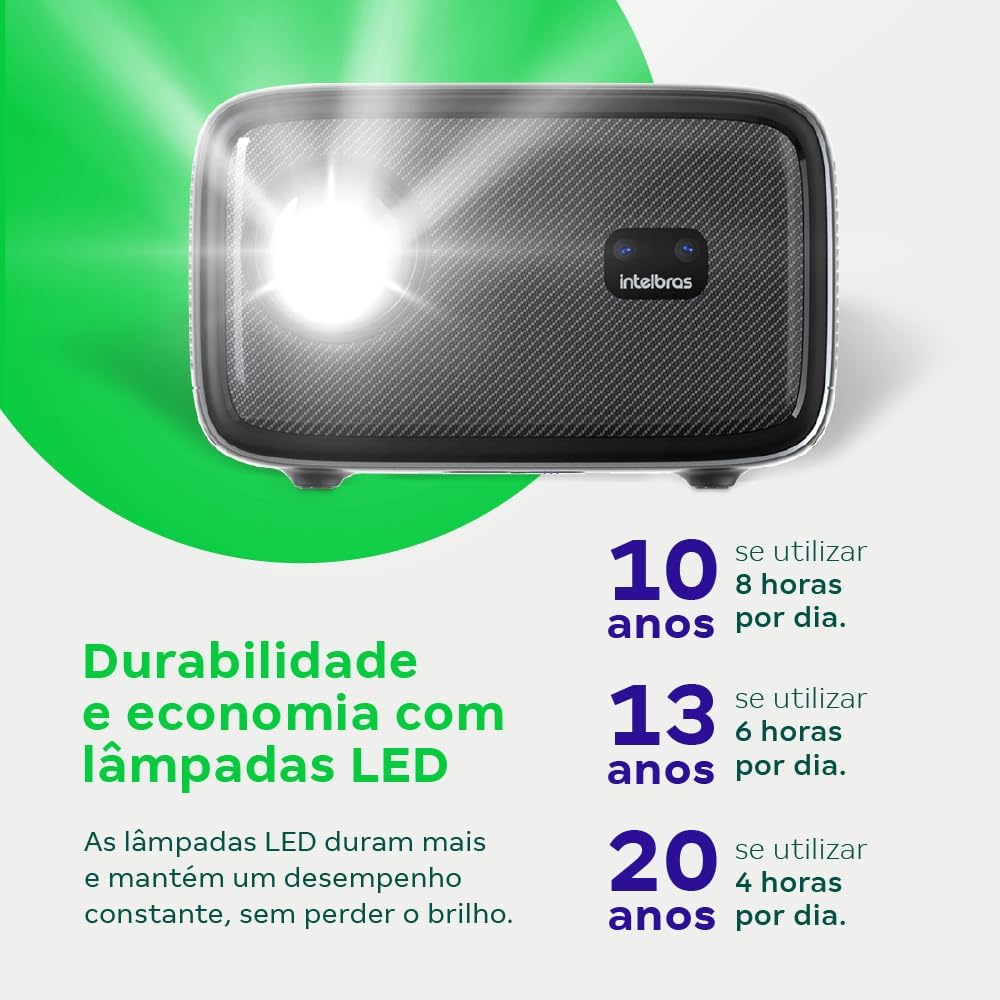
Image: An infographic illustrating the extended durability and economic benefits of the LED lamp, lasting up to 30,000 hours.
8 خرابیوں کا سراغ لگانا
اگر آپ کو اپنے پروجیکٹر کے ساتھ مسائل کا سامنا کرنا پڑتا ہے، تو درج ذیل عام مسائل اور حل دیکھیں:
- کوئی تصویرنہیں: Ensure the power cable is securely connected and the projector is turned on. Check the input source selection to match your connected device.
- دھندلی تصویر: Adjust the focus. If the image is distorted, check for automatic keystone correction or adjust it manually via the settings menu.
- کوئی آواز نہیں: Verify the volume level on both the projector and the connected device. Ensure external speakers are properly connected if used, or that the internal speakers are enabled.
- رابطے کے مسائل: For Wi-Fi or screen mirroring, ensure both the projector and your device are on the same network. Restart both devices if necessary.
- زیادہ گرم ہونا: Ensure the projector's ventilation openings are not blocked. Turn off the projector and allow it to cool down if it feels excessively hot.
9. وضاحتیں
| فیچر | تفصیلات |
|---|---|
| برانڈ | Intelbras |
| ماڈل کا نام | پی ایف ایل 7560 |
| کنیکٹوٹی ٹیکنالوجی | وائی فائی |
| خصوصی خصوصیات | Wi-Fi تیار ہے۔ |
| ڈسپلے ریزولوشن | 1920 x 1080 (مکمل ایچ ڈی) |
| مقامی قرارداد | 1920 x 1080 |
| زیادہ سے زیادہ ڈسپلے ریزولوشن | 1920 x 1080 |
| ڈسپلے کی قسم | LCD |
| چمک | 8000 Lumens |
| ہم آہنگ آلات | لیپ ٹاپ، اسمارٹ فون، ٹیبلٹ |
| لائٹ سورس آپریٹنگ لائف | 30000 گھنٹے |
| ہارڈ ویئر انٹرفیس | 802.11 ac/b/g/n |
| ویڈیو انکوڈنگ | H.264، H.265 |
| تجویز کردہ استعمال | ہوم سنیما |
| آڈیو | 2 x 12W Integrated Speakers |
10. وارنٹی اور سپورٹ
For warranty information, technical support, or service requests, please refer to the official Intelbras webسائٹ یا ان کی کسٹمر سروس سے براہ راست رابطہ کریں۔ وارنٹی دعووں کے لیے خریداری کے ثبوت کے طور پر اپنی خریداری کی رسید رکھیں۔