
ARCCTV P2
ARCCTV 2K Security Camera Outdoor P2 User Manual
ماڈل: P2
1. تعارف
This manual provides detailed instructions for the installation, operation, and maintenance of your ARCCTV 2K Security Camera Outdoor P2. Please read this manual thoroughly before using the product to ensure correct usage and optimal performance. Keep this manual for future reference.

تصویر 1.1: سامنے view of the ARCCTV 2K Security Camera Outdoor P2.
2. باکس میں کیا ہے۔
تصدیق کریں کہ پیکیج میں تمام اجزاء موجود ہیں:
- کیمرہ باڈی
- 5V1A پاور اڈاپٹر
- Mounting Screws (set)
- Screw Positioning Sticker
- وارننگ اسٹیکر
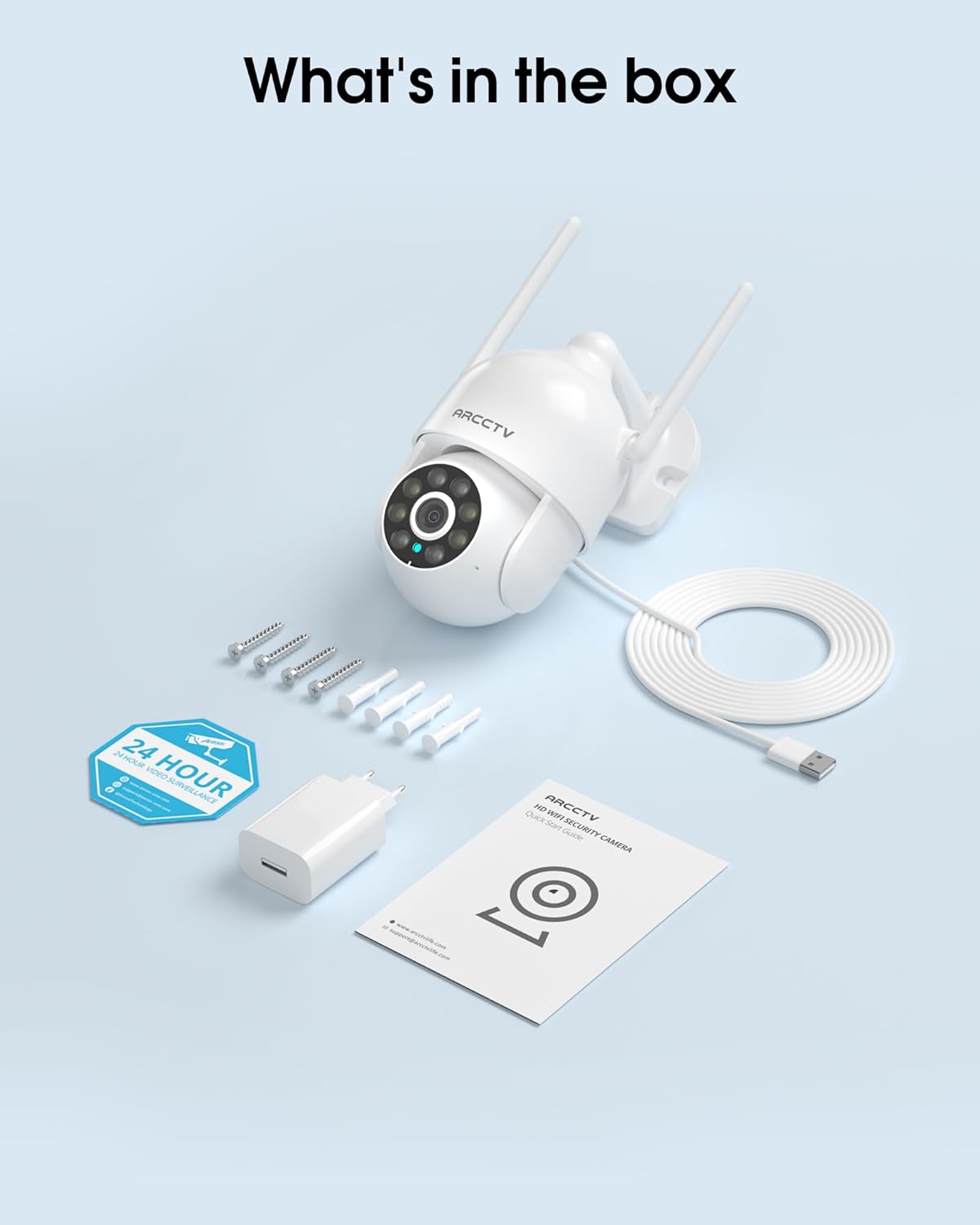
Image 2.1: All items included in the ARCCTV 2K Security Camera package.
3. مصنوعات کی خصوصیات
- 2K الٹرا ایچ ڈی ریزولوشن: Provides clear 2304x1296p video.
- مکمل رنگین نائٹ ویژن: Built-in spotlight enables vivid color monitoring in low light.
- 360° Pan-Tilt-Zoom (PTZ): Remotely control 355° horizontal and 90° vertical rotation.
- Auto Motion Tracking: Smart AI automatically follows and records detected movement.
- ڈوئل بینڈ وائی فائی: Supports both 2.4G and 5G WiFi for stable connectivity.
- دو طرفہ آڈیو: مواصلات کے لیے بلٹ ان مائکروفون اور اسپیکر۔
- IP66 ویدر پروف: Durable design for outdoor use in various weather conditions (-4°F ~ 122°F).
- لچکدار ذخیرہ: Supports local microSD card storage (up to 128GB, not included) and optional cloud storage.
- 24/7 ریکارڈنگ: Continuous recording capability with stable power supply.
4. سیٹ اپ
4.1 تنصیب
- ایک مقام کا انتخاب کریں: واضح کے ساتھ ایک بیرونی جگہ کا انتخاب کریں view of the area you wish to monitor. Ensure it is within range of your Wi-Fi network and a power outlet.
- کیمرہ لگائیں: Use the provided screw positioning sticker to mark drill holes. Drill holes, insert wall anchors, and secure the camera body to the wall using the mounting screws.
- پاور سے رابطہ کریں: Plug the 5V1A power adapter into the camera and then into a power outlet. The camera will power on and begin its startup sequence.
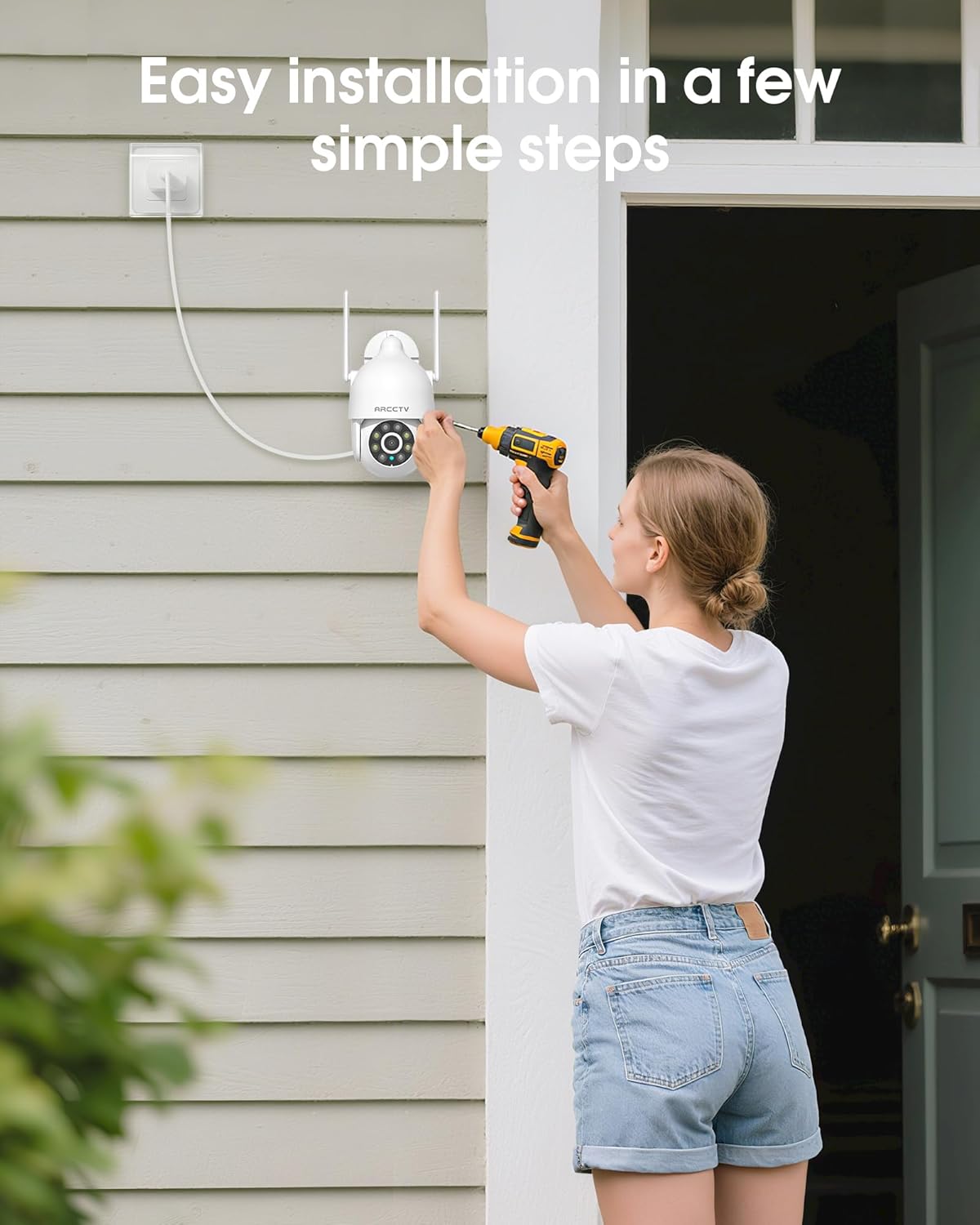
Image 4.1: Illustration of easy camera installation steps.
4.2 ایپ ڈاؤن لوڈ اور اکاؤنٹ بنانا
- Download the official ARCCTV app from your smartphone's app store (iOS or Android).
- ایپ کھولیں اور نیا اکاؤنٹ بنانے کے لیے اسکرین پر دی گئی ہدایات پر عمل کریں یا اگر آپ کے پاس پہلے سے موجود ہے تو لاگ ان کریں۔
4.3 وائی فائی کنکشن
- ایپ میں، "ڈیوائس شامل کریں" یا "+" آئیکن کو تھپتھپائیں۔
- Select your camera model and follow the prompts to connect it to your Wi-Fi network. The camera supports both 2.4GHz and 5GHz bands for stable connectivity.
- Ensure your smartphone is connected to the same Wi-Fi network during the setup process.
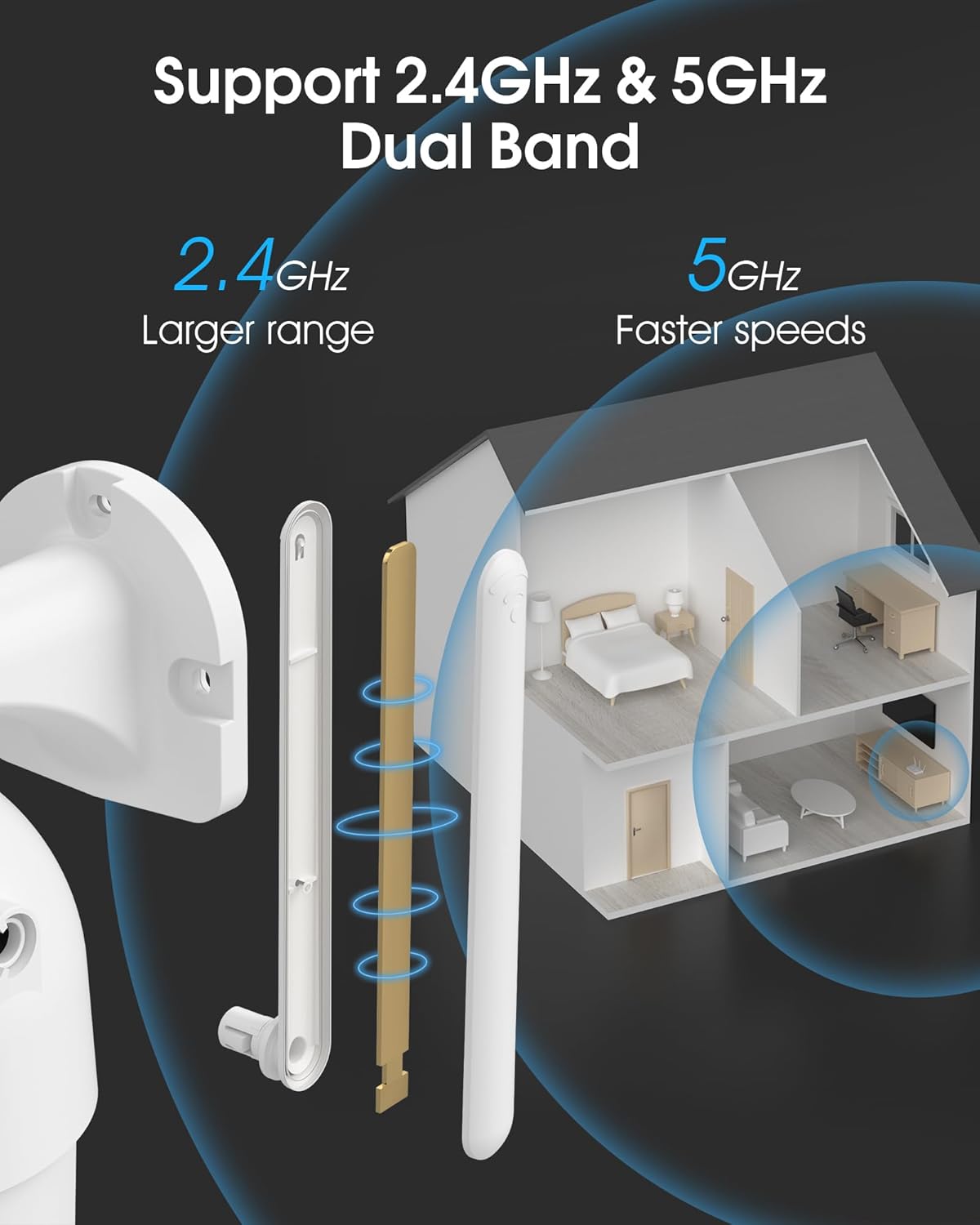
Image 4.2: The camera supports both 2.4GHz (larger range) and 5GHz (faster speeds) Wi-Fi bands.
4.4 مائیکرو ایس ڈی کارڈ کی تنصیب (اختیاری)
For local storage, install a microSD card (up to 128GB, not included) into the designated slot on the camera. Ensure the camera is powered off before inserting or removing the card.
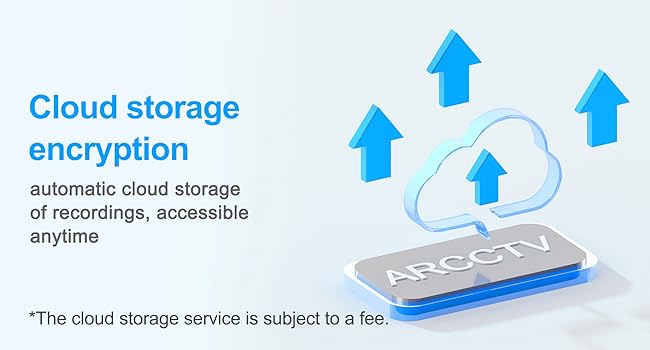
Image 4.3: Location of the microSD card slot on the camera.
5. کیمرہ چلانا
5.1 لائیو View
ARCCTV ایپ کھولیں اور اپنا کیمرہ منتخب کریں۔ view the live feed. You can monitor your property in real-time.
5.2 پین ٹیلٹ زوم (PTZ) کنٹرول
لائیو پر۔ view screen, use the directional controls to rotate the camera horizontally (Pan: 355°) and vertically (Tilt: 90°) to adjust the viewing angle. You can also set preset points for quick navigation.
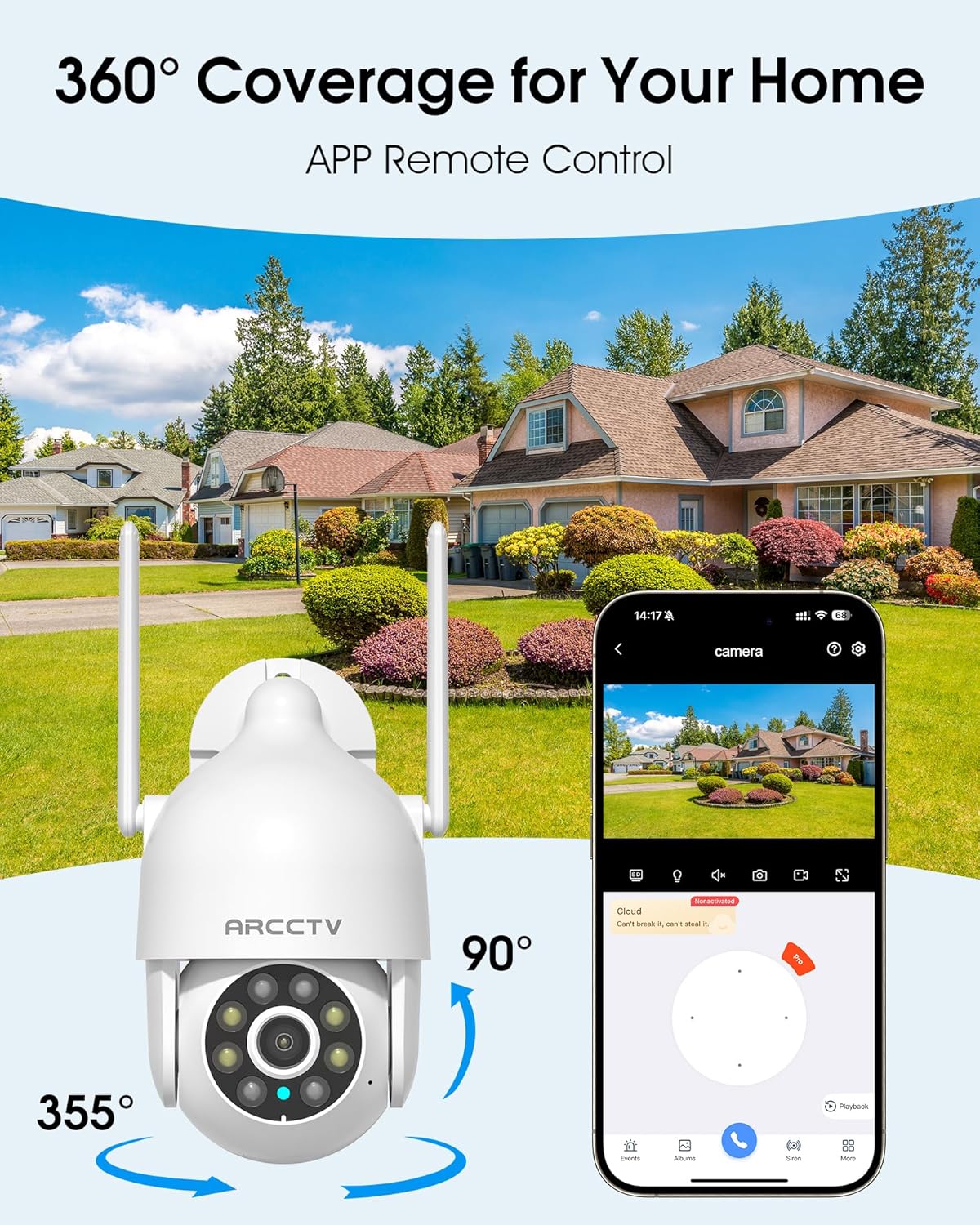
Image 5.1: The camera offers 360° coverage through remote pan and tilt controls.
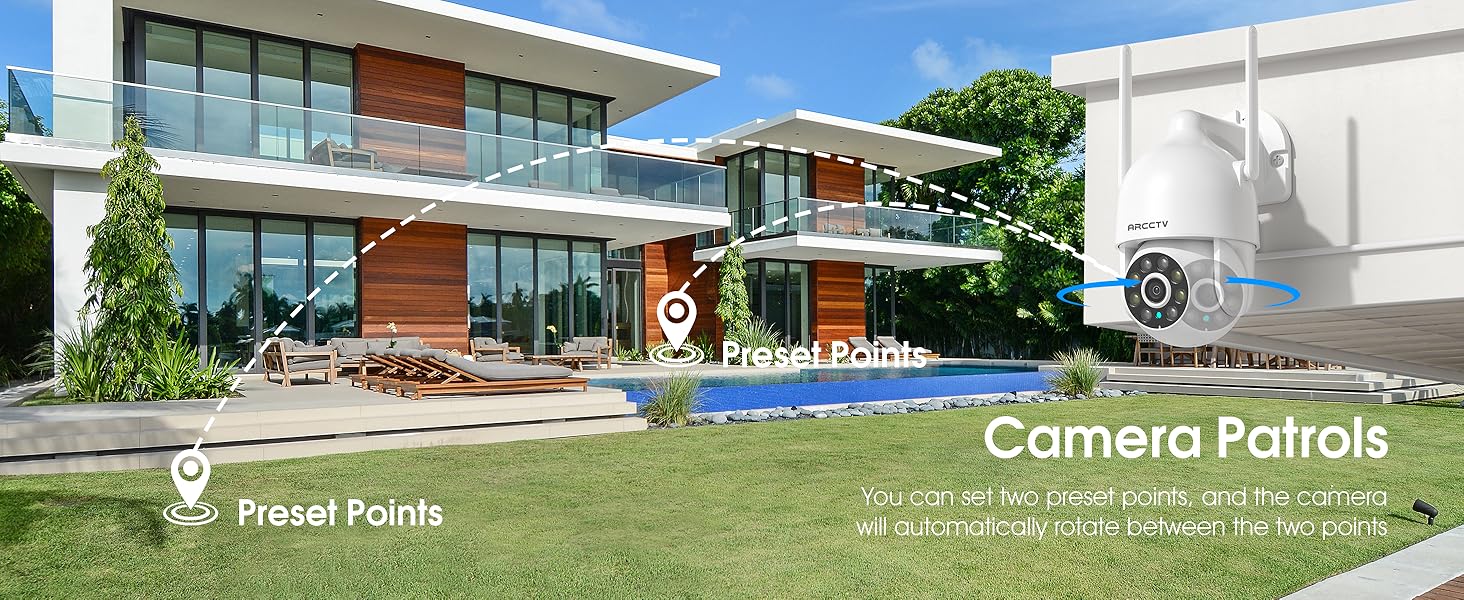
Image 5.2: Setting up camera patrol routes between preset points.
5.3 Motion Tracking and Alerts
The camera features smart AI motion tracking that automatically follows detected movement. You can customize alert zones and receive instant notifications on your smartphone when motion is detected.

Image 5.3: The camera's smart motion tracking feature in action.

Image 5.4: Instant alerts with customizable settings, including spotlight, siren, and two-way audio.
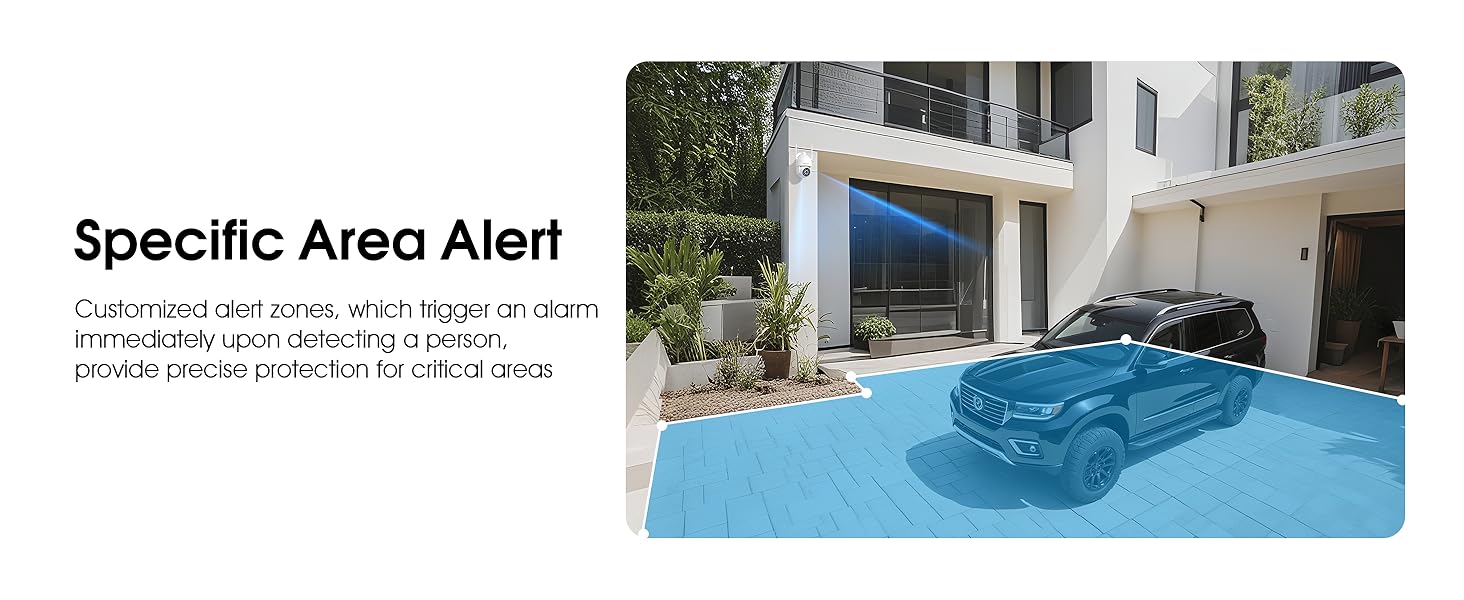
Image 5.5: Setting up specific area alerts for precise protection.
5.4 نائٹ ویژن موڈز
The camera offers both full-color night vision (activated by the built-in spotlight) and infrared night vision for clear monitoring in various low-light conditions.

Image 5.6: Comparison of Color Night Vision and Infrared Night Vision.
5.5 دو طرفہ آڈیو
Use the two-way audio feature to communicate with visitors or deter unwanted guests directly through the camera's built-in microphone and speaker.
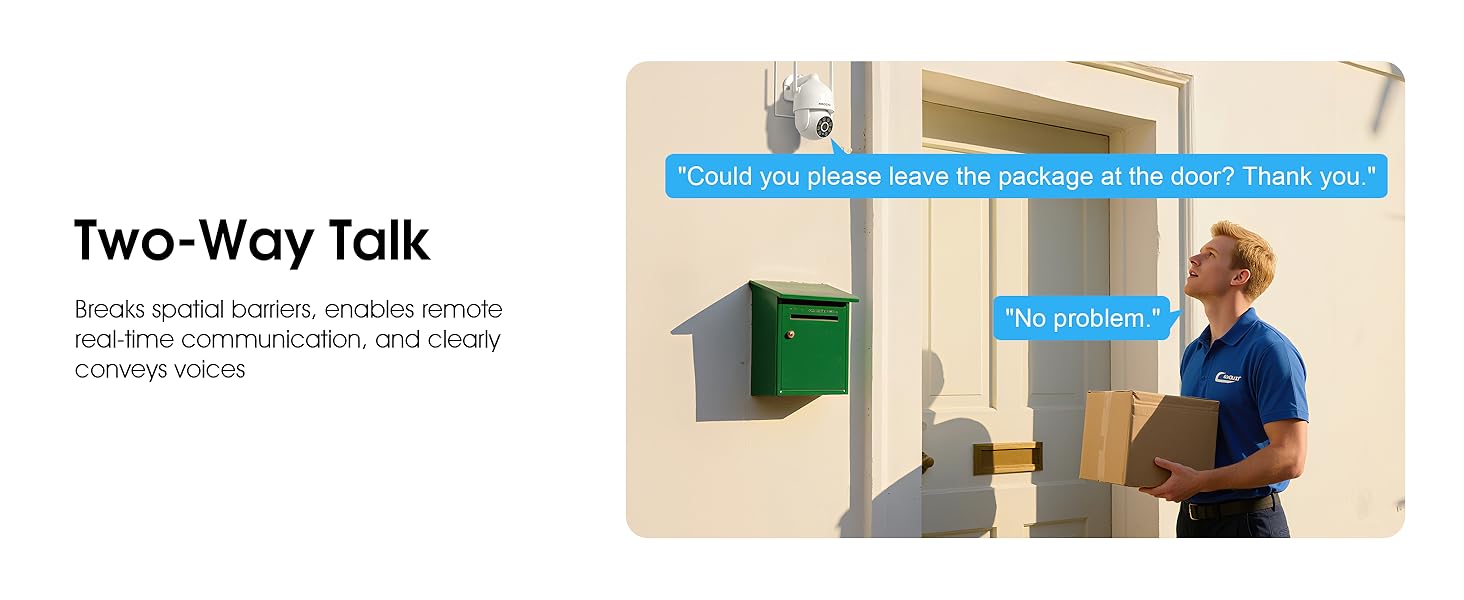
Image 5.7: Utilizing two-way talk for remote communication.
5.6 ریکارڈنگ اور پلے بیک
کیمرہ 24/7 مسلسل ریکارڈنگ کو سپورٹ کرتا ہے۔ فوtage can be saved to a local microSD card (up to 128GB) or to optional cloud storage. Access recorded videos through the app's playback function.

Image 5.8: The camera provides 24/7 recording capabilities.
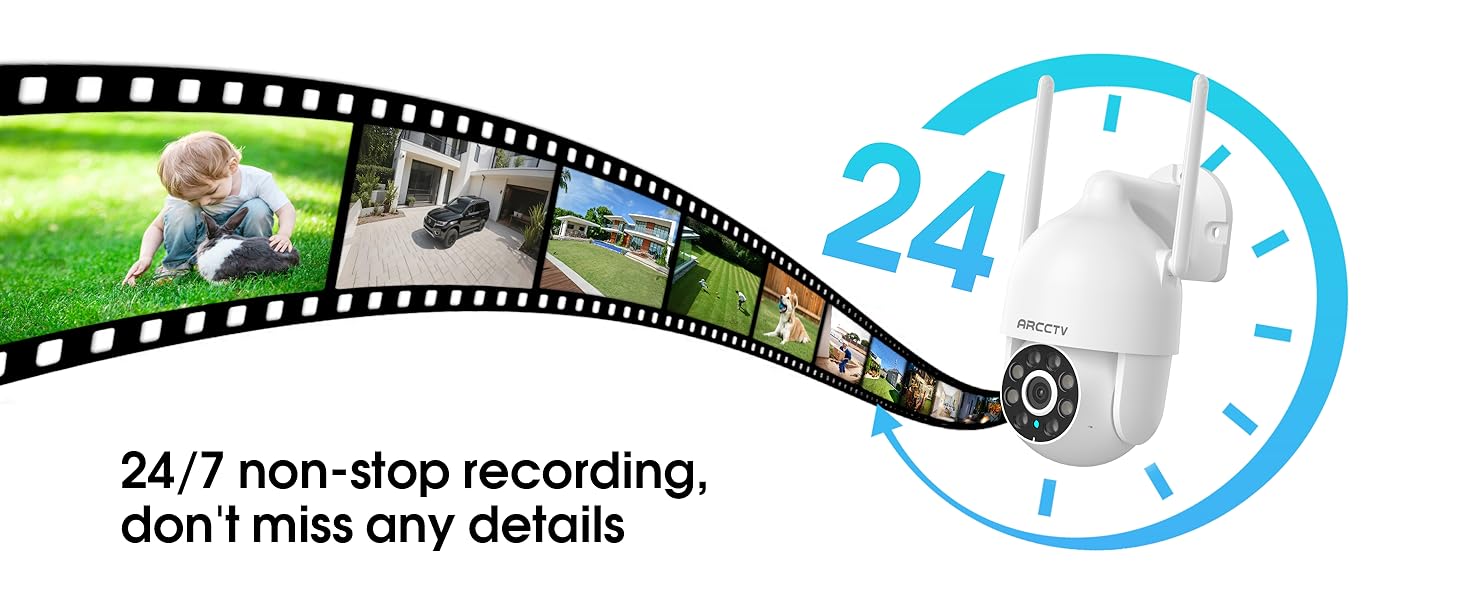
Image 5.9: Continuous 24/7 recording ensures no details are missed.
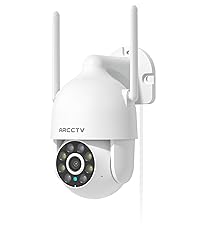
Image 5.10: Cloud storage encryption for secure and accessible recordings (subscription may apply).
5.7 فیملی شیئرنگ
The app supports multi-member sharing, allowing family members to view the camera feed and collaborate on security monitoring.
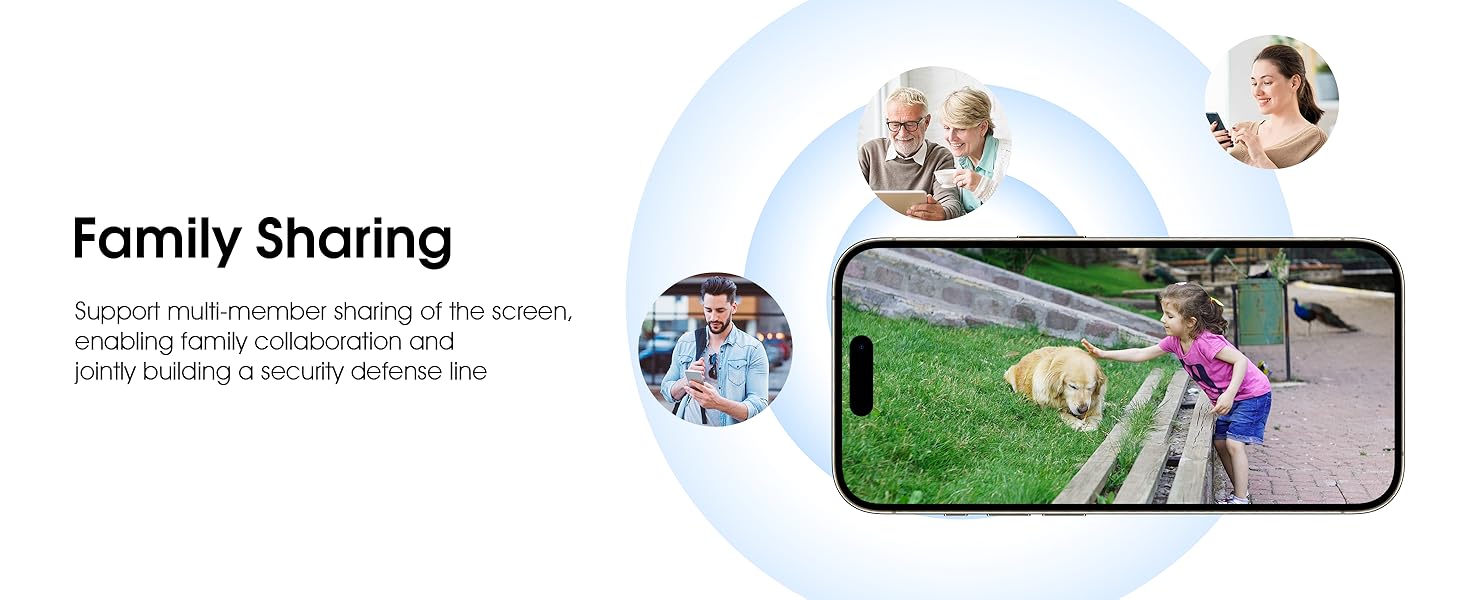
Image 5.11: The family sharing feature allows multiple users to access the camera feed.
5.8 Alexa مطابقت
The camera is compatible with Alexa, allowing you to check the monitoring screen using voice commands.
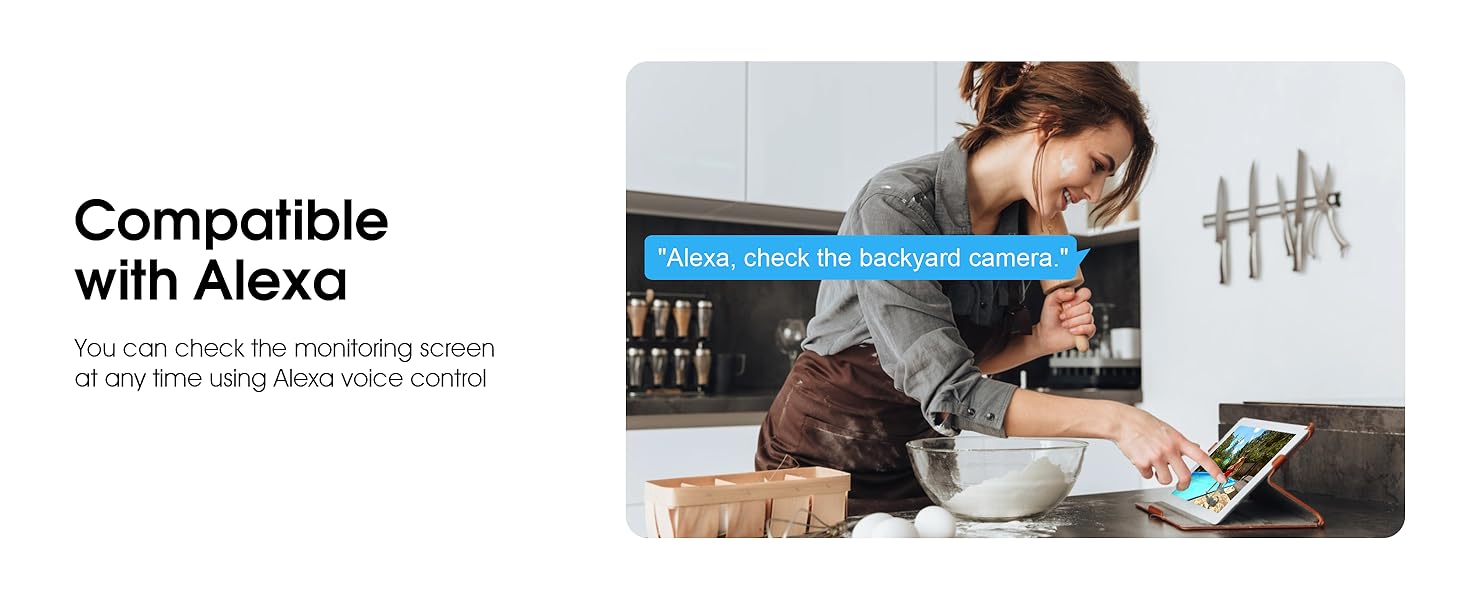
Image 5.12: Voice control via Alexa for convenient monitoring.
6 دیکھ بھال
6.1 کیمرے کی صفائی
وقتاً فوقتاً کیمرے کے لینس اور ہاؤسنگ کو نرم، ڈی سے صاف کریں۔amp دھول اور ملبے کو دور کرنے کے لیے کپڑا۔ سخت کیمیکل یا کھرچنے والے کلینر کا استعمال نہ کریں۔
6.2 فرم ویئر اپڈیٹس
Ensure your camera's firmware is up to date for optimal performance and security. Check for updates within the ARCCTV app and follow the instructions to install them.
6.3 اسٹوریج مینجمنٹ
If using a microSD card, regularly check its status in the app. Format the card periodically to maintain performance. For cloud storage, manage your subscription and storage space through the app.
7 خرابیوں کا سراغ لگانا
- کیمرہ وائی فائی سے منسلک نہیں ہو رہا ہے:
- Ensure your Wi-Fi network is 2.4GHz or 5GHz and has a strong signal at the camera's location.
- تصدیق کریں کہ Wi-Fi پاس ورڈ درست طریقے سے درج کیا گیا ہے۔
- اپنا راؤٹر اور کیمرہ دوبارہ شروع کریں۔
- خراب تصویری معیار:
- کیمرے کے لینس کو صاف کریں۔
- Ensure adequate lighting for optimal night vision performance.
- اپنے انٹرنیٹ کنکشن کی رفتار چیک کریں۔
- حرکت کا پتہ لگانا کام نہیں کر رہا ہے:
- موشن کا پتہ لگانے کی توثیق ایپ کی ترتیبات میں فعال ہے۔
- حساسیت کی ترتیبات کو ایڈجسٹ کریں۔
- یقینی بنائیں کہ کیمرے کے فیلڈ میں کوئی رکاوٹ نہیں ہے۔ view.
- No Recording to MicroSD Card:
- Ensure a microSD card is properly inserted and formatted in the app.
- Check if the card is full; consider formatting or replacing it.
- ایپ میں ریکارڈنگ کی ترتیبات کی تصدیق کریں۔
8. وضاحتیں
| فیچر | تفصیلات |
|---|---|
| ماڈل کا نام | P2 |
| انڈور / آؤٹ ڈور استعمال | آؤٹ ڈور |
| ویڈیو کیپچر ریزولوشن | 2K (2304x1296p) |
| کنیکٹوٹی ٹیکنالوجی | وائرلیس (وائی فائی) |
| وائرلیس کمیونیکیشن ٹیکنالوجی | Wi-Fi (2.4G/5G Dual-Band) |
| Viewآئی اینگل | 360 ڈگری (355° پین، 90° جھکاؤ) |
| نائٹ ویژن رینج۔ | 50 فٹ |
| پانی کی مزاحمت کی سطح | IP66 واٹر پروف |
| طاقت کا منبع | 5V1A پاور اڈاپٹر |
| فلیش میموری سپورٹڈ سائز زیادہ سے زیادہ | 128 جی بی (مائیکرو ایس ڈی) |
| آڈیو بصری ریکارڈنگ کی صلاحیتیں۔ | ویڈیو اور آڈیو |
| خصوصی خصوصیت | 2-Way Audio, Motion Tracking, Full Color Night Vision |
| آئٹم کے طول و عرض L x W x H | 7.8 x 6.6 x 5.3 انچ |
| شے کا وزن | 1.39 پاؤنڈ |
9. وارنٹی اور سپورٹ
For warranty information and technical support, please refer to the official ARCCTV website or contact their customer service directly. Contact details are typically provided on the product packaging or within the mobile application.
Ask a question about this manual
Ask about setup, troubleshooting, compatibility, parts, safety, or missing instructions. Manuals+ will review the question and use this page’s manual context to help answer it.