
لیپ فراگ 80-621200
LeapFrog Preschool Game and Go Handheld Video Game Toy Instruction Manual
ماڈل: 80-621200
برانڈ: LeapFrog
تعارف
The LeapFrog Preschool Game and Go is a handheld video game toy designed to introduce young children to fundamental concepts such as numbers, letters, and shapes through engaging mini-games and music. This device offers a portable and interactive learning experience for children aged 2 years and older.
باکس میں کیا ہے۔
- LeapFrog Preschool Game and Go Handheld Toy
- کوئیک اسٹارٹ گائیڈ
Note: 3 AAA batteries are included for demo purposes only. New batteries are recommended for regular use.
سیٹ اپ
بیٹری کی تنصیب
- ڈیوائس کے پچھلے حصے میں بیٹری کے ٹوکرے کا پتہ لگائیں۔
- سکریو ڈرایور کا استعمال کرتے ہوئے، بیٹری کے کمپارٹمنٹ کور کو کھولیں۔
- درست قطبیت (+/-) کو یقینی بناتے ہوئے 3 نئی AAA بیٹریاں داخل کریں۔
- بیٹری کے کمپارٹمنٹ کور کو تبدیل کریں اور اسے سکرو سے محفوظ کریں۔
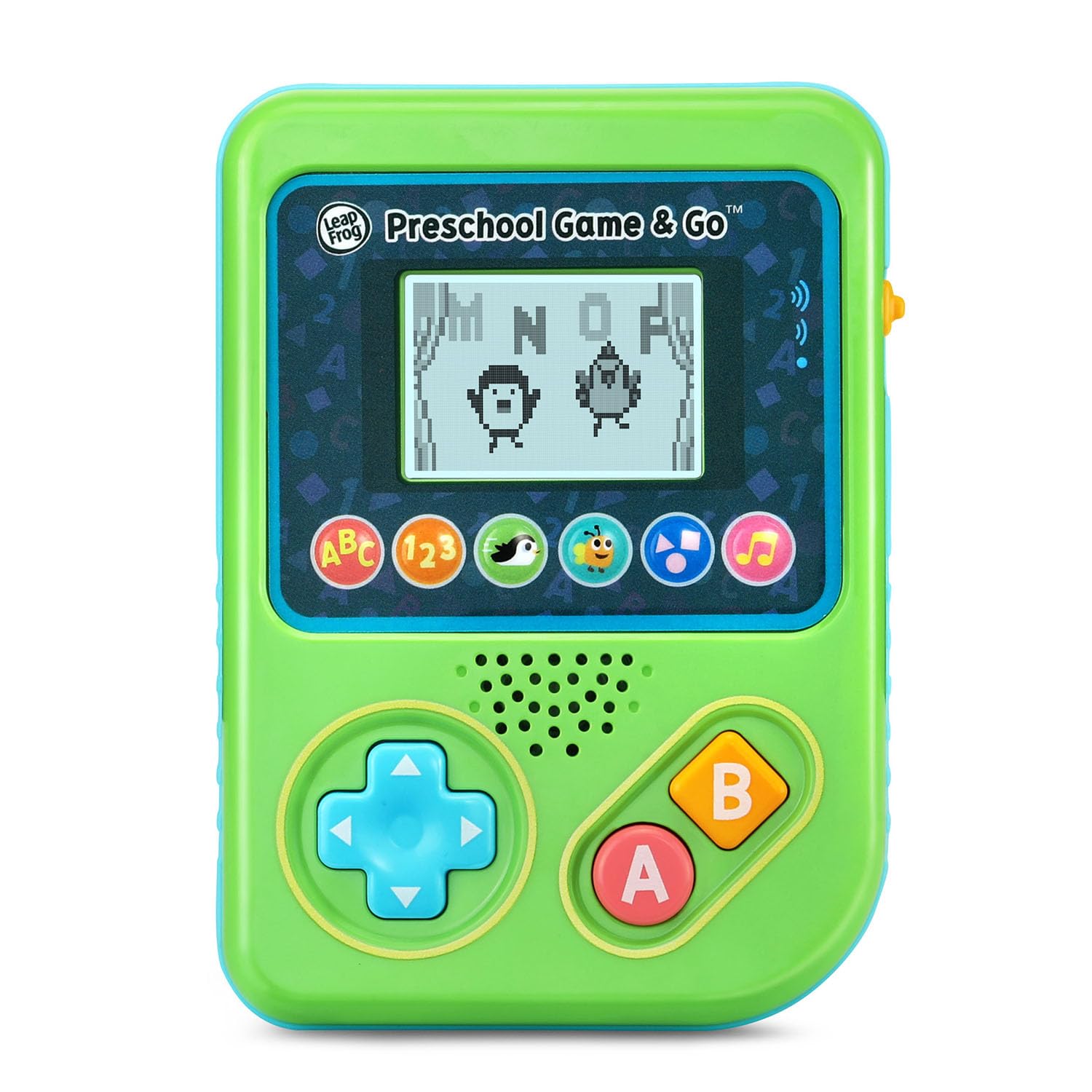
شکل 1: سامنے view of the LeapFrog Preschool Game and Go.
پاور آن/آف
- To power on the device, slide the orange power switch located on the right side of the unit upwards.
- To power off the device, slide the orange power switch downwards.
والیوم کنٹرول
- The device features two volume settings.
- Adjust the volume using the dedicated switch or button, typically located near the power switch, to select between a lower or higher sound output.
آپریٹنگ ہدایات
کنٹرول کرتا ہے۔
- دشاتمک پیڈ (D-Pad): Located on the left side, use this to navigate menus and control characters within games.
- ایک بٹن: Typically used for selection or action within games.
- بی بٹن: Typically used for secondary actions or going back in menus.
کھیل کا انتخاب
The device features six distinct game icons below the screen. Press the corresponding icon to select a game:
- ABC Icon: Activates the ABC Swim game.
- 123 Icon: Activates the 123 Treasure game.
- Penguin Icon: Activates the Letter Slide game.
- Bug Icon: Activates the Snack Track game.
- Shapes Icon: Activates the Shape Ape game.
- Music Note Icon: Activates the Song Shuffle feature.
Personalizing Game Play
You can personalize the experience by adding a child's name (up to 10 characters). The child's name will appear in certain games, such as the Letter Slide game, where they collect letters to spell their name.
سیکھنا کھیل
The LeapFrog Preschool Game and Go includes six exciting learning games:
- ABC Swim: Pop bubbles to explore letter sounds.
- 123 Treasure: Collect coins and count hearts to introduce numbers.
- Letter Slide: Help a penguin slide and jump to collect letters, including those in the child's personalized name.
- Snack Track: Feed a hungry bug by eating and counting snacks.
- Shape Ape: Catch various shapes as they fall from trees.
- Song Shuffle: Dance along to three engaging learning songs.
ویڈیو 1: آفیشل پروڈکٹ ویڈیو شوasing the LeapFrog Preschool Game & Go features and gameplay.
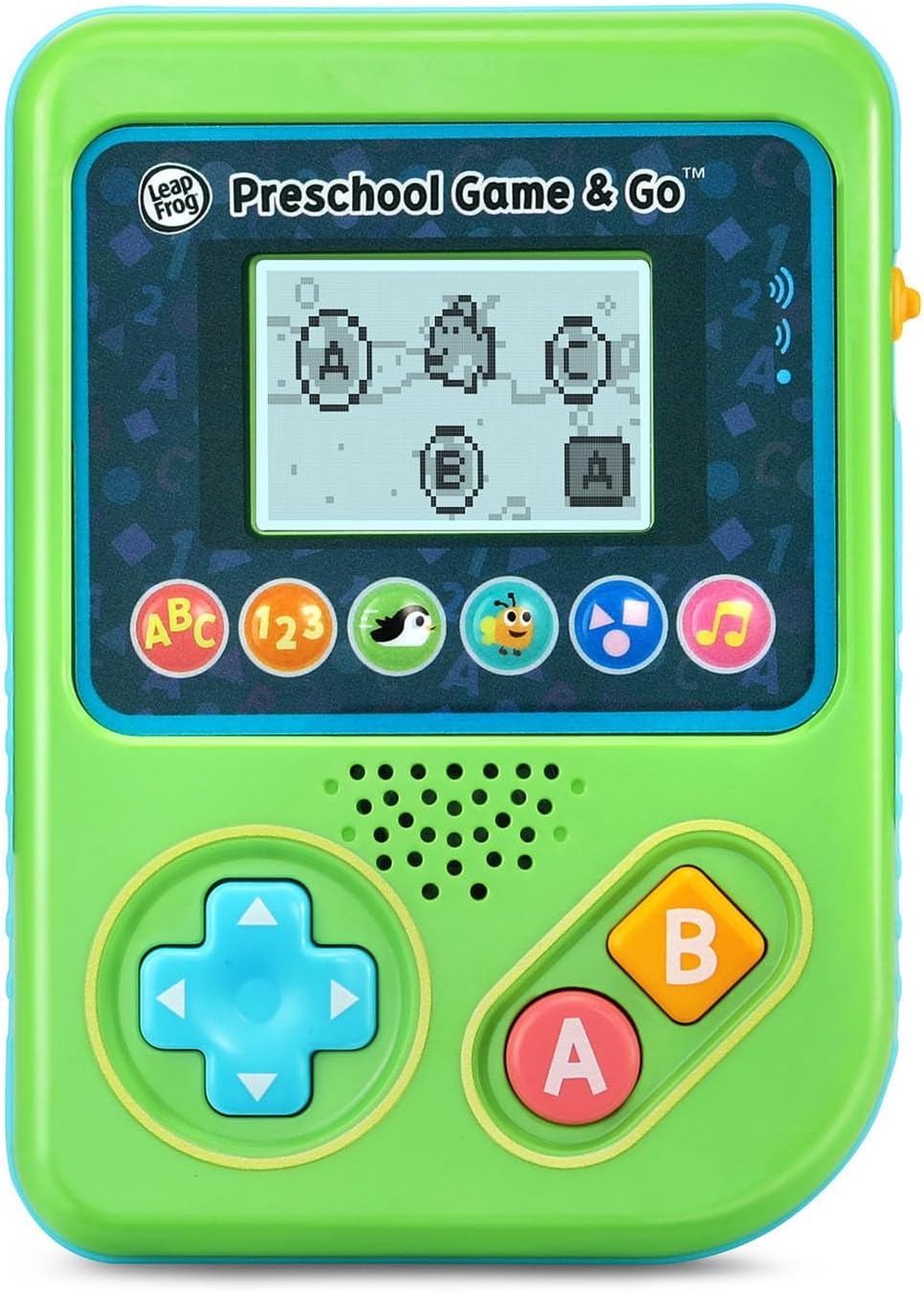
Figure 2: The ABC Swim game interface on the device screen.
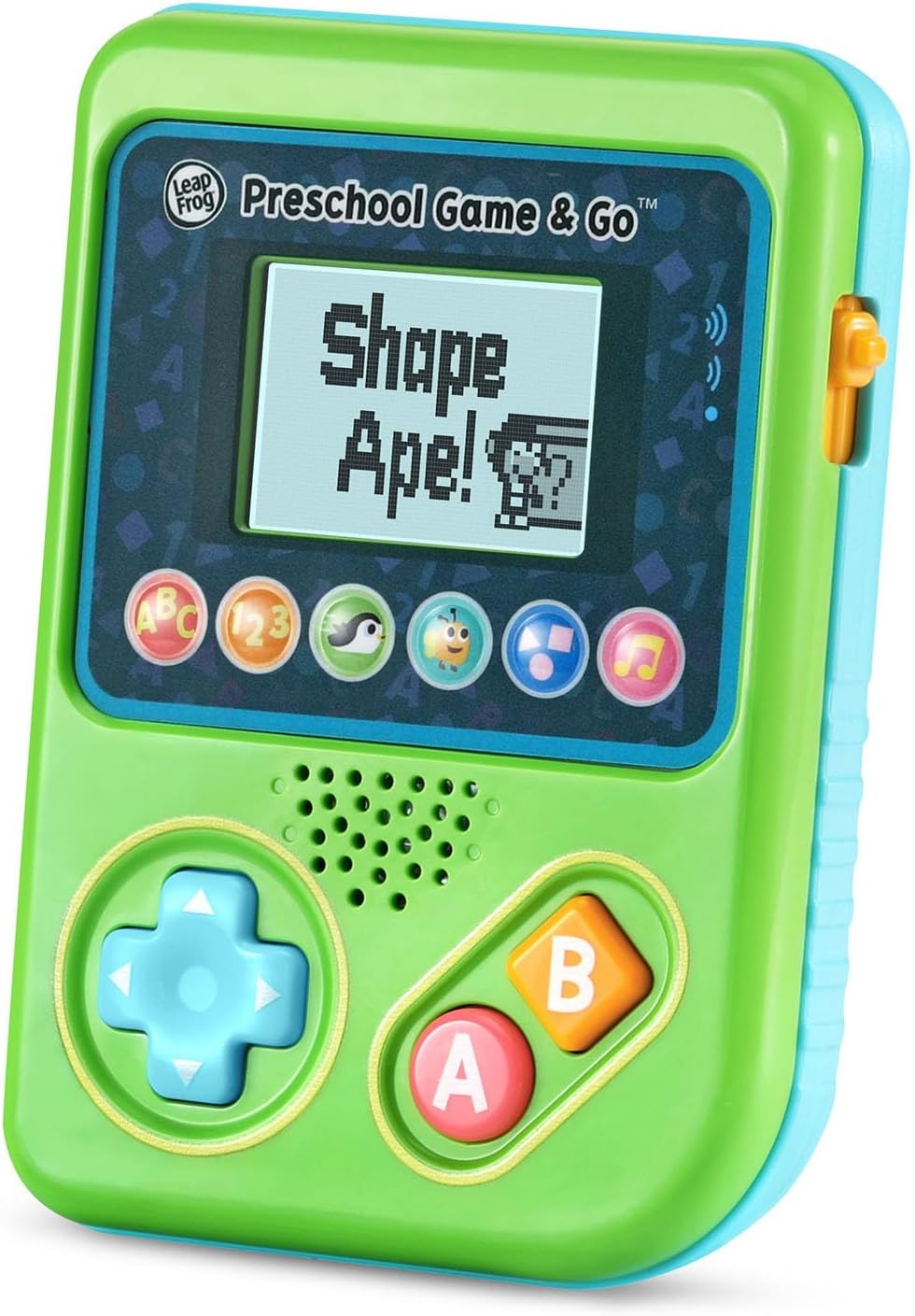
Figure 3: The Shape Ape game interface on the device screen.
دیکھ بھال
- ڈیوائس کو صاف کرنے کے لیے، اسے تھوڑا سا ڈی سے صاف کریں۔amp کپڑا پانی میں نہ ڈوبیں۔
- ڈیوائس کو انتہائی درجہ حرارت یا براہ راست سورج کی روشنی میں بے نقاب کرنے سے گریز کریں۔
- بیٹریاں ہٹا دیں اگر آلہ کو ایک طویل مدت تک رساو کو روکنے کے لیے استعمال نہیں کیا جائے گا۔
خرابی کا سراغ لگانا
- ڈیوائس آن نہیں ہو رہی ہے: Ensure fresh batteries are correctly installed. Check the power switch position.
- کوئی آواز یا کم آواز: Adjust the volume switch. Replace batteries if sound is distorted or very low.
- اسکرین کے مسائل: If the screen is blank or flickering, try turning the device off and on again. Replace batteries if the issue persists.
- غیر جوابی بٹن: Ensure the device is powered on. If a specific button is unresponsive, try cleaning around it. If the issue continues, replace batteries.
وضاحتیں
| فیچر | تفصیل |
|---|---|
| ماڈل نمبر | 80-621200 |
| عمر کی حد | 2+ سال |
| طاقت کا منبع | بیٹری سے چلنے والا |
| بیٹریاں درکار ہیں۔ | 3 AAA batteries (included for demo) |
| کنٹرولر کی قسم | بٹن کنٹرول |
| ڈسپلے کی قسم | ڈیجیٹل |
| مواد | پلاسٹک |
| مصنوعات کے طول و عرض | 1.3 x 4.1 x 5.6 انچ |
| شے کا وزن | 6.4 اونس |
وارنٹی اور سپورٹ
For warranty information, product registration, or additional support, please refer to the contact information provided in the Quick Start Guide included with your product or visit the official LeapFrog webسائٹ وارنٹی کے دعووں کے لیے اپنی خریداری کی رسید اپنے پاس رکھیں۔
Ask a question about this manual
Ask about setup, troubleshooting, compatibility, parts, safety, or missing instructions. Manuals+ will review the question and use this page’s manual context to help answer it.