
Tonies Toniebox 2
Tonies Toniebox 2 Audio Player Starter Set Instruction Manual
Model: Toniebox 2 | Brand: Tonies
1. تعارف
Welcome to the world of Tonies! This instruction manual provides essential information for setting up, operating, and maintaining your Tonies Toniebox 2 Audio Player Starter Set. Designed for independent play, the Toniebox offers screen-free audio entertainment for children aged 1 and up.

Image: The Tonies Toniebox 2 in Cloud Pink, accompanied by the Playtime Puppy Tonie.
2. سیٹ اپ
2.1 What's Included in the Starter Set
- 1x Toniebox 2 Speaker Unit (Cloud Pink)
- 1x 8.6” (22cm) USB-C Charging Cable
- 1x Playtime Puppy Tonie
Note: Power Adapter, longer charger cable, and additional Tonies are sold separately. Wi-Fi is needed for initial setup. The included USB-C Charging Cable is 8.6" to meet child safety standards for little listeners aged 1+.

Image: Visual representation of the Toniebox 2 Starter Set components.
2.2 ابتدائی سیٹ اپ
- Charge the Toniebox: Connect the Toniebox to a power source using the provided USB-C charging cable. Ensure it is fully charged before first use.
- Wi-Fi سے جڑیں: The Toniebox requires a Wi-Fi connection for its initial setup and to download content for new Tonies. Follow the instructions in the Tonies app or on the Tonies website to connect your device.
- Place a Tonie: Once connected, place the Playtime Puppy Tonie on top of the Toniebox. The content will automatically download and be ready for playback.

Image: The short USB-C charging cable, designed for child safety.
3. آپریٹنگ ہدایات
3.1 بنیادی پلے بیک
- پلے بیک شروع کریں: Place any Tonie audio character on top of the Toniebox. Playback begins automatically.
- حجم کو ایڈجسٹ کریں: Press the small "ears" on top of the Toniebox. Pressing the larger ear increases volume, and the smaller ear decreases it.
- Change Tracks: Tap the sides of the Toniebox to skip forward or backward through tracks.
- روکیں/دوبارہ شروع کریں: Remove the Tonie from the box to pause. Place it back on to resume.

Image: Simple steps for independent play with the Toniebox 2.
3.2 Sleep Timer and Sunrise Alarm
The Toniebox 2 includes smart bedtime and wake-up features. These can be configured via the Tonies app to help establish sleep routines.
- Sleep Timer with Light: Set a duration for the Toniebox to play content and emit a soft light, gradually fading as the child falls asleep.
- Sunrise Alarm: Program the Toniebox to gently wake your child with light and sound at a set time.
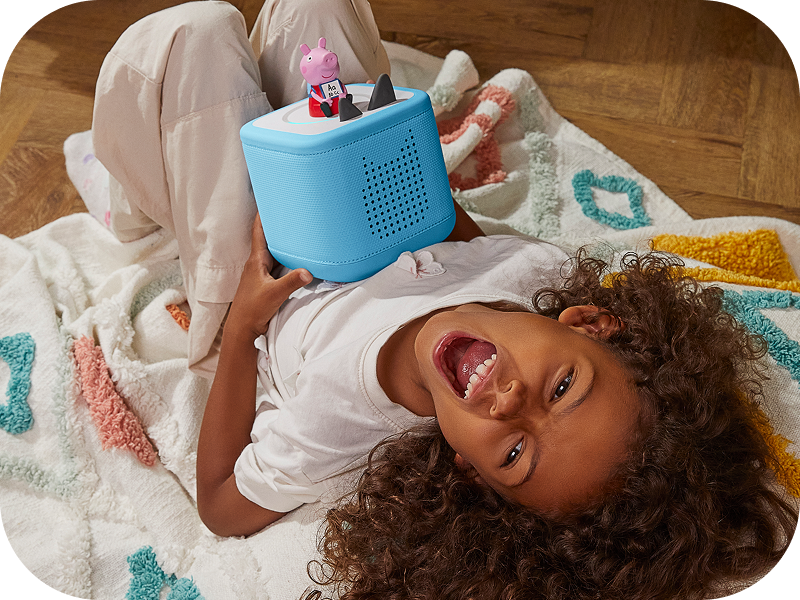
Image: A child sleeping peacefully next to a Toniebox 2, highlighting its sleep timer function.
4. کلیدی خصوصیات
- آزاد کھیل: Kid-friendly, intuitive controls allow children to explore stories, songs, and games on their own.
- استحکام: Built to last for ages 1-9+, supporting a wide range of Tonies and Tonieplay games.
- اسکرین فری تفریح: Provides a safe, ad-free experience without screens, microphones, or cameras.
- Tonieplay: Supports interactive games, adventures, challenges, and quizzes (Tonieplay controller sold separately).
- Extensive Content Library: Access hundreds of Tonies with new releases monthly, covering diverse stories, songs, and educational content.
- والدین کا کنٹرول: Monitor usage and manage settings via the Tonies app.

تصویر: ختمview of the main features of the Toniebox 2.
5 دیکھ بھال
- صفائی: Wipe the Toniebox with a soft, dry cloth. Avoid using harsh chemicals or abrasive materials.
- ذخیرہ: Store the Toniebox and Tonies in a cool, dry place away from direct sunlight and extreme temperatures.
- بیٹری کی دیکھ بھال: بیٹری کی بہترین زندگی کے لیے، بیٹری کو کثرت سے مکمل طور پر خارج کرنے سے گریز کریں۔ باقاعدگی سے چارج کریں۔
6 خرابیوں کا سراغ لگانا
6.1 عام مسائل اور حل
| مسئلہ | ممکنہ وجہ | حل |
|---|---|---|
| Toniebox not turning on | کم بیٹری؛ پاور بٹن درست طریقے سے نہیں دبایا گیا۔ | Charge the Toniebox fully. Press and hold one of the ears for a few seconds to power on. |
| Tonie not playing content | Content not fully downloaded; Poor Wi-Fi connection | Ensure the Toniebox is connected to Wi-Fi and the Tonie is placed correctly. Allow time for content to download. Check Wi-Fi signal strength. |
| Sound issues (too low/high, distorted) | Volume settings; Speaker obstruction | Adjust volume using the Toniebox ears. Ensure speakers are not covered. |
For further assistance, please refer to the official Tonies support webسائٹ یا کسٹمر سروس سے رابطہ کریں۔
7. وضاحتیں
| فیچر | تفصیل |
|---|---|
| ماڈل کا نام | Toniebox 2 |
| برانڈ | ٹونی |
| رنگ | Cloud Pink |
| آئٹم ماڈل نمبر | Toniebox 2 |
| یو پی سی | 840147443373 |
| مصنوعات کے طول و عرض | 5"D x 5"W x 5"H |
| شے کا وزن | 2.6 پاؤنڈز |
| مواد | کپاس |
| طاقت کا منبع | بیٹری سے چلنے والی (1 لیتھیم آئن بیٹری شامل ہے) |
| کنیکٹوٹی ٹیکنالوجی | وائی فائی |
| کنٹرول کا طریقہ | چھوئے۔ |
| خصوصی خصوصیت | Shockproof, USB Port, Network Ready |
| تجویز کردہ استعمال | Indoor/Outdoor, Home entertainment for kids, Educational and interactive play, Bedtime and sleep routine support |
8. وارنٹی اور سپورٹ
The Toniebox 2 comes with a limited warranty. For detailed information regarding warranty coverage, terms, and conditions, please refer to the official Tonies webسائٹ یا وارنٹی کارڈ آپ کے پروڈکٹ کے ساتھ شامل ہے۔
For customer support, technical assistance, or to register your product, visit the official Tonies support portal or contact their customer service team directly. Contact information can typically be found on the Tonies webسائٹ یا مصنوعات کی پیکیجنگ میں۔
آن لائن وسائل:
Ask a question about this manual
Ask about setup, troubleshooting, compatibility, parts, safety, or missing instructions. Manuals+ will review the question and use this page’s manual context to help answer it.