
1. تعارف
This manual provides detailed instructions for the installation, operation, and maintenance of the BSEED Smart Wi-Fi Energy Meter, model SPM01-U2EW. This device is designed to accurately measure energy consumption and generation in single-phase electrical circuits, offering smart monitoring capabilities through compatible mobile applications.
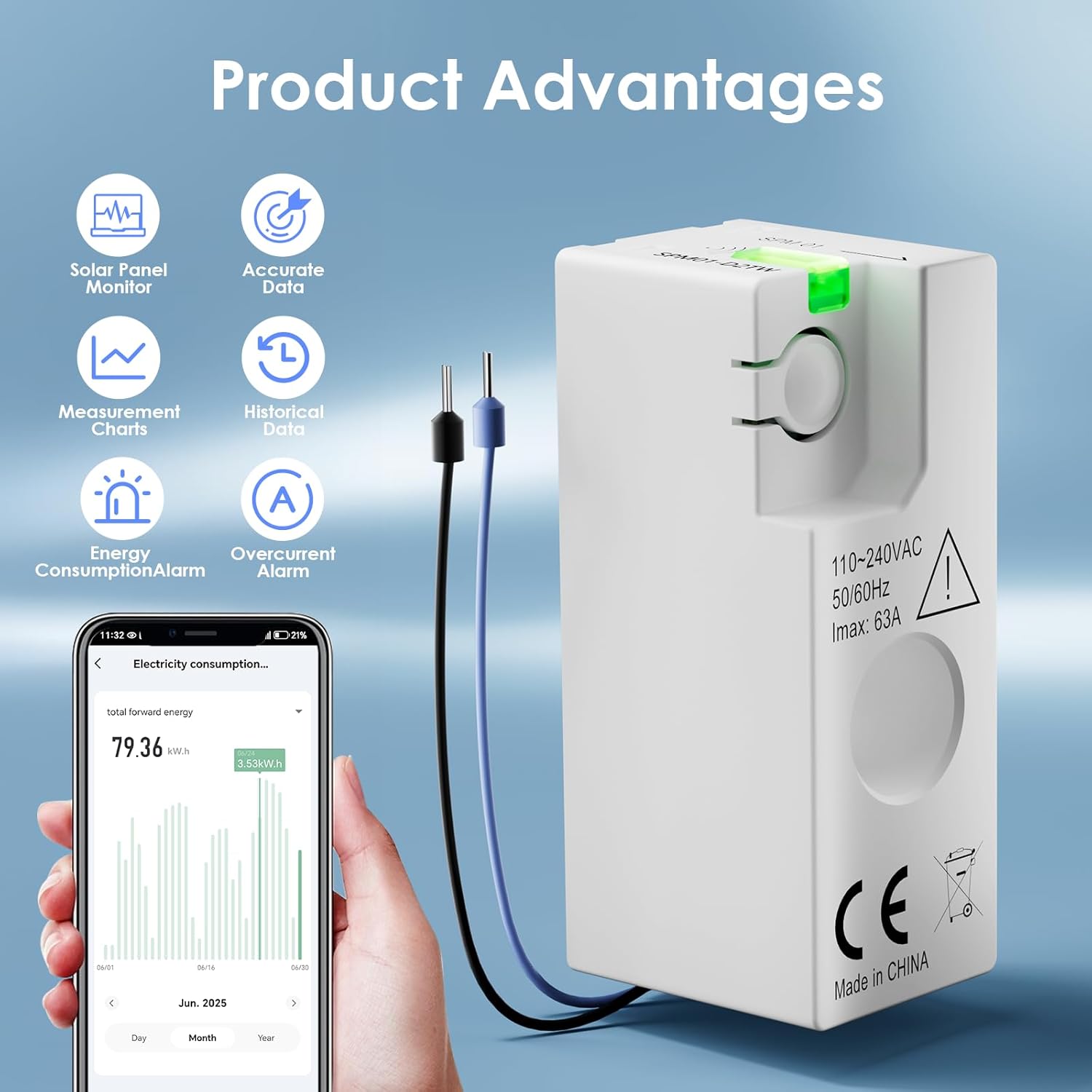
تصویر 1: ختمview of the BSEED Smart Wi-Fi Energy Meter and its key features.
2. حفاظتی معلومات
Please read all safety warnings and instructions carefully before installing or operating this device. Failure to follow these instructions may result in electric shock, fire, or other serious injury.
- پیشہ ورانہ تنصیب کی ضرورت ہے: Installation of this device involves working with high voltage electricity. It is strongly recommended to hire a qualified professional electrician for installation.
- پاور منقطع کریں: Always ensure the main power supply is disconnected before attempting any installation, wiring, or maintenance procedures.
- درست وائرنگ: Pay close attention to the wiring diagrams. Incorrect connection of the neutral wire to the live wire will damage the product and poses a safety risk.
- آپریٹنگ ماحول: Do not expose the device to extreme temperatures, humidity, or corrosive environments. Ensure the operating temperature is within -25 to 60 °C.
- تحفظ کی کلاس: The device has an IP20 protection class, meaning it is protected against solid objects larger than 12.5mm but has no protection against water. Install in a dry environment.
3. مصنوعات کی خصوصیات
- Accurate Energy Measurement: Provides energy measurement with up to 1% precision. Suitable for single-phase circuits with 220-240V and a maximum current of 63A.
- کومپیکٹ ڈیزائن: With dimensions of 46.8 x 17.8 x 21.3 mm, its mini size allows for installation in narrow spaces.
- Smart Monitoring & Alerts: Compatible with Smart Life and Tuya applications (2.4 GHz Wi-Fi only). Monitor real-time data such as current, power, voltage, and energy consumption on your smartphone. Features built-in overload and overcurrent alarms that notify your smartphone immediately in case of short circuit or overload.
- تاریخی ڈیٹا ذخیرہ: The application provides free historical data, allowing you to view hourly, daily, weekly, and monthly energy consumption and production. Data is stored permanently for optimized energy management.
- Solar Power Generation Monitoring: Supports both forward and reverse current measurement, enabling accurate monitoring of electricity generation from solar and wind energy systems.
- وسیع قابل اطلاق: Suitable for various scenarios including homes, offices, cafes, industrial settings, smart farms, and hotels.
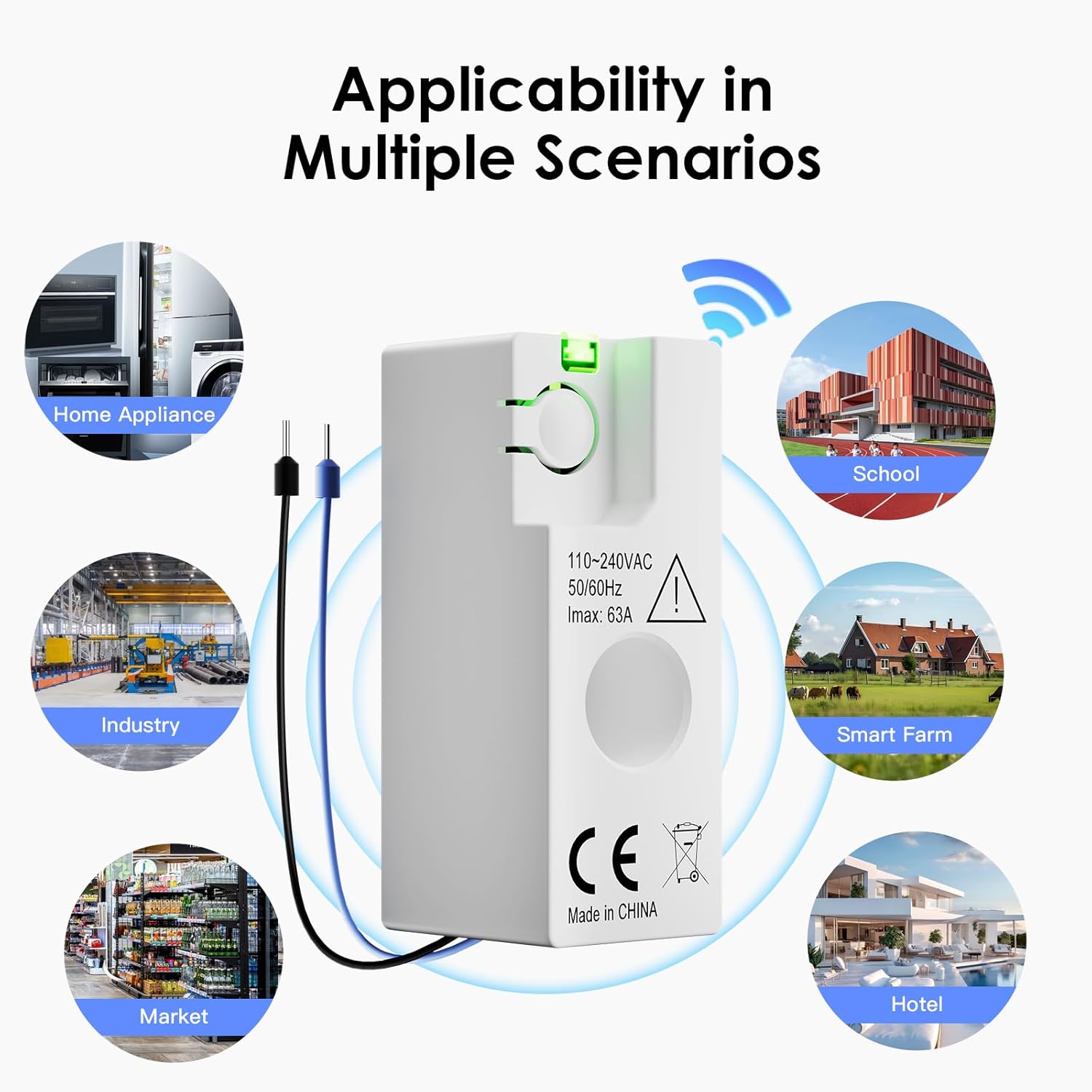
Image 2: Diverse applications of the energy meter.
4. وضاحتیں
| پیرامیٹر | قدر |
|---|---|
| ماڈل نمبر | SPM01-U2EW |
| مواصلات کی قسم | وائی فائی / بلوٹوتھ |
| شرح شدہ جلدtage Un (CE) | 220-240 وی، 50/60 ہرٹز |
| Maximum Current I | زیادہ سے زیادہ 63 اے |
| اوور وول۔tagای کیٹیگری | III |
| شرح شدہ موصلیت والیومtage Ui | 250 وی |
| شرح شدہ Impulse Withstand Voltagای Uimp | 4 kV |
| آلودگی کی ڈگری | 3 |
| پروٹیکشن کلاس | آئی پی 20 |
| درجہ بند آپریٹنگ درجہ حرارت | -25 سے 60 ° C |
| Power Consumption (Normal Operation) | 0.5 ڈبلیو |
| Power Consumption (Pairing Mode) | 1 ڈبلیو |
| Energy Measurement Accuracy | 1% |
| پروڈکٹ کے طول و عرض (L x W x H) | 4.7 x 1.8 x 2.1 سینٹی میٹر |
| پروڈکٹ کا وزن | 21 گرام |
| کارخانہ دار | بی ایس ای ای ڈی |

Image 3: Technical specifications of the SPM01-U2EW model.
5. سیٹ اپ اور انسٹالیشن
5.1 قبل از تنصیب چیک لسٹ۔
- Ensure you have the necessary tools (e.g., screwdriver, wire strippers).
- Confirm the electrical circuit is single-phase 220-240V, 50/60Hz, with a maximum current of 63A.
- Download the Smart Life or Tuya Smart app from your mobile device's app store.
- Ensure your Wi-Fi network is 2.4 GHz, as the device does not support 5 GHz Wi-Fi.
5.2 جسمانی تنصیب
- پاور آف کریں: Before starting any wiring, ensure the main power supply to the circuit is completely turned off at the circuit breaker. Verify with a voltagای ٹیسٹر
- ڈیوائس کو ماؤنٹ کریں: The compact design allows installation in various electrical boxes or distribution boards.
- Wire the Device: Refer to the wiring diagram below. Connect the live (L) and neutral (N) wires according to the markings on the device and the diagram. The arrow direction on the device indicates the forward current direction. Ensure the blue neutral wire is not incorrectly connected to the live wire, as this will cause damage.
- بجلی کی بحالی: Once wiring is complete and secured, restore power to the circuit. The device's indicator light should illuminate.

Image 4: Wiring diagram and critical installation instructions.
5.3 ایپ جوڑی بنانا
- ایپ کھولیں: Launch the Smart Life or Tuya Smart app on your smartphone.
- ڈیوائس شامل کریں: Follow the in-app instructions to add a new device. Typically, this involves selecting 'Electrical Engineering' or 'Energy Meter' from the device list.
- وائی فائی کی تفصیلات درج کریں: Provide your 2.4 GHz Wi-Fi network name and password when prompted.
- جوڑا بنانے کا طریقہ: The device will enter pairing mode (often indicated by a blinking light). Confirm this in the app to complete the connection.
- ڈیوائس کا نام تبدیل کرنا: Once connected, you can rename the device in the app for easier identification.
6. آپریٹنگ ہدایات
6.1 ریئل ٹائم مانیٹرنگ
After successful pairing, open the Smart Life or Tuya Smart app to view real-time data from your energy meter. The app dashboard will display:
- موجودہ (A): Instantaneous current flowing through the circuit.
- والیومtage (V): موجودہ والیومtagای سرکٹ کا
- پاور (W): فوری بجلی کی کھپت۔
- Energy Consumption (kWh): Total accumulated energy consumption.

Image 5: App interface for real-time energy monitoring.
6.2 Historical Data Access
The app stores historical energy data permanently. Navigate to the historical data section within the app to view consumption and production trends:
- View data by hour, day, week, or month.
- Analyze consumption patterns to identify energy-saving opportunities.
6.3 Overload and Overcurrent Alarms
The device is equipped with built-in alarms for overload and overcurrent conditions. If the current or load exceeds safe limits, the device will send an immediate notification to your smartphone via the app. Take appropriate action to prevent damage to appliances or the electrical system.
6.4 Solar Power Generation Monitoring
For systems generating electricity (e.g., solar panels, wind turbines), the meter can measure reverse current. This allows you to accurately track the amount of electricity your system generates and feeds back into the grid or consumes locally. Ensure the device is installed correctly to measure both forward and reverse current flow.
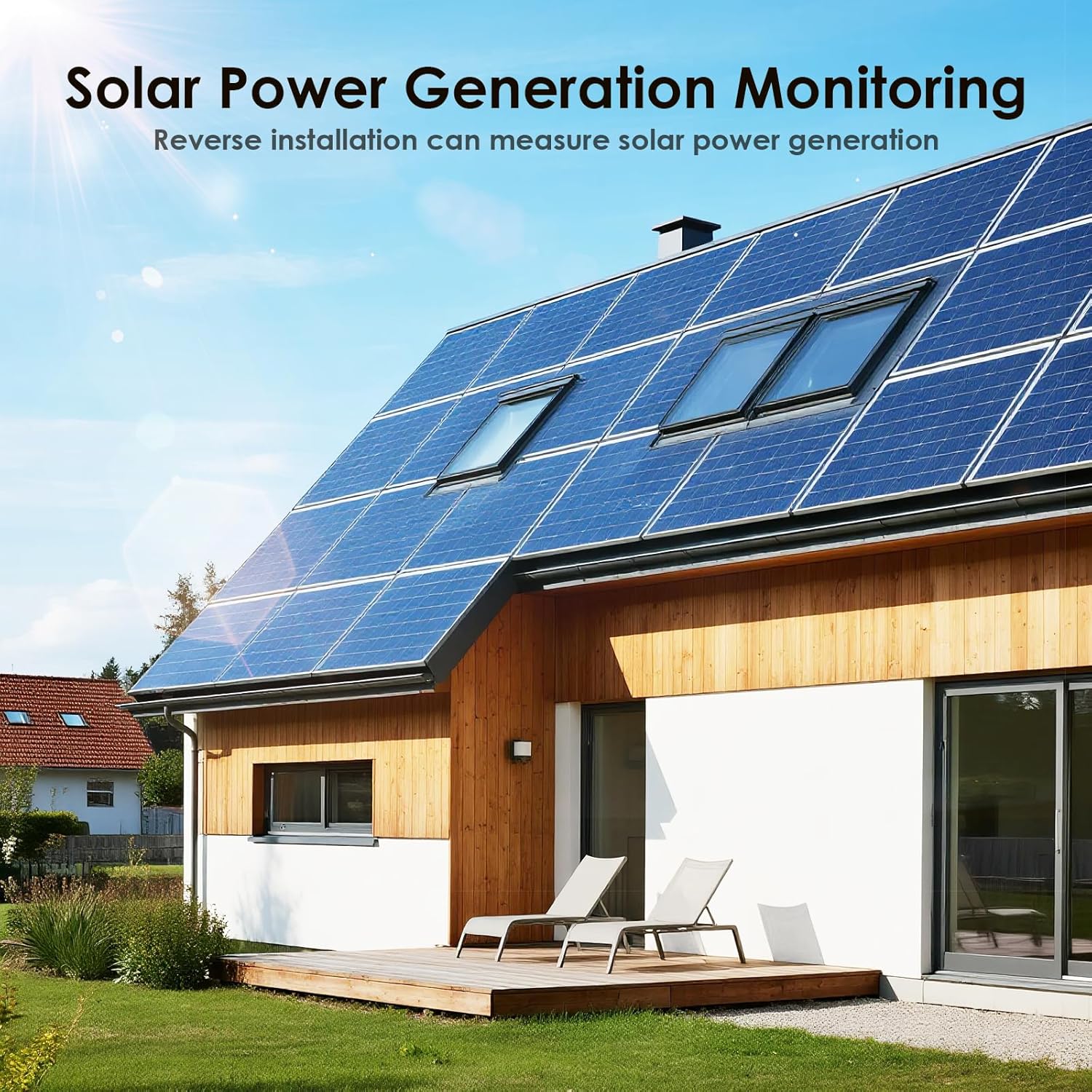
Image 6: The energy meter supports monitoring of solar power generation.
7 دیکھ بھال
The BSEED Smart Wi-Fi Energy Meter is designed for minimal maintenance. Follow these general guidelines:
- صفائی: Ensure the device is clean and free from dust. Use a dry, soft cloth for cleaning. Do not use liquid cleaners or solvents.
- معائنہ: Periodically check the wiring connections to ensure they are secure. If any damage is observed, disconnect power immediately and consult a professional electrician.
- فرم ویئر اپ ڈیٹس: Keep the Smart Life or Tuya Smart app updated to ensure the latest features and security patches for your device.
8 خرابیوں کا سراغ لگانا
If you encounter issues with your BSEED Smart Wi-Fi Energy Meter, refer to the following common problems and solutions:
- ڈیوائس Wi-Fi سے منسلک نہیں ہے:
- Ensure your Wi-Fi network is 2.4 GHz. The device does not support 5 GHz networks.
- چیک کریں کہ آیا آلہ کے مقام پر Wi-Fi سگنل کی طاقت مناسب ہے۔
- تصدیق کریں کہ ایپ میں درج وائی فائی پاس ورڈ درست ہے۔
- Try restarting your Wi-Fi router and the energy meter.
- Ensure the device is in pairing mode during the connection process.
- No data or incorrect readings in the app:
- Confirm the device is properly connected to your Wi-Fi network and the app.
- Check the physical wiring of the meter. Incorrect wiring can lead to inaccurate readings or no data. Refer to the installation section.
- Ensure the current direction arrow on the device is aligned with the actual current flow.
- Overload/Overcurrent alarms triggering frequently:
- This indicates that the connected circuit or appliances are drawing excessive current. Reduce the load on the circuit.
- If the issue persists, consult a professional electrician to inspect your electrical system.
- Device indicator light is off:
- چیک کریں کہ آیا سرکٹ کو مین پاور سپلائی آن ہے۔
- ڈھیلے کنکشن یا نقصان کے لیے وائرنگ کا معائنہ کریں۔
- If power is present and wiring is correct, the device may be faulty.
For issues not covered here, or if troubleshooting steps do not resolve the problem, please contact BSEED customer support.
9. وارنٹی اور سپورٹ
BSEED products are manufactured to high-quality standards. For specific warranty information, please refer to the documentation provided with your purchase or contact your retailer. If you require technical assistance or have questions regarding your BSEED Smart Wi-Fi Energy Meter, please contact BSEED customer support through their official webسائٹ یا آپ کے پروڈکٹ کے ساتھ فراہم کردہ رابطے کی معلومات۔