
1. پروڈکٹ ختمview
The AJAZZ AJ139 V2 MC is a versatile tri-mode gaming mouse designed for precision and responsiveness. It features a PAW3311 sensor for accurate tracking, a 1000Hz return rate for smooth performance, and a long-lasting 500mAh battery. Its compact and lightweight design makes it suitable for extended use and portability.
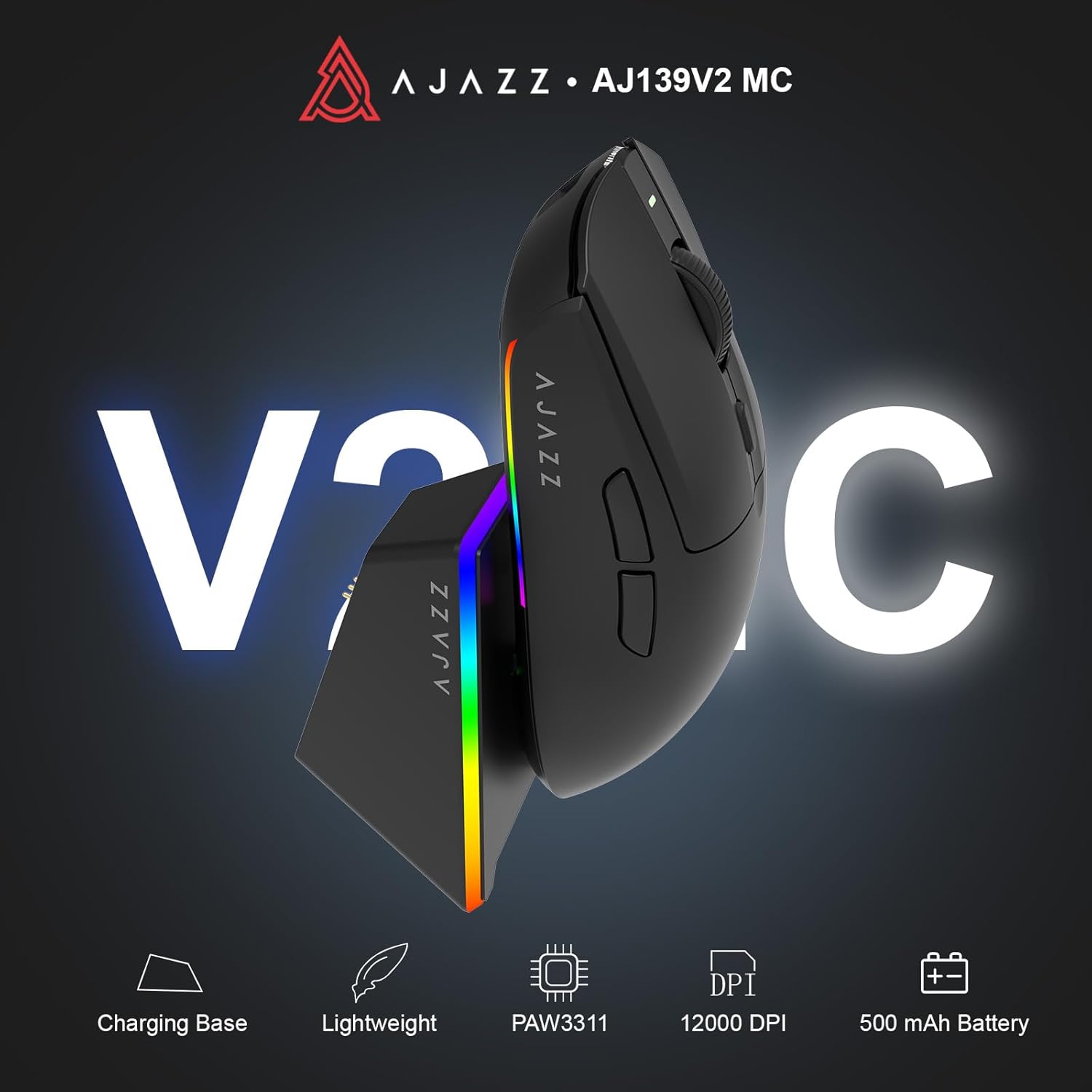
Figure 1.1: AJAZZ AJ139 V2 MC Gaming Mouse and Charging Dock.
ویڈیو 1.1: ایک اوورview of the AJAZZ AJ139 V2 MC Gaming Mouse, highlighting its features and design.
2. پیکیج کے مشمولات
یقینی بنائیں کہ تمام اشیاء پیکیج میں موجود ہیں:
- AJAZZ AJ139 V2 MC Gaming Mouse
- چارجنگ ڈاک
- USB-C چارجنگ کیبل
- 2.4G USB Receiver (Dongle)
- صارف دستی
3. کلیدی خصوصیات
- PAW3311 Sensor Technology: Equipped with the PAW3311 sensor, this mouse ensures precise tracking and accurate cursor control for optimal performance.
- High 1000Hz Return Rate: Experience smooth and responsive performance with a 1000Hz return rate, enhancing your gaming or work experience.
- دیرپا 500mAh بیٹری: The integrated 500mAh battery provides extended power, ensuring uninterrupted use for prolonged periods.
- ٹرائی موڈ کنیکٹیویٹی: Supports versatile connectivity options including Wired, 2.4G Wireless, and Bluetooth, adapting to various devices and setups.
- کومپیکٹ اور ہلکا پھلکا ڈیزائن: Weighing approximately 66 grams, the mouse features a compact design for easy portability and comfortable use during long sessions.
- مرضی کے مطابق آرجیبی لائٹنگ: Features integrated RGB lighting for personalized aesthetics.
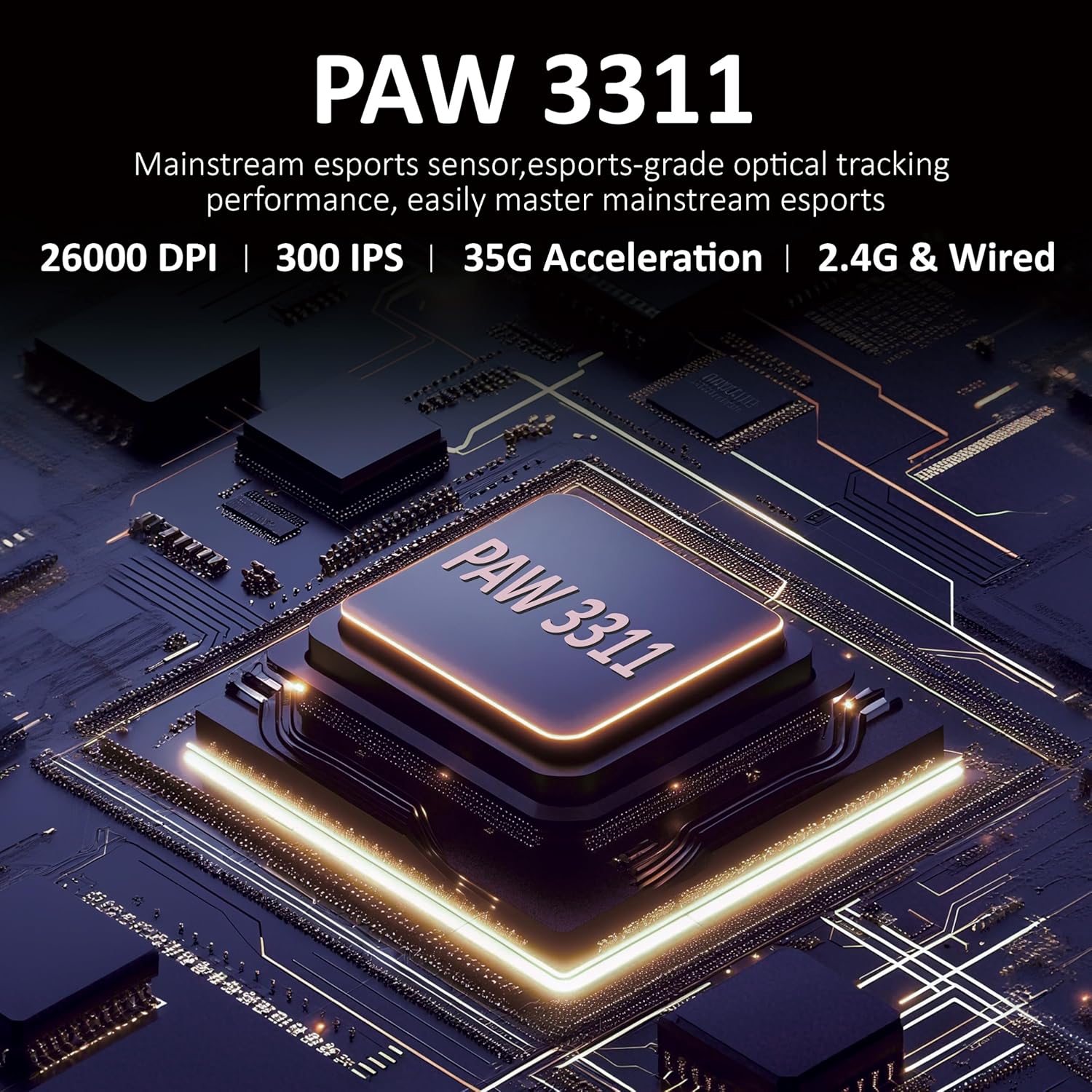
شکل 3.1: تفصیلی view of the PAW3311 sensor technology.
Video 3.1: Demonstration of the mouse's 500mAh battery life.

Figure 3.2: The lightweight design of the AJAZZ AJ139 V2 MC mouse.
4. سیٹ اپ گائیڈ
4.1. ماؤس کو جوڑنا
The AJAZZ AJ139 V2 MC offers three connection modes:
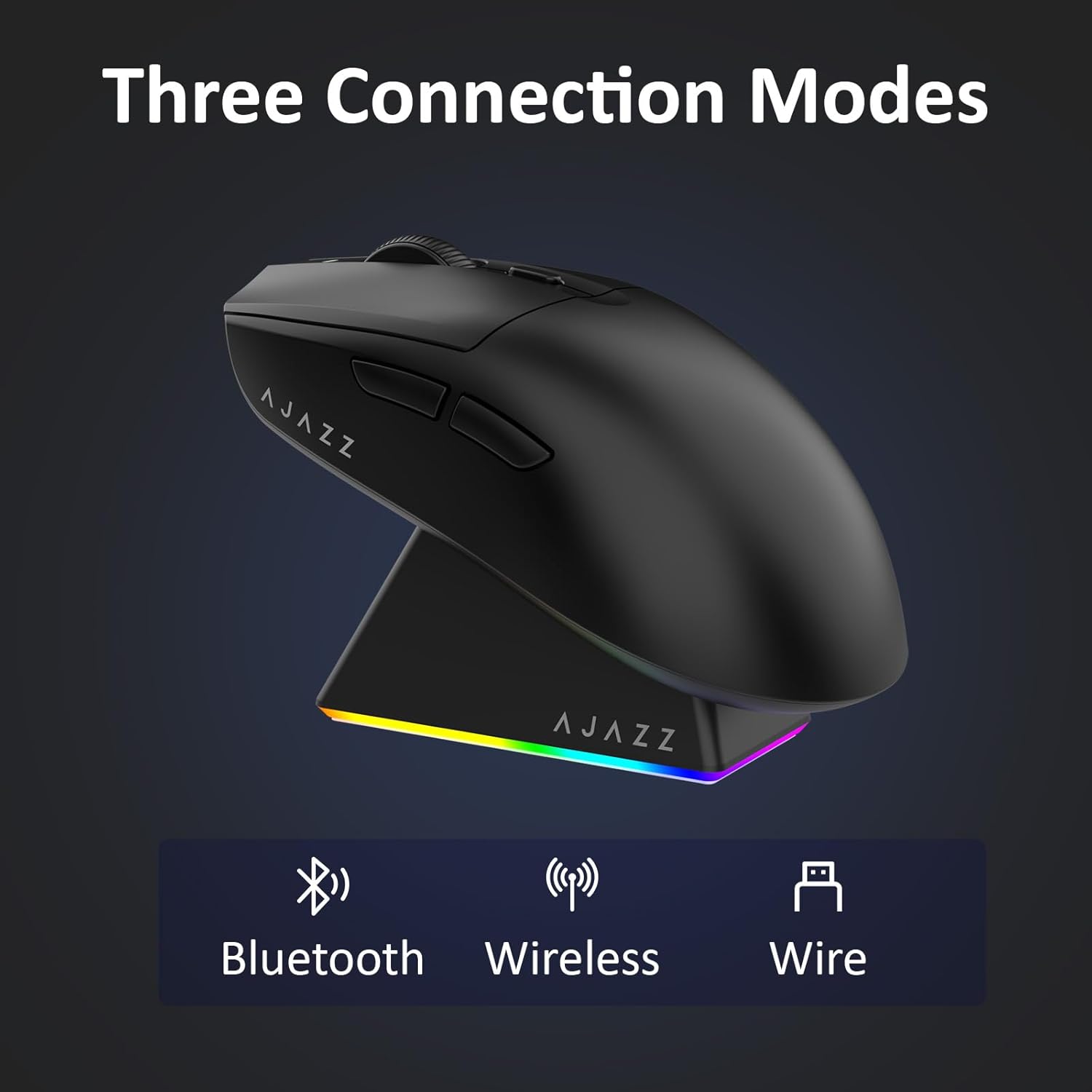
Figure 4.1: Visual representation of the three connection modes.
- 2.4G وائرلیس موڈ:
- Locate the 2.4G USB receiver stored in the compartment on the underside of the mouse.
- USB ریسیور کو اپنے کمپیوٹر پر دستیاب USB پورٹ میں لگائیں۔
- Slide the switch on the bottom of the mouse to the '2.4G' position. The mouse will automatically connect.
- بلوٹوت وضع:
- Slide the switch on the bottom of the mouse to the 'BT' position.
- On your device, open Bluetooth settings and search for new devices.
- Select 'AJAZZ AJ139 V2 MC' from the list to pair.
- وائرڈ موڈ:
- Connect the USB-C charging cable to the mouse and the other end to your computer's USB port.
- ماؤس ایک وائرڈ ڈیوائس کے طور پر کام کرے گا اور بیک وقت چارج ہوگا۔
4.2 ماؤس کو چارج کرنا
The mouse can be charged using the included charging dock or directly via the USB-C cable.
- چارجنگ ڈاک کا استعمال:
- Connect the USB-C charging cable to the charging dock and then to a power source (e.g., computer USB port, USB wall adapter).
- Place the mouse onto the charging dock, aligning the magnetic contacts. The RGB lighting on the dock and mouse will indicate charging status.
- براہ راست USB-C چارجنگ:
- Connect the USB-C charging cable directly to the mouse and a power source.
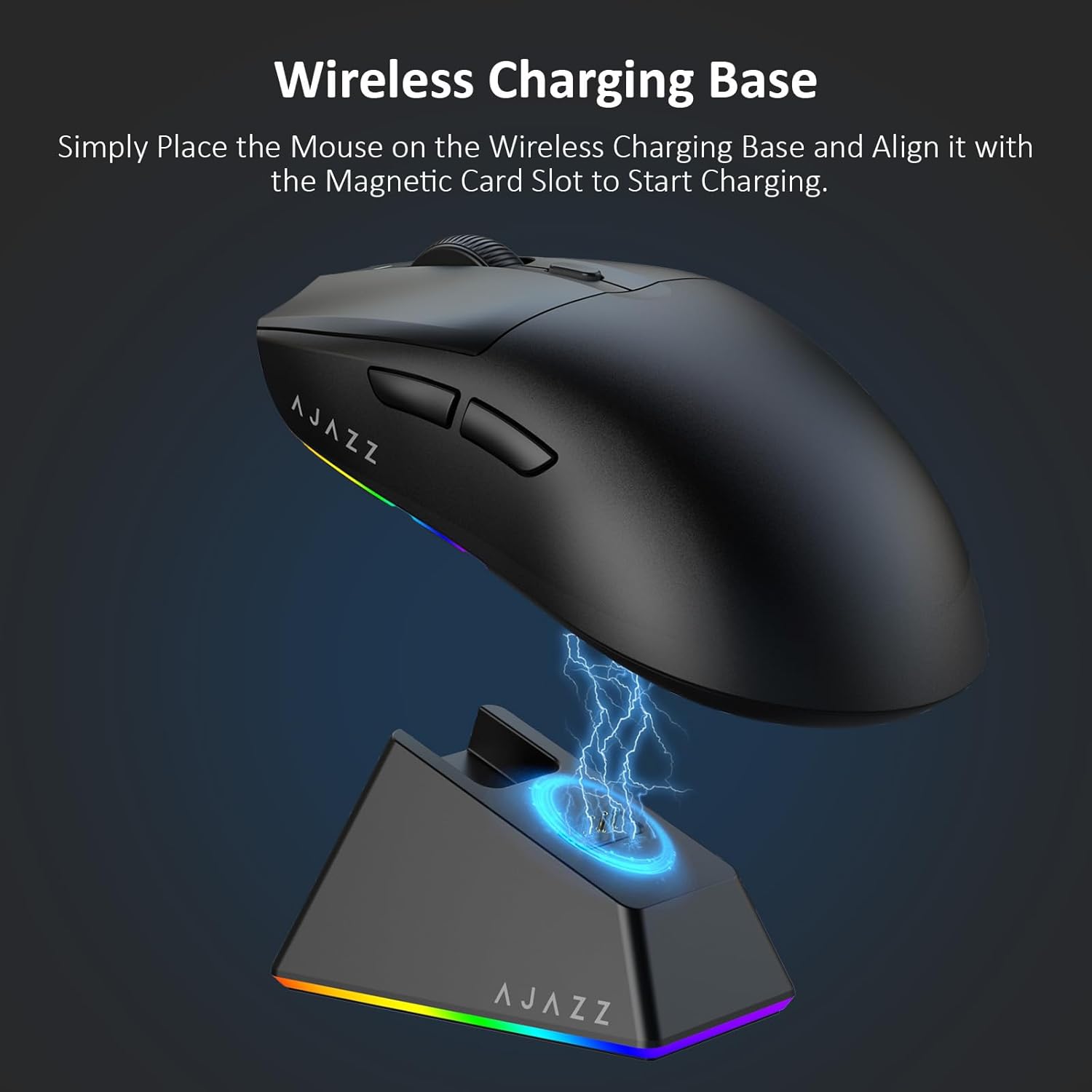
Figure 4.2: The mouse being charged on its wireless charging base.
5. آپریٹنگ ہدایات
5.1 ڈی پی آئی ایڈجسٹمنٹ
The mouse features a dedicated DPI adjustment button on its underside, allowing you to cycle through different sensitivity levels. Press the button to change the DPI setting to suit your preference.
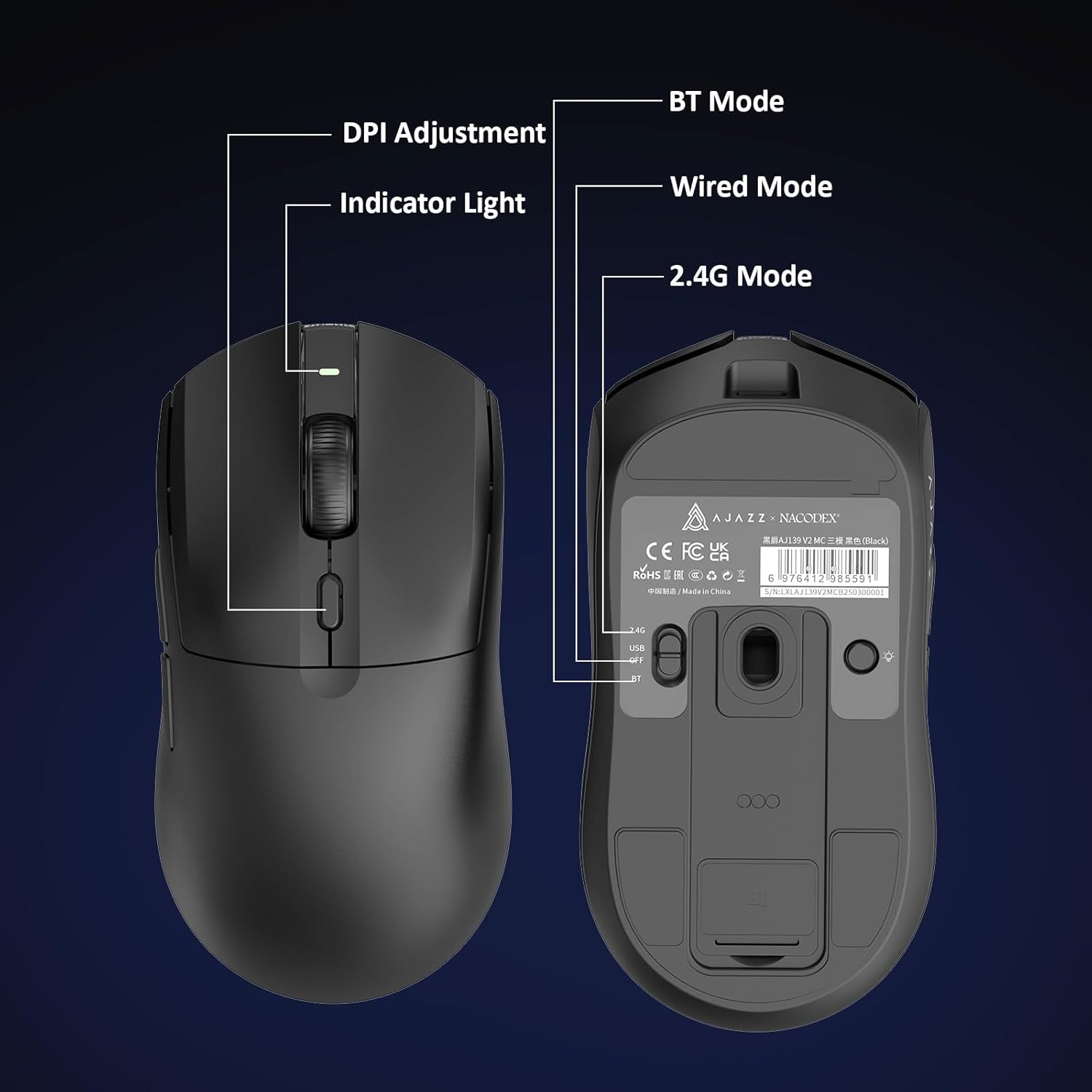
Figure 5.1: Location of the DPI adjustment button and connection mode switch on the mouse underside.
5.2. بٹن کے افعال
The mouse is equipped with 6 programmable buttons:
- بٹن پر بائیں کلک کریں۔
- بٹن پر دائیں کلک کریں۔
- اسکرول وہیل (کلک کے قابل)
- DPI Adjustment Button (on underside)
- Two Side Buttons (typically for forward/backward navigation)
For advanced customization of button functions and macros, please refer to the official AJAZZ software (downloadable from the manufacturer's webسائٹ)۔
5.3 آر جی بی لائٹنگ کنٹرول
The mouse and charging dock feature customizable RGB lighting. Specific controls for lighting modes and colors are typically managed through the official AJAZZ software. A dedicated light button on the underside of the mouse allows for basic cycling or turning off the lighting.
6 دیکھ بھال
- صفائی: ماؤس کی سطح کو صاف کرنے کے لیے نرم، خشک کپڑا استعمال کریں۔ ضدی گندگی کے لیے، تھوڑا سا ڈیamp کپڑا استعمال کیا جا سکتا ہے، اس بات کو یقینی بناتے ہوئے کہ اندرونی اجزاء میں نمی نہ آئے۔
- سینسر کی دیکھ بھال: ٹریکنگ کی درستگی کو برقرار رکھنے کے لیے ماؤس کے نیچے والے آپٹیکل سینسر کو صاف اور دھول یا ملبے سے پاک رکھیں۔
- بیٹری لمبی عمر: To prolong battery life, avoid fully discharging the mouse frequently. Charge it when the battery indicator is low.
7 خرابیوں کا سراغ لگانا
| مسئلہ | ممکنہ حل |
|---|---|
| Mouse not responding in 2.4G Wireless mode. | Ensure the 2.4G USB receiver is securely plugged into a USB port and the mouse switch is set to '2.4G'. Try a different USB port. |
| Mouse not pairing via Bluetooth. | Ensure the mouse switch is set to 'BT' and your device's Bluetooth is enabled and discoverable. Try unpairing and re-pairing the device. |
| Mouse not charging. | Verify the USB-C cable is properly connected to both the dock/mouse and the power source. Ensure the mouse is correctly seated on the charging dock's magnetic contacts. |
| Inconsistent tracking or cursor movement. | ماؤس کے نیچے والے آپٹیکل سینسر کو صاف کریں۔ یقینی بنائیں کہ آپ ماؤس کو مناسب سطح پر استعمال کر رہے ہیں (مثلاً ماؤس پیڈ)۔ |
| آر جی بی لائٹنگ کام نہیں کر رہی ہے۔ | Check the mouse's software settings for lighting control. Ensure the mouse has sufficient battery charge. |
8. تکنیکی تفصیلات
| فیچر | تفصیلات |
|---|---|
| برانڈ | عاجز۔ |
| ماڈل کا نام | Aj139 V2 MC |
| رنگ | V2 MC Black |
| کنیکٹوٹی ٹیکنالوجی | بلوٹوتھ، USB، 2.4G وائرلیس |
| موومنٹ ڈیٹیکشن ٹکنالوجی | آپٹیکل (PAW3311 سینسر) |
| Mouse Maximum Sensitivity | 12000 Dots per Inch (DPI) |
| ریٹرن ریٹ۔ | 1000Hz |
| بیٹری کی صلاحیت | 500mAh |
| بٹن کی مقدار | 6 |
| ہاتھ کی واقفیت | ٹھیک ہے۔ |
| ہم آہنگ آلات | ڈیسک ٹاپ کمپیوٹر |
| آپریٹنگ سسٹم | ونڈوز |
| رینج | 10 میٹر |
| شے کا وزن | 4 اونس (تقریباً 113 گرام) |
| آئٹم کے طول و عرض L x W | 5"L x 2.5"W (approx. 12.7cm x 6.35cm) |
| زیبائش کی خصوصیت | آر جی بی لائٹنگ |
| انکلوژر میٹریل | پلاسٹک |
| ختم کرنا | میٹ |
9. وارنٹی اور سپورٹ
This product comes with a standard manufacturer's warranty. For detailed warranty information, please refer to the official AJAZZ webسائٹ یا اپنے خوردہ فروش سے رابطہ کریں۔
For technical support, troubleshooting assistance, or any product-related inquiries, please visit the AJAZZ official support page or contact their customer service team.
آن لائن وسائل:
AJAZZ Official Store