
1. تعارف
Welcome to your new NIMO 15.6" IPS FHD Student Laptop, Model N154. This manual provides essential information to help you get started, operate, and maintain your device. Designed for both home and business use, this laptop combines performance with user-friendly features to enhance your productivity and entertainment experience.
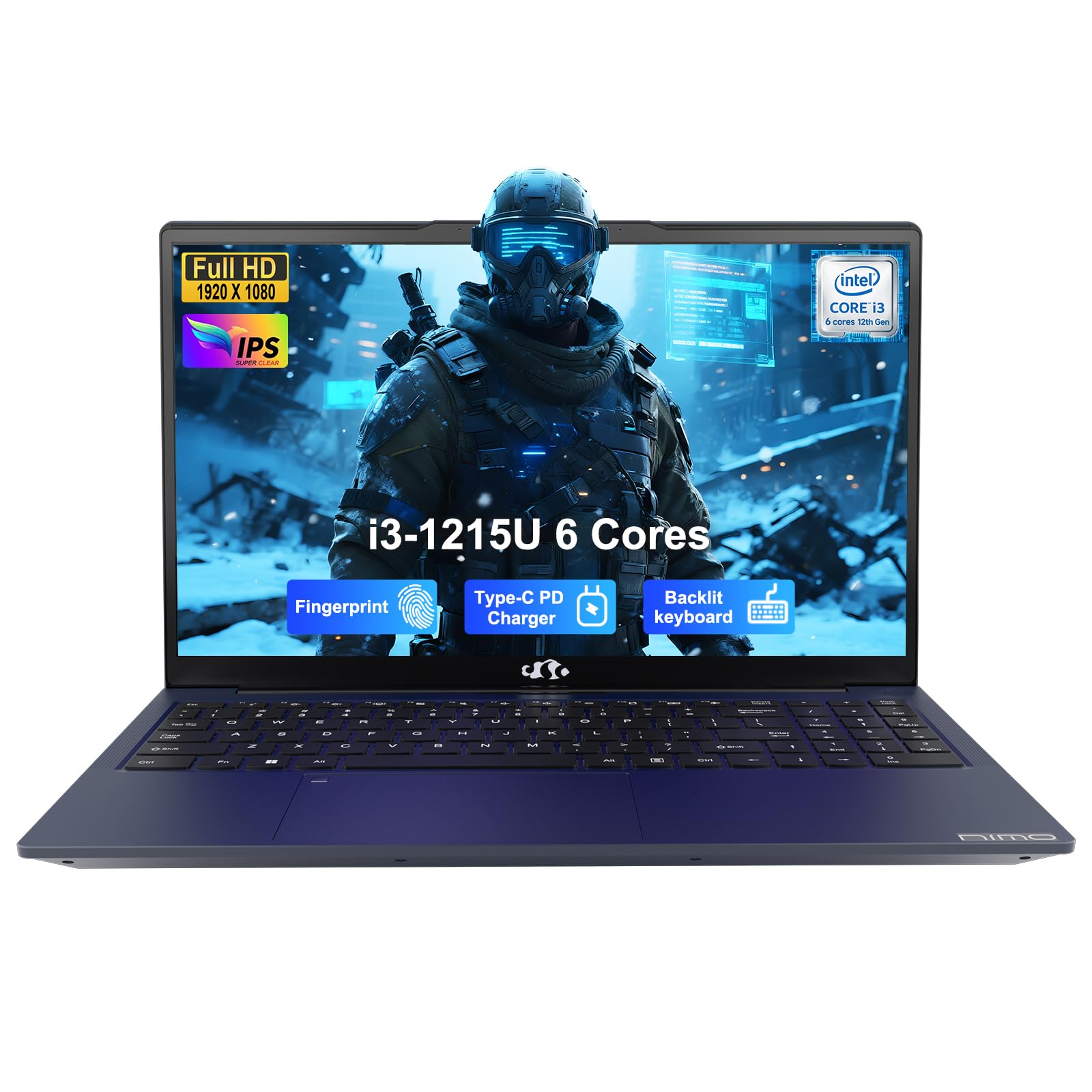
Image: The NIMO 15.6-inch IPS FHD Student Laptop, showcasing اس کا چیکنا ڈیزائن۔
2. باکس میں کیا ہے۔
تمام اشیاء کی موجودگی کو یقینی بنانے کے لیے براہ کرم پیکیج کے مواد کو چیک کریں:
- 1 x NIMO N154 Laptop
- 1 x Type-C 65W PD Fast Charger
- 1 ایکس یوزر مینوئل (یہ دستاویز)
- Windows 11 Home (pre-installed)
3. ابتدائی سیٹ اپ
3.1. Charging the Laptop
Before first use, fully charge your NIMO laptop using the included 65W USB-C PD Fast Charger. Connect the charger to the Type-C port on your laptop and a power outlet. The charging indicator light will illuminate.

Image: The 65W USB-C PD Fast Charger, capable of charging the laptop, tablet, and smartphone.
3.2. پاور آن اور ابتدائی کنفیگریشن
Press the power button to turn on your laptop. Follow the on-screen instructions to complete the Windows 11 Home setup, including language selection, network connection, and user account creation.
4. اپنا لیپ ٹاپ چلانا
4.1. ڈسپلے
Your laptop features a 15.6-inch Full HD (1920x1080) IPS anti-glare display. This screen provides clear visuals and reduces eye strain during extended use. The 180° open angle allows for flexible viewعہدوں پر.
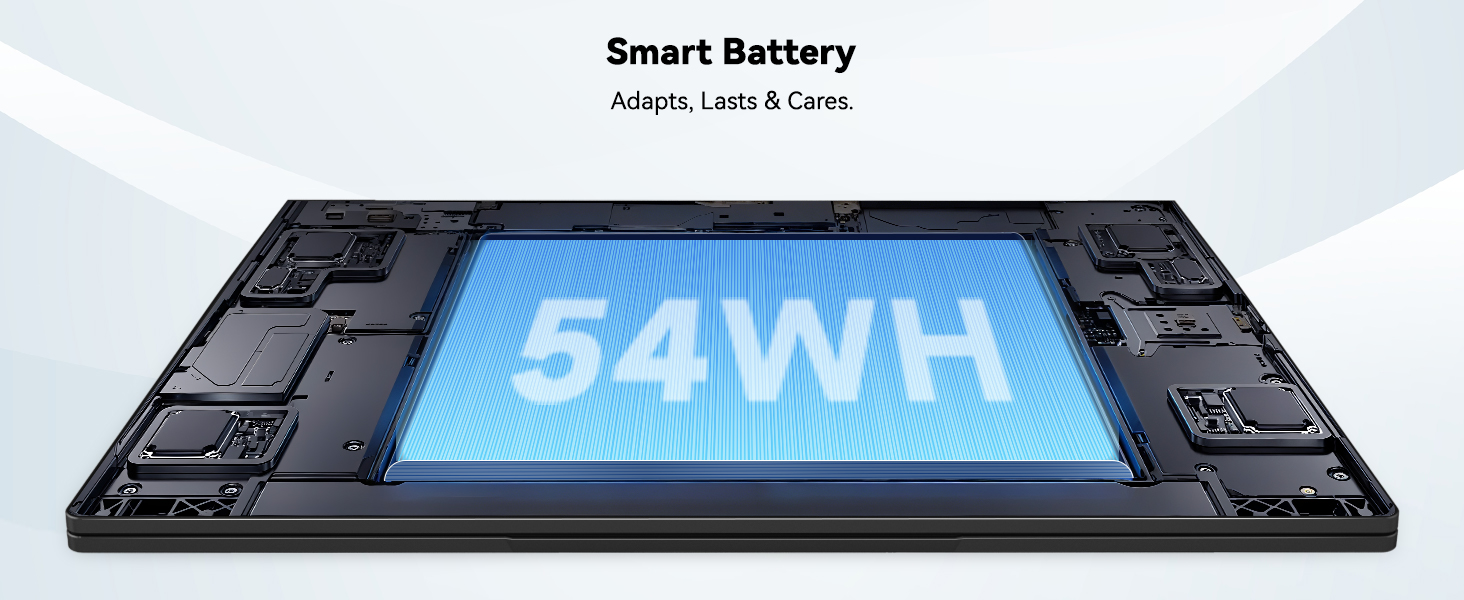
Image: The laptop's 15.6-inch Full HD IPS display with vibrant colors.
4.2 کی بورڈ اور ٹچ پیڈ
The ergonomic backlit keyboard allows for comfortable typing in various lighting conditions, with adjustable brightness. The touchpad includes an integrated fingerprint sensor for secure, one-touch login.

Image: Features of the laptop's input, including backlit keyboard, webcam shield, fingerprint sensor, and numeric keypad.
4.3. Fingerprint Login
Utilize the fingerprint sensor on the touchpad for quick and secure access to your laptop. Configure your fingerprint in the Windows settings for enhanced security.

Image: Close-up of the integrated fingerprint scanner on the touchpad for secure login.
4.4. پورٹس اور کنیکٹیویٹی
The NIMO N154 laptop offers a variety of ports for versatile connectivity:
- USB 2.0 پورٹ: 1
- USB 3.0 پورٹس: 3
- HDMI پورٹ: بیرونی ڈسپلے کنکشن کے لیے۔
- قسم سی پورٹ: Supports 65W Power Delivery for charging and data transfer.
- مائیکرو ایسڈی کارڈ سلاٹ: اسٹوریج کو بڑھانے یا منتقل کرنے کے لیے files.
- Headphone Combo Jack: آڈیو ان پٹ/آؤٹ پٹ کے لیے۔
- کینسنگٹن لاک سلاٹ: جسمانی تحفظ کے لیے۔
The laptop also features Wi-Fi 6 for fast and reliable wireless internet access.

Image: Diagram illustrating the various ports available on the NIMO laptop, including USB, HDMI, Type-C, Micro SD, headphone jack, and Kensington lock.
4.5 آڈیو اور Webکیمرے
Integrated speakers provide clear audio for video calls, online classes, and media consumption. The 2.0MP webcam is suitable for video conferencing, complemented by a privacy switch for enhanced security.

Image: Details on the 1080p FHD camera and privacy camera convenience features.
4.6. پروسیسر اور کارکردگی
Powered by the 6-Core Intel i3-1215U processor, your laptop is designed for efficient multitasking, handling numerous browser tabs, spreadsheets, and video calls without significant slowdowns.
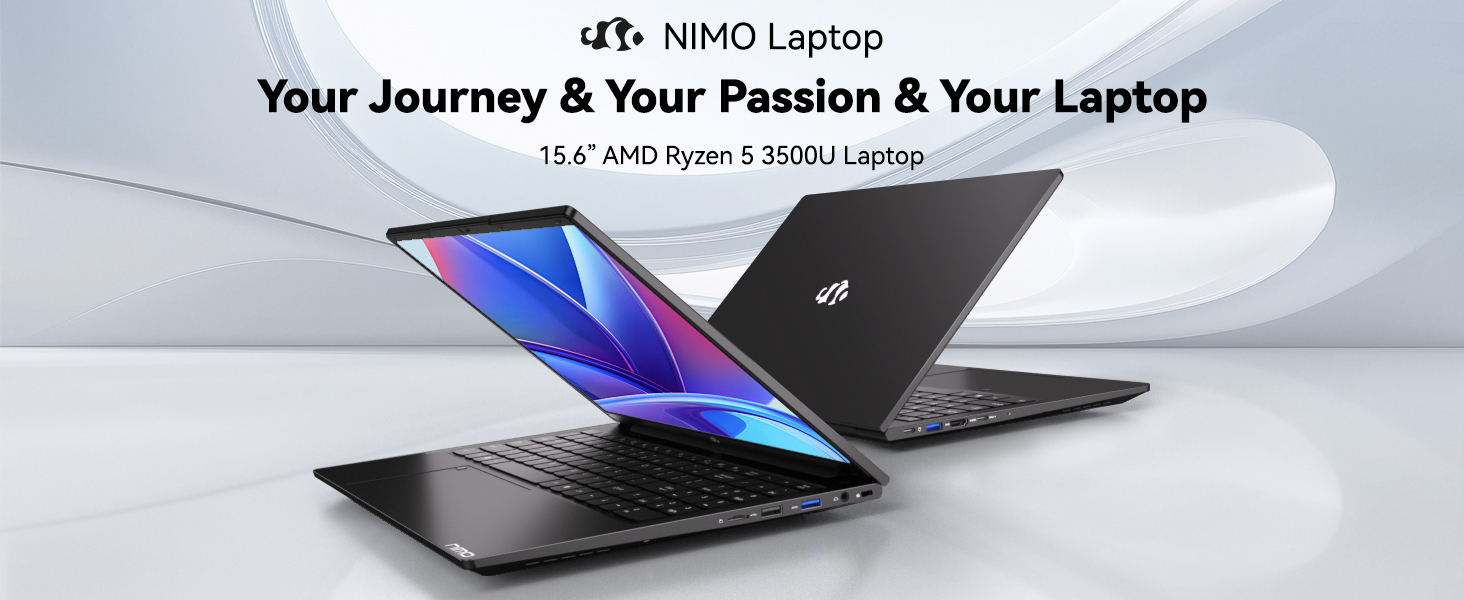
Image: Visual representation of the 12th Gen Intel Core i3-1215U Processor, highlighting its 6 cores, 8 threads, 15W power consumption, and 3.7 GHz Turbo Boost.
5 دیکھ بھال
5.1. صفائی
Regularly clean your laptop to ensure optimal performance and longevity. Use a soft, lint-free cloth for the screen and exterior. For stubborn marks, dampur کپڑے میں تھوڑی مقدار میں پانی یا سکرین سیف کلینر۔ سخت کیمیکلز سے پرہیز کریں۔
5.2. سافٹ ویئر اپڈیٹس
Keep your operating system and drivers updated to benefit from the latest security patches and performance improvements. Windows Update can be accessed through the Settings menu.
5.3. بیٹری کی دیکھ بھال
To maximize battery life, avoid extreme temperatures and fully discharging the battery frequently. For long-term storage, charge the battery to around 50-70%.

Image: An illustration of the laptop's internal battery, labeled 54WH, emphasizing smart battery management.
6 خرابیوں کا سراغ لگانا
6.1۔ لیپ ٹاپ آن نہیں ہو رہا ہے۔
- Ensure the charger is securely connected to both the laptop and a working power outlet.
- چیک کریں کہ آیا پاور اڈاپٹر صحیح طریقے سے کام کر رہا ہے۔
- ہارڈ ری سیٹ کرنے کے لیے پاور بٹن کو 10-15 سیکنڈ کے لیے دبائے رکھنے کی کوشش کریں۔
6.2 وائی فائی کنیکٹیویٹی کے مسائل
- تصدیق کریں کہ وائی فائی ونڈوز کی ترتیبات میں فعال ہے۔
- اپنا روٹر اور موڈیم دوبارہ شروع کریں۔
- Ensure your Wi-Fi drivers are up to date.
6.3 سست کارکردگی
- پس منظر میں چلنے والی غیر ضروری ایپلی کیشنز کو بند کریں۔
- کسی بھی زیر التواء ونڈوز اپ ڈیٹس کو چیک کریں اور انسٹال کریں۔
- Ensure your storage (SSD) has sufficient free space.
مزید مدد کے لیے، براہ کرم وارنٹی اور سپورٹ سیکشن سے رجوع کریں۔
7. وضاحتیں
| فیچر | تفصیلات |
|---|---|
| ماڈل کا نام | NIMO N154 |
| اسکرین کا سائز | 15.6 انچ |
| اسکرین ریزولوشن | 1920 x 1080 پکسلز (مکمل ایچ ڈی) |
| پروسیسر | Intel Core i3-1215U (6 کور، 4.4 GHz تک) |
| رام | 8 GB DDR4 (3200 MHz) |
| ہارڈ ڈرائیو | 512 جی بی ایس ایس ڈی |
| گرافکس کا پروسیسر | انٹیگریٹڈ گرافکس |
| آپریٹنگ سسٹم | ونڈوز 11 ہوم |
| وائرلیس قسم | Wi-Fi 6 (802.11a/b/g/n/ac) |
| USB 2.0 پورٹس | 1 |
| USB 3.0 پورٹس | 3 |
| بیٹری کی اوسط زندگی | 9 گھنٹے |
| شے کا وزن | 3.75 پاؤنڈ |
| مصنوعات کے طول و عرض | 14.07 x 8.98 x 0.76 انچ |
| خصوصی خصوصیات | Fingerprint Reader, HD Audio, Memory Card Slot, Numeric Keypad |
8. وارنٹی اور سپورٹ
NIMO is committed to providing quality products and excellent customer service.
8.1. وارنٹی کی معلومات
Your NIMO N154 laptop comes with a comprehensive 2 سال کی وارنٹی, covering manufacturing defects and hardware malfunctions under normal use. This warranty ensures your investment is protected.

Image: Text indicating '2-Year Support' for Nimo products.
8.2. واپسی کی پالیسی
ہم پیش کرتے ہیں a 90 دن کی واپسی کی پالیسی from the date of purchase. If you are not satisfied with your product, you may return it within this period according to the terms and conditions.

Image: Text indicating '90-Day Return' for Nimo products.
8.3. سپورٹ سے رابطہ کریں۔
Our dedicated US-based support team is available to assist you with any questions or issues. You can reach us via email at service@nimopc.com. We aim to provide professional and high-quality customer service.

Image: A customer service representative wearing a headset, representing professional customer assistance.