
1. ختمview
The RayNeo Air 3s AR/XR Glasses provide an immersive, portable display experience. Featuring an advanced micro-OLED screen, these glasses deliver Full HD resolution with a 120Hz refresh rate and 98% DCI-P3 color coverage for vibrant visuals. Designed for versatility, they offer plug-and-play connectivity with various devices and incorporate advanced eye comfort and private audio technologies.
کلیدی خصوصیات
- 201-Inch Portable HD Theater: Experience a massive, immersive private screen anywhere.
- Plug & Play Simplicity: Instantly connect to compatible devices via USB-C without needing additional apps.
- TÜV-Certified Eye Comfort: OptiCare technology with 3840 Hz hybrid dimming and 20 brightness levels ensures visual comfort.
- Immersive, Private Audio: Dual acoustic chambers and Whisper Mode 2.0 provide high-fidelity sound with reduced audio leakage.

2. مصنوعات کے اجزاء
The RayNeo Air 3s package includes the following items:
- RayNeo Air 3s Glasses x 1
- نسخہ لینس فریم (sample) x 1
- ڈیٹا کیبل x 1
- Nose pad component x 1
- Carry case x 1
- Glasses cleaning cloth x 1
- یوزر مینوئل x 1


3. سیٹ اپ اور کنیکٹیویٹی
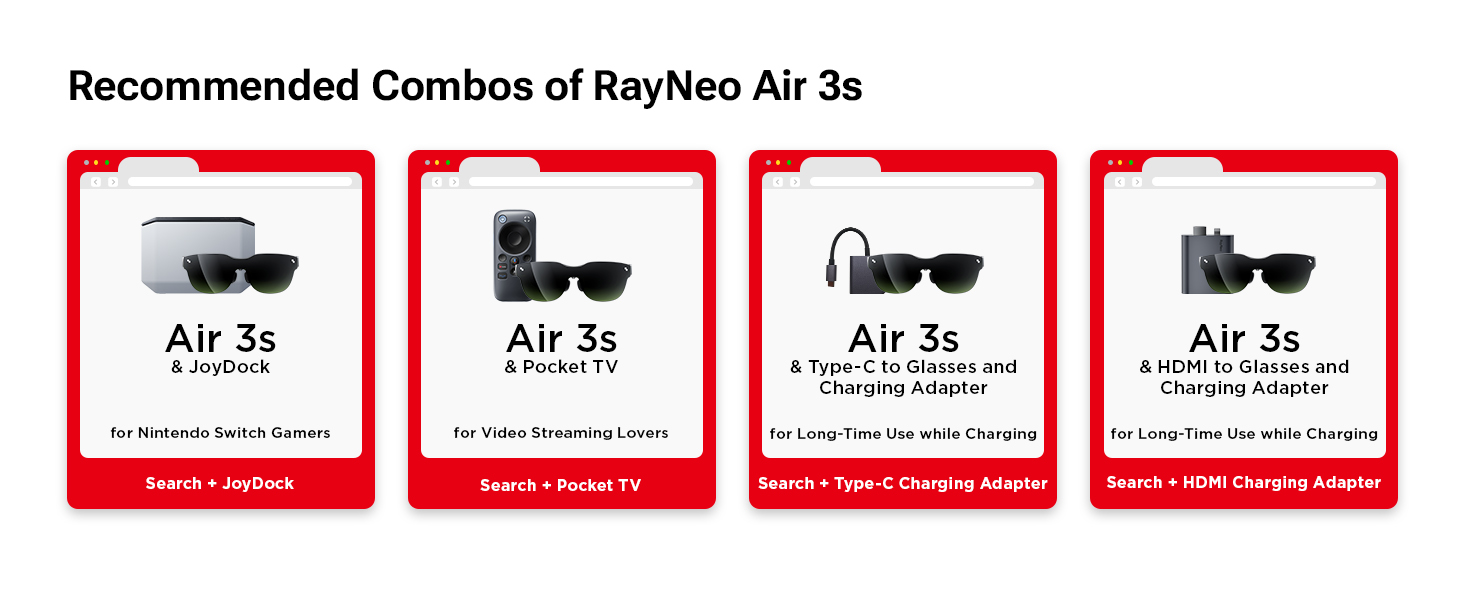
The RayNeo Air 3s glasses are designed for immediate use with a wide range of devices. Simply connect the included USB-C cable to a compatible device to begin your immersive experience. No additional applications are required for basic functionality.
ہم آہنگ آلات
The glasses are compatible with devices featuring a USB-C port that supports DisplayPort Alt Mode. This includes, but is not limited to:
- iPhones (iPhone 15 and newer)
- اینڈرائیڈ فونز
- میکس
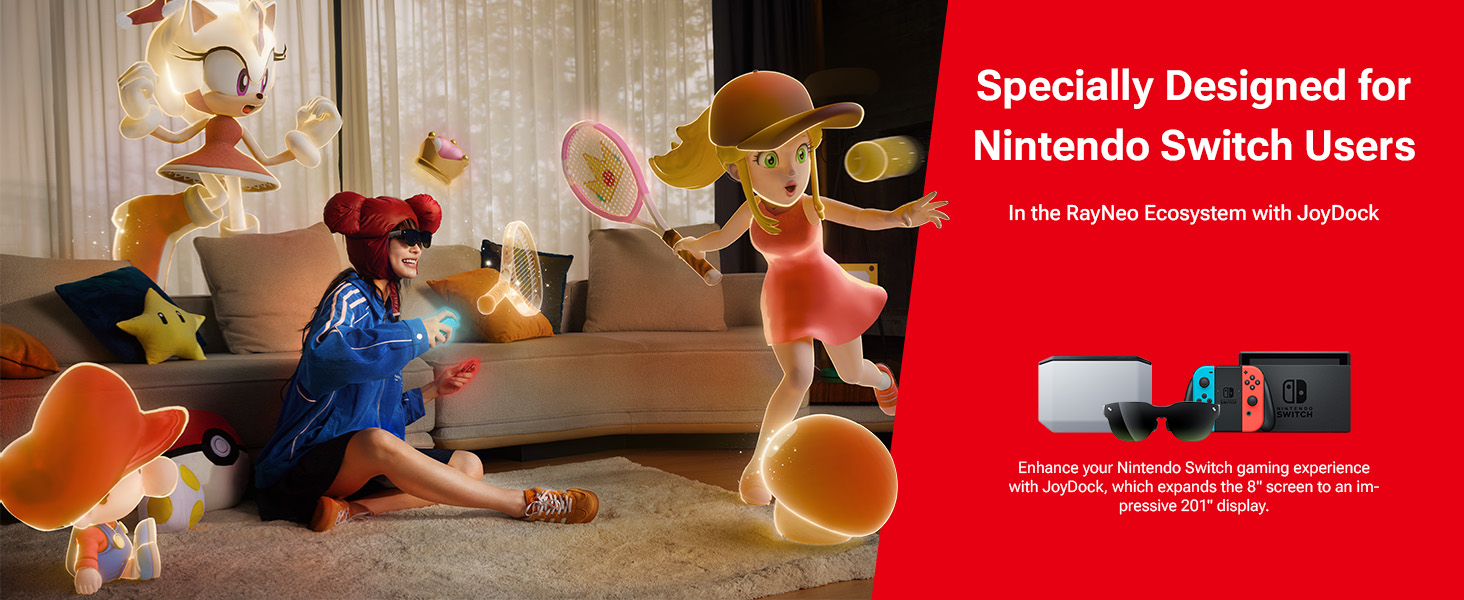
- Game Consoles (e.g., PS5, Nintendo Switch, SteamDeck)

4. آپریٹنگ ہدایات
ڈسپلے موڈز
The RayNeo Air 3s features a one-button mode switch to optimize your viewتجربہ:
- گیم موڈ: Optimized for fast-paced gaming with minimal latency.
- مووی موڈ: Enhances cinematic visuals and audio for film viewing
- معیاری وضع: General-purpose display settings for everyday use.

آڈیو خصوصیات
Enjoy rich, high-fidelity sound with the integrated dual acoustic chambers. For private listening, activate Whisper Mode 2.0 to minimize audio leakage, making it ideal for use in quiet environments.

Eye Comfort Technology
The OptiCare technology in RayNeo Air 3s glasses is TÜV-certified for low blue light and flicker-free viewing. It features 3840 Hz hybrid dimming and 20 brightness levels to ensure long-term visual comfort and reduce eye strain.

5. Adjustments and Fit
The RayNeo Air 3s glasses are designed for a customizable and comfortable fit for various users. Adjustments can be made to the nose pads and temples to ensure optimal viewing and wearability.
9-Point FlexiFit Design
The glasses feature a 9-Point FlexiFit design, allowing for personalized adjustments:
- ناک پیڈ: Three levels of front-back adjustments.
- مندر: Three levels of up-down adjustments and over 30 degrees of loose-tight adjustments.
Customizable Myopia Lenses
For users with myopia, the glasses support customizable prescription lenses that can be easily clipped into the frame. A sample prescription-lens frame is included in the box.
6. دیکھ بھال اور دیکھ بھال
To ensure the longevity and optimal performance of your RayNeo Air 3s AR/XR Glasses, follow these care and maintenance guidelines:
- صفائی: لینز اور فریم کو آہستہ سے صاف کرنے کے لیے فراہم کردہ صفائی کا کپڑا استعمال کریں۔ کھرچنے والے مواد یا سخت کیمیکل سے پرہیز کریں۔
- ذخیرہ: Store the glasses in the included carry case when not in use to protect them from dust, scratches, and impacts.
- ہینڈلنگ: Avoid dropping the glasses or exposing them to extreme temperatures or humidity.
7 خرابیوں کا سراغ لگانا
If you encounter any issues with your RayNeo Air 3s AR/XR Glasses, please refer to the following common troubleshooting steps:
- کوئی ڈسپلے نہیں: Ensure the USB-C cable is securely connected to both the glasses and a compatible device that supports DisplayPort Alt Mode. Verify the device's display output settings.
- کوئی آڈیو نہیں: Check the volume settings on both the glasses and the connected device. Ensure Whisper Mode is not inadvertently activated if you desire full audio output.
- غیر آرام دہ فٹ: Adjust the nose pads and temples using the 9-Point FlexiFit system as described in Section 5.
- جھلملاتی یا مسخ شدہ تصویر: Ensure the cable is not damaged and the device's display drivers are up to date. Try restarting the connected device.
For further assistance, please contact RayNeo customer support.
8. وضاحتیں
| فیچر | تفصیل |
|---|---|
| ماڈل نمبر | XRGF35 |
| شے کا وزن | 78 گرام (2.75 اونس) |
| پیکیج کے طول و عرض | 8.7 x 5.24 x 3.5 انچ |
| اسٹینڈنگ اسکرین ڈسپلے سائز | 201 انچ |
| آپریٹنگ سسٹم کی مطابقت | اینڈرائیڈ، آئی او ایس |
| ڈسپلے کی قسم | مائیکرو OLED |
| قرارداد | 1920 × 1080 (مکمل ایچ ڈی) |
| ریفریش ریٹ | 120Hz |
| کلر گامٹ | 98% DCI-P3 |
| آنکھوں کا سکون | TÜV-Certified Low Blue Light & Flicker-Free (OptiCare) |
| آڈیو | Dual Acoustic Chambers, Whisper Mode 2.0 |
| کنیکٹوٹی | USB-C (DisplayPort Alt Mode required) |
9. وارنٹی اور سپورٹ
The RayNeo Air 3s AR/XR Glasses come with a standard manufacturer's warranty. For detailed warranty information, product support, or service inquiries, please visit the official RayNeo webسائٹ یا ان کے کسٹمر سروس ڈیپارٹمنٹ سے رابطہ کریں۔
RayNeo Customer Support: Please refer to the contact information provided in your product packaging or on the official RayNeo webسائٹ