
1. تعارف
This manual provides essential information for setting up, operating, maintaining, and troubleshooting your NIMO 15.6-inch Laptop N152. Please read this manual thoroughly before using your device to ensure proper functionality and longevity.

Image 1.1: NIMO 15.6-inch Laptop, top-down view.
2. سیٹ اپ
2.1 ان باکسنگ اور ابتدائی معائنہ
Carefully remove all components from the packaging. Verify that all items listed in the 'What's in the Box' section (Section 6) are present and undamaged. If any items are missing or damaged, contact customer support.
2.2 Charging the Laptop
Before first use, fully charge your NIMO laptop. Connect the provided 65W USB-C PD Fast Charger to the laptop's USB-C port and then to a power outlet. The charging indicator light will illuminate. A 15-minute charge provides approximately 2 hours of use.

Image 2.1: The 65W USB-C PD Fast Charger can charge multiple devices.
2.3 پاور آن اور ابتدائی کنفیگریشن
Press the power button to turn on the laptop. Follow the on-screen instructions to complete the Windows 11 Home setup, including language selection, network connection, and user account creation. You can set up the fingerprint reader during this process for secure login.
3. آپریٹنگ ہدایات
3.1 کی بورڈ اور ٹچ پیڈ
The NIMO N152 features an ergonomic backlit keyboard. To adjust the backlight brightness or toggle it on/off, use the dedicated function keys (Fn + F-key combination, refer to keyboard legends). The touchpad supports multi-touch gestures for enhanced navigation.
3.2 فنگر پرنٹ ریڈر
The fingerprint reader is integrated into the touchpad for secure and instant login. Once configured, simply place your registered finger on the sensor to unlock your device.
3.3 ڈسپلے کی خصوصیات
The 15.6-inch Full HD (1920x1080) IPS anti-glare display offers clear visuals. The 180° hinge allows the screen to lay completely flat, useful for sharing content or collaborating.

Image 3.1: The 180° lay-flat hinge for versatile viewing
3.4 کنیکٹیویٹی
The laptop is equipped with various ports for external devices:
- USB 3.0 پورٹس: تیز رفتار ڈیٹا کی منتقلی کے لیے۔
- USB 2.0 پورٹ: معیاری USB آلات کے لیے۔
- HDMI: بیرونی ڈسپلے یا پروجیکٹر سے جڑیں۔
- ٹائپ سی پورٹس: چارج کرنے اور ڈیٹا کی منتقلی کے لیے۔
- Micro SD Reader: اسٹوریج کو بڑھانے یا منتقل کرنے کے لیے files میموری کارڈز سے۔
- آڈیو جیک: ہیڈ فون یا بیرونی اسپیکر کے لیے۔
- کینسنگٹن لاک: جسمانی تحفظ کے لیے۔
تصویر 3.2: سائیڈ view of the NIMO laptop showing available ports.
For wireless connectivity, the laptop supports Wi-Fi 6 for stable, high-speed internet and Bluetooth 5.2 for connecting wireless peripherals.
4. کلیدی خصوصیات
4.1 کارکردگی
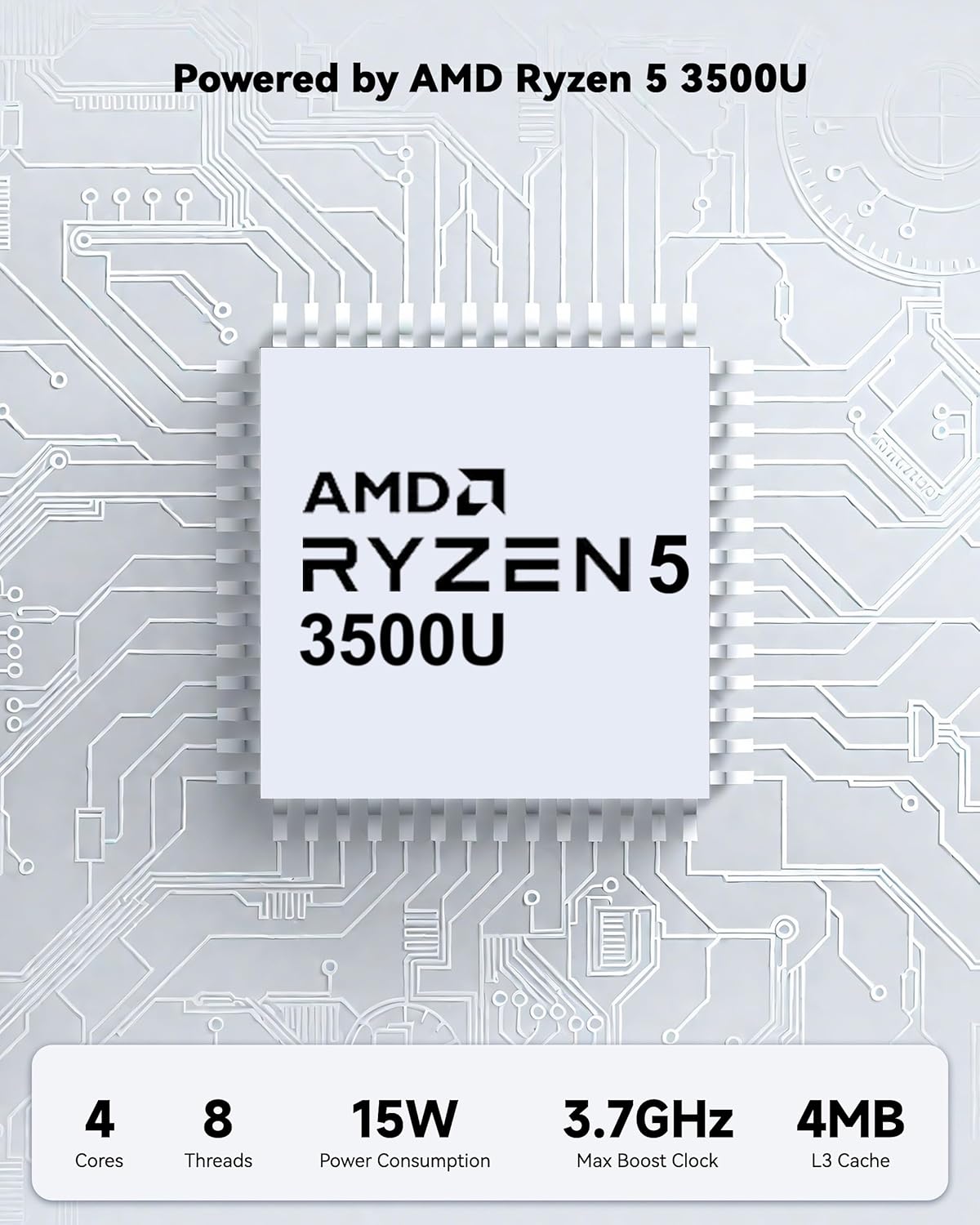
Powered by an AMD Ryzen 5 processor with 4 cores up to 3.7GHz and 16GB DDR4 RAM, the NIMO N152 is designed for efficient multitasking. The 512GB PCIe SSD ensures fast boot-ups and quick file transfers. The RAM is upgradable for future needs.

Image 4.1: AMD Ryzen 5 processor details.
4.2 Visuals and Audio
The 15.6-inch Full HD (1920x1080) IPS anti-glare display provides vibrant visuals with an 85% screen-to-body ratio. The integrated 2MP webcam allows for clear video calls.
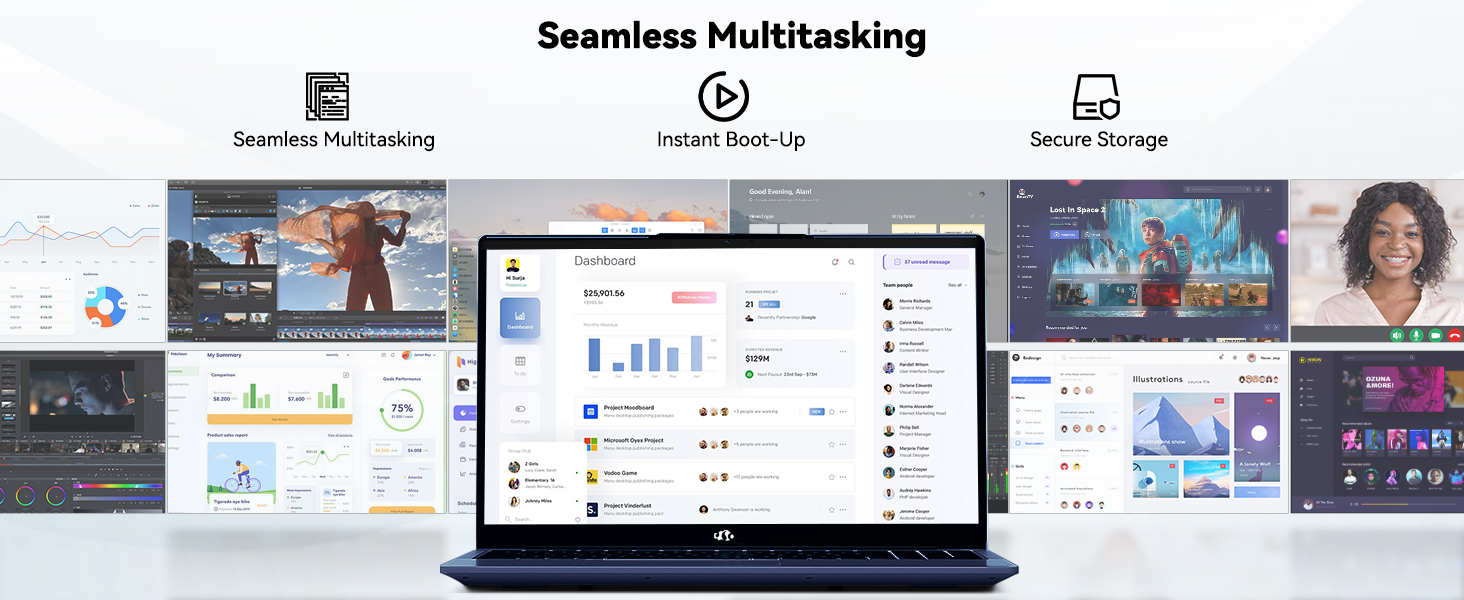
Image 4.2: The laptop's stunning Full HD display.

Image 4.3: The 1080p FHD camera for clear video conferencing.
4.3 بیٹری کی زندگی
The laptop features a 54WH battery with smart battery optimization for extended lifespan and efficient power control, providing approximately 9 hours of average battery life.

Image 4.4: Smart Battery Optimization features.
4.4 ڈیزائن اور پورٹیبلٹی
The NIMO N152 has a durable metal A-shell and a slim, lightweight design, weighing approximately 3.75 pounds.

Image 4.5: The NIMO laptop's lightweight and slim profile.
4.5 پروڈکٹ اوورview ویڈیو
ویڈیو 4.1: ایک جنرل اوورview of the NIMO 15.6-inch laptop, highlighting its features and design.
4.6 Power and Portability Video
Video 4.2: This video demonstrates the power and portability aspects of the NIMO 15.6-inch laptop.
5 دیکھ بھال
5.1 صفائی
- اسکرین اور بیرونی حصے کو صاف کرنے کے لیے نرم، لنٹ سے پاک کپڑا استعمال کریں۔
- ضدی smudges کے لیے، ہلکے سے dampur کپڑے میں پانی یا سکرین سے محفوظ کلینر۔
- Avoid harsh chemicals, abrasives, or solvents.
- Keep vents clear of dust and debris to ensure proper airflow.
5.2 بیٹری کی دیکھ بھال
- بیٹری کو بار بار مکمل طور پر خارج کرنے سے گریز کریں۔
- لیپ ٹاپ کو ٹھنڈی، خشک جگہ پر ذخیرہ کریں جب طویل مدت تک استعمال نہ ہو۔
- Use only the provided NIMO charger.
5.3 سافٹ ویئر اپ ڈیٹس
Regularly update your operating system and drivers to ensure optimal performance and security. Windows 11 Home will prompt you for updates.
6 خرابیوں کا سراغ لگانا
6.1 لیپ ٹاپ آن نہیں ہو رہا ہے۔
- Ensure the charger is securely connected to both the laptop and a working power outlet.
- دوسرے آلے میں پلگ لگا کر تصدیق کریں کہ پاور آؤٹ لیٹ فعال ہے۔
- Allow the laptop to charge for at least 30 minutes before attempting to power on again.
6.2 اسکرین کے مسائل
- If the screen is blank, try connecting an external monitor to check if the display output is working.
- فنکشن کیز کا استعمال کرتے ہوئے اسکرین کی چمک کو ایڈجسٹ کریں۔
- لیپ ٹاپ کو دوبارہ شروع کریں۔
6.3 کنیکٹیویٹی کے مسائل
- وائی فائی: Check your router and internet connection. Ensure Wi-Fi is enabled on the laptop.
- بلوٹوتھ: Verify Bluetooth is enabled and devices are in pairing mode.
- USB آلات: Try connecting the device to a different USB port or another computer to rule out device issues.
6.4 سست کارکردگی
- پس منظر میں چلنے والی غیر ضروری ایپلی کیشنز کو بند کریں۔
- کسی بھی زیر التواء ونڈوز اپ ڈیٹس کو چیک کریں اور انسٹال کریں۔
- SSD پر کافی خالی جگہ کو یقینی بنائیں۔
- وائرس اسکین چلائیں۔
7. وضاحتیں
| فیچر | تفصیلات |
|---|---|
| ماڈل کا نام | NIMO N152 |
| اسکرین کا سائز | 15.6 انچ |
| اسکرین ریزولوشن | 1920 x 1080 pixels (Full HD IPS) |
| پروسیسر | AMD Ryzen 5 (4 Cores, up to 3.7 GHz) |
| رام | 16 GB DDR4 (Upgradable) |
| میموری کی رفتار | 3200 میگاہرٹز |
| ہارڈ ڈرائیو | 512 GB SSD (PCIe) |
| گرافکس کا پروسیسر | AMD Integrated graphics |
| آپریٹنگ سسٹم | ونڈوز 11 ہوم |
| وائرلیس قسم | Wi-Fi 6 (802.11a/b/g/n/ac)، بلوٹوتھ 5.2 |
| USB 2.0 پورٹس | 1 |
| USB 3.0 پورٹس | 3 |
| بیٹری کی اوسط زندگی | 9 گھنٹے |
| شے کا وزن | 3.75 پاؤنڈ |
| مصنوعات کے طول و عرض | 14.07 x 8.98 x 0.76 انچ |
| رنگ | نیلا |
| پیچھے Webکیمرے کی قرارداد | 2 MP |
| خصوصی خصوصیات | بیک لِٹ کی بورڈ، فنگر پرنٹ ریڈر، ایچ ڈی آڈیو، عددی کیپیڈ |
7.1 باکس میں کیا ہے۔
- 1 x NIMO N152 Laptop
- 1 x Type-C 65W PD Fast Charger
- 1 ایکس صارف دستی
- Windows 11 Home (Pre-installed)
8. وارنٹی اور سپورٹ
Your NIMO N152 laptop comes with a 2 سالہ صنعت کار کی وارنٹی. Additionally, NIMO offers a 90-day hassle-free return and exchange policy. For any product-related questions, technical assistance, or warranty claims, please contact NIMO customer service.
8.1 رابطہ کی معلومات
For support, you can reach out to the professional after-sales team via email or phone. Please refer to the official NIMO website or product page for the most current contact details.

Image 8.1: NIMO products are covered by a 2-year support.

Image 8.2: 90-Day Return policy.