
1. تعارف
This manual provides essential information for setting up, operating, maintaining, and troubleshooting your HP Pavilion 16-inch 2K Laptop. Please read this guide thoroughly to ensure optimal performance and longevity of your device.
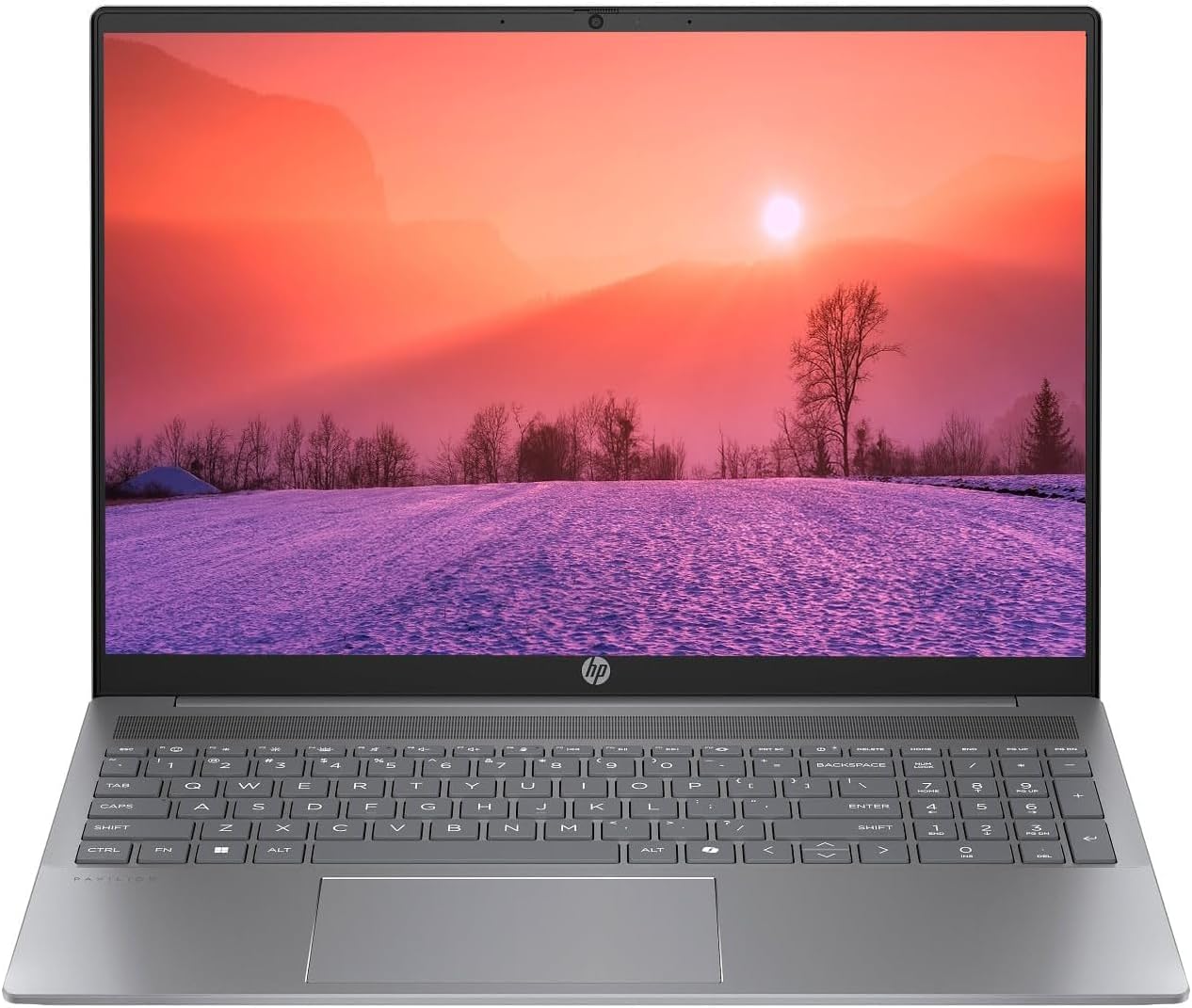
Figure 1.1: HP Pavilion 16-inch Laptop (Angled View)
This image displays the HP Pavilion 16-inch laptop in an open, angled position, highlighting its display and keyboard layout.
2. سیٹ اپ
2.1 پیک کھولنا اور ابتدائی معائنہ
Carefully remove the laptop and all accessories from the packaging. Inspect for any signs of damage. If any components are missing or damaged, contact your retailer or HP support immediately.
2.2 کنیکٹنگ پاور
- Connect the AC adapter to the power connector on the side of your laptop.
- بجلی کی تار کو بجلی کے آؤٹ لیٹ میں لگائیں۔
- Allow the laptop to charge for at least 30 minutes before initial use, especially if the battery is completely drained.
2.3 ابتدائی بوٹ اور ونڈوز 11 سیٹ اپ
Press the power button to turn on your laptop. Follow the on-screen instructions to complete the Windows 11 Home OS setup, including language selection, network connection, and user account creation.
2.4 کنیکٹنگ پیری فیرلز
آپ کے لیپ ٹاپ میں بیرونی آلات کو جوڑنے کے لیے مختلف پورٹس کی خصوصیات ہیں:
- USB Type-C Ports (2): For data transfer, charging compatible devices, and video output.
- USB Type-A Ports (2): معیاری USB آلات جیسے چوہوں، کی بورڈز، یا بیرونی ڈرائیوز کو جوڑنے کے لیے۔
- HDMI Port (1): بیرونی ڈسپلے یا پروجیکٹر سے جڑنے کے لیے۔
- Headphone/Microphone Combo Jack (1): ہیڈ فون، بیرونی اسپیکر، یا ہیڈسیٹ کو مائکروفون سے جوڑنے کے لیے۔
3. آپریٹنگ ہدایات
3.1 پاور آن/آف اور سلیپ موڈ
- پاور آن: کی بورڈ ڈیک پر موجود پاور بٹن کو دبائیں۔
- بند کریں: ونڈوز میں اسٹارٹ بٹن پر کلک کریں، پھر پاور> شٹ ڈاؤن کو منتخب کریں۔
- نیند موڈ: لیپ ٹاپ کا ڈھکن بند کریں یا اسٹارٹ بٹن پر کلک کریں، پھر پاور > سلیپ کو منتخب کریں۔
3.2 کی بورڈ اور ٹچ پیڈ کا استعمال
The laptop features a full-size keyboard and a precision touchpad.
- بیک لِٹ کی بورڈ: To activate or adjust the keyboard backlight, use the dedicated function key (usually F5 or F4, look for a keyboard icon).
- ٹچ پیڈ اشارے: Refer to Windows 11 settings for customizable touchpad gestures (e.g., two-finger scroll, pinch-to-zoom).
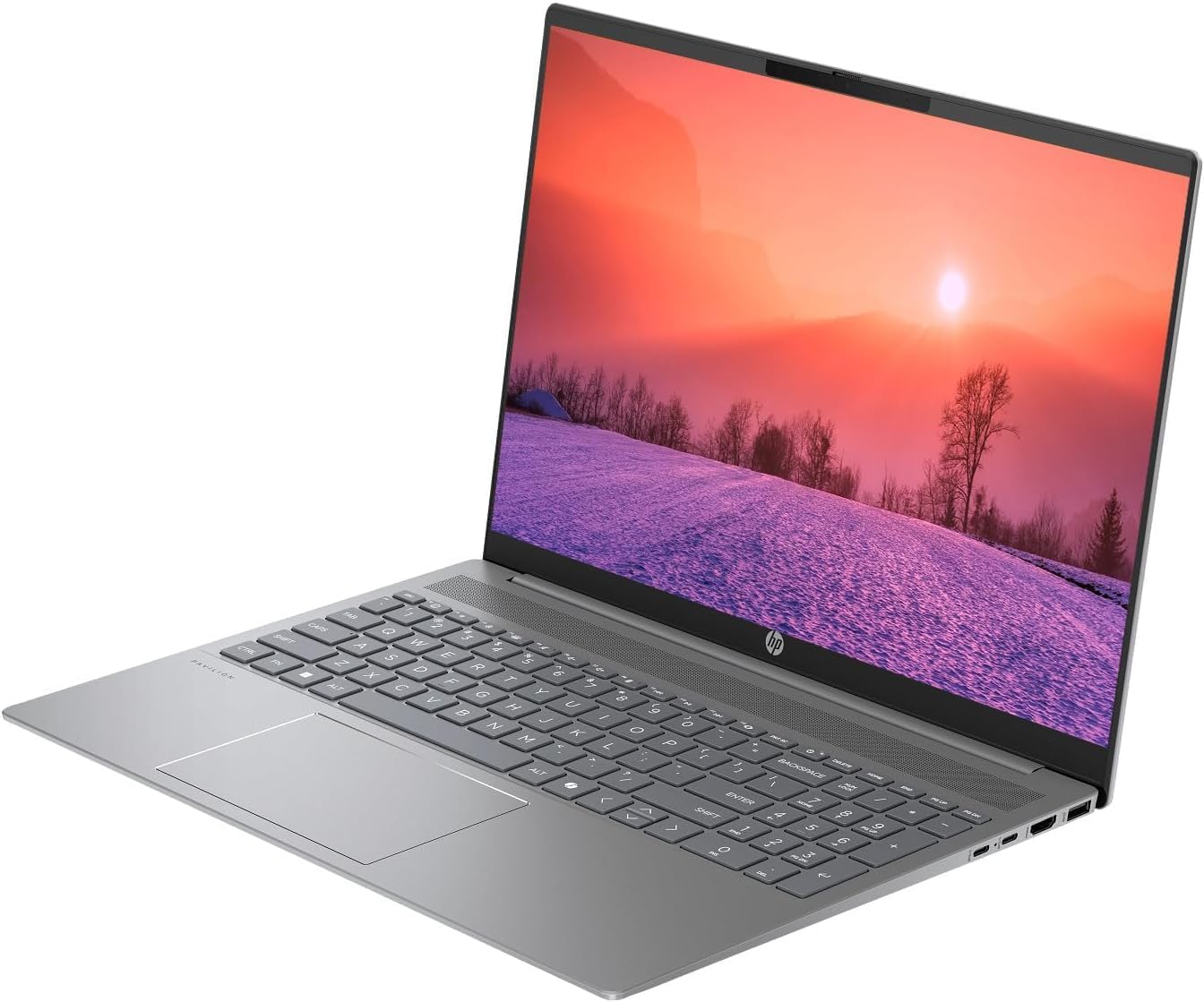
Figure 3.1: HP Pavilion 16-inch Laptop (Front View)
This image shows the HP Pavilion 16-inch laptop from a direct front view, highlighting the screen and keyboard.
3.3 وائرلیس کنیکٹیویٹی
- Wi-Fi 6: To connect to a wireless network, click the Wi-Fi icon in the taskbar, select your network, and enter the password.
- بلوٹوتھ: To pair Bluetooth devices, go to Windows Settings > Bluetooth & devices, and turn on Bluetooth.
3.4 کا استعمال کرتے ہوئے۔ Webکیمرے
The integrated HD webcam can be used for video calls and conferences. Access it through applications like Camera, Microsoft Teams, or Zoom.
4 دیکھ بھال
4.1 لیپ ٹاپ کی صفائی
- تھوڑا سا نرم، لنٹ سے پاک کپڑا استعمال کریں۔ampڈسپلے کے لیے پانی یا اسکرین کلینر کے ساتھ تیار کیا گیا ہے۔
- کی بورڈ اور چیسس کے لیے نرم کپڑا استعمال کریں۔ سخت کیمیکلز سے پرہیز کریں۔
- Use compressed air to clear dust from vents periodically.
4.2 بیٹری کی دیکھ بھال
- بیٹری کو بار بار مکمل طور پر ختم کرنے سے گریز کریں۔
- لیپ ٹاپ کو ٹھنڈی، خشک جگہ پر ذخیرہ کریں اگر طویل مدت تک استعمال نہ کیا جائے۔
- For optimal battery health, avoid continuous charging at 100% for prolonged durations.
4.3 سافٹ ویئر اپ ڈیٹس
Regularly check for and install Windows updates to ensure system stability, security, and performance. Go to Windows Settings > Windows Update.
4.4 اسٹوریج مینجمنٹ
وقتا فوقتا غیر ضروری چیزوں کو صاف کریں۔ files and applications to maintain optimal performance of the 512GB SSD. Use Windows built-in tools like Disk Cleanup or Storage Sense.
5 خرابیوں کا سراغ لگانا
This section addresses common issues you might encounter with your HP Pavilion laptop.
5.1 لیپ ٹاپ آن نہیں ہو رہا ہے۔
- یقینی بنائیں کہ AC اڈاپٹر محفوظ طریقے سے لیپ ٹاپ اور ورکنگ پاور آؤٹ لیٹ دونوں سے جڑا ہوا ہے۔
- دوسرے آلے میں پلگ لگا کر تصدیق کریں کہ پاور آؤٹ لیٹ فعال ہے۔
- اگر بیٹری مکمل طور پر ختم ہو جاتی ہے تو اسے آن کرنے کی کوشش کرنے سے پہلے کم از کم 30 منٹ تک چارج ہونے دیں۔
5.2 وائی فائی کنکشن کے مسائل
- چیک کریں کہ آیا وائی فائی ونڈوز کی ترتیبات میں فعال ہے۔
- اپنا روٹر اور موڈیم دوبارہ شروع کریں۔
- یقینی بنائیں کہ آپ Wi-Fi نیٹ ورک کی حد کے اندر ہیں۔
- نیٹ ورک کو بھول کر دوبارہ جڑنے کی کوشش کریں۔
5.3 Keyboard Backlight Not Working
- Press the dedicated keyboard backlight function key (e.g., F5 or F4) to toggle or adjust the brightness.
- Check Windows Mobility Center settings (search for it in the Start menu) for backlight options.
5.4 سست کارکردگی
- پس منظر میں چلنے والی غیر ضروری ایپلی کیشنز کو بند کریں۔
- یقینی بنائیں کہ ونڈوز اپ ٹو ڈیٹ ہے۔
- Run a disk cleanup and check for malware.
- Verify that the laptop is not overheating.
6. وضاحتیں
| فیچر | تفصیلات |
|---|---|
| ماڈل کا نام | HP 16" لیپ ٹاپ |
| پروسیسر | AMD Ryzen 5 8540U (Up to 4.89GHz) |
| رام | 8GB LPDDR5 |
| ذخیرہ | 512 جی بی ایس ایس ڈی |
| ڈسپلے | 16-inch WUXGA 2K (1920 x 1200 pixels) LED |
| گرافکس | AMD Radeon گرافکس (سرشار) |
| آپریٹنگ سسٹم | Windows 11 Home OS |
| بندرگاہیں | 2x USB Type-C, 2x USB Type-A, 1x HDMI, 1x Headphone/Microphone Combo Jack |
| وائرلیس کنیکٹیویٹی | Wi-Fi 6 (802.11ax)، بلوٹوتھ |
| کی بورڈ | بیک لِٹ |
| Webکیمرے | جی ہاں |
| طول و عرض (L x W x Th) | 14.17" x 9.2" x 0.7" |
| بیٹری | Lithium Ion, 4 Watt Hours |
| یو پی سی | 197961359091 |
7. وارنٹی اور سپورٹ
7.1 وارنٹی کی معلومات
This HP Pavilion laptop comes with a 30 ڈے وارنٹی. Please retain your proof of purchase for any warranty claims. The warranty covers manufacturing defects under normal use conditions.
7.2 کسٹمر سپورٹ
For further assistance, technical support, or warranty inquiries, please visit the official HP support website or contact their customer service. You can typically find contact information and support resources by searching for "HP Support" online.