
تعارف
This manual provides essential information for setting up, operating, maintaining, and troubleshooting your HP 17.3" Touchscreen Laptop, model 17-cp3602nr. Please read this guide thoroughly to ensure proper use and to maximize the lifespan of your device.
پیکیج کے مشمولات
تصدیق کریں کہ تمام اشیاء پیکیج میں موجود ہیں:
- HP 17.3" Touchscreen Laptop (Model 17-cp3602nr)
- AC پاور اڈاپٹر اور ہڈی
- فوری آغاز گائیڈ (اگر شامل ہو)

Image: The HP 17.3" Touchscreen Laptop and its included power adapter.
سیٹ اپ
1 ابتدائی پاور آن اور چارجنگ
- Connect the AC power adapter to the laptop's AC smart pin port and then to a power outlet.
- لیپ ٹاپ کا ڈھکن کھولیں۔ لیپ ٹاپ خود بخود آن ہو سکتا ہے، یا آپ کو کی بورڈ پر موجود پاور بٹن کو دبانے کی ضرورت پڑ سکتی ہے۔
- Allow the battery to charge fully before initial use, though you can begin setup while charging.
2 ونڈوز 11 سیٹ اپ
Follow the on-screen instructions to complete the Windows 11 Home setup. This typically includes:
- اپنے علاقے اور کی بورڈ لے آؤٹ کو منتخب کرنا۔
- Wi-Fi نیٹ ورک سے جڑ رہا ہے۔
- Microsoft اکاؤنٹ کے ساتھ سائن ان کرنا یا بنانا۔
- ایک PIN یا پاس ورڈ ترتیب دینا۔
- Configuring privacy settings.
3. Fingerprint Reader Setup
During or after Windows setup, you can configure the fingerprint reader for secure login. Navigate to ترتیبات > اکاؤنٹس > سائن ان کے اختیارات and follow the prompts to add your fingerprint.

Image: Close-up of the backlit keyboard and the integrated fingerprint reader on the HP laptop.
آپریٹنگ ہدایات
ٹچ اسکرین ڈسپلے کا استعمال
The 17.3" HD+ (1600 x 900) display supports touch input. You can interact with Windows 11 and applications directly on the screen using gestures similar to a tablet or smartphone. Ensure your screen is clean for optimal touch responsiveness.
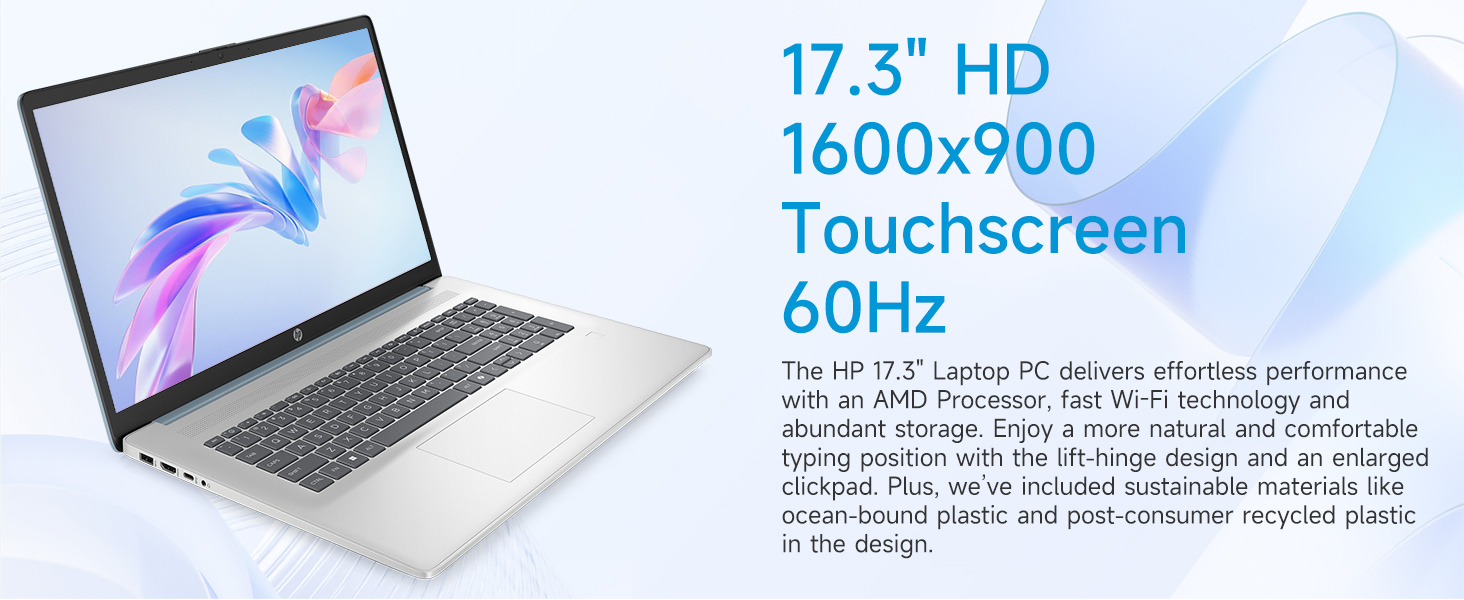
Image: The 17.3-inch touchscreen display of the HP laptop, illustrating its touch capabilities.
کی بورڈ اور ٹچ پیڈ
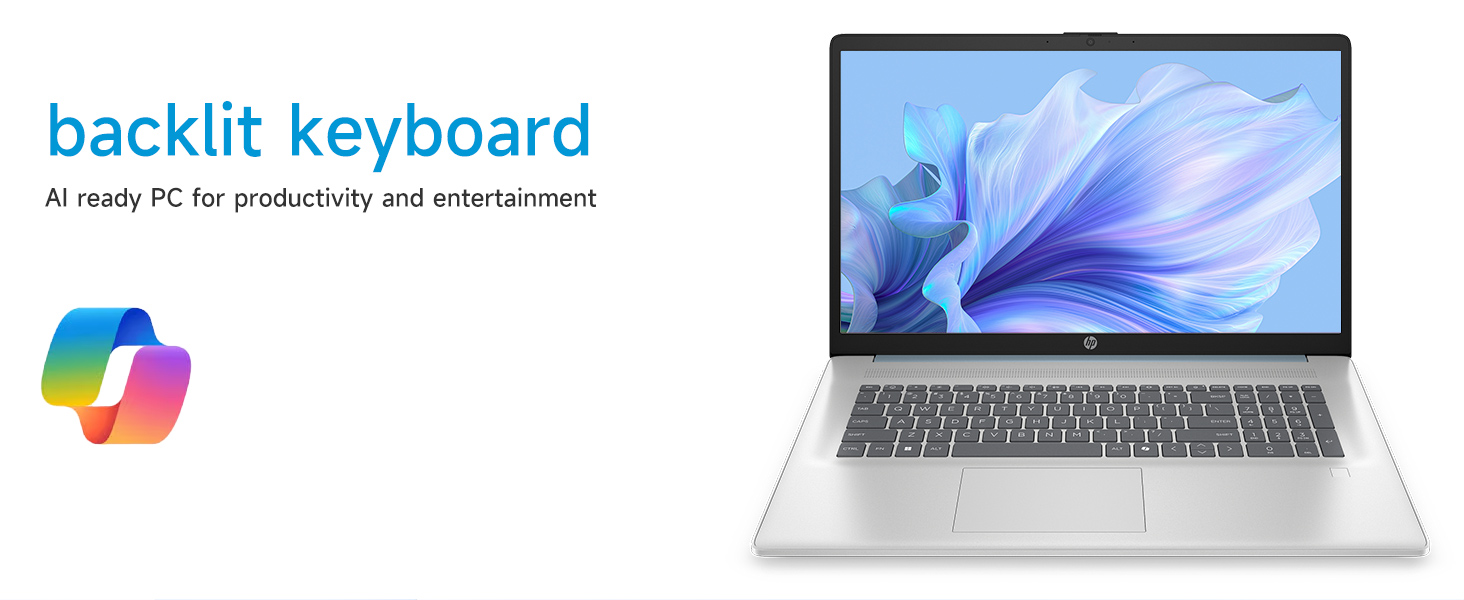
- بیک لِٹ کی بورڈ: دبائیں Fn + F5 (or similar function key with a keyboard backlight icon) to toggle the keyboard backlight on/off or adjust its brightness.
- عددی کی پیڈ: Utilize the dedicated numeric keypad for efficient data entry.
- ٹچ پیڈ: The large click pad supports multi-touch gestures for navigation. Refer to Windows settings for customizing touchpad gestures.
Connecting External Devices (Ports)
آپ کا لیپ ٹاپ پیری فیرلز کو جوڑنے کے لیے مختلف پورٹس سے لیس ہے:
- USB Type-C (5Gbps سگنلنگ کی شرح): جدید USB-C آلات کو جوڑنے کے لیے۔
- USB Type-A (5Gbps سگنلنگ کی شرح): Two ports for standard USB devices like mice, keyboards, or external drives.
- HDMI 1.4b: توسیعی ڈسپلے کے لیے بیرونی مانیٹر یا ٹی وی سے جڑیں۔
- ہیڈ فون/مائیکروفون کومبو جیک: For audio input/output with a single jack.
- AC اسمارٹ پن: پاور اڈاپٹر کو جوڑنے کے لیے۔
تصویر: تفصیلی view of the laptop's side ports, including USB-A, USB-C, HDMI, and audio jack.
وائی فائی 6 کنیکٹیویٹی
The laptop supports Wi-Fi 6 (802.11ax) for fast and reliable wireless internet connectivity. To connect, click the Wi-Fi icon in the taskbar, select your network, and enter the password.
دیکھ بھال
اپنے لیپ ٹاپ کی صفائی
- سکرین: تھوڑا سا نرم، لنٹ سے پاک کپڑا استعمال کریں۔ampپانی یا اسکرین کلینر کے ساتھ ختم کریں۔ سخت کیمیکلز سے پرہیز کریں۔
- کی بورڈ اور چیسس: نرم، خشک کپڑا استعمال کریں۔ ضدی گندگی کے لیے، تھوڑا سا ڈیamp کپڑا استعمال کیا جا سکتا ہے، اس بات کو یقینی بناتے ہوئے کہ کوئی مائع سوراخوں میں داخل نہ ہو۔
- بندرگاہیں: Keep ports free of dust and debris using compressed air if necessary.
سافٹ ویئر اپڈیٹس
ونڈوز اپ ڈیٹس کو باقاعدگی سے چیک کریں اور انسٹال کریں تاکہ یہ یقینی بنایا جا سکے کہ آپ کے سسٹم میں تازہ ترین سیکیورٹی پیچ اور کارکردگی میں بہتری ہے۔ پر جائیں۔ ترتیبات > ونڈوز اپ ڈیٹ اپ ڈیٹس کا انتظام کرنے کے لیے۔
بیٹری کی دیکھ بھال
بیٹری کی زندگی کو طول دینے کے لیے، انتہائی درجہ حرارت سے بچیں اور بیٹری کو کثرت سے مکمل طور پر ڈسچارج کریں۔ طویل مدتی اسٹوریج کے لیے، بیٹری کو تقریباً 50% تک چارج کریں۔
خرابی کا سراغ لگانا
یہ سیکشن عام مسائل کو حل کرتا ہے جن کا آپ کو سامنا ہو سکتا ہے۔
لیپ ٹاپ آن نہیں ہوتا ہے۔
- یقینی بنائیں کہ AC اڈاپٹر محفوظ طریقے سے لیپ ٹاپ اور ورکنگ پاور آؤٹ لیٹ دونوں سے جڑا ہوا ہے۔
- دوسرے آلے میں پلگ لگا کر تصدیق کریں کہ پاور آؤٹ لیٹ فعال ہے۔
- اگر بیٹری مکمل طور پر ختم ہو جاتی ہے، تو لیپ ٹاپ کے آن ہونے سے پہلے اسے چارج ہونے میں چند منٹ لگ سکتے ہیں۔
Screen Remains Blank
- چیک کریں کہ آیا لیپ ٹاپ آن ہے (پاور انڈیکیٹر لائٹ)۔
- Try adjusting the screen brightness using the function keys (e.g., Fn+F2/F3).
- If an external monitor is connected, ensure it is properly configured in Windows display settings.
وائی فائی کنیکٹیویٹی کے مسائل
- یقینی بنائیں کہ وائی فائی ونڈوز کی ترتیبات میں فعال ہے۔
- اپنا روٹر اور موڈیم دوبارہ شروع کریں۔
- نیٹ ورک کو بھول جائیں اور دوبارہ جڑیں، پاس ورڈ دوبارہ درج کریں۔
- Update Wi-Fi drivers via Device Manager.
System Restarts Unexpectedly
Unexpected restarts can be caused by software conflicts, outdated drivers, or hardware issues. Ensure all Windows updates are installed and drivers are current. If the issue persists, consider running Windows diagnostic tools or contacting HP Support.
وضاحتیں
| فیچر | تفصیل |
|---|---|
| برانڈ | HP |
| ماڈل کا نام | 17-cp3602nr |
| اسکرین کا سائز | 17.3 انچ |
| ڈسپلے ریزولوشن | HD+ (1600 x 900) |
| ڈسپلے کی خصوصیات | Touch, Anti-glare, 250 nits, 60% NTSC |
| پروسیسر | AMD Ryzen 5 7430U (6 کور، 12 تھریڈز، 4.3 GHz تک) |
| گرافکس | AMD Radeon گرافکس (انٹیگریٹڈ) |
| رام | 8 GB DDR4 SDRAM (3200 MHz) |
| ذخیرہ | 128 GB PCIe NVMe M.2 SSD |
| آپریٹنگ سسٹم | ونڈوز 11 ہوم |
| بندرگاہیں | 1x USB Type-C 5Gbps, 2x USB Type-A 5Gbps, 1x HDMI 1.4b, 1x Headphone/Microphone Combo, 1x AC Smart Pin |
| وائرلیس کنیکٹیویٹی | Wi-Fi 6 (802.11ax) |
| خصوصی خصوصیات | Backlit Keyboard, Fingerprint Reader, Numeric Keypad, Webکیمرے |
| Dimensions (L x W x Thickness) | 15.78"L x 10.15"W x 0.81"th |
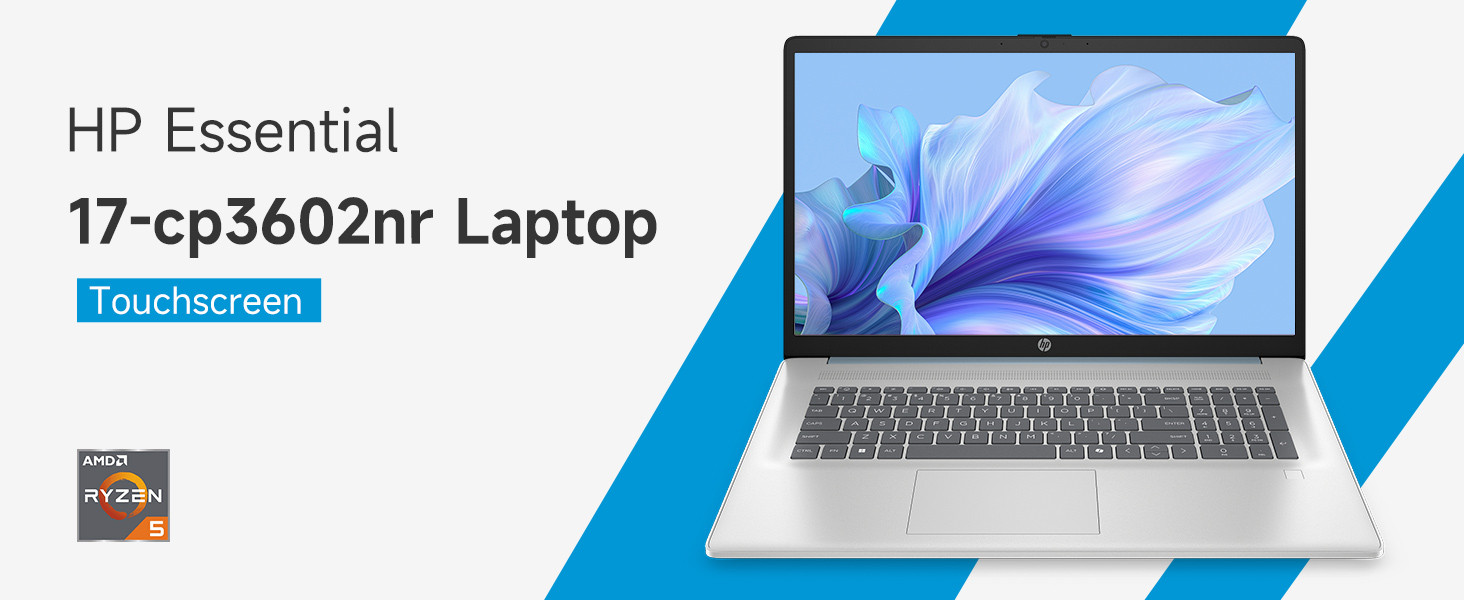
Image: An infographic highlighting key specifications such as the AMD Ryzen 5 processor, Windows 11 Home, storage, and connectivity options.
وارنٹی اور سپورٹ
مینوفیکچرر کی وارنٹی
Your HP laptop is covered by a standard manufacturer's warranty. For specific terms and conditions, please refer to the warranty documentation included with your product or visit the official HP support website. Warranty duration and coverage may vary by region.
ٹیکنیکل سپورٹ
تکنیکی مدد، ڈرائیور ڈاؤن لوڈز، یا مزید ٹربل شوٹنگ کے لیے، براہ کرم آفیشل HP سپورٹ پر جائیں۔ webسائٹ:
When contacting support, have your laptop's model number (17-cp3602nr) and serial number ready.