1. تعارف
The MARATHON 100 Hour Direct Entry Digital Tabletop Timer is designed to assist with precise time management for various tasks. Featuring a large, easy-to-read LCD display and a direct entry keypad, this timer offers both countdown and count-up functionalities, a clock mode, and memory presets for repetitive events. Its robust design includes a magnetic back and an integrated kickstand for versatile placement.
2. پروڈکٹ ختمview
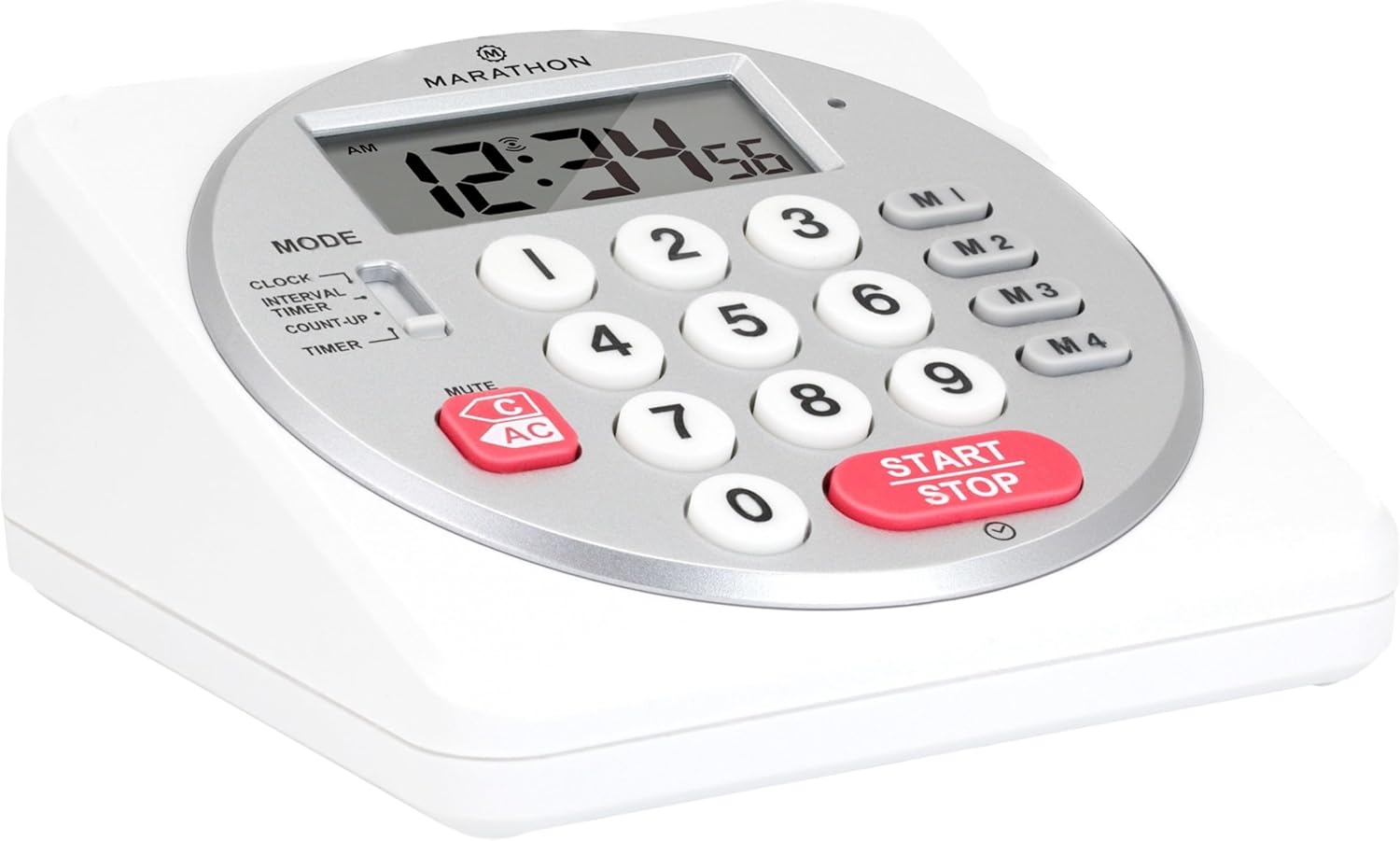
شکل 1: سامنے view of the Marathon Digital Timer.
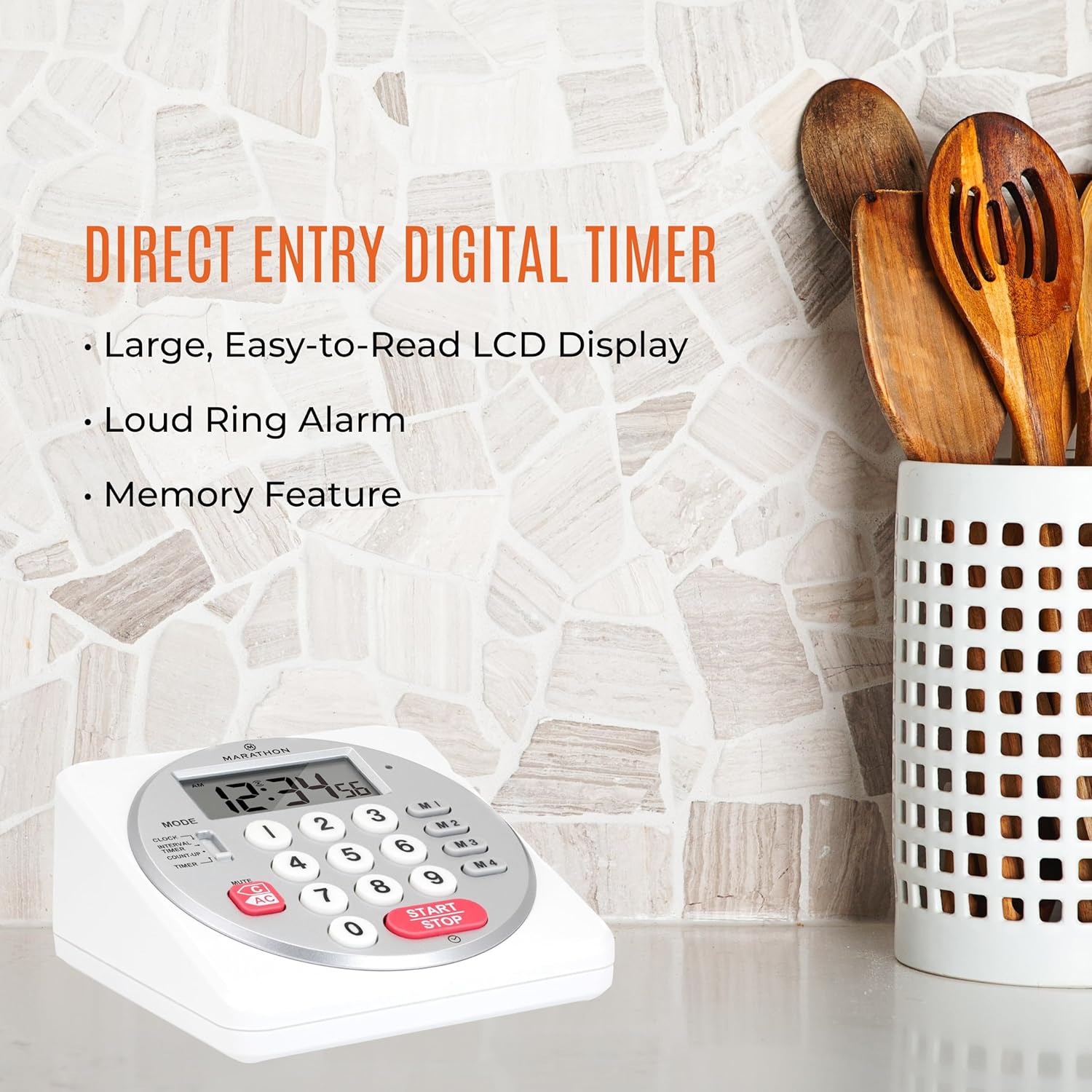
Figure 2: Timer on a kitchen counter, highlighting large display and loud alarm.

Figure 3: Timer showcasing dual function, included batteries, and versatile memory.
اہم خصوصیات:
- Direct Entry Keypad: For quick and precise time setting.
- بڑا LCD ڈسپلے: Easy-to-read numbers for clear visibility.
- Dual Function Alarm: Supports both countdown and count-up timing up to 99 hours, 59 minutes, and 59 seconds.
- Loud Ring Alarm: Audible across a room.
- ایل ای ڈی اشارے: Flashing light for silent alarm or hearing impairment assistance.
- Clock Feature: Displays time in 12-hour or 24-hour format when not in timer mode.
- بلٹ ان میموری فنکشن: Stores up to four consecutive times for interval timing and four memory presets for repetitive events.
- ورسٹائل پلیسمنٹ: Integrated kickstand for tabletop use and magnetic back for attachment to metal surfaces.
- بیٹریاں شامل ہیں: 2 AA بیٹریوں کے ساتھ آتا ہے۔
3. سیٹ اپ
3.1. بیٹری کی تنصیب
- Locate the battery compartment cover on the back of the timer.
- کور کو کھول کر سلائیڈ کریں۔
- Insert two (2) AA batteries, ensuring correct polarity (+/-) as indicated inside the compartment. The timer comes with batteries included.
- بیٹری کے کمپارٹمنٹ کور کو محفوظ طریقے سے تبدیل کریں۔

شکل 4: پیچھے view with battery compartment and kickstand.
4. آپریٹنگ ہدایات
4.1. موڈ سلیکشن
استعمال کریں۔ موڈ switch located on the side of the timer to select between different functions:
- گھڑی: موجودہ وقت دکھاتا ہے۔
- INTERVAL TIMER: For setting multiple consecutive timers.
- COUNT-UP: Functions as a stopwatch.
- ٹائمر: For setting a single countdown timer.

Figure 5: MODE switch for function selection.
4.2. گھڑی کی ترتیب
- سلائیڈ کریں۔ موڈ پر سوئچ کریں گھڑی.
- دبائیں اور تھامیں۔ سیٹ بٹن کو اس وقت تک دبائیں جب تک کہ ہندسے فلیش ہونا شروع نہ ہوں۔
- Use the number keypad (0-9) to enter the desired time (HH:MM).
- دبائیں سیٹ again to confirm and exit clock setting mode.
- 12-hour اور 24-hour فارمیٹ کے درمیان سوئچ کرنے کے لیے، دبائیں۔ 12/24H button (if available, or refer to specific model instructions).
4.3. Setting a Countdown Timer (TIMER Mode)
- سلائیڈ کریں۔ موڈ پر سوئچ کریں ٹائمر.
- Use the number keypad (0-9) to directly enter the desired countdown time (HH:MM:SS). The timer supports up to 99 hours, 59 minutes, 59 seconds.
- دبائیں شروع/روکیں۔ الٹی گنتی شروع کرنے کے لیے بٹن۔
- To pause the timer, press شروع/روکیں۔ دوبارہ دوبارہ شروع کرنے کے لیے اسے ایک بار پھر دبائیں۔
- When the countdown reaches zero, the alarm will sound, and the LED indicator will flash. The timer will then automatically begin counting up to show elapsed time since the alarm.
- To stop the alarm and clear the display, press the صاف کریں۔ بٹن
4.4. Using the Count-Up Timer (COUNT-UP Mode)
- سلائیڈ کریں۔ موڈ پر سوئچ کریں COUNT-UP.
- Ensure the display shows 00:00:00. If not, press صاف کریں۔.
- دبائیں شروع/روکیں۔ button to begin counting up.
- To pause the count-up, press شروع/روکیں۔ دوبارہ دوبارہ شروع کرنے کے لیے اسے ایک بار پھر دبائیں۔
- To reset the count-up timer to zero, press صاف کریں۔.
4.5. Using Memory Functions (M1-M4 Presets)
The timer features four memory buttons (M1, M2, M3, M4) for storing and recalling frequently used times or for interval timing.
- In ٹائمر mode, enter the desired time using the number keypad.
- Press and hold one of the memory buttons (M1-M4) until the display confirms the time has been saved.
- To recall a saved time, simply press the corresponding memory button (M1-M4). The saved time will appear on the display, ready to start.
- For interval timing, set the first interval, save it to M1. Then set the second interval, save it to M2, and so on. You can then cycle through these presets as needed.
4.6. Adjusting Alarm Volume
The timer features a volume switch, typically located on the side or back, allowing you to select between different alarm levels (e.g., High, Low, Mute) or a flashing LED indicator for silent operation.
5 دیکھ بھال
- ٹائمر کو نرم سے صاف کریں، ڈیamp کپڑا کھرچنے والے کلینر کا استعمال نہ کریں یا یونٹ کو پانی میں ڈبو دیں۔
- Avoid exposing the timer to extreme temperatures or direct sunlight for prolonged periods.
- If the display becomes dim or the alarm weakens, replace the batteries promptly.
6 خرابیوں کا سراغ لگانا
| مسئلہ | ممکنہ وجہ | حل |
|---|---|---|
| Timer not turning on. | بیٹریاں مردہ ہیں یا غلط طریقے سے انسٹال ہیں۔ | بیٹری کی قطبیت کو چیک کریں یا نئی AA بیٹریوں سے تبدیل کریں۔ |
| ڈسپلے مدھم ہے۔ | کم بیٹری پاور۔ | بیٹریاں تبدیل کریں۔ |
| الارم نہیں بج رہا ہے۔ | Alarm volume is set to mute or low. | Check the alarm volume switch and adjust as needed. |
| ٹائمر بٹن دبانے کا جواب نہیں دے رہا ہے۔ | Unit may be in a locked state (if applicable) or requires a reset. | Remove and reinsert batteries to perform a hard reset. Check for any lock switches. |
7. وضاحتیں
- ماڈل: TI030018WH
- برانڈ: MARATHON
- مواد: پلاسٹک
- طول و عرض: 4.45 x 2.64 x 4.45 انچ
- آئٹم کا وزن: 7.1 اونس
- طاقت کا منبع: 2 x AA بیٹریاں (شامل)
- Max Timer Duration: 99 گھنٹے، 59 منٹ، 59 سیکنڈ
- خصوصیات: Direct Entry, Dual Function (Count-up/Count-down), Clock, Memory Presets, LED Indicator, Magnetic Back, Kickstand
- UPC: 063442000342

شکل 6: پروڈکٹ کے طول و عرض۔
8. وارنٹی اور سپورٹ
وارنٹی کی معلومات یا تکنیکی مدد کے لیے، براہ کرم صنعت کار کے اہلکار سے رجوع کریں۔ webسائٹ یا ان کے کسٹمر سروس ڈیپارٹمنٹ سے رابطہ کریں۔ خریداری کے ثبوت کے طور پر اپنی خریداری کی رسید اپنے پاس رکھیں۔


