1. تعارف
This manual provides detailed instructions for the setup, operation, and maintenance of your One For All URC4811 Universal Replacement Learning Remote Control. This remote is designed to be compatible with all LG Televisions, including LCD, LED, OLED, and Plasma models, offering a seamless replacement for your original LG remote.
2. پروڈکٹ ختمview
The One For All URC4811 remote control is engineered for ease of use and broad compatibility with LG televisions. Key features include:
- براہ راست مطابقت: Functions like your original LG television remote. For most LG TVs, no setup is required; simply insert batteries and it is ready to use.
- سیکھنے کی خصوصیت: Allows customization of the remote to your specific needs by copying functions from your original remote.
- ایپ شارٹ کٹ کیز: Provides direct access to your favorite streaming services.
- چابیاں کی تعداد: 50.
- ریموٹ کنٹرول ٹیکنالوجی: Infrared (IR).
مصنوعات کی تصاویر


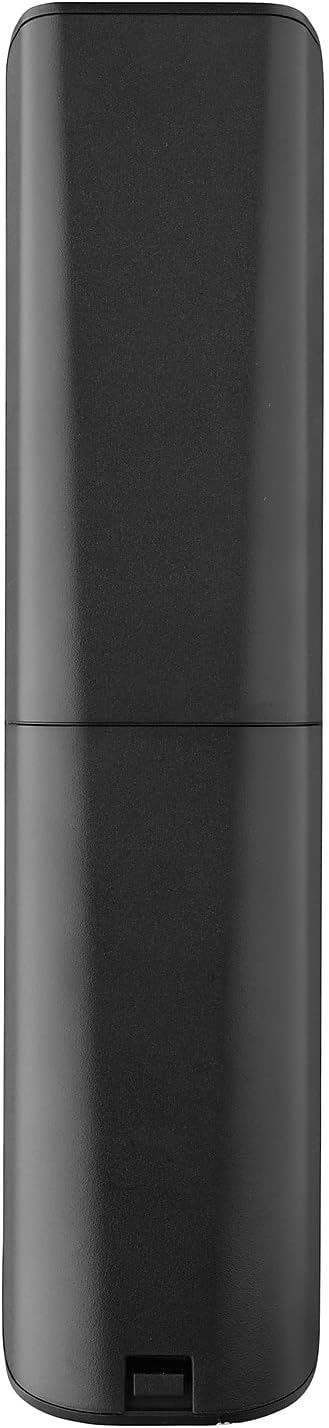


3. سیٹ اپ
3.1. بیٹری کی تنصیب
The remote requires 2 AAA batteries (not included). To install the batteries:
- Remove the battery compartment cover located on the back of the remote.
- Insert 2 AAA batteries, ensuring correct polarity (+ and - terminals).
- بیٹری کے کمپارٹمنٹ کور کو اس وقت تک تبدیل کریں جب تک کہ یہ محفوظ طریقے سے اپنی جگہ پر کلک نہ کرے۔
3.2. Initial Pairing / Codeless Setup
For most LG Televisions, the One For All URC4811 remote control is ready to use immediately after battery installation, requiring no additional setup. Simply point the remote at your LG TV and begin using it. If your TV does not respond, refer to the 'Learning Feature' section for advanced setup options.
4. آپریٹنگ ہدایات
4.1. بنیادی افعال
The remote provides all standard functions of an LG TV remote, including:
- پاور آن/آف: Use the dedicated power button to turn your TV on or off.
- حجم کنٹرول: Adjust volume up or down using the +/- buttons.
- چینل نیویگیشن: Change channels using the CH +/- buttons or direct number input.
- ایپ شارٹ کٹس: سرشار بٹن مقبول اسٹریمنگ سروسز تک فوری رسائی فراہم کرتے ہیں۔
4.2 سیکھنے کی خصوصیت
The learning feature allows you to copy specific functions from your original LG remote control to your One For All URC4811 remote. This is useful if a particular function is not pre-programmed or if you prefer a custom button layout. Refer to the Quick Setup Guide included with your remote for detailed steps on using the learning feature.
4.3. سرکاری پروڈکٹ ویڈیو
5 دیکھ بھال
اپنے ریموٹ کنٹرول کی لمبی عمر اور بہترین کارکردگی کو یقینی بنانے کے لیے:
- صفائی: ریموٹ کو نرم، خشک کپڑے سے صاف کریں۔ مائع کلینر یا کھرچنے والے مواد کے استعمال سے پرہیز کریں۔
- بیٹری کی دیکھ بھال: Replace batteries when the remote's performance degrades. Remove batteries if the remote will not be used for an extended period to prevent leakage.
- ذخیرہ: ریموٹ کو براہ راست سورج کی روشنی اور انتہائی درجہ حرارت سے دور ٹھنڈی، خشک جگہ پر اسٹور کریں۔
6 خرابیوں کا سراغ لگانا
If you encounter issues with your remote control, try the following steps:
- ریموٹ جواب نہیں دے رہا ہے: چیک کریں کہ آیا بیٹریاں صحیح طریقے سے ڈالی گئی ہیں اور کافی چارج ہیں۔ اگر ضروری ہو تو ان کو تبدیل کریں۔
- نظر کی حد: یقینی بنائیں کہ ریموٹ اور ٹی وی کے IR ریسیور کے درمیان کوئی رکاوٹ نہیں ہے۔
- مخصوص افعال کام نہیں کر رہے: Use the learning feature to re-program the affected buttons from your original LG remote.
- TV Not Responding After Battery Change: For some LG models, the remote may require re-pairing or a quick setup process after battery replacement. Refer to the Quick Setup Guide.
7. وضاحتیں
| فیچر | تفصیلات |
|---|---|
| مصنوعات کے طول و عرض | 8.03 x 2.01 x 0.94 انچ |
| شے کا وزن | 2.72 اونس |
| آئٹم ماڈل نمبر | یو آر سی 4811 |
| بیٹریاں درکار ہیں۔ | 2 AAA بیٹریاں (شامل نہیں) |
| برانڈ | سب کے لیے ایک |
| خصوصی خصوصیت | Universal, Learning Function |
| رنگ | سیاہ |
| تعاون یافتہ آلات کی زیادہ سے زیادہ تعداد | 1 (specifically for LG TVs) |
| ہم آہنگ آلات | LG Televisions (LCD, LED, OLED, Plasma) |
8. وارنٹی اور سپورٹ
For warranty information and technical support, please refer to the documentation included with your product or visit the official One For All webسائٹ کسی بھی وارنٹی دعووں کے لیے خریداری کے ثبوت کے طور پر اپنی خریداری کی رسید رکھیں۔


