تعارف
This manual provides comprehensive instructions for the setup, operation, and maintenance of your Trust Gaming GXT 833 Thado TKL RGB Gaming Keyboard. Please read this manual carefully to ensure optimal performance and longevity of your device.
اہم خصوصیات:
- Compact Tenkeyless (TKL) design, reducing desk space usage.
- Multi-color LED illumination with breathing effect.
- Anti-ghosting support for up to 10 simultaneous key presses.
- Durable metal backplate with anti-slip rubber feet for stability.
- 12 multimedia hotkeys for quick access.
- Dedicated gaming mode to disable the Windows key.
- 1.8m braided USB cable for reliable connection.

Image: The compact tenkeyless design of the GXT 833 Thado keyboard, illustrating its smaller footprint compared to full-size keyboards.
پیکیج کے مشمولات
یقینی بنائیں کہ تمام اشیاء پیکیج میں موجود ہیں:
- Trust Gaming GXT 833 Thado TKL RGB Gaming Keyboard
- USB کیبل (مربوط)
- صارف دستی (یہ دستاویز)
سیٹ اپ
کی بورڈ کو جوڑنا:
- Locate an available USB port on your computer or gaming console.
- کی بورڈ کے USB کنیکٹر کو USB پورٹ میں لگائیں۔
- آپریٹنگ سسٹم خود بخود ضروری ڈرائیوروں کا پتہ لگا کر انسٹال کر لے گا۔ بنیادی فعالیت کے لیے عام طور پر کسی اضافی سافٹ ویئر کی تنصیب کی ضرورت نہیں ہے۔
- کی بورڈ کی RGB لائٹنگ کامیاب کنکشن پر روشن ہو جائے گی۔

Image: The Trust Gaming GXT 833 Thado TKL RGB Gaming Keyboard with its integrated USB cable, ready for connection.
آپریٹنگ ہدایات
Basic Keyboard Functions:
The GXT 833 Thado functions as a standard QWERTY keyboard. All keys perform their indicated character or function when pressed.
آرجیبی لائٹنگ کنٹرول:
The keyboard features multi-color LED illumination. While the lighting is static in its color zones, you can adjust its brightness and activate a breathing effect.
- چمک ایڈجسٹمنٹ: Use the dedicated brightness keys (often combined with Function keys or specific media keys) to increase or decrease the LED brightness. Refer to the keyboard layout for specific key combinations.
- سانس کا اثر: Activate or deactivate the breathing light effect using the designated key combination.
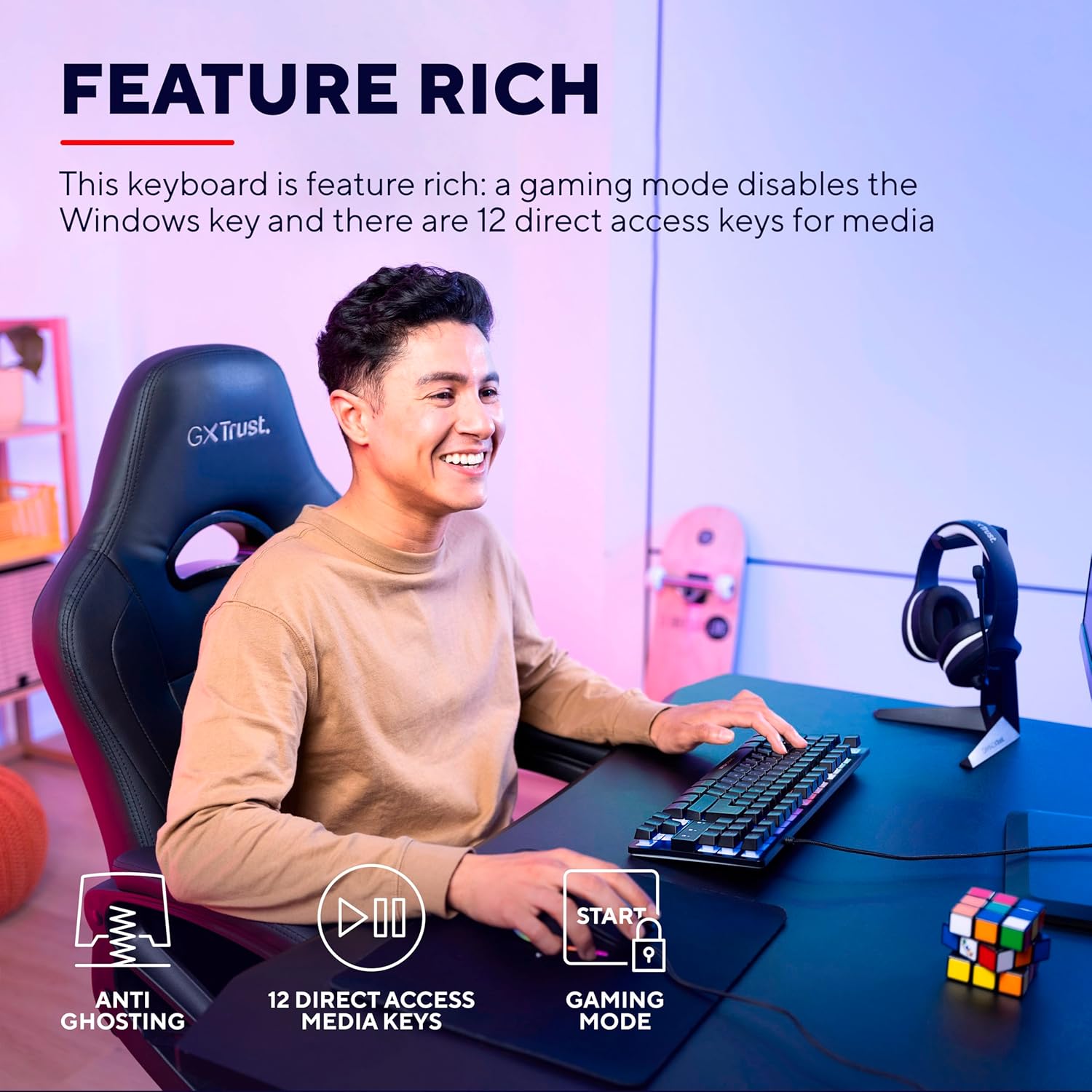
Image: The keyboard displaying its multi-color LED lighting zones.
ملٹی میڈیا ہاٹکیز:
The keyboard includes 12 multimedia hotkeys, typically accessed by pressing the Fn key in combination with the F1-F12 keys. These keys allow quick control over media playback, volume, and other system functions.
- Fn + F1-F12: Refer to the icons printed on the F-keys for their specific multimedia functions (e.g., play/pause, stop, previous/next track, volume up/down, mute).
گیمنگ موڈ:
Activate Gaming Mode to prevent accidental interruptions during gameplay. This mode typically disables the Windows key.
- گیمنگ موڈ کو چالو کرنا: دبائیں Fn key combined with the Windows key (often indicated by a lock icon) to toggle Gaming Mode on or off.

Image: Visual representation of the keyboard's features including anti-ghosting, multimedia keys, and gaming mode.
دیکھ بھال
کی بورڈ کی صفائی:
- صاف کرنے سے پہلے کی بورڈ کو اپنے کمپیوٹر سے منقطع کریں۔
- ایک نرم، تھوڑا سا ڈی کا استعمال کریںamp cloth to wipe the surface of the keyboard. Avoid excessive moisture.
- For dust and debris between keys, use compressed air or a soft brush.
- Do not use harsh chemicals, abrasive cleaners, or solvents, as these can damage the keyboard's finish and key legends.
خرابی کا سراغ لگانا
| مسئلہ | حل |
|---|---|
| کی بورڈ جواب نہیں دے رہا ہے۔ |
|
| LED lighting is not working or is dim. |
|
| Multimedia keys are not functioning. |
|
| ونڈوز کلید غیر فعال ہے۔ |
|
وضاحتیں
| ماڈل نمبر | 24067 |
| برانڈ | بھروسہ |
| کی بورڈ کی قسم | Tenkeyless (TKL) Gaming Keyboard |
| کنیکٹوٹی | وائرڈ USB |
| لے آؤٹ | QWERTY |
| بیک لائٹنگ | Multi-color LED (RGB) |
| اینٹی گھوسٹنگ | Up to 10 simultaneous key presses |
| ملٹی میڈیا کی چابیاں | 12 direct access keys |
| کیبل کی لمبائی | 1.8 میٹر (لٹ) |
| وزن | 709 گرام |
| ہم آہنگ آلات | PC, Gaming Consoles |
ماحولیاتی تحفظات
The Trust Gaming GXT 833 Thado keyboard is designed with environmental responsibility in mind. This product is manufactured using 69% recycled plastics.

Image: Visual representation highlighting the product's construction with 69% recycled plastics.
وارنٹی اور سپورٹ
For warranty information, technical support, or further assistance, please refer to the official Trust Gaming webسائٹ یا ان کے کسٹمر سپورٹ سے براہ راست رابطہ کریں۔
آپ بھی ملاحظہ کر سکتے ہیں۔ Trust Brand Store on Amazon اضافی مصنوعات کی معلومات اور وسائل کے لیے۔


