تعارف
This manual provides comprehensive instructions for the proper use, setup, and maintenance of your BlueParrott B650-XT Mono Bluetooth Wireless Headset. Please read this guide thoroughly to ensure optimal performance and longevity of your device. The B650-XT is designed for clear communication in high-noise environments, offering advanced noise cancellation and robust features for professional use.
باکس میں کیا ہے۔
تصدیق کریں کہ تمام اشیاء آپ کی مصنوعات کی پیکیجنگ میں موجود ہیں:
- B650-XT Headset
- چمڑے کا کان کا کشن
- USB کیبل
- گاڑی کا چارجر
- دو مائیک ونڈ اسکرین
- فوری آغاز گائیڈ

سیٹ اپ
1. ہیڈسیٹ چارج کرنا
Before initial use, fully charge your B650-XT headset. Use the provided USB cable and vehicle charger. A full charge provides up to 36 hours of talk time and 90 hours of standby time.
2. ہیڈسیٹ پہننا
The B650-XT features an over-ear design for comfort during extended use. Adjust the headband and microphone boom for a secure and optimal fit. The microphone should be positioned approximately two finger-widths from the corner of your mouth.

3. آلے کے ساتھ جوڑا بنانا
- یقینی بنائیں کہ ہیڈسیٹ چارج اور پاور آف ہے۔
- Press and hold the power button for approximately 4 seconds until the LED indicator flashes blue and red, indicating pairing mode.
- اپنے موبائل ڈیوائس پر، بلوٹوتھ کو فعال کریں اور دستیاب آلات تلاش کریں۔
- Select 'BlueParrott B650-XT' from the list. If prompted, enter '0000' for the PIN.
- Once paired, the LED will show a solid blue light. The headset can pair with up to 7 devices and connect to 2 devices simultaneously.
آپریٹنگ ہدایات
1. کنٹرول اوورview
The B650-XT features intuitive controls for managing calls and audio:
- پاور بٹن: On/Off, Pairing mode.
- والیوم بٹن (+/-): آڈیو والیوم کو ایڈجسٹ کریں۔
- BlueParrott Button: Customizable for various functions (mute, speed dial, Push-to-Talk).

2. کال کرنا اور وصول کرنا
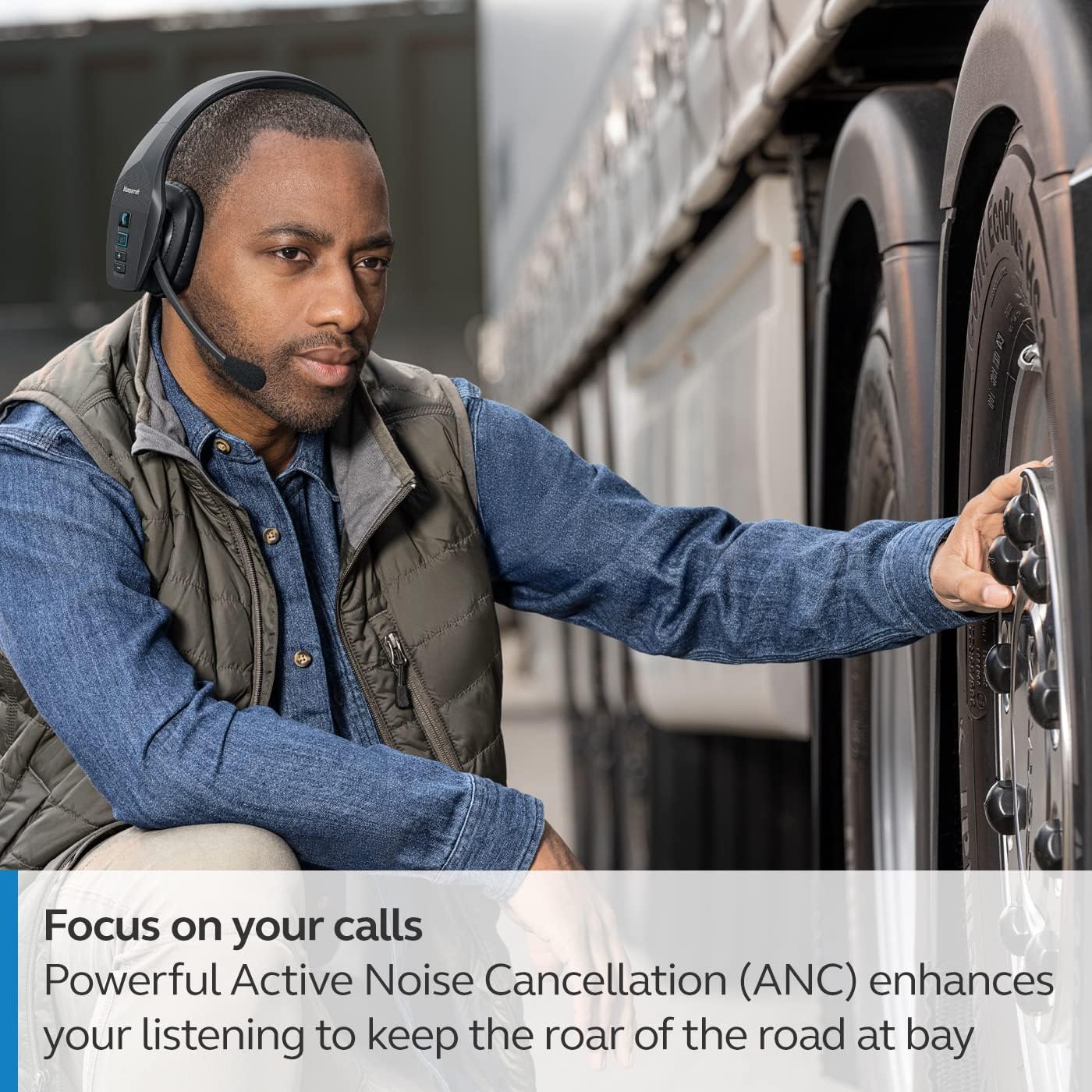
The headset's microphone features 96% noise cancellation, ensuring your voice is clear even in loud environments. Active Noise Cancellation (ANC) in the earcup reduces ambient noise for improved listening.

3. وائس کنٹرول
The B650-XT supports 100% hands-free voice control for managing calls, GPS directions, music, and voice assistants. This feature allows you to operate the headset without taking your hands off the wheel or your eyes off the task.

4. BlueParrott Button Customization
The BlueParrott Button can be programmed for quick access to your most-used functions, such as mute, speed dial, or Push-to-Talk. Customize this feature via the BlueParrott app on your smartphone.

دیکھ بھال
1. صفائی
Regularly wipe the headset with a soft, dry cloth. For deeper cleaning, use a slightly damp کپڑا سخت کیمیکلز یا کھرچنے والے مواد کے استعمال سے پرہیز کریں۔ یقینی بنائیں کہ چارجنگ پورٹ دھول اور ملبے سے پاک ہے۔
2. ذخیرہ
Store the headset in a cool, dry place away from extreme temperatures and direct sunlight. The B650-XT is IP54-rated for protection against dust and water, but proper storage helps maintain its condition.

خرابی کا سراغ لگانا
If you encounter issues with your BlueParrott B650-XT headset, try the following steps:
- کوئی طاقت نہیں: یقینی بنائیں کہ ہیڈسیٹ پوری طرح سے چارج ہے۔
- جوڑا نہیں بن سکتا: Make sure the headset is in pairing mode (flashing blue/red LED) and your device's Bluetooth is enabled. Try restarting both devices.
- خراب آڈیو کوالٹی: Check microphone positioning. Ensure there are no obstructions between the headset and your connected device.
- صوتی کنٹرول کے مسائل: Verify that voice control is enabled and configured correctly through the BlueParrott app.
For persistent issues, refer to the official BlueParrott support webسائٹ یا کسٹمر سروس سے رابطہ کریں۔
وضاحتیں
| فیچر | تفصیل |
|---|---|
| ماڈل کا نام | B650-XT۔ |
| آئٹم ماڈل نمبر | 204330 |
| کنیکٹوٹی ٹیکنالوجی | بلوٹوتھ 5.1 |
| وائرلیس رینج | 100 میٹر (300 فٹ) تک |
| ٹاک ٹائم | 36 گھنٹے تک |
| اسٹینڈ بائی ٹائم | 90 گھنٹے |
| مائیکروفون شور منسوخی | 96% |
| شور کنٹرول | فعال شور منسوخ کرنا (این این سی) |
| آئی پی کی درجہ بندی | IP54 (دھول اور پانی مزاحم) |
| کان کی جگہ کا تعین | کان کے اوپر |
| آڈیو ڈرائیور کا سائز | 40 ملی میٹر |
| شے کا وزن | 7.5 اونس (0.47 پاؤنڈ) |
| مصنوعات کے طول و عرض | 6.4 x 2.5 x 6.4 انچ |
| یو پی سی | 615822015981 |
وارنٹی اور سپورٹ
For warranty information and detailed support, please visit the official BlueParrott webسائٹ یا ان کے کسٹمر سروس ڈیپارٹمنٹ سے رابطہ کریں۔ کسی بھی وارنٹی دعووں کے لیے اپنی خریداری کا ثبوت رکھیں۔
آن لائن مدد: www.blueparrott.com/support


