تعارف
This manual provides detailed instructions for the installation, operation, and maintenance of your AXAGON ADSA-ST USB 3.0 Docking Station. This device is designed to connect 2.5" and 3.5" SATA SSDs and HDDs to your computer via a USB 3.0 interface, offering fast data transfer speeds.
مناسب فعالیت کو یقینی بنانے اور نقصان کو روکنے کے لیے براہ کرم پروڈکٹ کو استعمال کرنے سے پہلے اس دستی کو اچھی طرح پڑھیں۔
پیکیج کے مشمولات
تصدیق کریں کہ پیکیج میں تمام اجزاء موجود ہیں:
- AXAGON ADSA-ST Docking Station
- USB 3.0 Type-A to Micro-B cable
- پاور اڈاپٹر
- صارف دستی (یہ دستاویز)

Image: The AXAGON ADSA-ST Docking Station shown alongside its retail packaging, illustrating the product and its box.
کلیدی خصوصیات
- Supports 2.5" and 3.5" SATA I/II/III SSDs and HDDs.
- USB 3.0 (USB 3.2 Gen 1) interface with up to 5 Gbps transfer speed.
- SATA 6G (SATA III) support.
- بہتر کارکردگی کے لیے UASP (USB منسلک SCSI پروٹوکول) سپورٹ۔
- TRIM support for SSDs.
- HDD Auto Spindown function.
- LED indication for power and activity.
- Compact design with aluminum body.

تصویر: اے view of the AXAGON ADSA-ST Docking Station highlighting its 5 Gbps USB 3.2 Gen 1 speed and compact size.
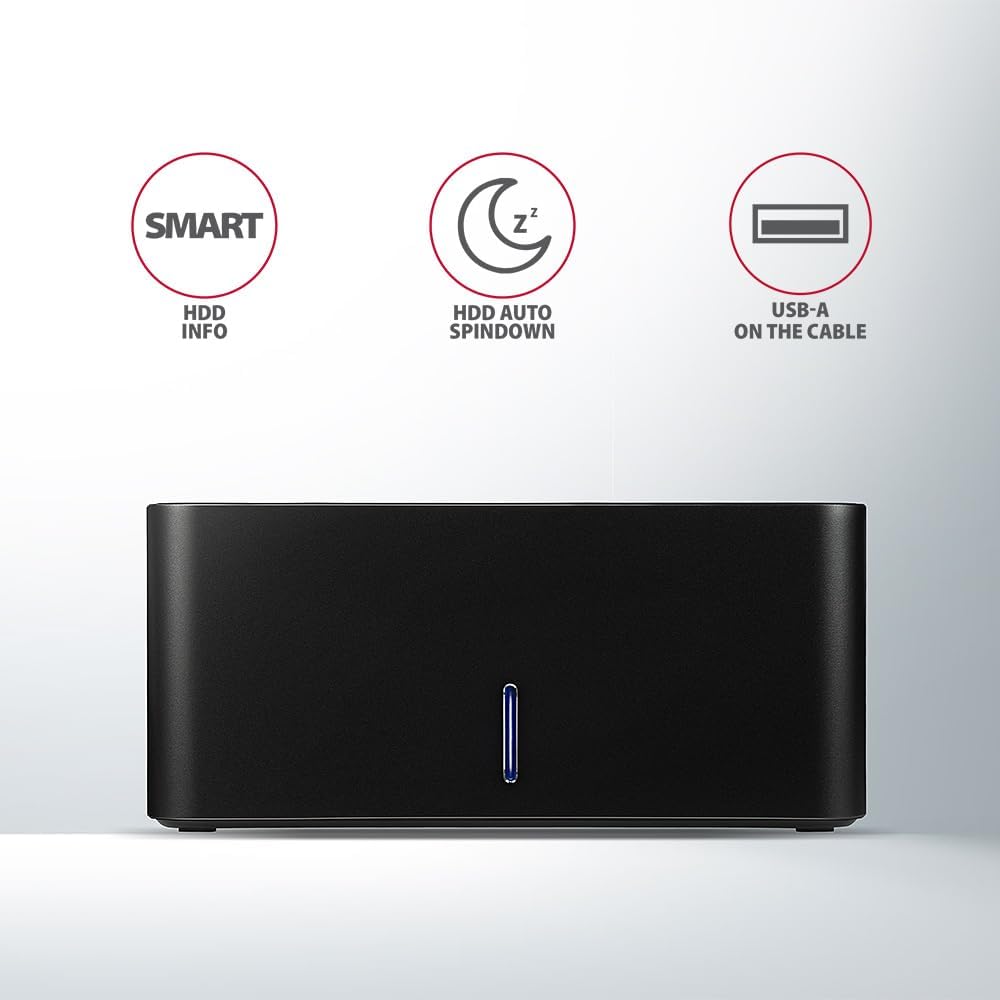
Image: The docking station from the front, indicating features like SMART HDD info, automatic HDD spindown, and USB-A connectivity.
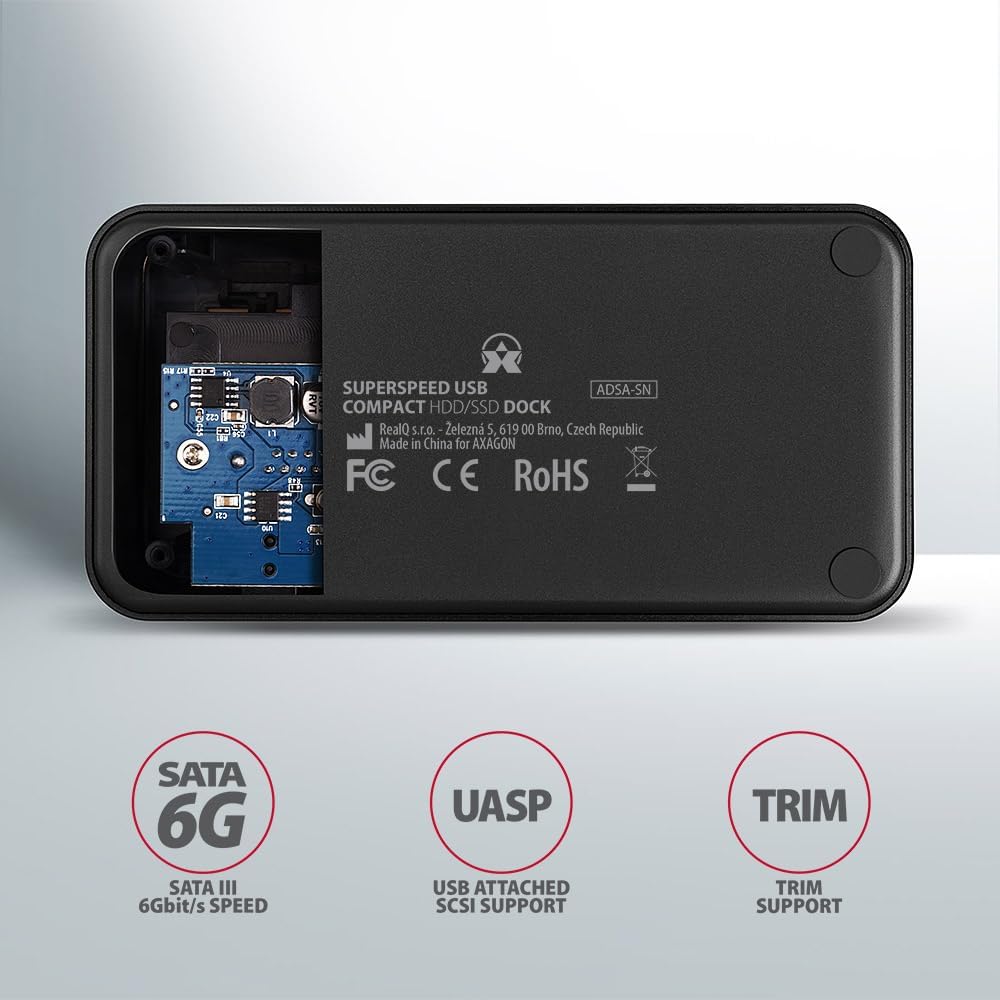
Image: The underside of the docking station, showing internal components and highlighting SATA 6G, UASP, and TRIM support.
سیٹ اپ کی ہدایات
- پاور اڈاپٹر کو جوڑیں: Plug the included power adapter into the DC IN port on the back of the docking station and then into a power outlet.
- کمپیوٹر سے جڑیں: Connect the USB 3.0 cable from the docking station's Micro-B port to an available USB 3.0 (or higher) port on your computer.
- Insert HDD/SSD:
- For 2.5" SSD/HDD: Gently slide the 2.5" drive into the slot until it connects firmly with the SATA connector.
- For 3.5" HDD: Gently slide the 3.5" drive into the slot until it connects firmly with the SATA connector.
Ensure the drive is inserted correctly with the SATA connector facing the correct direction. Do not force the drive.

Image: A 2.5-inch SSD being inserted into the docking station, demonstrating compatibility with smaller drives.
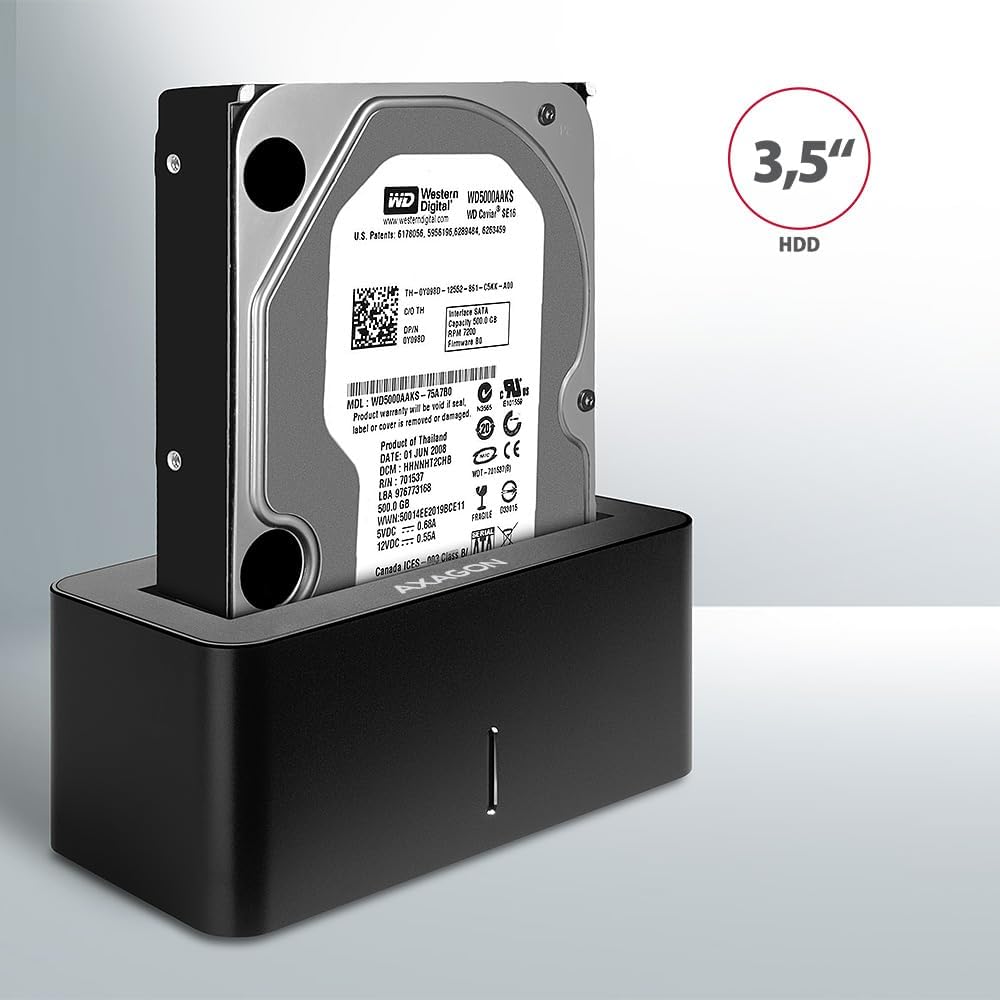
Image: A 3.5-inch HDD being inserted into the docking station, demonstrating compatibility with larger drives.
- پاور آن: Press the power button located on the back of the docking station. The LED indicator on the front will illuminate.
Image: The rear panel of the docking station, showing the power button, USB Micro-B port, and power input for connection.
آپریٹنگ ہدایات
ڈرائیو کی شناخت
Once powered on and connected, your operating system should automatically detect the inserted drive. If it's a new drive, you may need to initialize and format it through Disk Management (Windows) or Disk Utility (macOS) before it appears in File Explorer/Finder.
ایل ای ڈی اشارے
The LED indicator on the front of the docking station provides status information:
- ٹھوس نیلا: Power on, drive idle.
- چمکتا نیلا: Drive activity (reading or writing data).
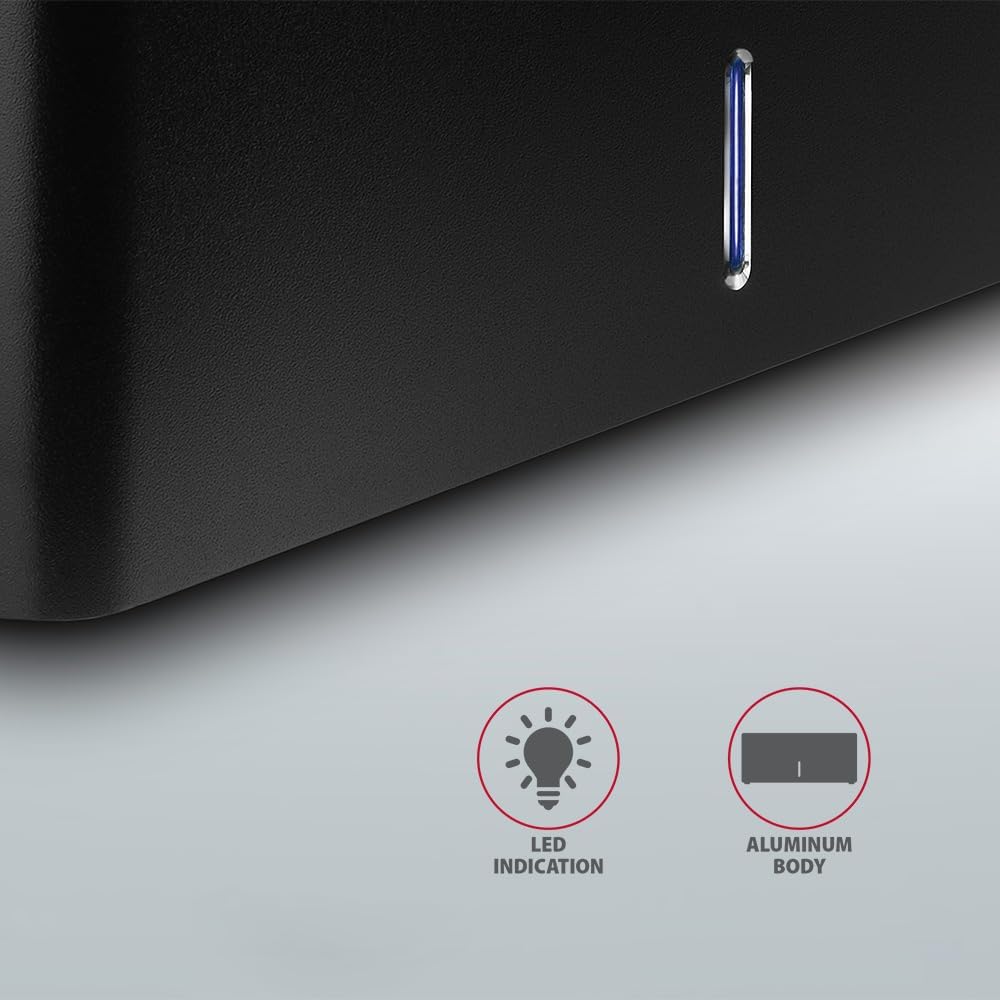
تصویر: ایک قریبی اپ view of the docking station's front panel, highlighting the LED indicator light.
Removing a Drive
Before removing a drive, always safely eject it from your operating system to prevent data corruption. After ejection, gently pull the drive straight out of the docking station slot.
HDD Auto Spindown
The docking station supports automatic spindown of the HDD when it is idle for a certain period, conserving power and extending drive lifespan. This feature is managed by the operating system or the drive itself.
دیکھ بھال
- ڈاکنگ اسٹیشن کو صاف اور دھول سے پاک رکھیں۔ صفائی کے لیے نرم، خشک کپڑا استعمال کریں۔
- ڈیوائس کو انتہائی درجہ حرارت، نمی، یا براہ راست سورج کی روشنی کے سامنے لانے سے گریز کریں۔
- آلہ کو خود سے جدا کرنے یا مرمت کرنے کی کوشش نہ کریں۔ اہل سروس اہلکاروں سے رجوع کریں۔
- Ensure proper ventilation around the docking station during operation.
خرابی کا سراغ لگانا
- ڈرائیو کا پتہ نہیں چلا:
- Ensure the power adapter is securely connected and the docking station is powered on.
- Verify the USB cable is properly connected to both the docking station and the computer.
- اپنے کمپیوٹر پر ایک مختلف USB پورٹ آزمائیں۔
- Ensure the HDD/SSD is fully seated in the docking station's slot.
- Check Disk Management (Windows) or Disk Utility (macOS) to see if the drive is recognized but uninitialized/unformatted.
- Test with a different HDD/SSD to rule out a drive issue.
- سست منتقلی کی رفتار:
- Ensure the docking station is connected to a USB 3.0 (or higher) port on your computer. USB 2.0 ports will limit speeds.
- اپنے آپریٹنگ سسٹم کی تصدیق کریں اور ڈرائیور اپ ٹو ڈیٹ ہیں۔
- The actual speed depends on the drive's performance and your computer's USB controller.
- Drive disconnects randomly:
- تمام کیبل کنکشن چیک کریں۔
- یقینی بنائیں کہ پاور اڈاپٹر مستحکم پاور فراہم کر رہا ہے۔
- Disable USB power saving features in your computer's operating system settings.
تکنیکی وضاحتیں
| فیچر | تفصیل |
|---|---|
| برانڈ | AXAGON |
| ماڈل نمبر | ADSA-SN |
| ہارڈ ویئر پلیٹ فارم | PC |
| ہم آہنگ آلات | لیپ ٹاپ، ڈیسک ٹاپ پی سی |
| ڈرائیو کی مطابقت | 2.5" / 3.5" SATA I/II/III SSD/HDD |
| انٹرفیس | USB 3.0 (USB 3.2 Gen 1) |
| ڈیٹا کی منتقلی کی شرح | Up to 5 Gbps (USB 3.0), 6 Gbps (SATA III) |
| کل USB پورٹس | 1 (Micro-B) |
| ڈرائیو بےز کی تعداد | 1 |
| رنگ | سیاہ |
| شے کا وزن | 2.2 پاؤنڈ (تقریباً 1 کلوگرام) |
| پیکیج کے طول و عرض | 3.94 x 0.79 x 0.39 انچ (تقریباً 10 x 2 x 1 سینٹی میٹر) |
| پہلی تاریخ دستیاب ہے۔ | 30 مارچ 2021 |
وارنٹی اور سپورٹ
For warranty information and technical support, please refer to the official AXAGON webسائٹ یا اپنے مقامی ڈسٹری بیوٹر سے رابطہ کریں۔ وارنٹی کے دعووں کے لیے اپنی خریداری کا ثبوت رکھیں۔


