1. تعارف
The VIZIO 43-inch V-Series 4K LED HDR Smart TV (Model V435M-K04) delivers stunning 4K picture quality with enhanced Dolby Vision HDR Bright Mode and HDR10+. Experience superior contrast and brightness thanks to Full Array LED Backlight and Active Pixel Tuning, all powered by the IQ Active Processor. This smart TV offers instant access to millions of titles across your favorite apps and over 250 free channels on WatchFree+. Enjoy powerful performance with ultra-quick app navigation and reduced load times.

تصویر: سامنے view of the VIZIO 43-inch V-Series 4K LED HDR Smart TV, showcasing اس کا چیکنا ڈیزائن اور متحرک ڈسپلے۔
2. باکس میں کیا ہے۔
Upon unboxing your VIZIO V-Series Smart TV, please ensure all the following items are present:
- VIZIO 43-inch V-Series 4K LED HDR Smart TV
- XRT260 Voice Remote
- 2 ایکس AAA بیٹریاں (ریموٹ کے لیے)
- پاور کیبل
- ٹی وی اسٹینڈ (2 ٹکڑے)

Image: Diagram illustrating the VIZIO 43-inch 4K Smart TV and its included accessories, such as the VIZIO Voice Remote.
3. سیٹ اپ
3.1 فزیکل سیٹ اپ (اسٹینڈ انسٹالیشن)
- ٹی وی اسکرین کو احتیاط سے نرم، صاف سطح پر رکھیں تاکہ خراشوں کو روکا جا سکے۔
- ہر اسٹینڈ ٹانگ کو TV کے نچلے حصے میں متعلقہ سلاٹس کے ساتھ سیدھ میں رکھیں۔
- فراہم کردہ پیچ کا استعمال کرتے ہوئے اسٹینڈ ٹانگوں کو محفوظ کریں۔
- ٹی وی کو احتیاط سے اٹھائیں اور اسے ایک مستحکم سطح پر رکھیں۔

تصویر: سائیڈ پروfile of the VIZIO 43-inch TV, showing the attached stand legs.
3.2 پاور کنکشن
Connect the power cable to the AC IN port on the back of the TV, then plug the other end into a grounded electrical outlet.
3.3 ابتدائی کنفیگریشن
- Insert the AAA batteries into the XRT260 Voice Remote.
- ٹی وی آن کرنے کے لیے ریموٹ پر پاور بٹن دبائیں۔
- Follow the on-screen instructions to select your language, connect to your Wi-Fi network, and complete the initial setup of VIZIO SmartCast.
4. آپریٹنگ ہدایات
4.1 وائس ریموٹ کا استعمال
The XRT260 Voice Remote provides intuitive control over your VIZIO Smart TV. Use the dedicated app buttons for quick access to popular streaming services. The built-in microphone allows for voice commands to search for content, change settings, and control smart home devices.

Image: The VIZIO Voice Remote with a user demonstrating voice control, alongside screenshots of the VIZIO Mobile App.
4.2 VIZIO SmartCast and Apps
VIZIO SmartCast is your central hub for entertainment. It features an extensive App Catalog with automatically updated apps. Explore VIZIO WatchFree+ for over 250 free live streaming channels and thousands of on-demand titles without subscriptions or fees.

Image: The VIZIO Home screen, showing a variety of streaming services and features like WatchFree+ and mobile app integration.

Image: The VIZIO WatchFree+ interface, highlighting the availability of free channels and on-demand content.
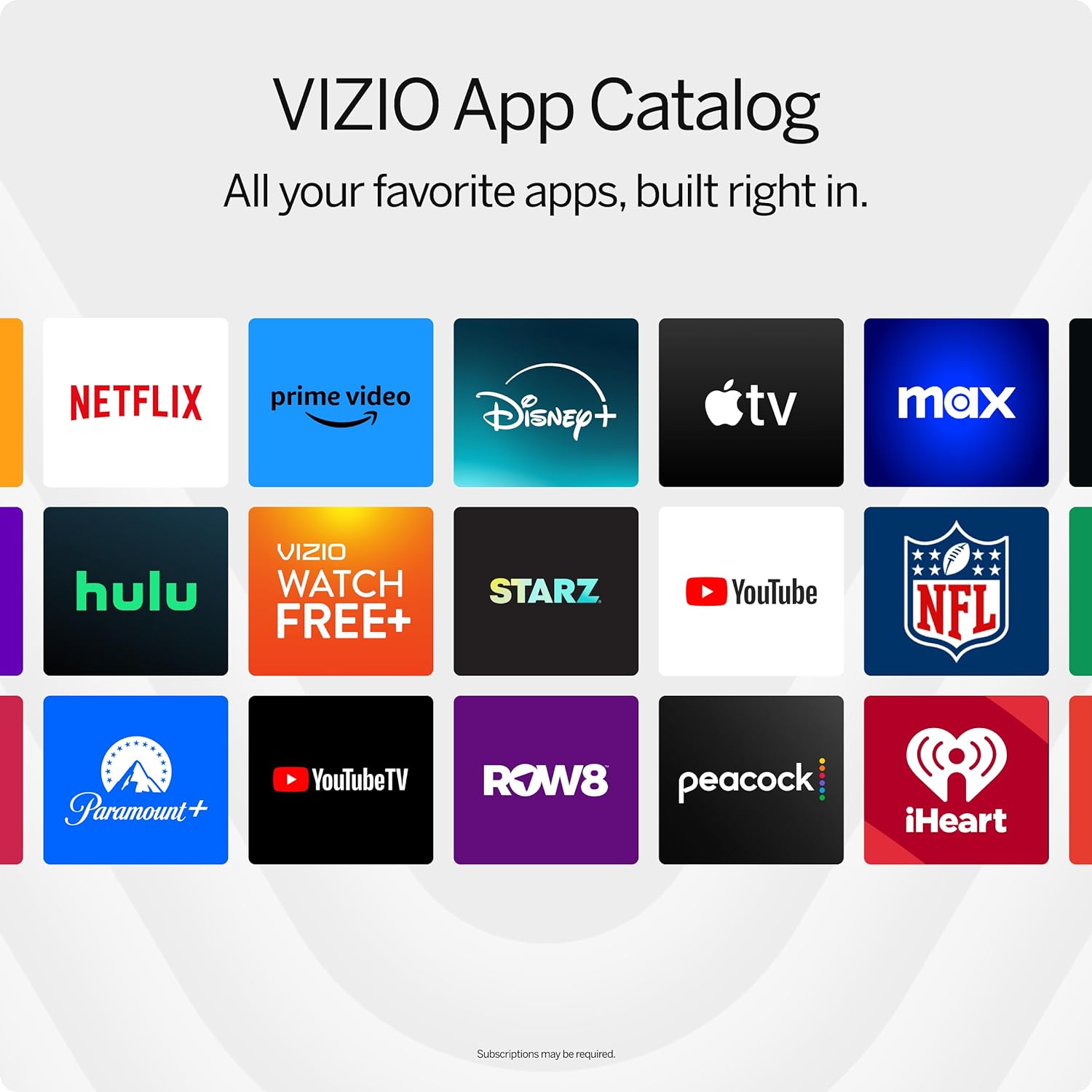
Image: A grid display of the VIZIO App Catalog, featuring icons for popular streaming services.
4.3 Picture Modes and Settings
اپنی اصلاح کریں۔ viewing experience with various picture modes. Access these settings through the remote's menu button. Available modes include Vivid, Bright, Calibrated, Calibrated Dark, Game, and Sports. Each mode adjusts brightness, contrast, and color to suit different content types.

Image: A close-up of the VIZIO TV screen displaying breathtaking details for a crystal-clear 4K picture.

Image: A gaming scene displayed on the VIZIO TV, highlighting features like 4K Gaming, AMD FreeSync, HDR10 Gaming, and ultra-low input lag.
Video: A seller-provided video showcasing the VIZIO 43-inch 4K Smart TV with HDR and Dolby Vision, demonstrating various picture modes and their effects.
4.4 Bluetooth Headphone Connectivity
Connect your Bluetooth headphones to the TV for a private listening experience. This feature is ideal for watching content without disturbing others.

Image: A person enjoying TV content with Bluetooth headphones, emphasizing uninterrupted personal audio.
5. کنیکٹیویٹی
The VIZIO V-Series TV offers a variety of ports for connecting external devices:
- HDMI پورٹس: Multiple HDMI inputs for connecting gaming consoles, Blu-ray players, soundbars, and other HDMI-compatible devices. One port supports eARC for enhanced audio return.
- USB پورٹ: USB سٹوریج کے آلات سے منسلک کرنے کے لیے view photos, videos, or play music.
- ایتھرنیٹ پورٹ: ایک مستحکم وائرڈ انٹرنیٹ کنکشن کے لیے۔
- Audio Out (Optical & RCA): بیرونی آڈیو سسٹم کو جوڑنے کے لیے۔
- اینٹینا ان پٹ: اوور دی ایئر اینٹینا کو جوڑنے کے لیے۔
- Wi-Fi 6E: High-speed wireless internet connectivity.
- بلوٹوتھ: For wireless audio devices like headphones.

تصویر: ایک تفصیلی view of the VIZIO TV's connectivity ports, including HDMI, USB, Antenna, Audio Out (Optical and RCA), and Ethernet.
Video: A seller-provided video demonstrating the connectivity options of the VIZIO -K Collection, highlighting various ports and their uses.
6. وضاحتیں
| فیچر | تفصیل |
|---|---|
| برانڈ | VIZIO |
| ماڈل نمبر | V435M-K04 |
| اسکرین کا سائز | 43 انچ |
| ڈسپلے ٹیکنالوجی | ایل ای ڈی |
| قرارداد | 4K (3840 x 2160) |
| ریفریش ریٹ | 60 Hz |
| ایچ ڈی آر سپورٹ | Dolby Vision HDR Bright Mode, HDR10+ |
| پروسیسر | IQ Active Processor |
| کنیکٹوٹی | Bluetooth, Ethernet, HDMI, USB, Wi-Fi 6E |
| طول و عرض (اسٹینڈ کے ساتھ) | 9.4"D x 37.7"W x 24.2"H |
| شے کا وزن | 23.9 پاؤنڈ |
| بجلی کی کھپت | 152 واٹ |

Image: The Energy Guide label for the VIZIO V435M-K04, indicating an estimated yearly energy cost of $20.
7 دیکھ بھال
To ensure the longevity and optimal performance of your VIZIO Smart TV, follow these maintenance guidelines:
- اسکرین کی صفائی: نرم، لنٹ فری کپڑے سے اسکرین کو آہستہ سے صاف کریں۔ ضدی smudges کے لیے، ہلکے سے dampur پانی یا ایک خصوصی سکرین کلینر کے ساتھ کپڑے. سخت کیمیکلز یا کھرچنے والے مواد سے پرہیز کریں۔
- کابینہ کی صفائی: ٹی وی کیبنٹ کو صاف کرنے کے لیے نرم، خشک کپڑا استعمال کریں۔
- وینٹیلیشن: اس بات کو یقینی بنائیں کہ زیادہ گرم ہونے سے بچنے کے لیے ٹی وی کے وینٹیلیشن کے سوراخوں کو مسدود نہیں کیا گیا ہے۔
- پاور کی ہڈی: کسی بھی نقصان کے لیے بجلی کی ہڈی کو باقاعدگی سے چیک کریں۔
8 خرابیوں کا سراغ لگانا
If you encounter any issues with your VIZIO Smart TV, try the following basic troubleshooting steps:
- کوئی طاقت نہیں: یقینی بنائیں کہ پاور کیبل محفوظ طریقے سے TV اور کام کرنے والے الیکٹریکل آؤٹ لیٹ دونوں سے جڑی ہوئی ہے۔ کسی دوسرے آلے کو آؤٹ لیٹ میں پلگ کرنے کی کوشش کریں تاکہ یہ تصدیق ہو سکے کہ اس میں طاقت ہے۔
- کوئی تصویر/آواز نہیں: Verify that the correct input source is selected. Check all cable connections (HDMI, audio) for looseness.
- ریموٹ کام نہیں کر رہا ہے: ریموٹ میں بیٹریاں بدل دیں۔ یقینی بنائیں کہ ریموٹ اور ٹی وی کے درمیان کوئی رکاوٹ نہیں ہے۔
- نیٹ ورک کنکشن کے مسائل: Restart your router and modem. Reconnect the TV to your Wi-Fi network through the settings menu. For wired connections, ensure the Ethernet cable is properly connected.
- تصویر کے معیار کے مسائل: Adjust the picture mode and settings (brightness, contrast, sharpness) to your preference.
For more detailed troubleshooting or persistent issues, refer to the comprehensive user manual available through the TV's settings menu or the VIZIO support webسائٹ
9. وارنٹی اور سپورٹ
Your VIZIO 43-inch V-Series 4K LED HDR Smart TV is covered by a limited warranty. For specific warranty terms and conditions, please refer to the documentation included with your product or visit the official VIZIO support website. VIZIO offers lifetime technical support to assist with any questions or issues you may have.
Image: VIZIO's commitment to Lifetime Technical Support, indicating various contact methods.


